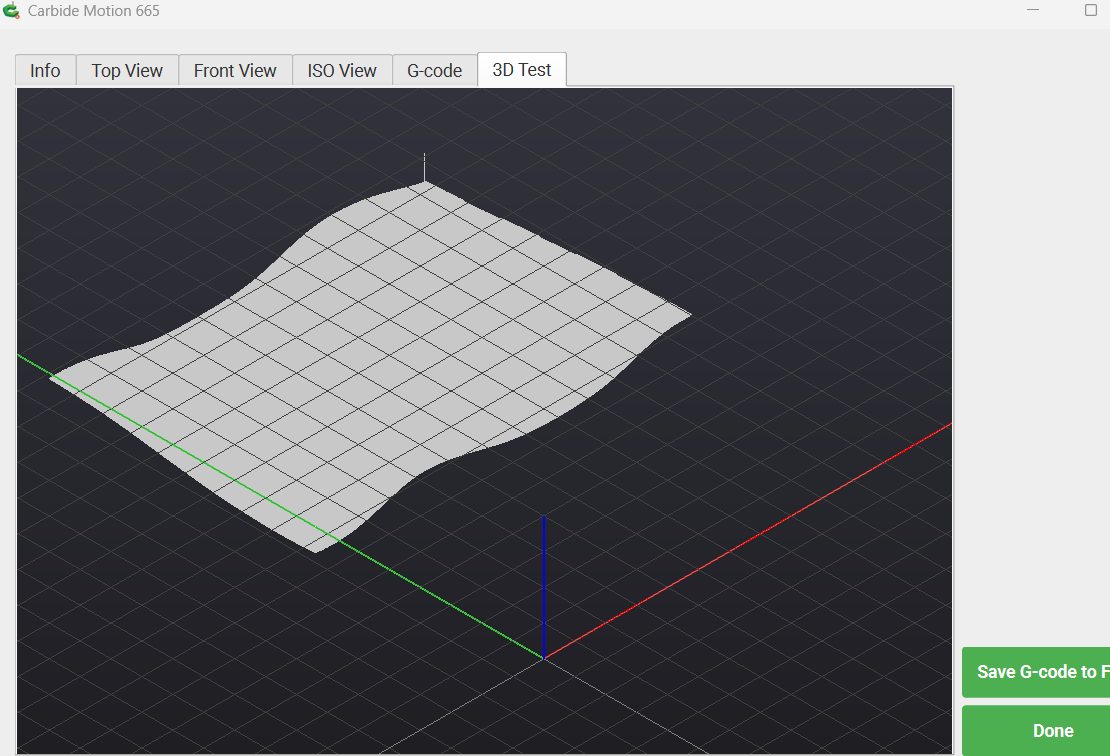
The render worked for me and previous files didn’t I don’t think! I’m on an rebuilt, bare bones HP laptop with Windows 11 and 16 gb RAM.
2 Likes
Rendering worked on my old
Asus laptop computer with a geforce 610 2gb.
EDIT: personal e-mail removed
1 Like
I could definitely see the 3D render!!! Cool stuff.
2 Likes
Just downloaded and looking forward to using it
NOT SUPPORTED ON THIS MAC
MacBook Pro
16-inch, 2019
Tahoe 26.5.1
2.4GHz 8-Core Intel Core i9
Yeah, one of the last x86 architecture Macs, but still.
So, what’s the latest version that will run on my x86 Mac?
Works well on my Dell i7, 32GB, Win11 laptop
1 Like
We have the last version which works on Intel Macs at:
Scroll down to:
Carbide Create and Carbide Motion for Intel Macs
1 Like
Works fine on my Windows machine.
1 Like
The render worked good on the few year old, under spec-ed Fusion 5 tablets at work.
One request is to be able to pinch to zoom and double drag to move the render if possible.
2 Likes
Hi 
I reply to your mail about the 3D rendering of your Carbide motion’s last version.
I have a Nomad3 and a Mac mini with Apple Silicon M4 pro, the rendering is good 
And Thanks a lot for this new version because of it’s future compatibility of Mac OS 27 (only apple silicon).
Best regards
2 Likes
Works fine, as described, on my HP All-in-One Touch screen. No problems.
2 Likes
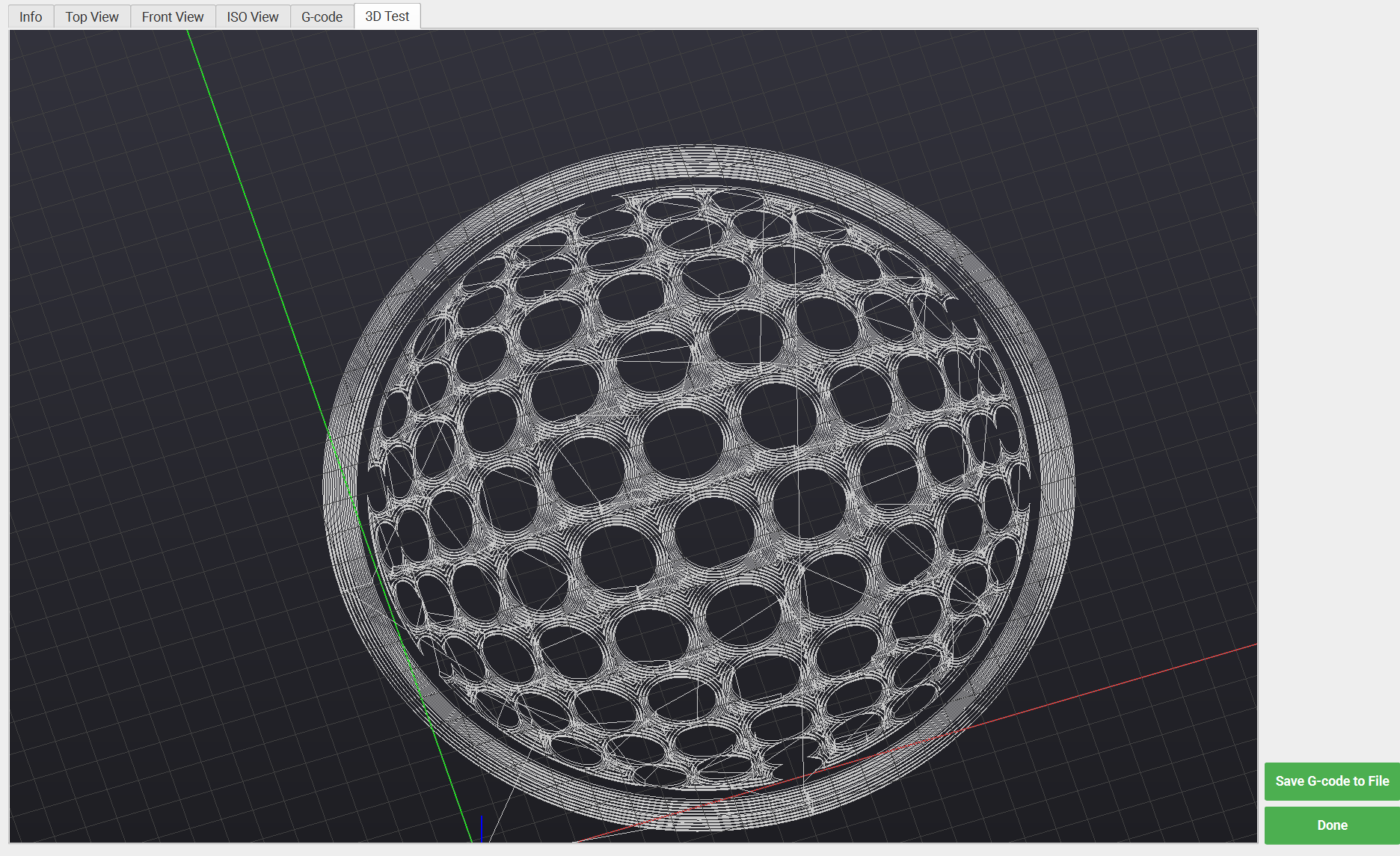
Win 11, intel arc graphics, core ultra7 processer. Shapeoko 5.1 pro
Seems to work awesome! I can pan, zoom and the graphics are way better! It may be coincidence, but it seemed to connect and initialize to my machine way quicker.
2 Likes
Looks good on 14" MBP w/ M5 PRO
2 Likes
my problem is I repurposed older mac dedicated to the nomad, and don’t want to tie up my newer one.
Running linux on the older mac may be a good option, as it’s no longer supported by Apple. I’ve been thinking about creating a bootable usb disk with CarbideMotion on it. I’ll try to remember to test it on my older mac.
1 Like
Hey,
HP 15 Laptop here with Windows 11 and AMD Radeon™ Graphics (486 MB) graphics card. No issues: able to turn the image, zoom in, etc.
James
2 Likes
Been trying to load the Pi build onto my Pi5 using the latest Trixie OS build, but it fails. A command line attempt at the install finally shows why - libqt6network6/libqt6serialport6/libqt6websockets6 package dependencies are missing. Not sure how to get these yet.
I was able to load a file then see and rotate the 3D render with no crashes.
I’m on a mac M4 Pro currently with Sequoia 15.7.7
2 Likes
Are you using a 64-bit OS build?
I am downloading:
Yes, I loaded up a new microSD card with the arm64 build - from what I understand Trixie is fully arm64. My Bookworm setup was a mix of arm64 & armhf which meant there was no way to upgrade it to Trixie. But it seems the qt6 dependencies for CarbideMotionPi either have to be built or somehow packaged with CarbideMotionPi - there doesn’t appear to be a pre-compiled repository of them for RaspberryPi that I’ve seen yet.
However, a ChatGPT inquiry says the qt6 dependencies for arm64 are available…wbut hen I tried installing them manually via apt earlier it pretty much screwed up my Rpi5 Trixie installation & I’m not sure why yet.