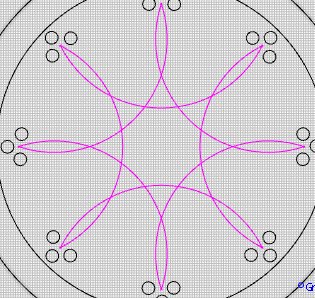
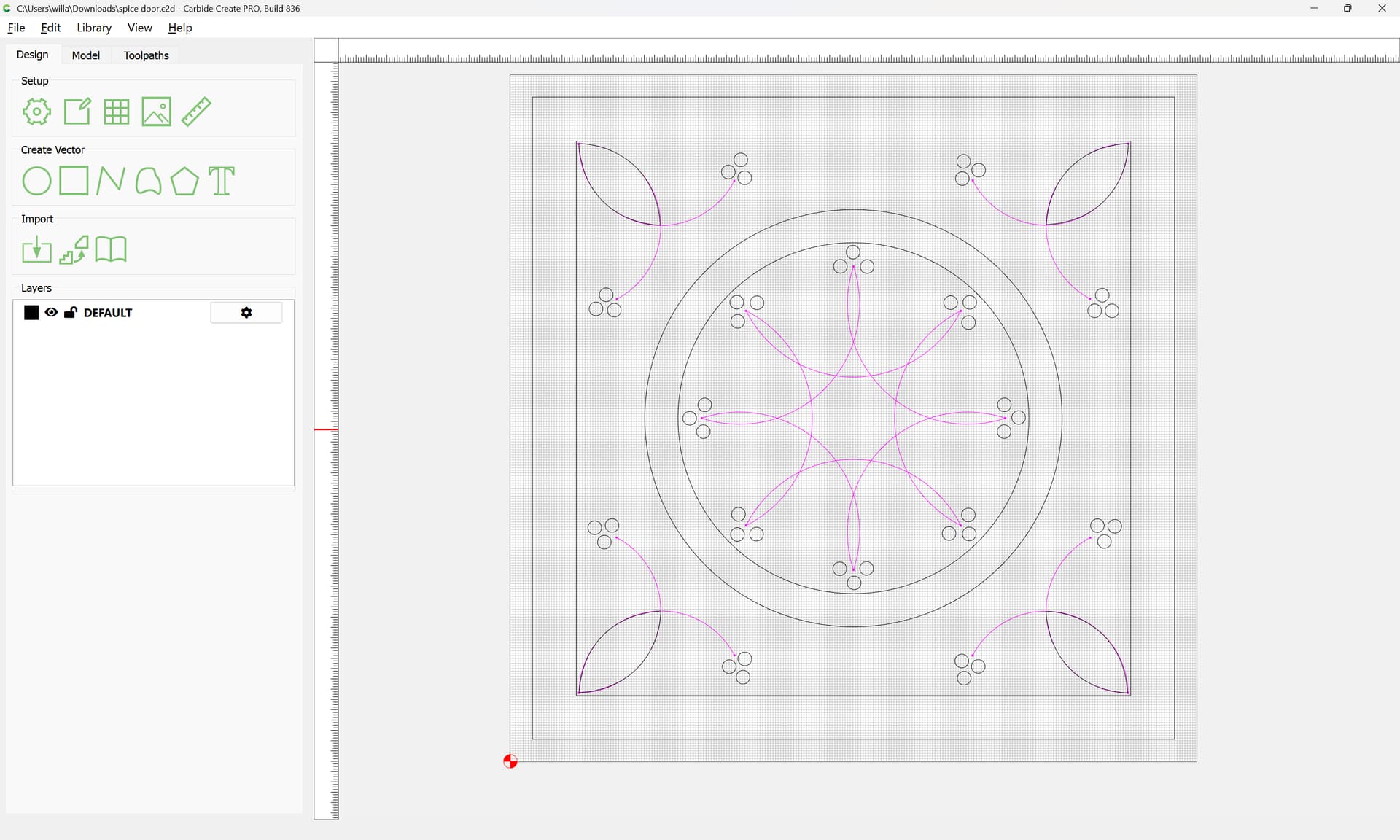
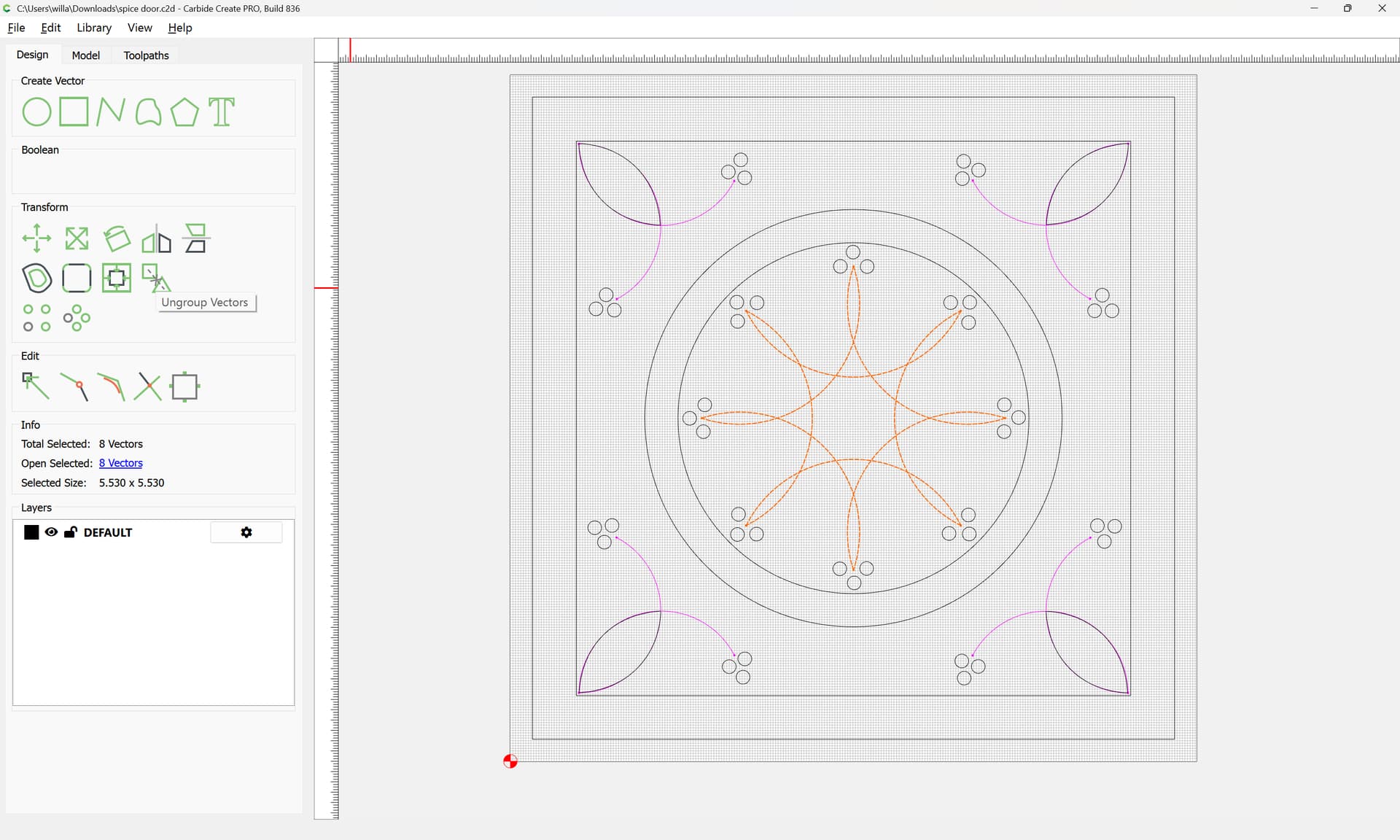
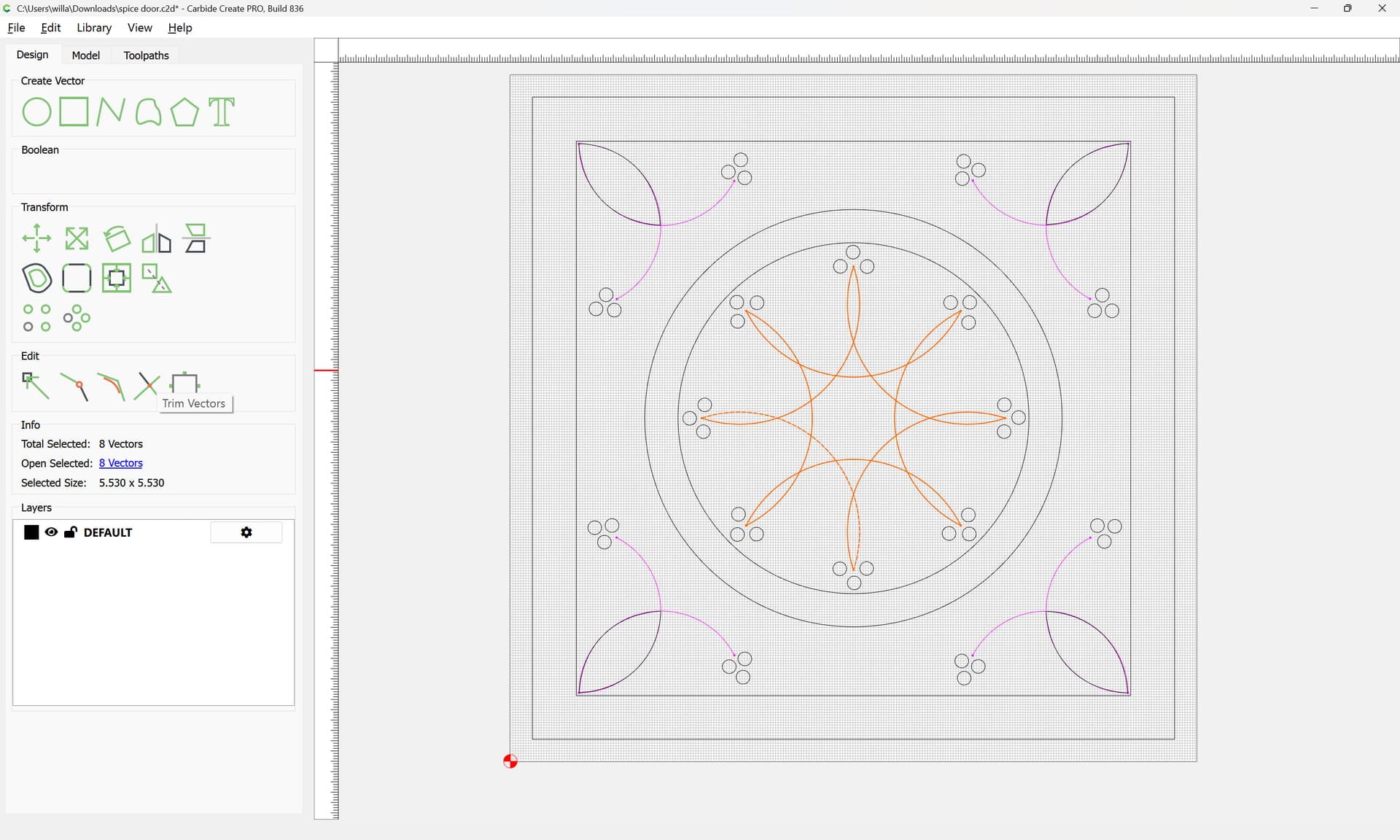
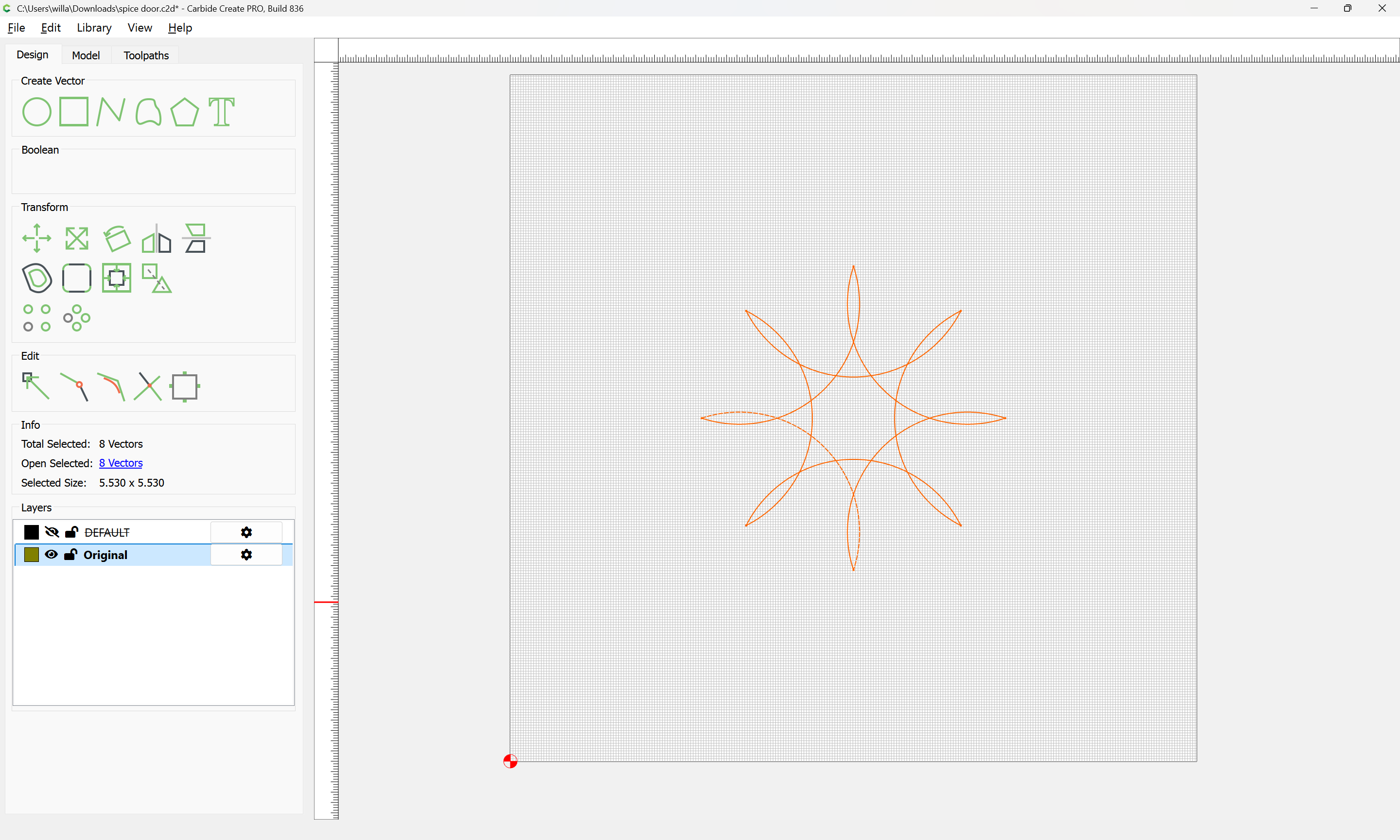
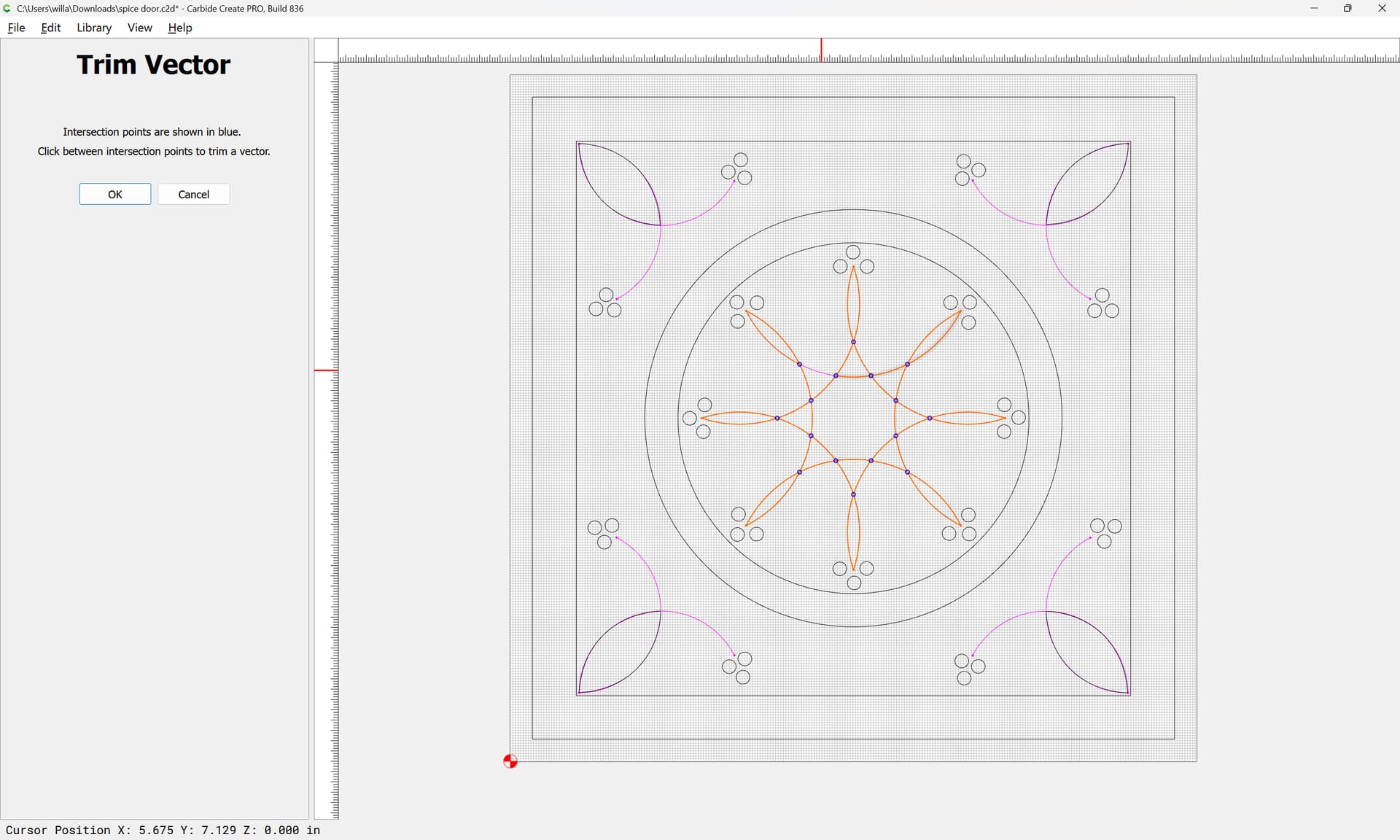
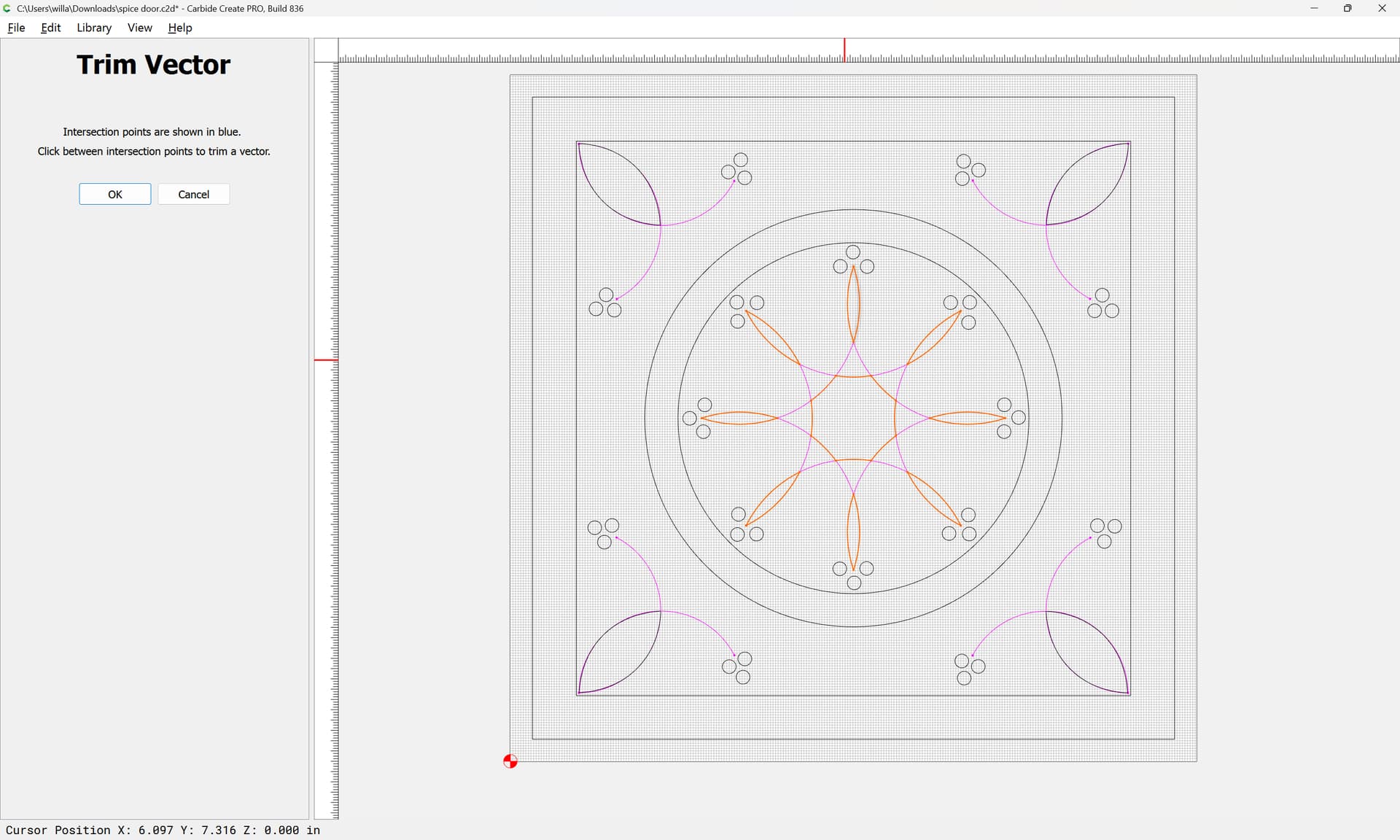
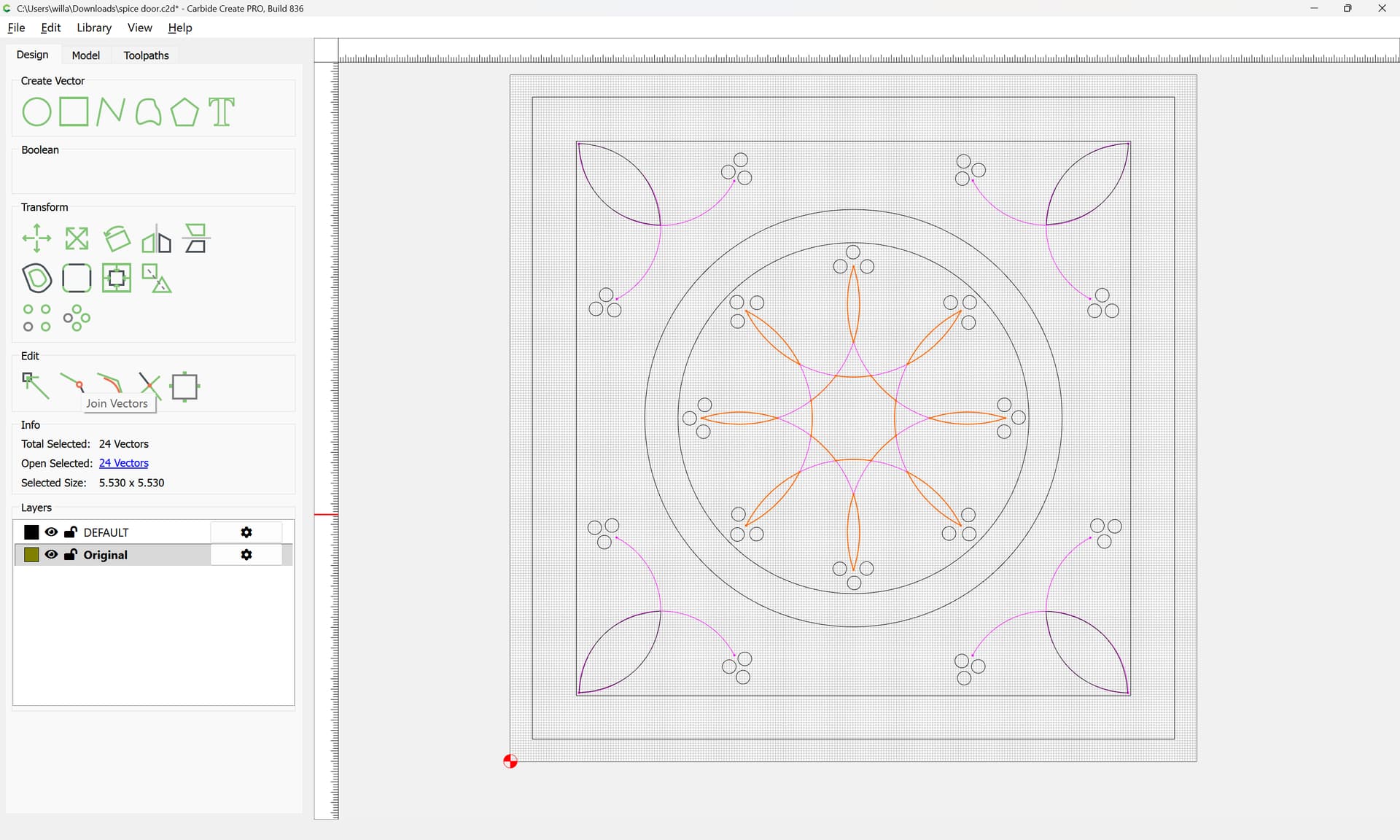
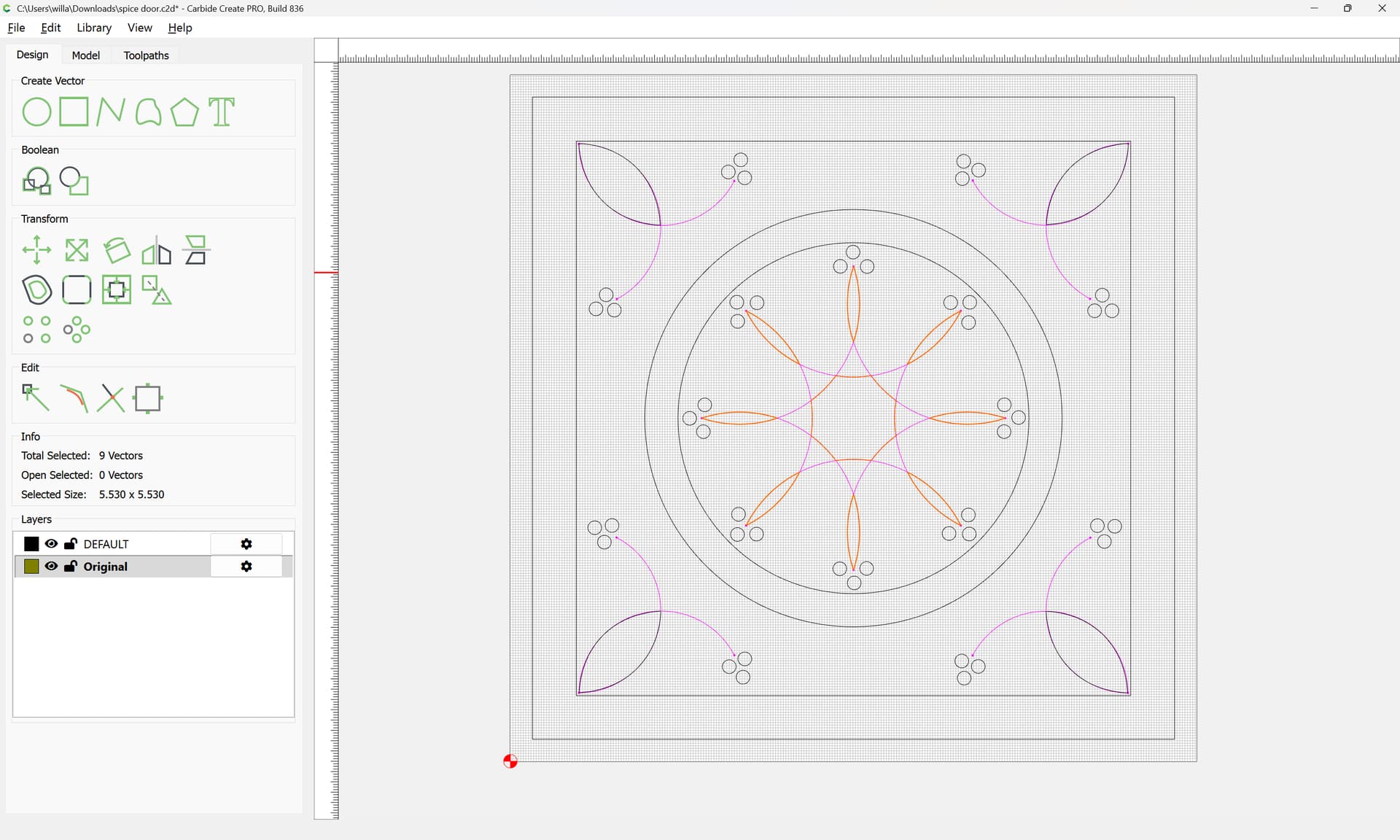
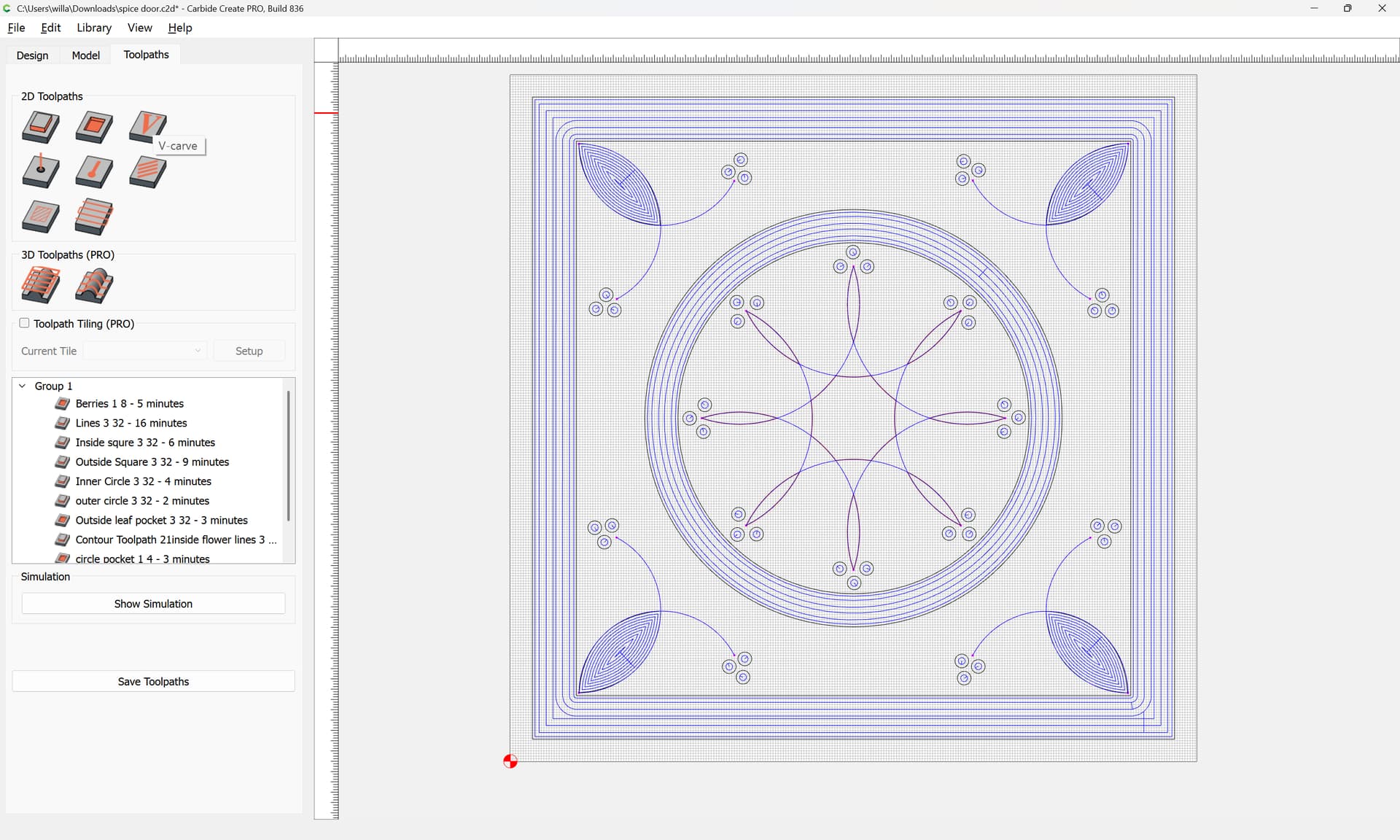
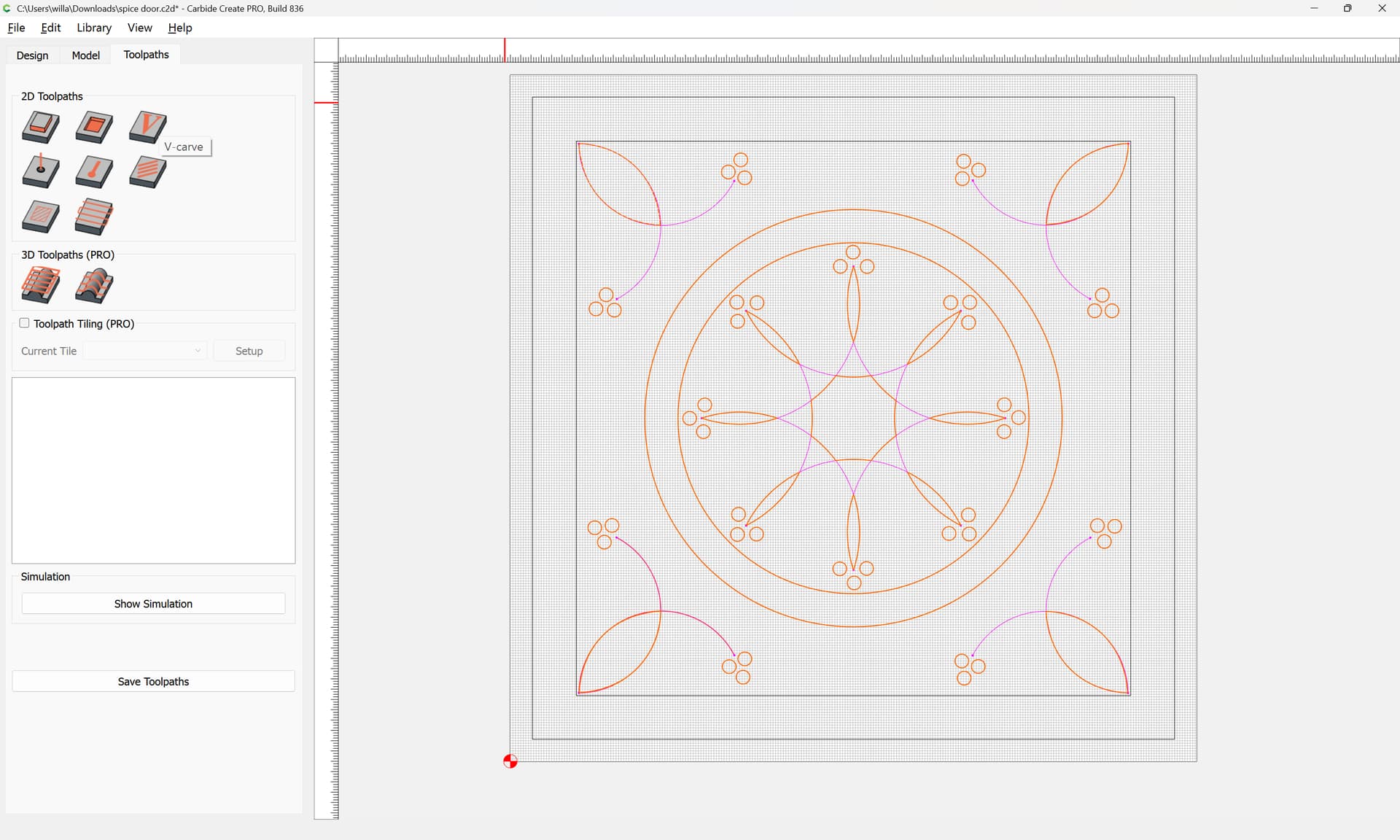
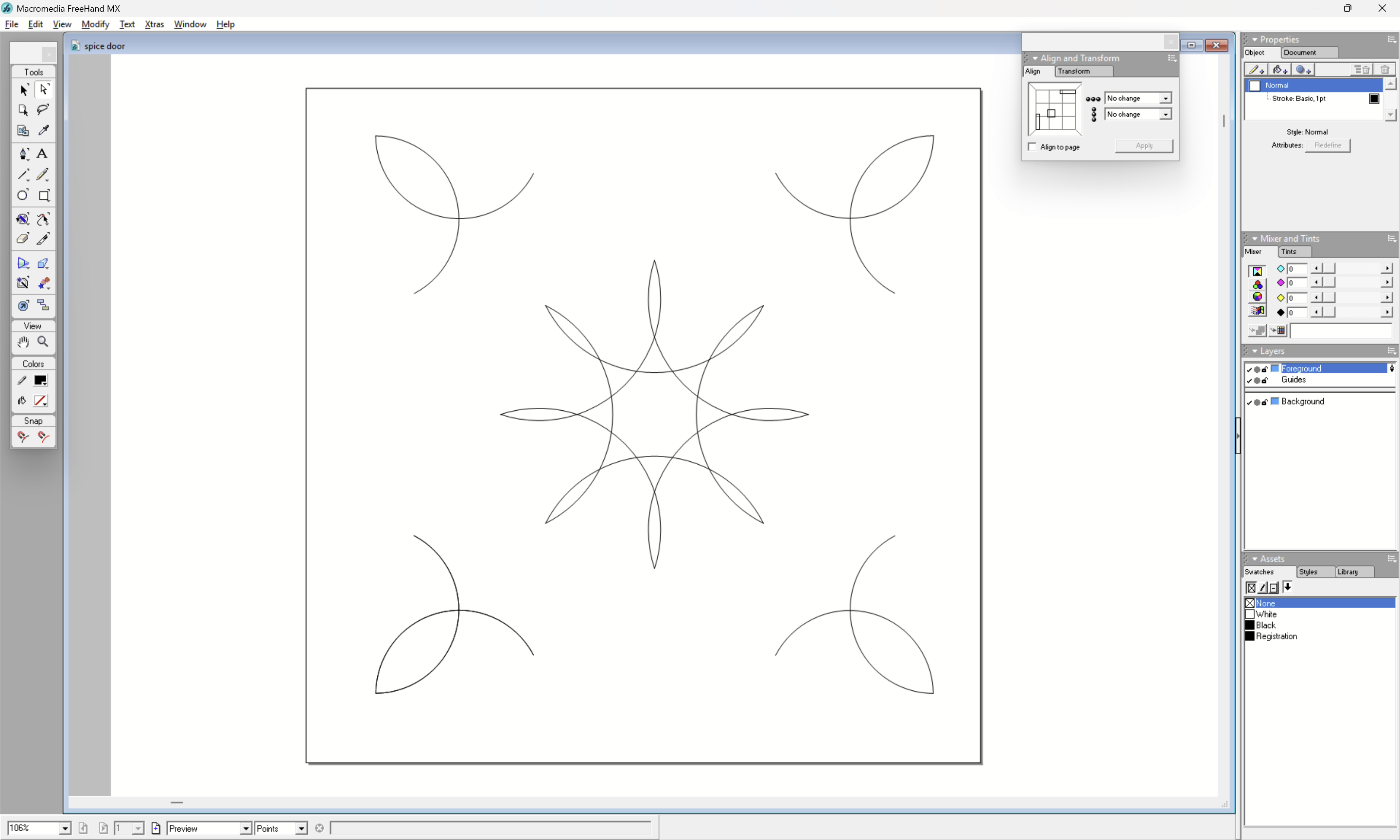
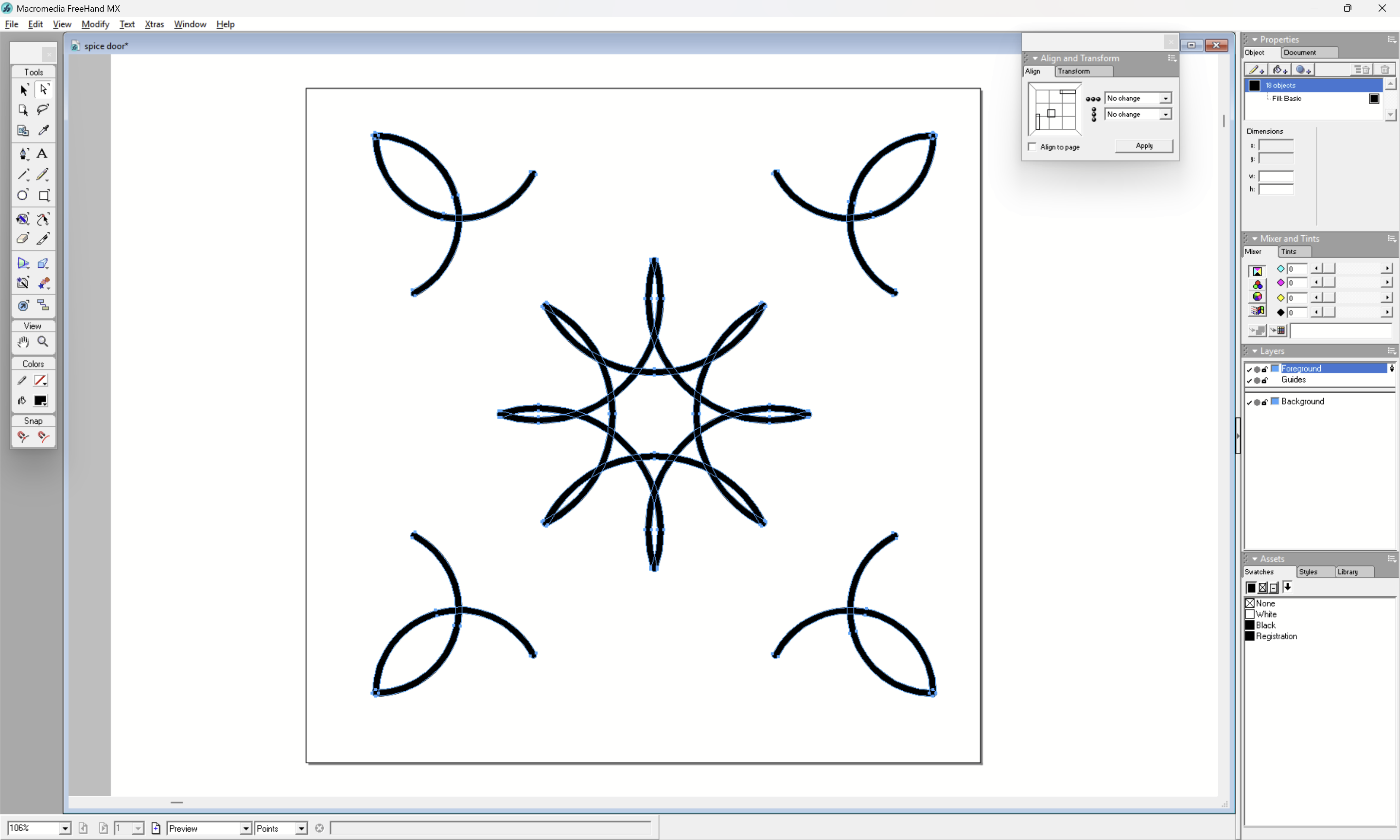
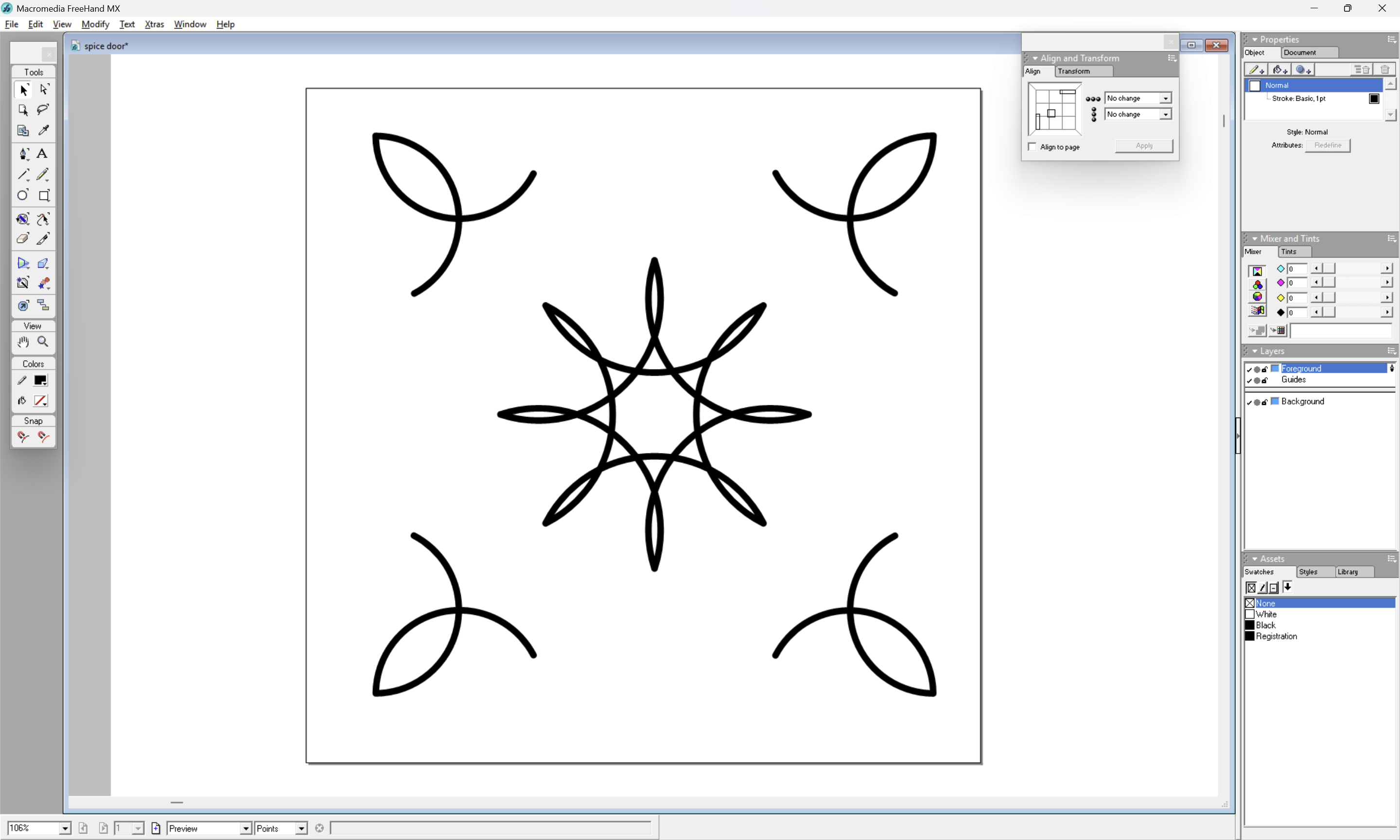
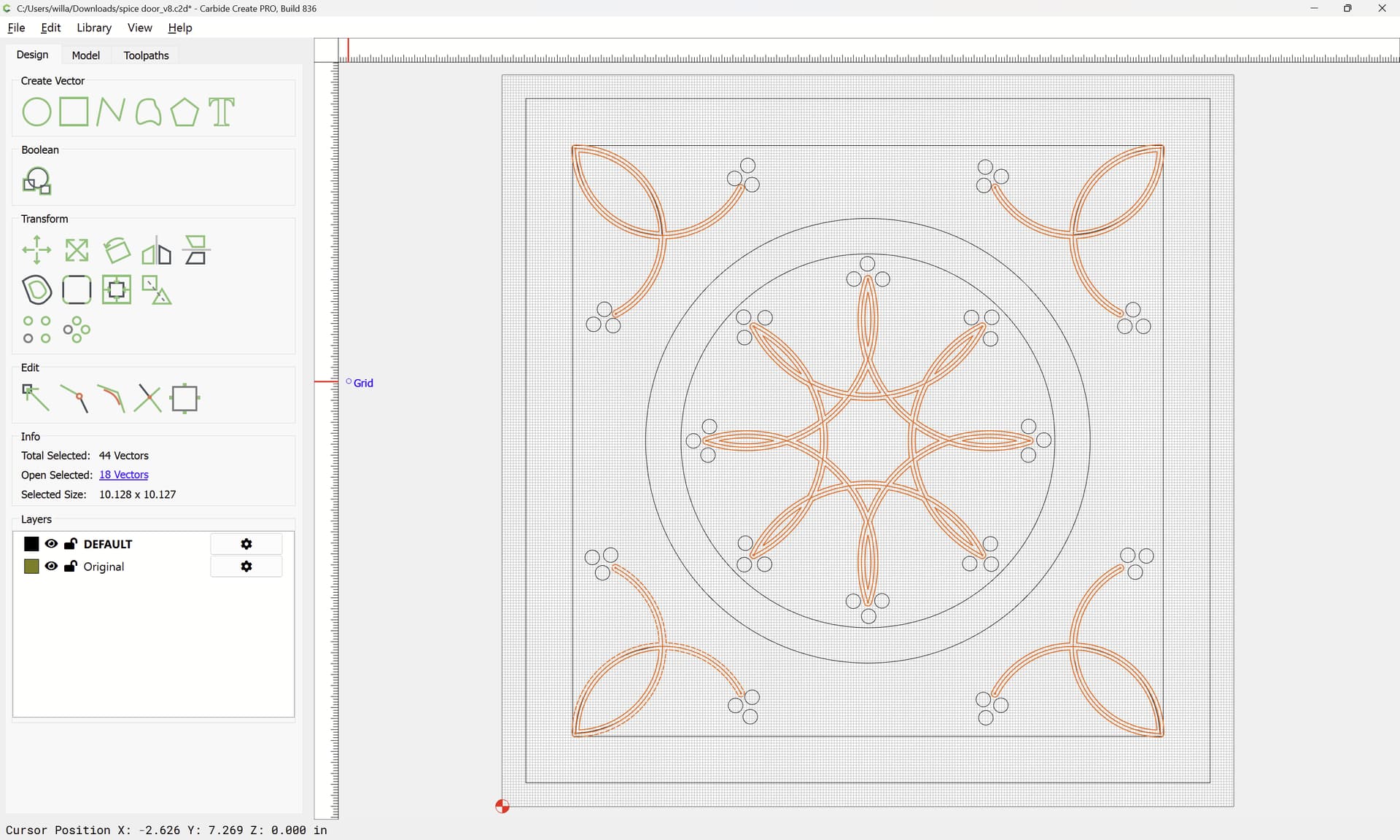
I’ve created this star in the middle using circles then deleting what I don’
t need. I need to remove .040 from the pockets. When I setup a tool path it says, There are no closed vectors selected…Any help would be appreciated.
Thank you
Kevin
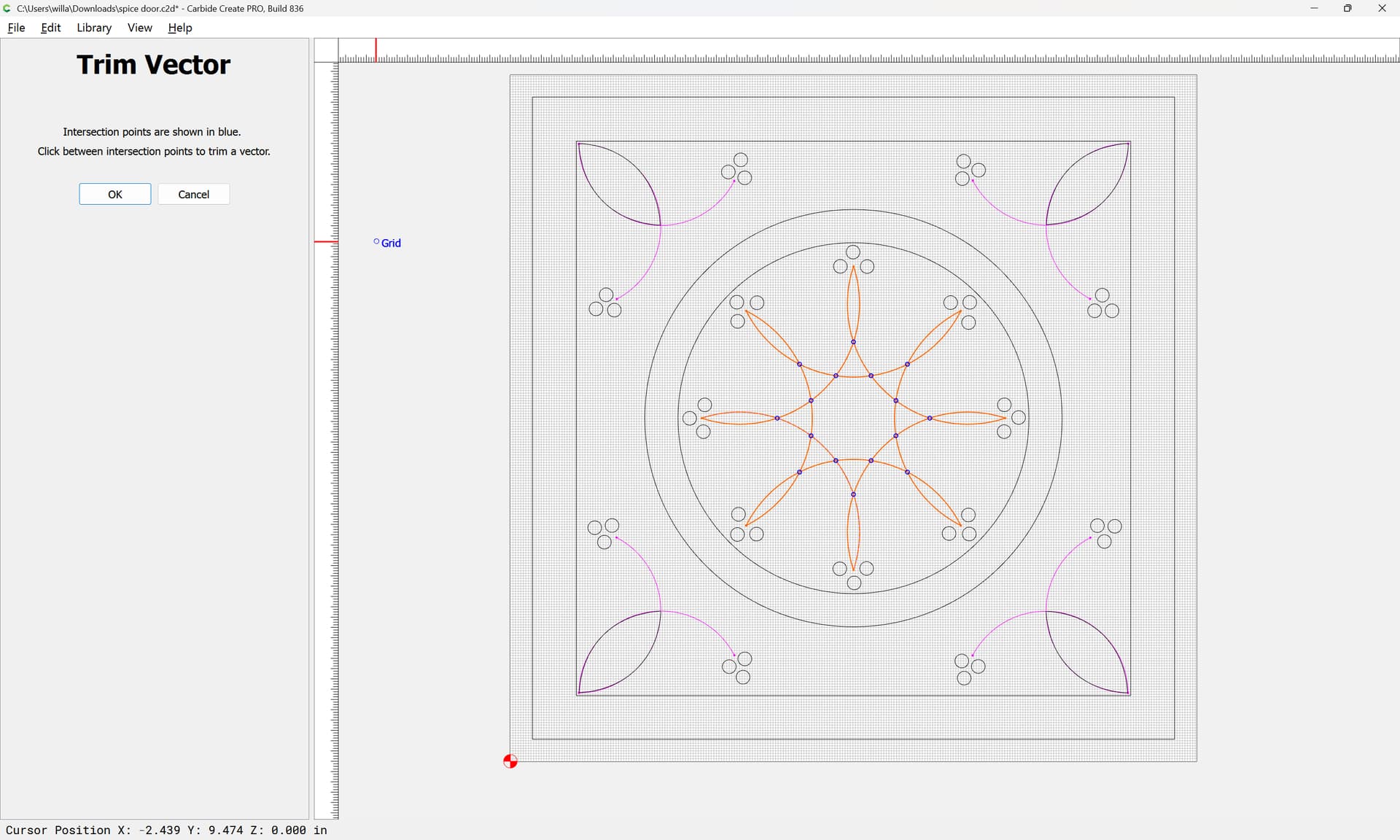
When geometry intersects, it will be necessary to separate it — see:
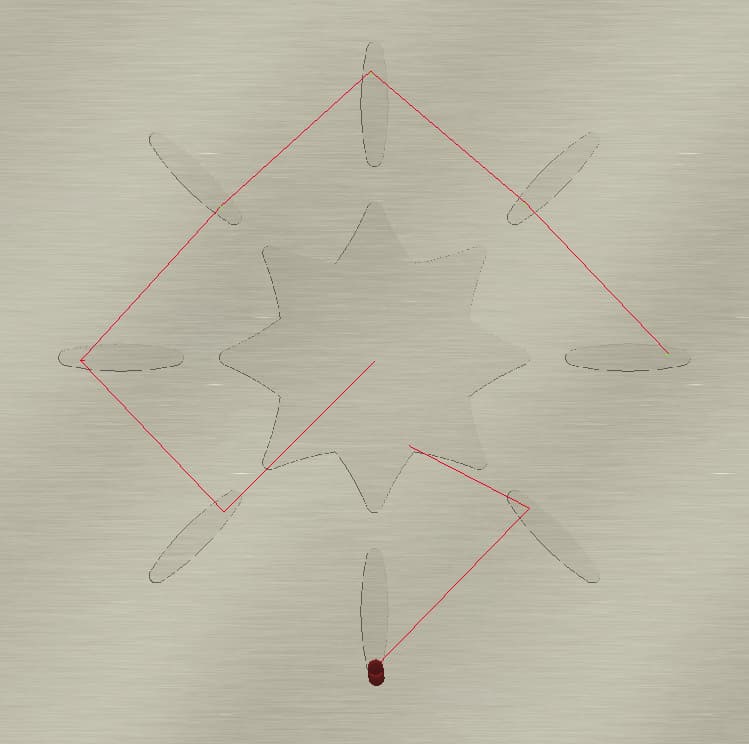
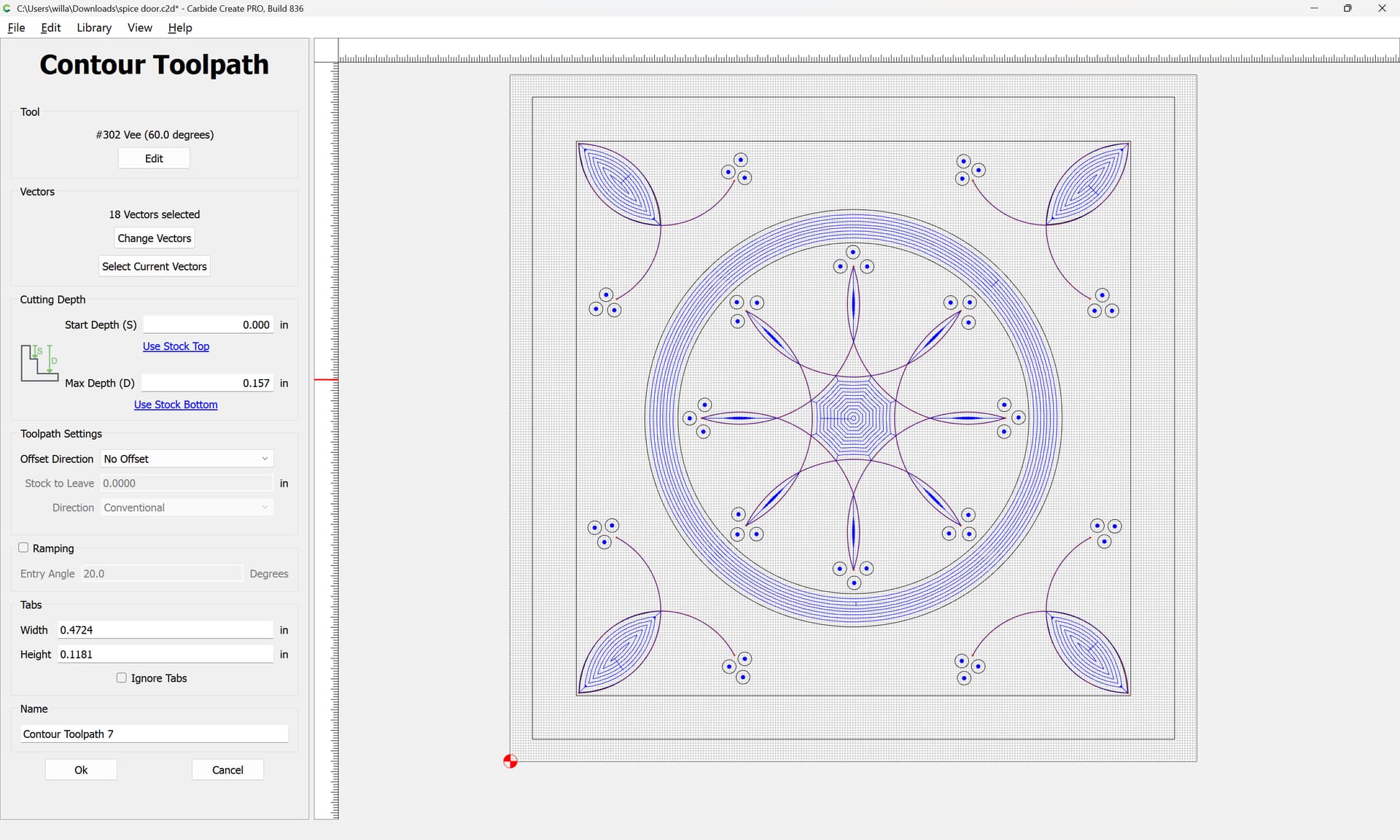
That said, I don’t believe you’re going to be able to pocket this as you expect due to the limits of tool geometry — use a No Offset Contour to just cut the design w/ a V tool?
If you’re still stuck, let us know and we’ll look into this this evening.
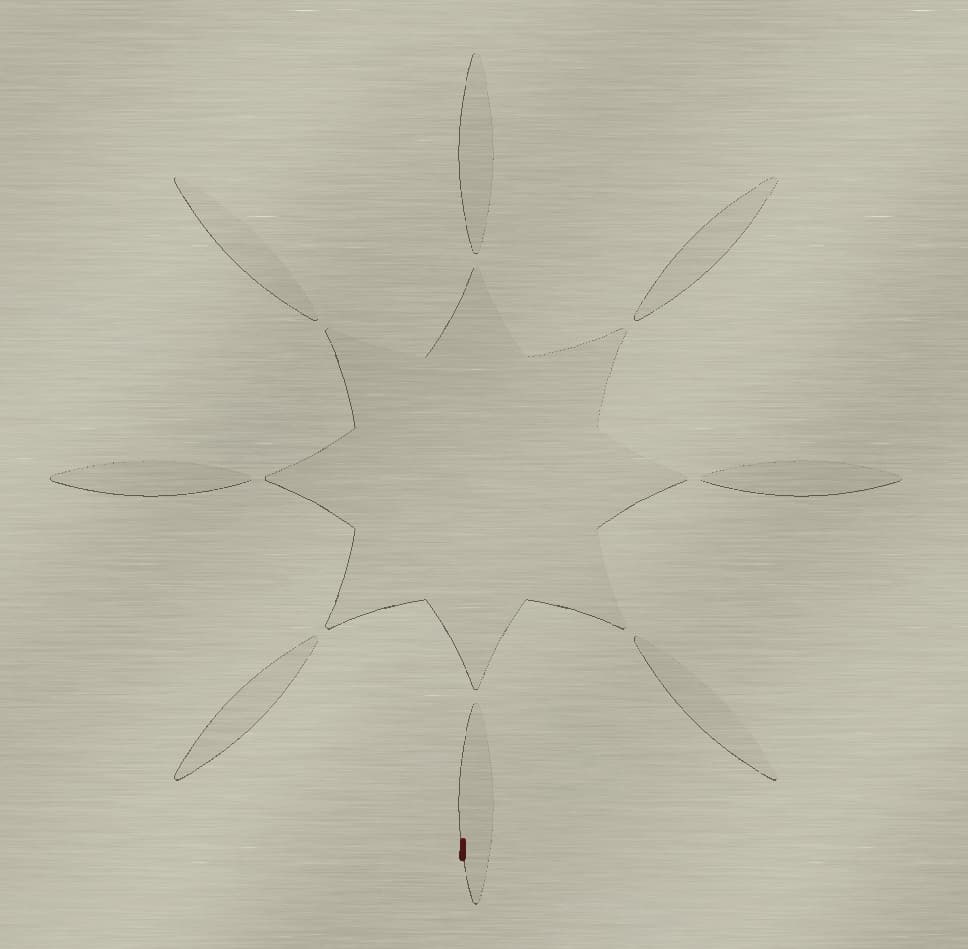
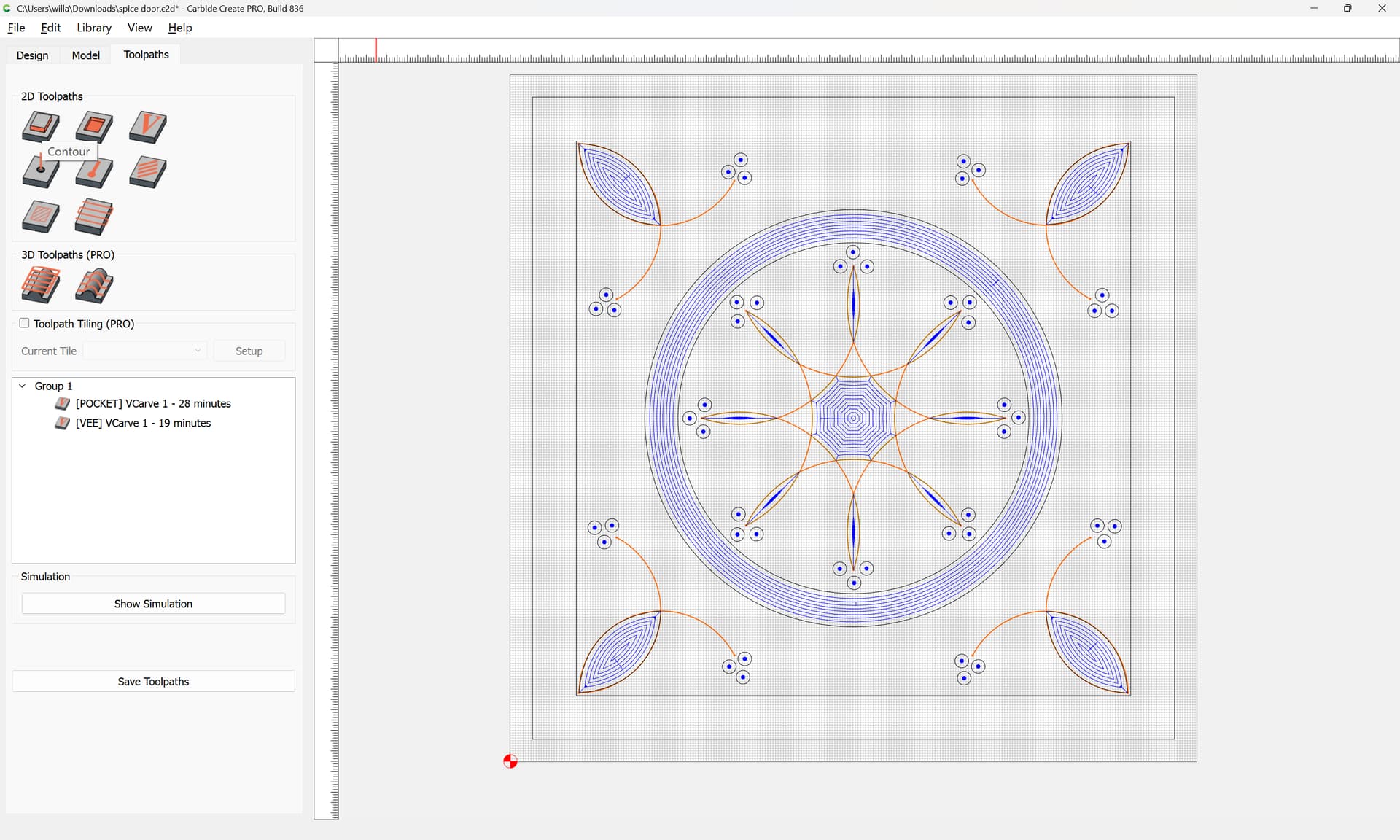
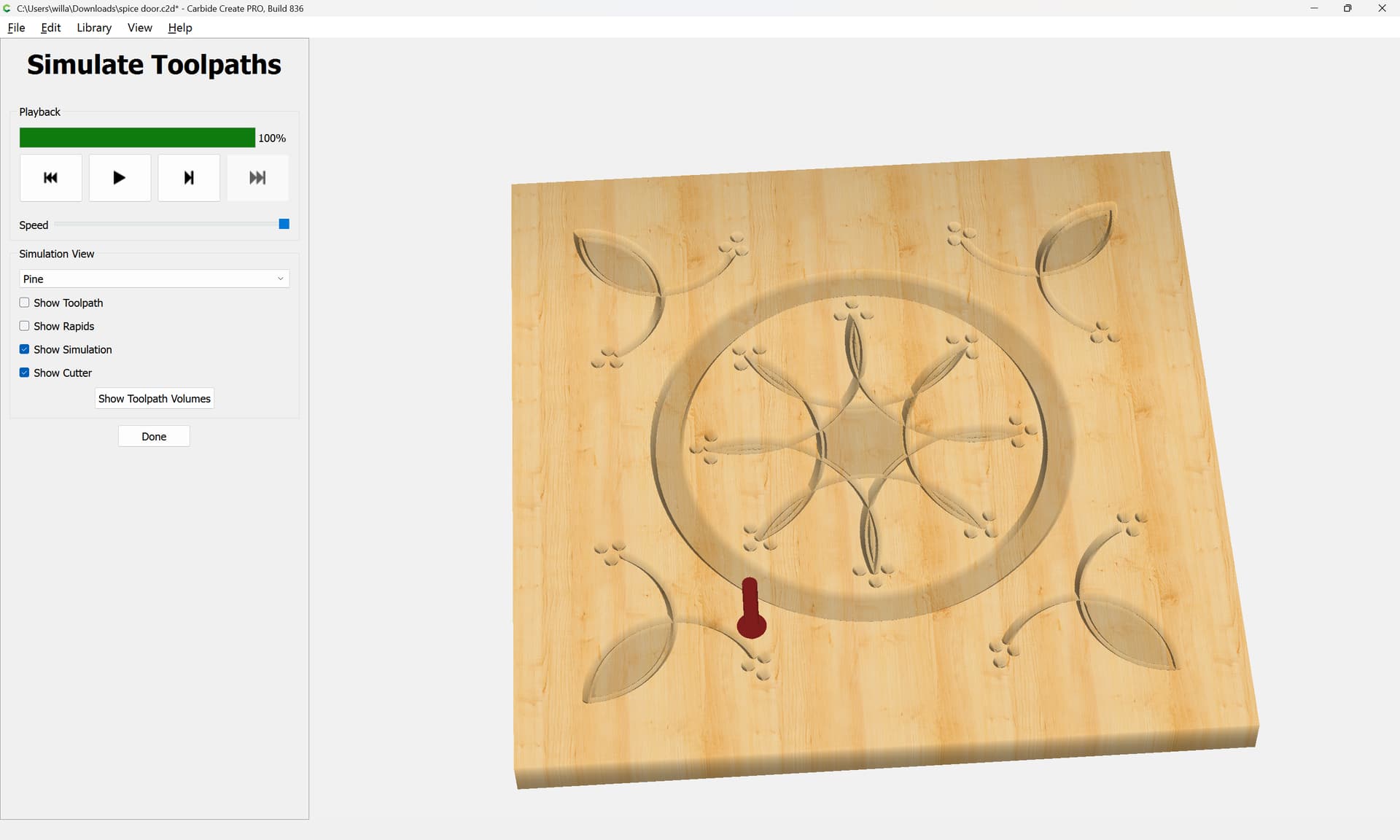
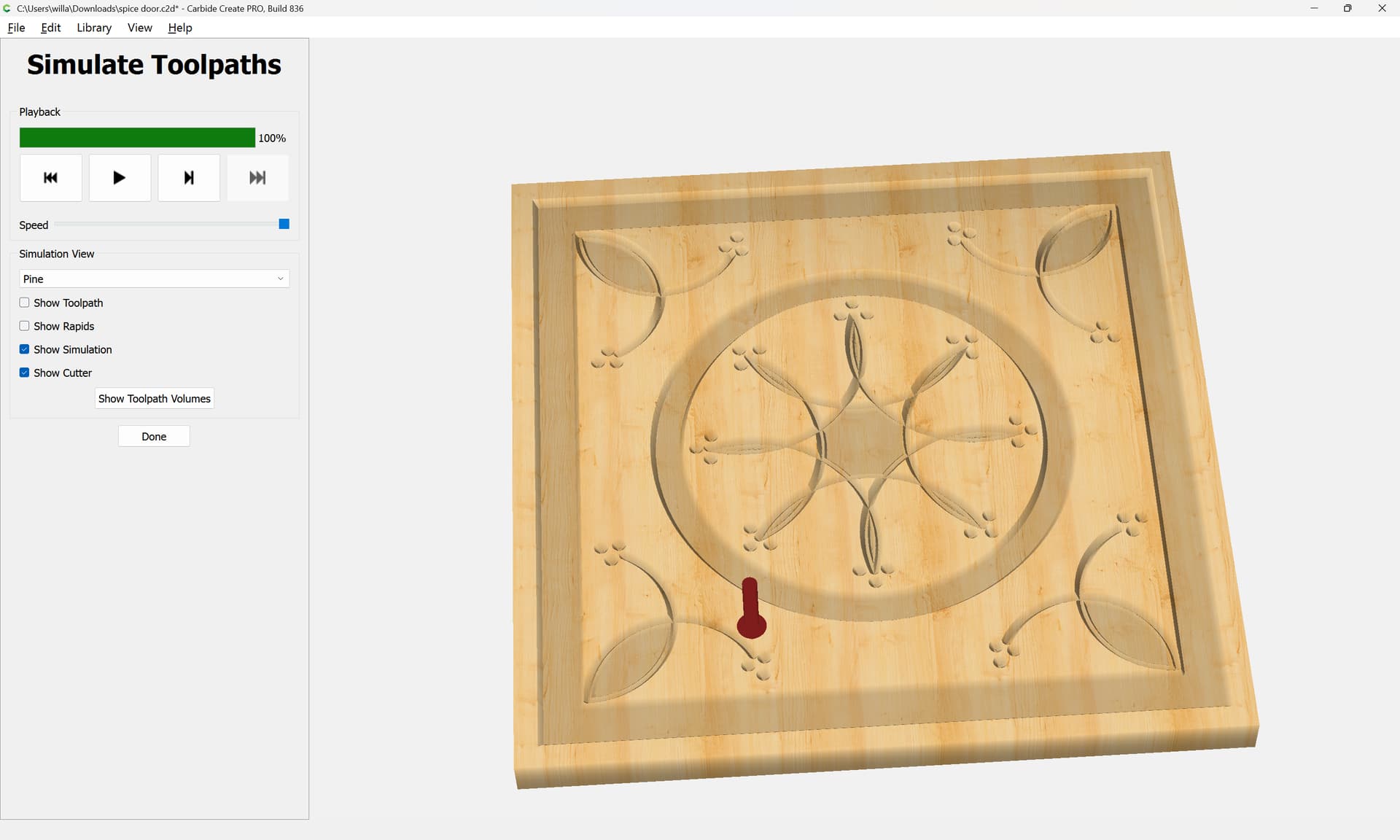
This was done with Boolean Weld and Boolean Subtraction, so it has converted your curves to polylines. Also, this is with a 1/8" bit, a smaller bit would look better.
The thing is, this sort of design is typically done as chip carving, which involves cuts at an angle, but one also removes closed in areas as is done at the corners in the closed geometry which has been created:
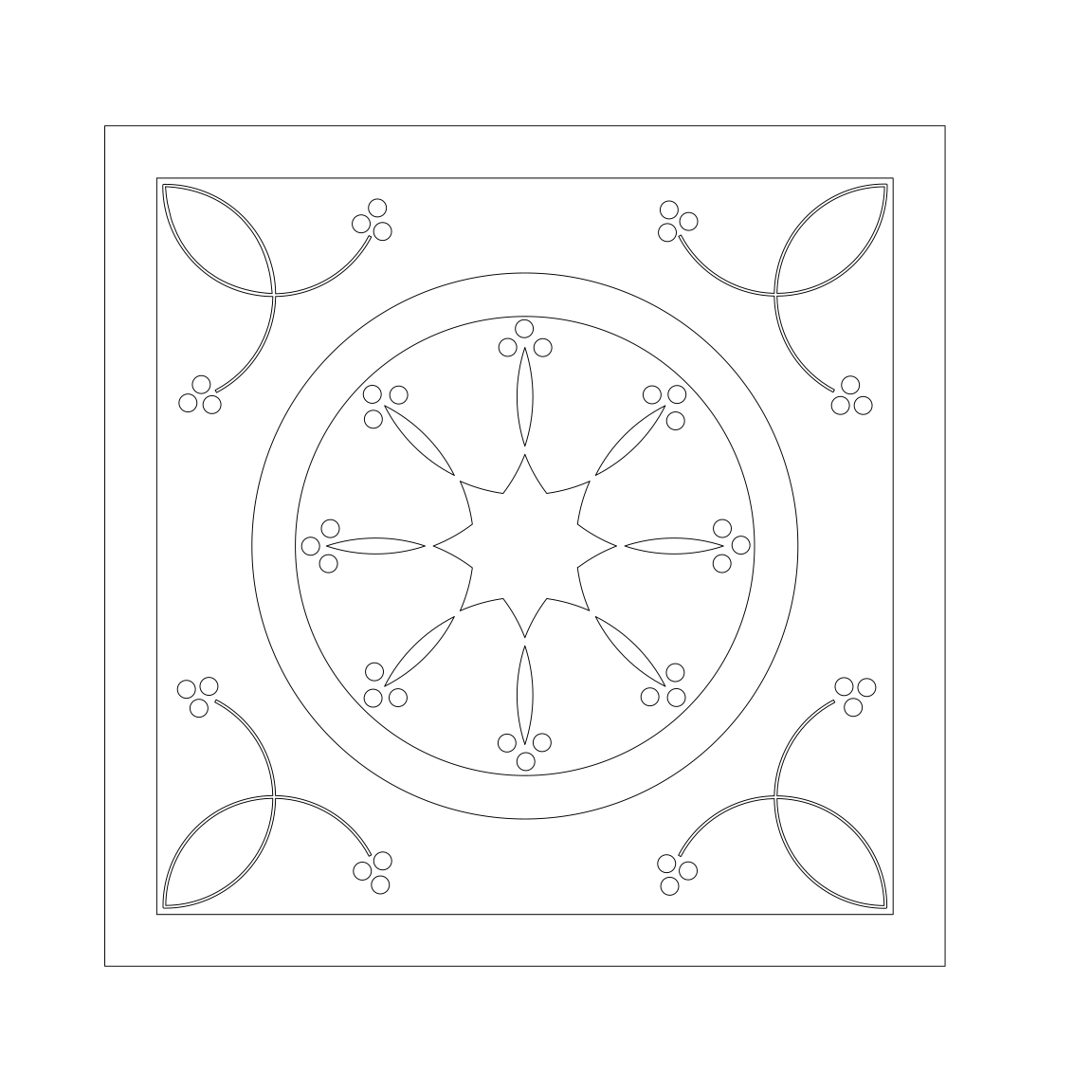
Thank you, Being new to Carbide Create your help was greatly appreciated. I now have a workable file. The chip carving aspect is interesting, but I will be doing inlays on this project.
Thanks again
Kevin