WillAdams
December 3, 2025, 2:20am
1
as requested on support…
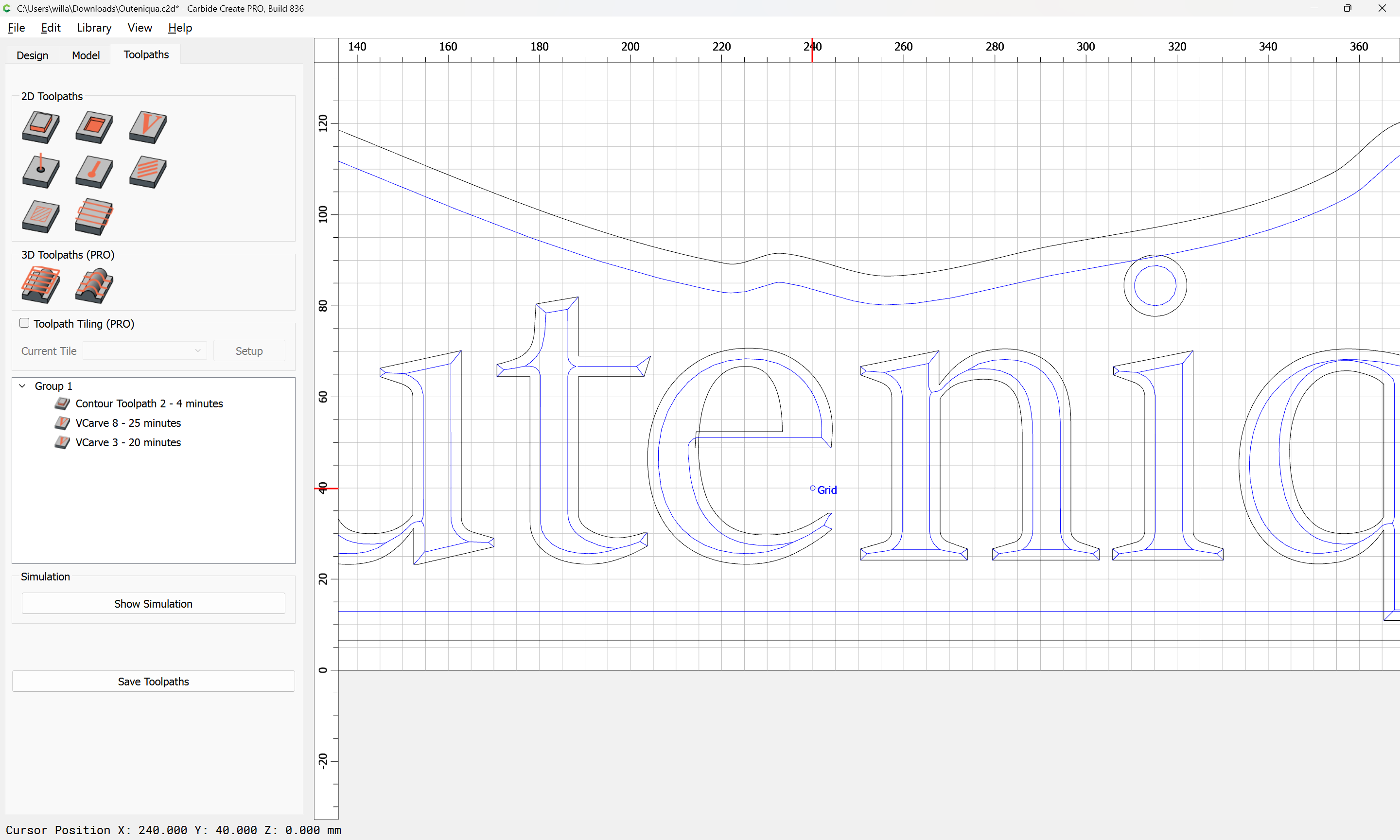
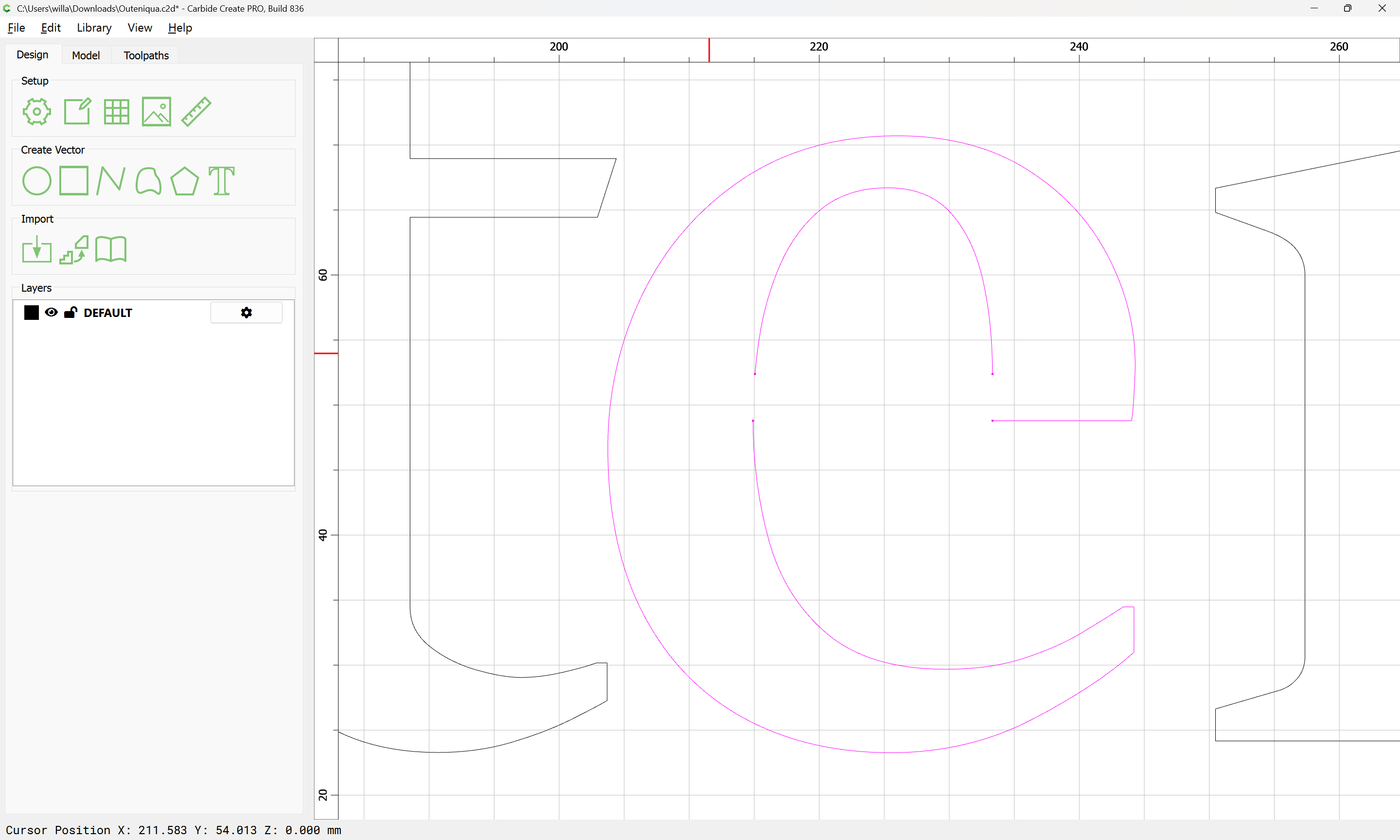
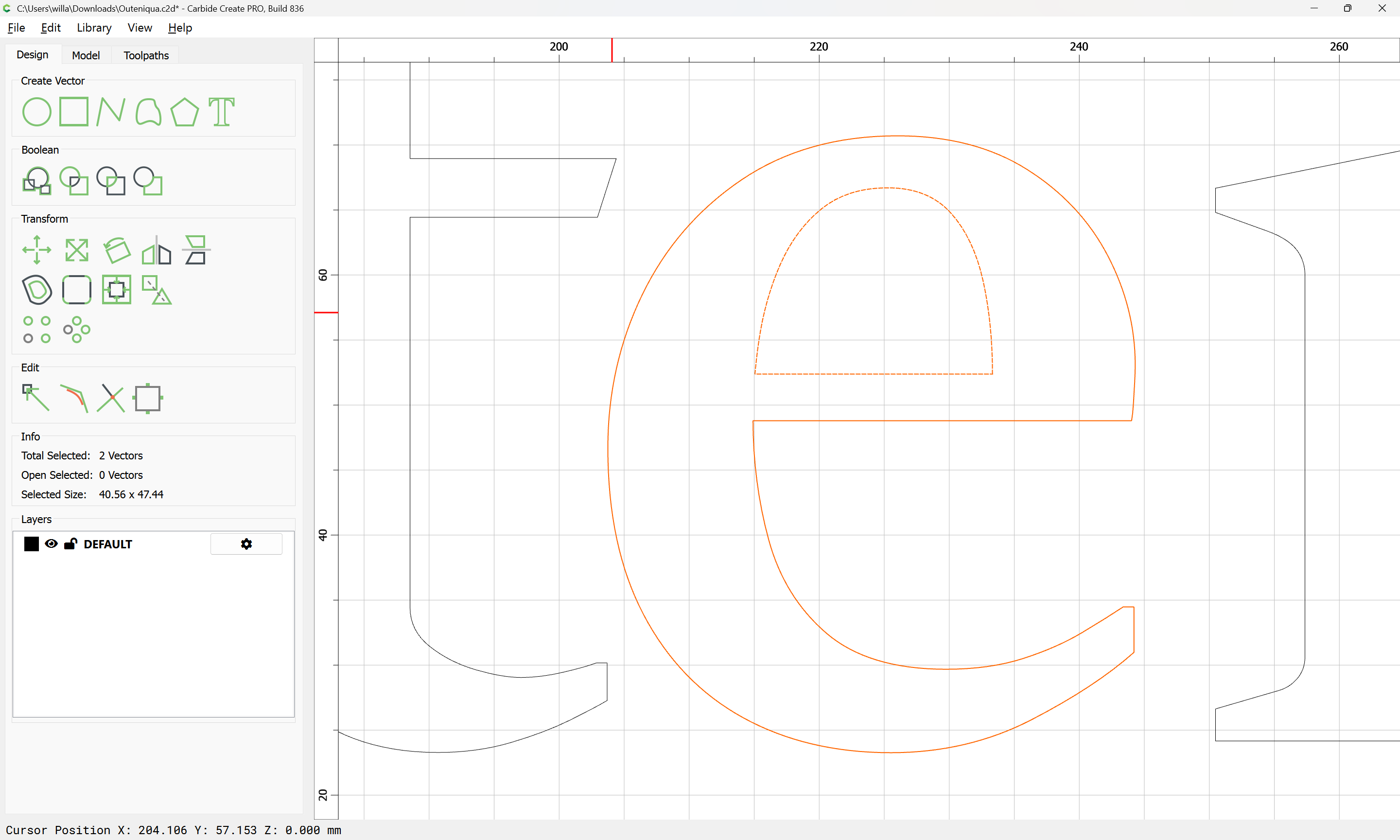
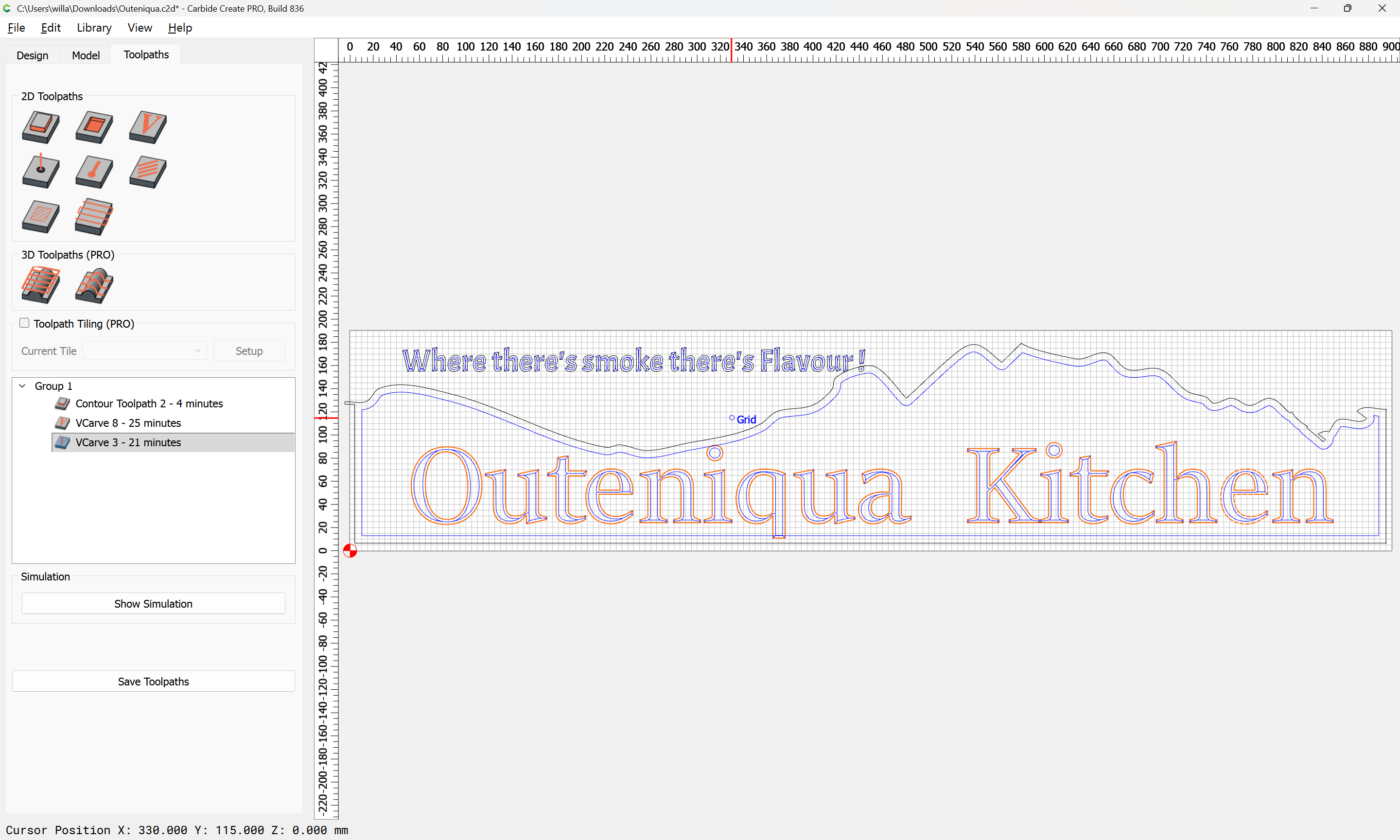
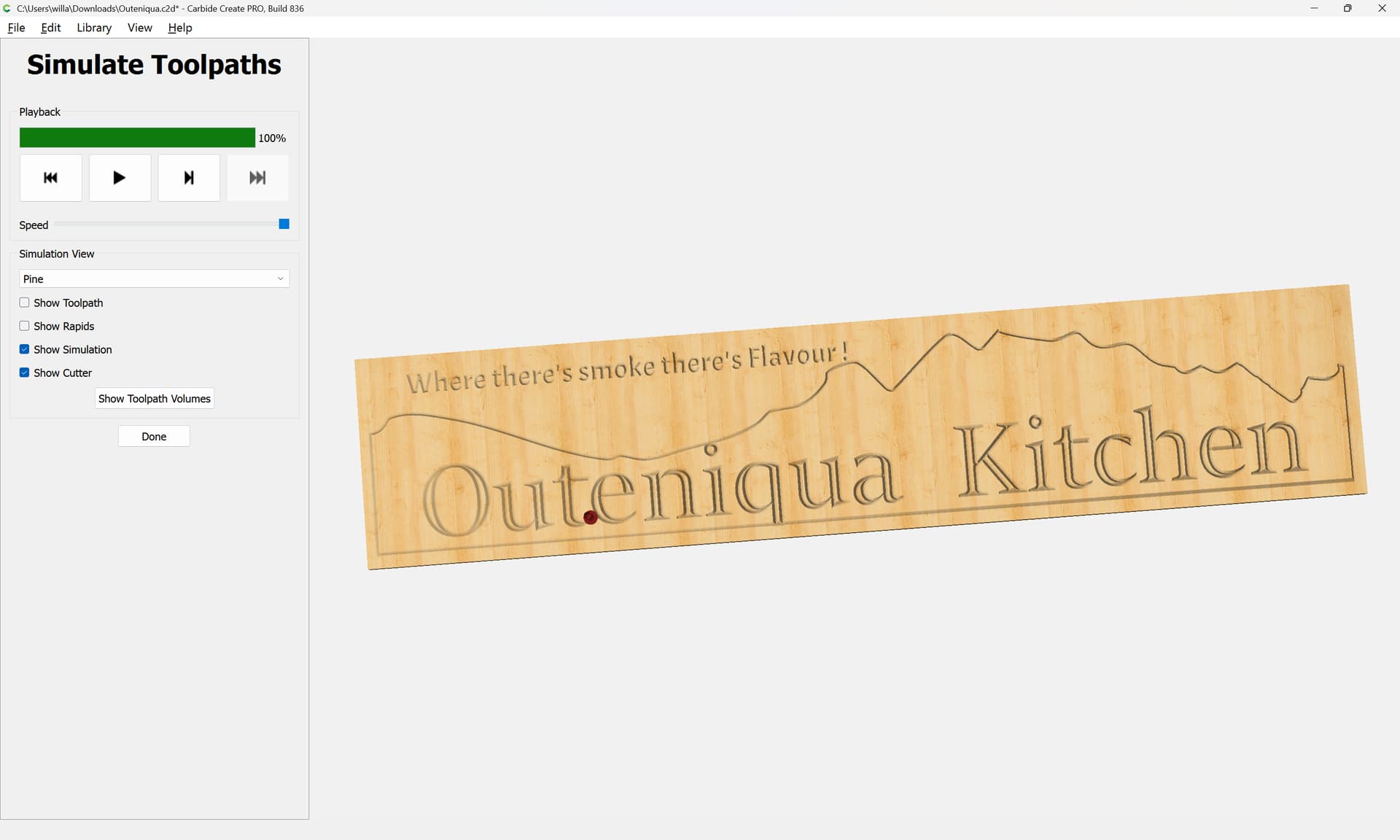
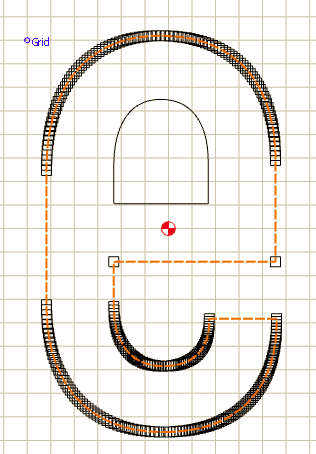
… another small problem. Trying out vcarve and looks great but it does not cut the center of the e.
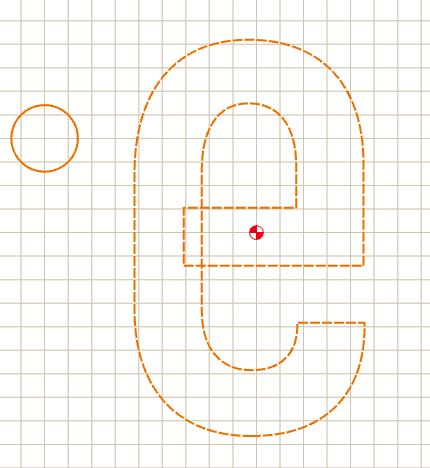
The toolpaths in question:
are caused by the geometry self-intersecting.
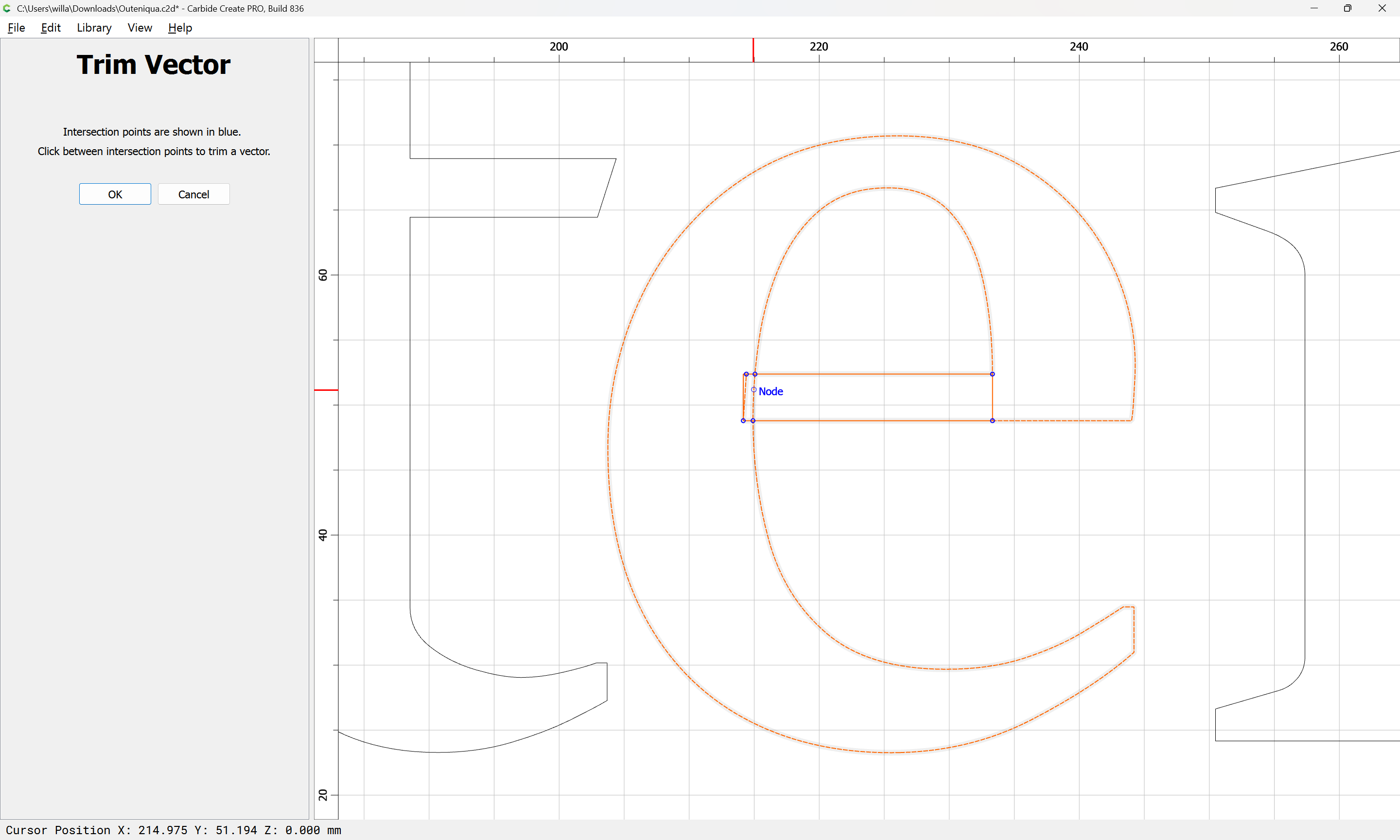
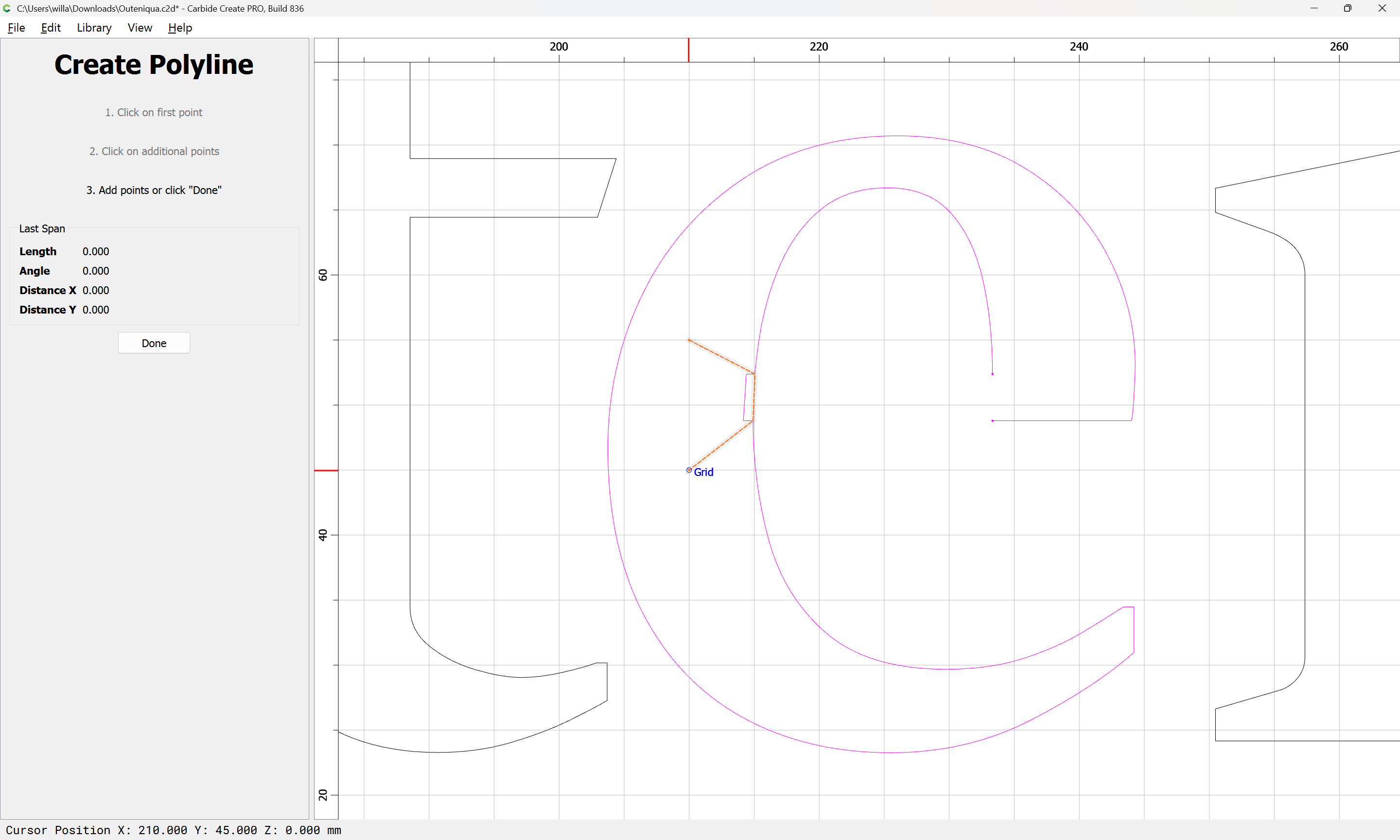
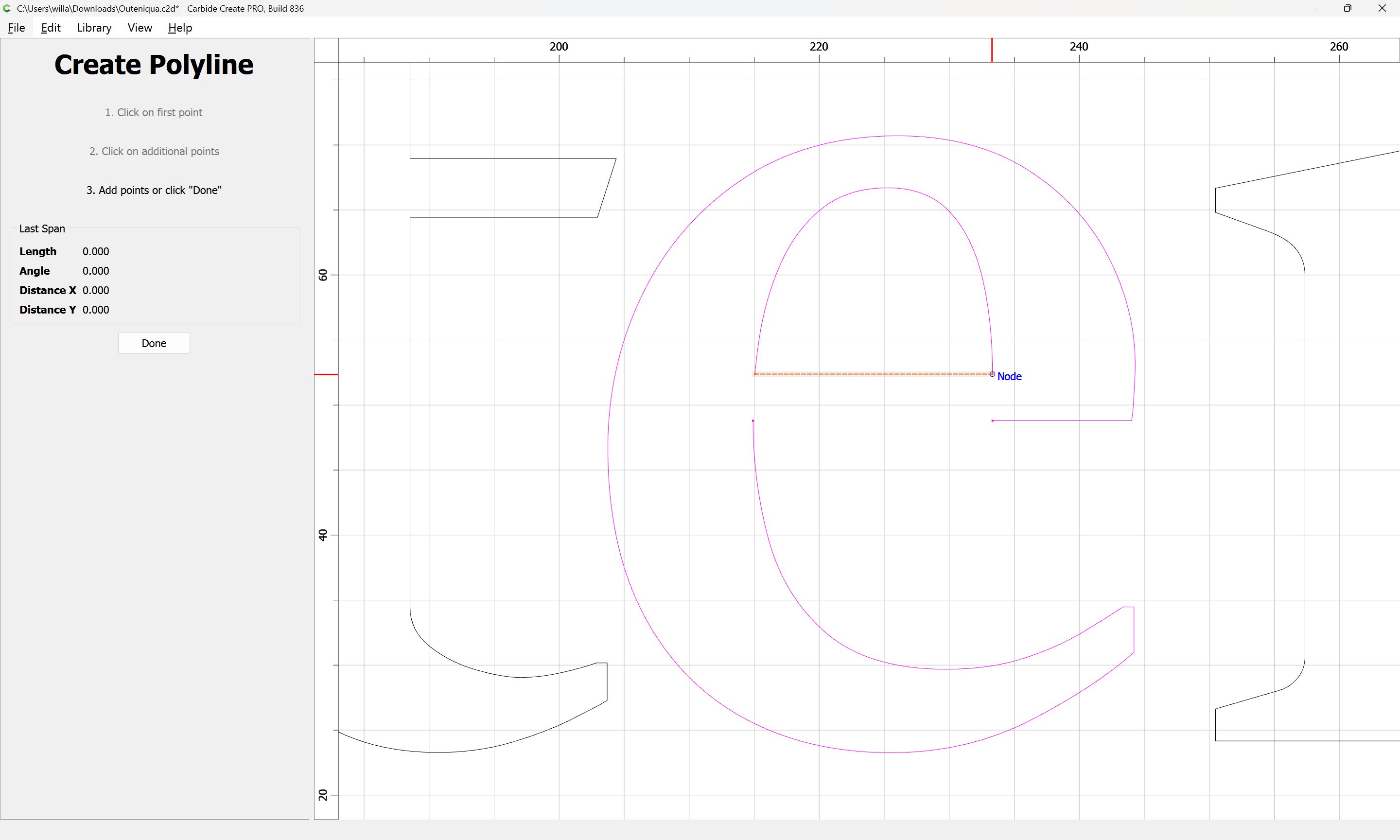
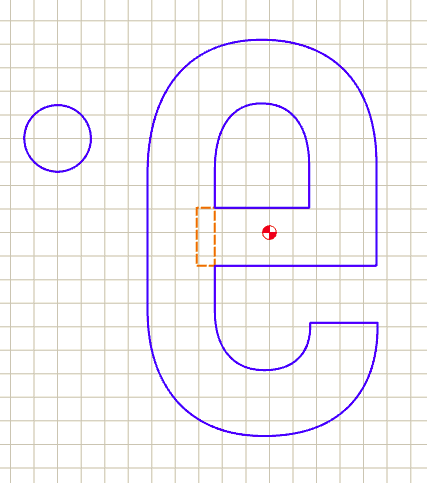
Draw in some geometry to define the intersection:
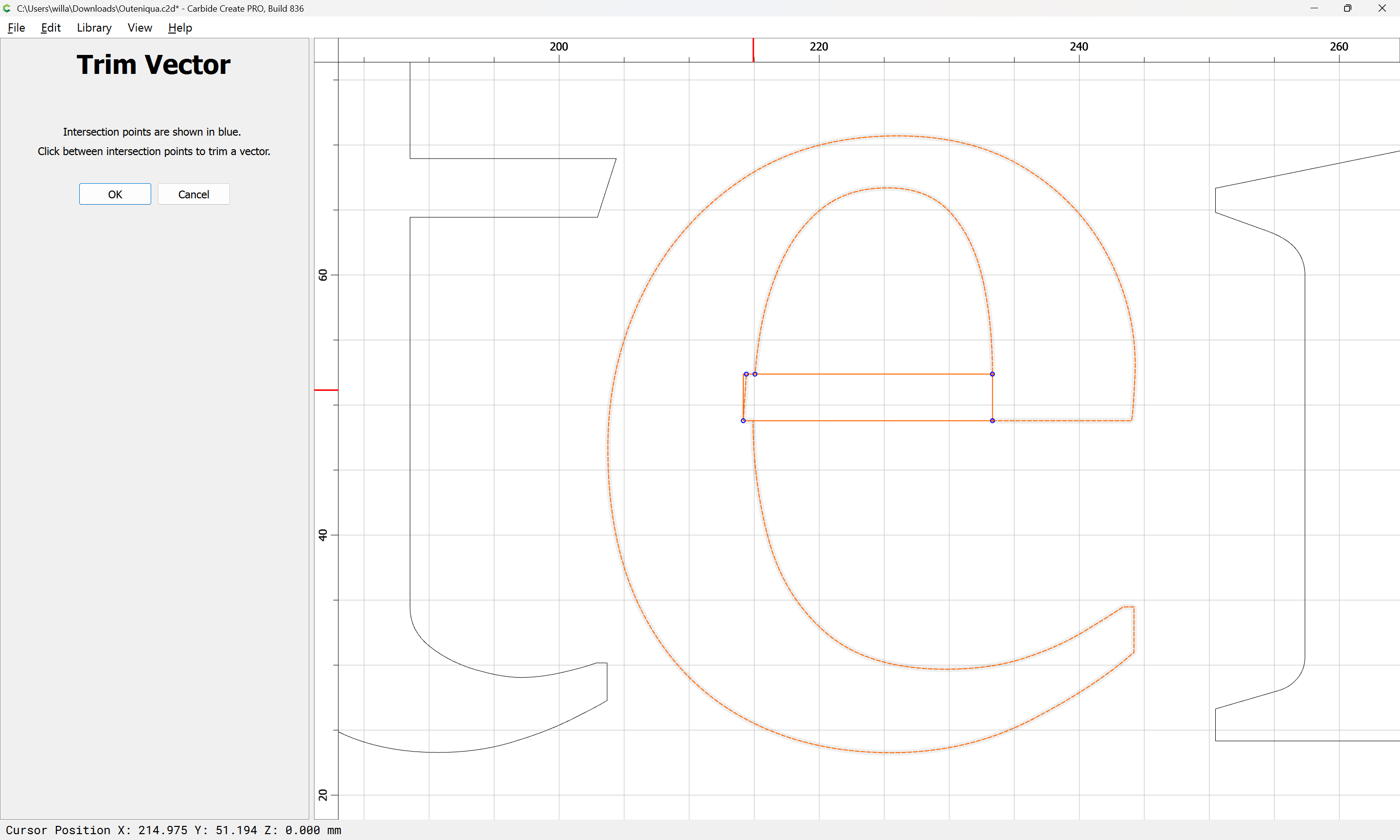
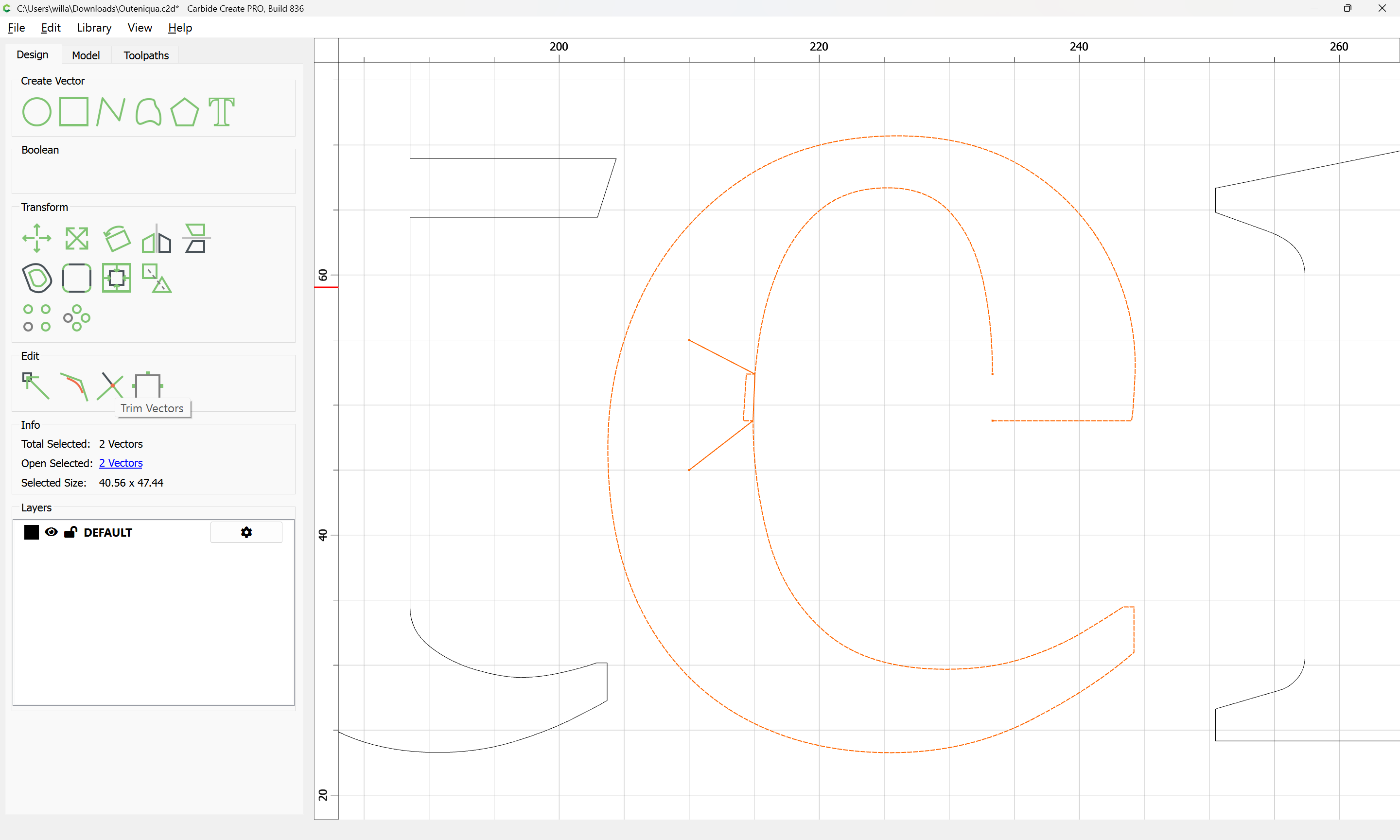
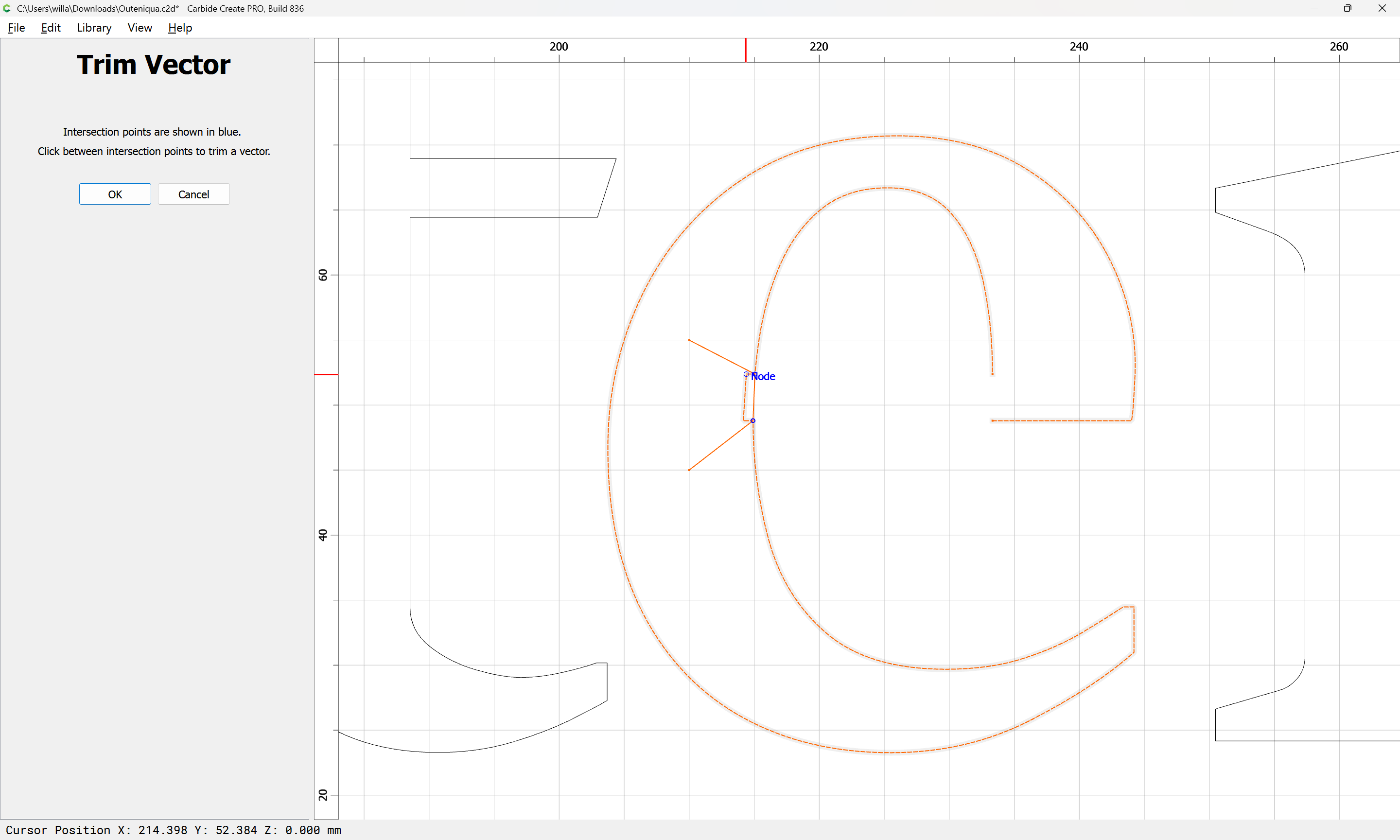
Then use Trim Vectors
to remove the extraneous length:
OK
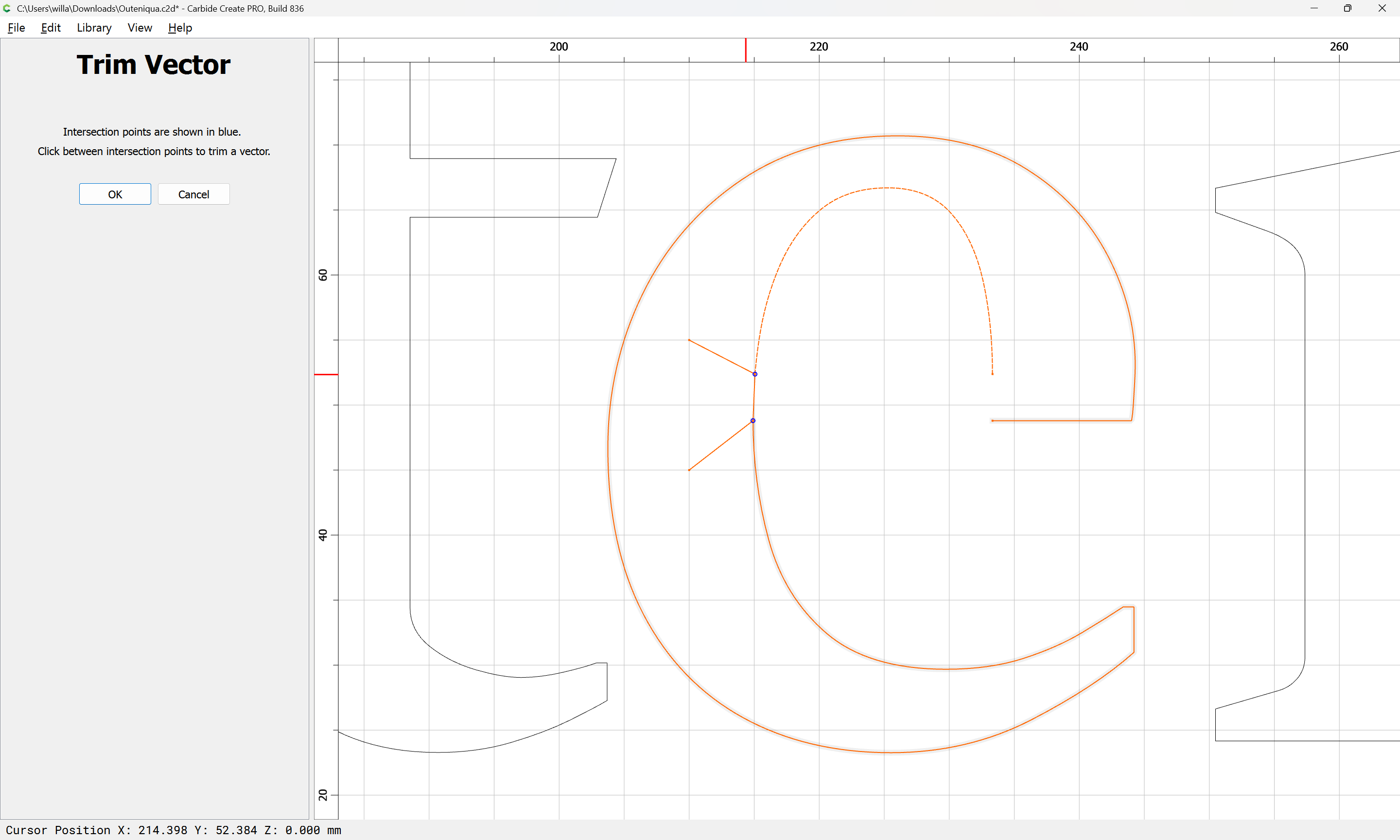
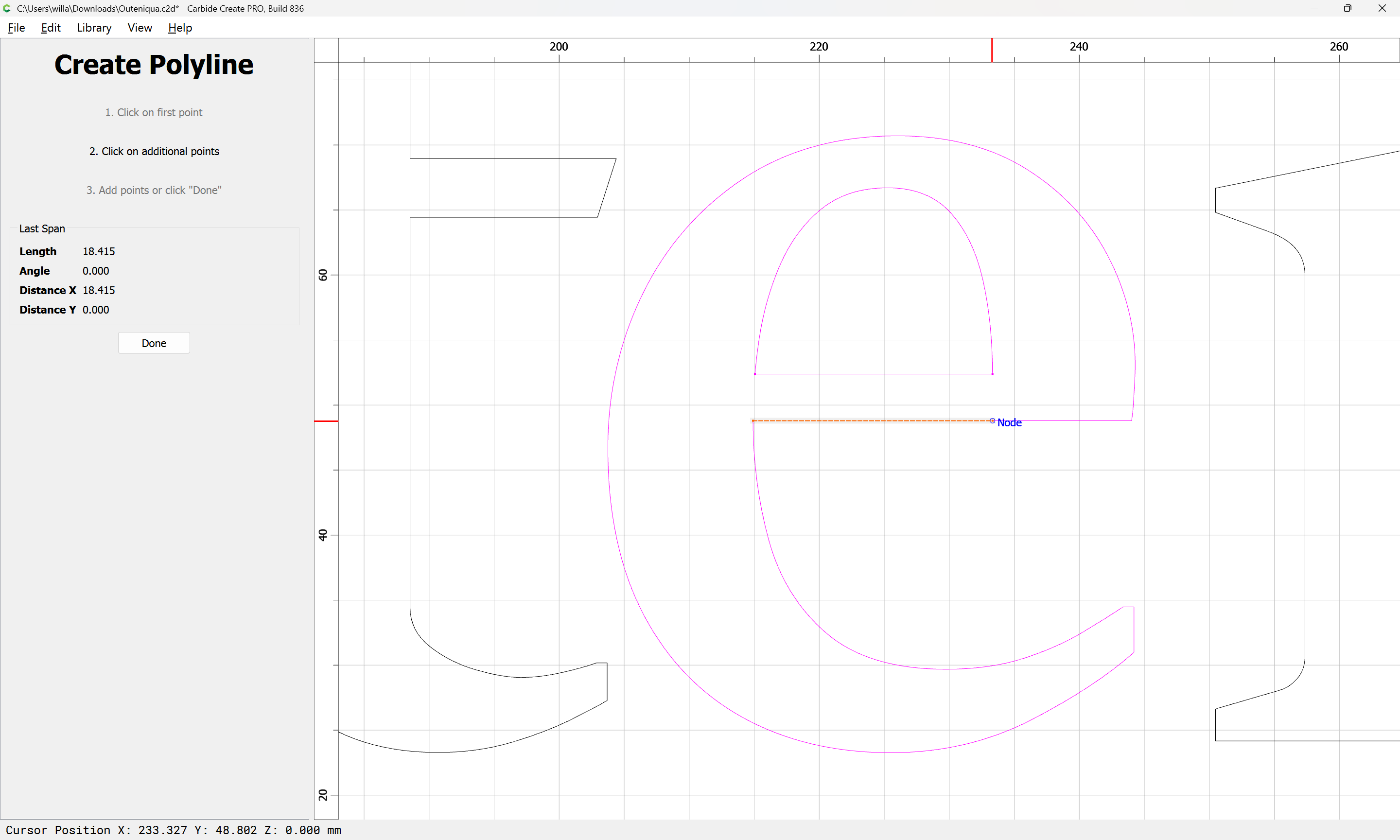
Then draw in geometry to define the next section which needs to be removed:
Then use Trim Vectors to remove the section in question:
Then delete what is not wanted:
and draw in the extra lines which were deleted:
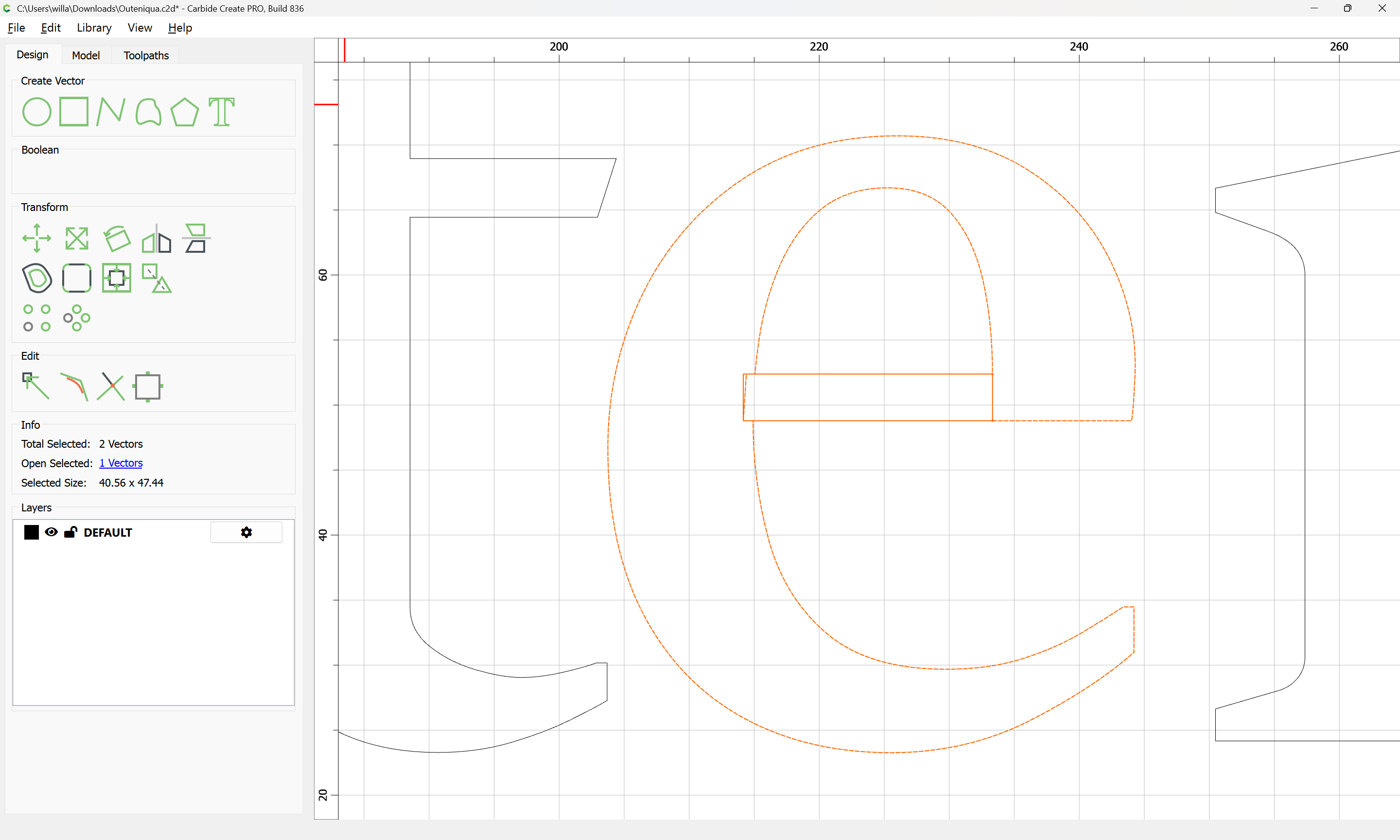
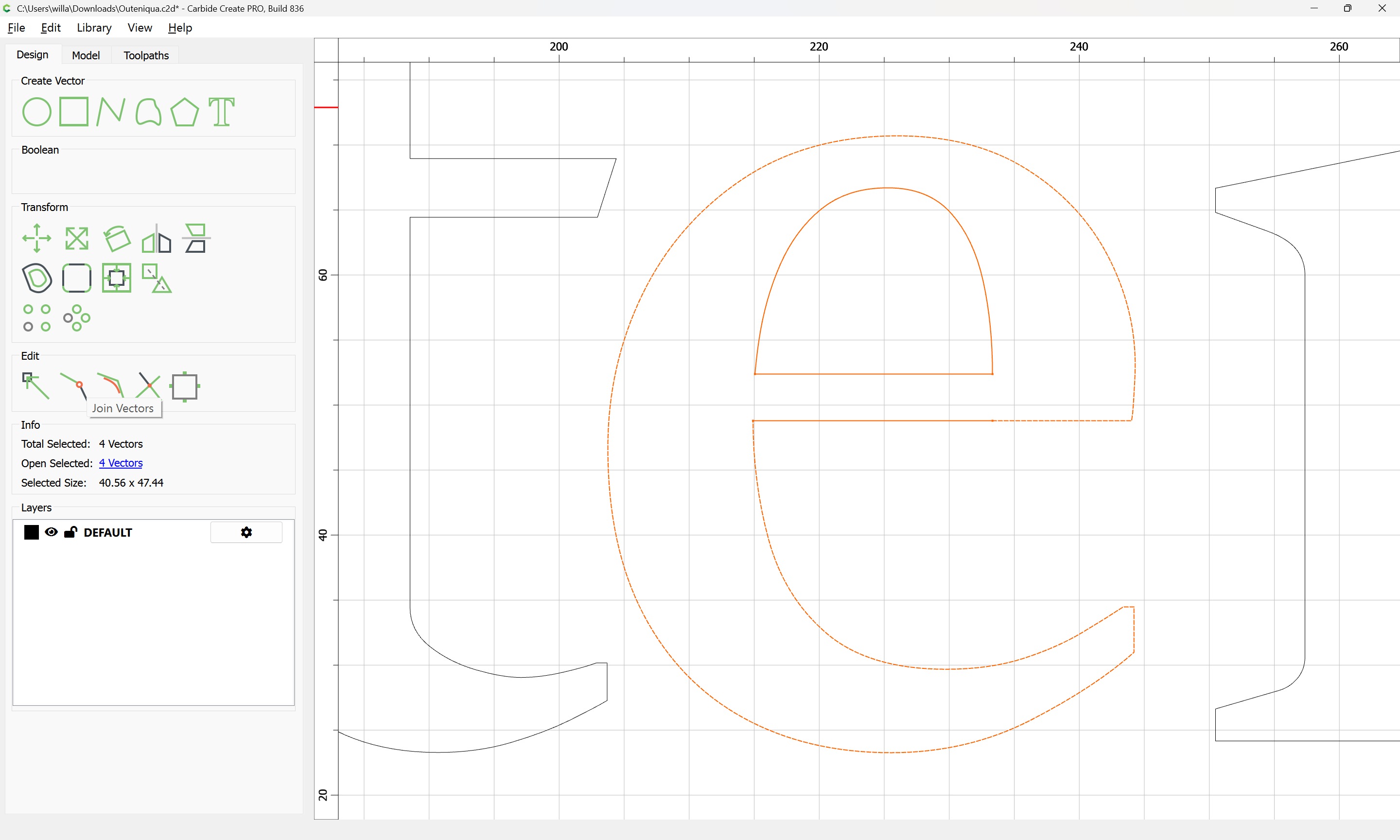
Then select everything:
and Join Vectors:
Then use this geometry in the toolpath:
1 Like
mhotchin
December 3, 2025, 2:55am
2
If your case makes it difficult to draw in the extra geometry needed, there is another methods that is arguably easier to invoke. The drawback to this method is that it converts curves to polylines, so you get many more nodes.
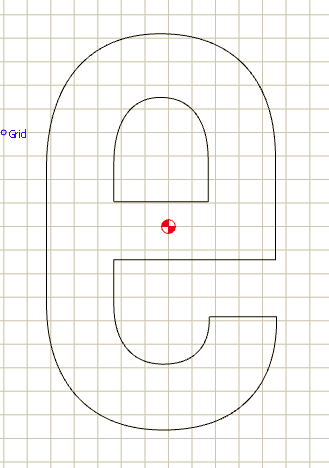
If you have only one vector, you need a second vector just because that’s how CC works. It can be anything.
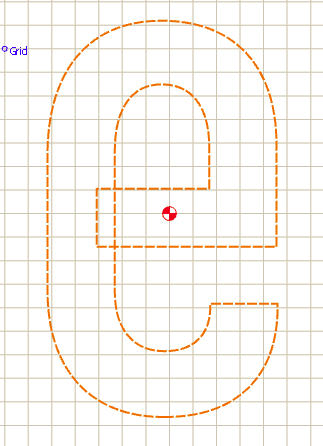
Select both and invoke ‘Boolean Weld’. The blue is what will be kept:
If needed, delete the extra vector:
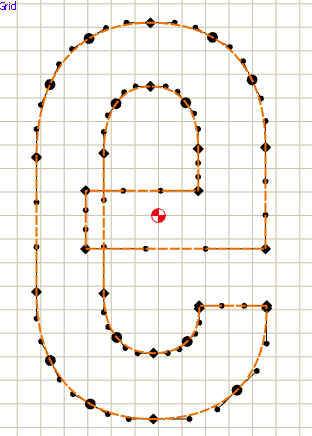
The end result looks the same, but the number of nodes has much increased:
2 Likes
system
January 2, 2026, 2:55am
3
This topic was automatically closed 30 days after the last reply. New replies are no longer allowed.