Ok I figured I have no excuse for this challenge this time with the extended dates. My first problem of course was finding inspiration of what to make…I googled “Tree of life” and settled on one that I liked. Seeing how it was circular for the most part , I started to wonder - how to incorporate into a panel. I figured that would resolved later on its own…

First began by tracing the main outlines of the tree,roots, branches and leaves.
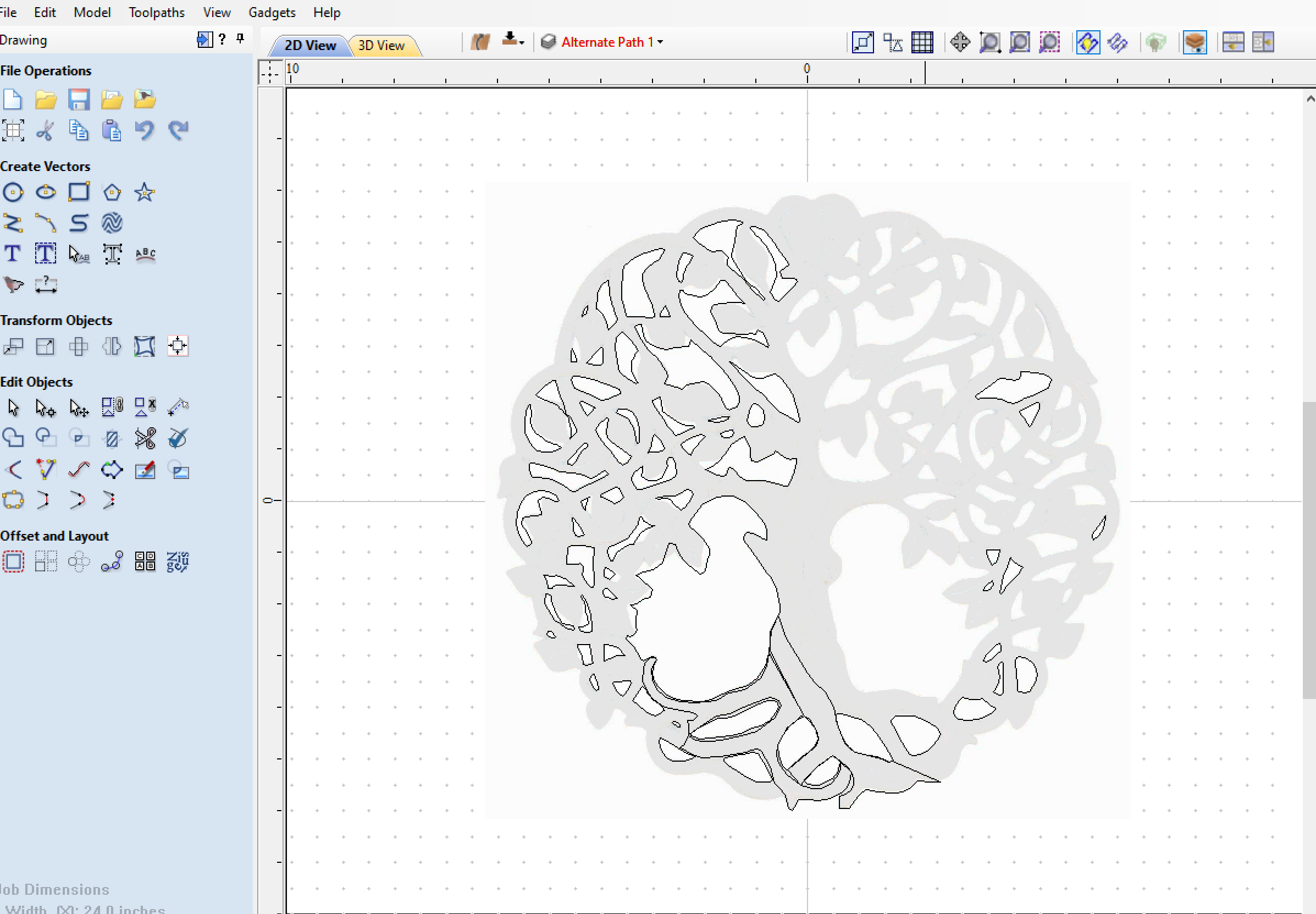
next step was giving it some 3D images. So i went to thingiverse and search for leaves.
I found one i liked and imported into the project…and made approx 70 more instances of the leaf. Copied/rotated/scaled and placed all around.

After that I tried to give the tree some bark texture but quickly gave up on that idea since I couldnt get a decent result with the toolpaths…you can see I just left the lines in the main center part of the tree in the design.
Next I started to give the tree and branches some ‘bump’ along the components. This worked mostly on the bigger lower areas of the tree , but did not appear so good on the branches above. You can see this in a later photo below.
Once the layout was done it was time to start with the tool paths.
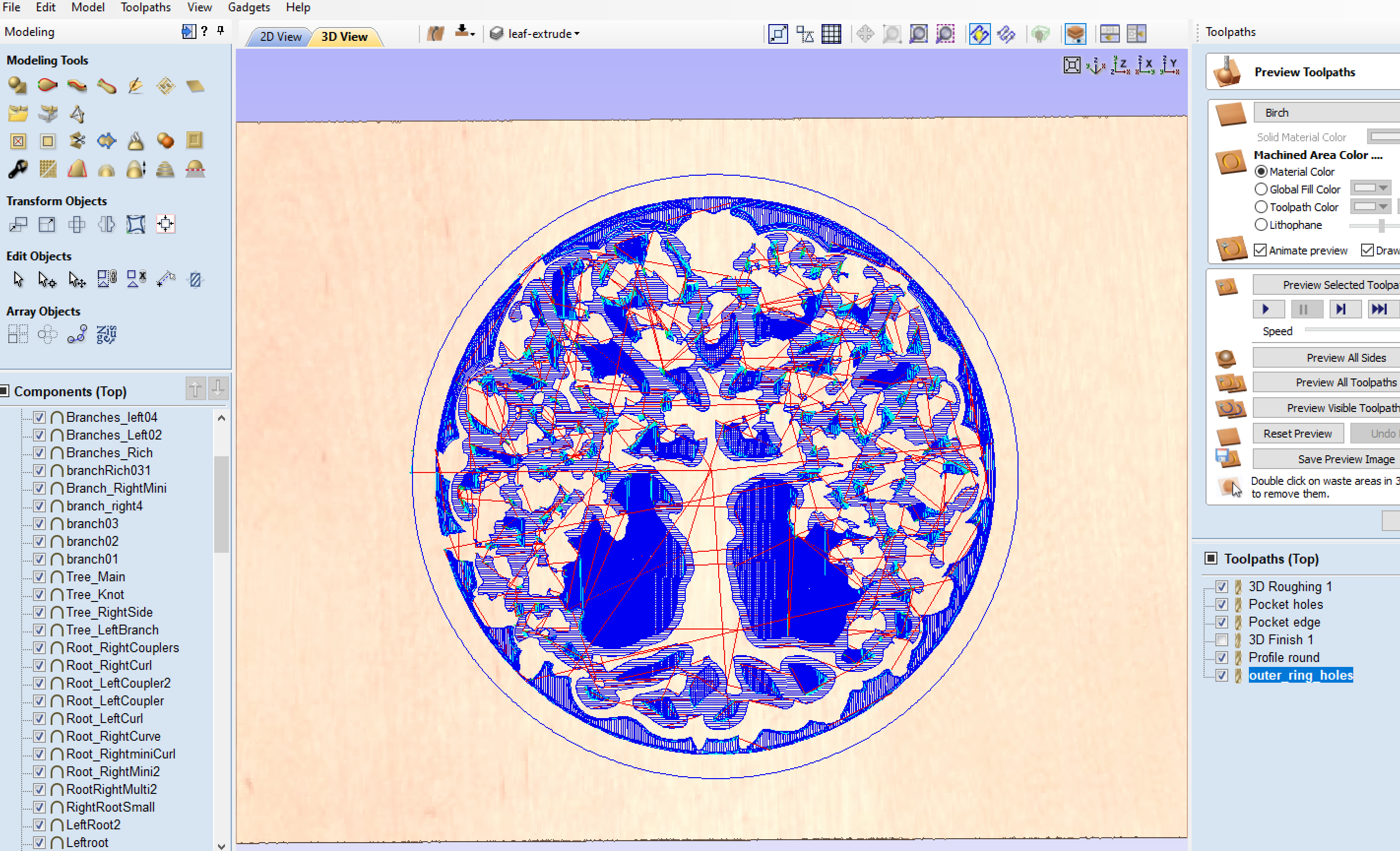
Originally exported all tool paths to two files both using 1/8" Mills so only a single tool change was required. #101 .125 Ball Cutter & #102 .125 Flat Cutter
Next was time to start cutting…

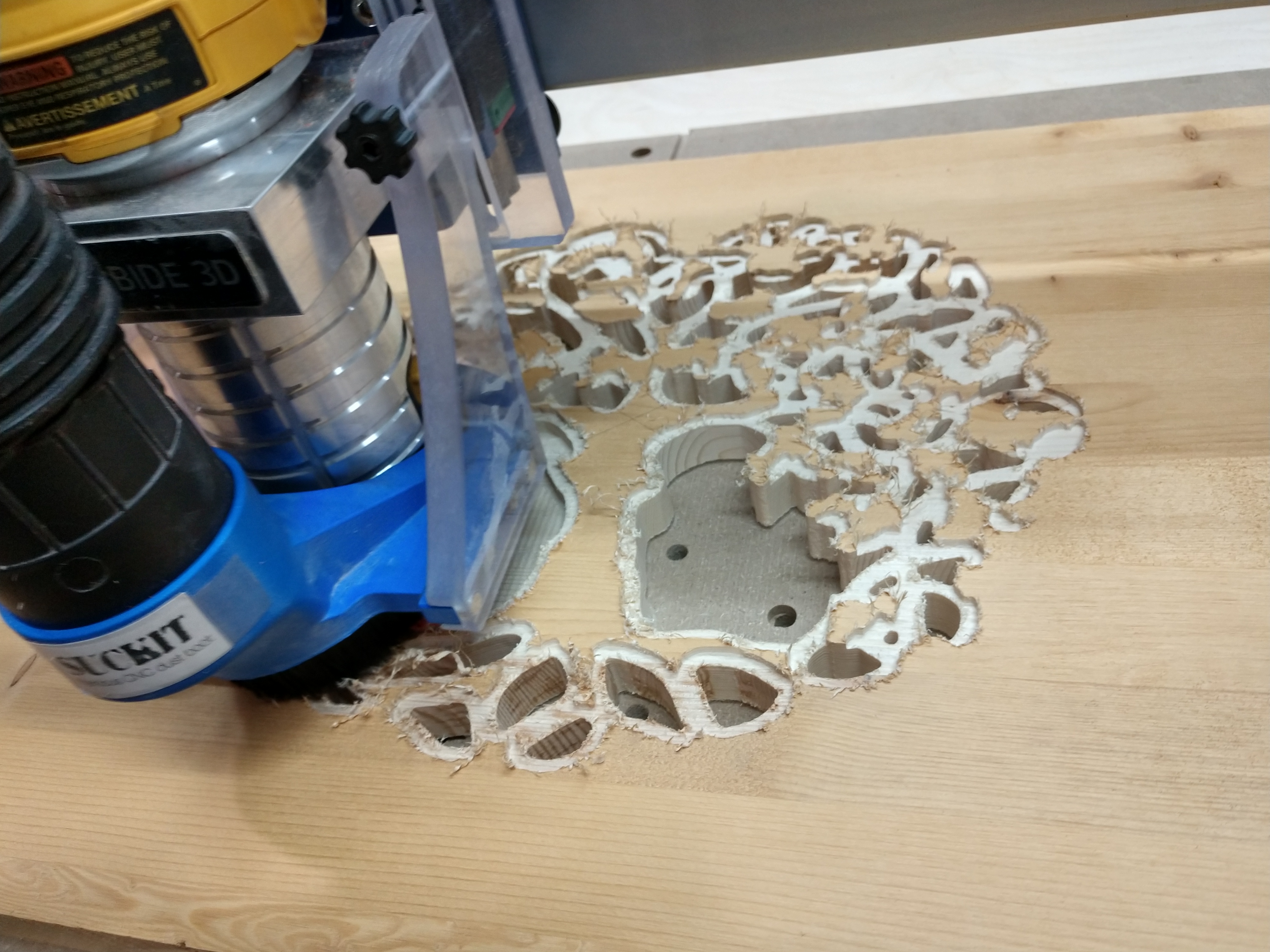
Ended up with this . Seeing it live in front of me and not the screen I could tell I was not happy. I was way to conservative and needed to remove a lot more material around the outer perimeter of the tree as it needed to be more “see through”

Went back and edited some splines to create some new objects, which of course leads to some new tools paths. I ended up with one more file to run but you could do all the roughing in 1 file 
cleaned up edges and added some color. Really just a proof of concept on test Pine 3/4" that is very dry!! Approx 16"x16" square
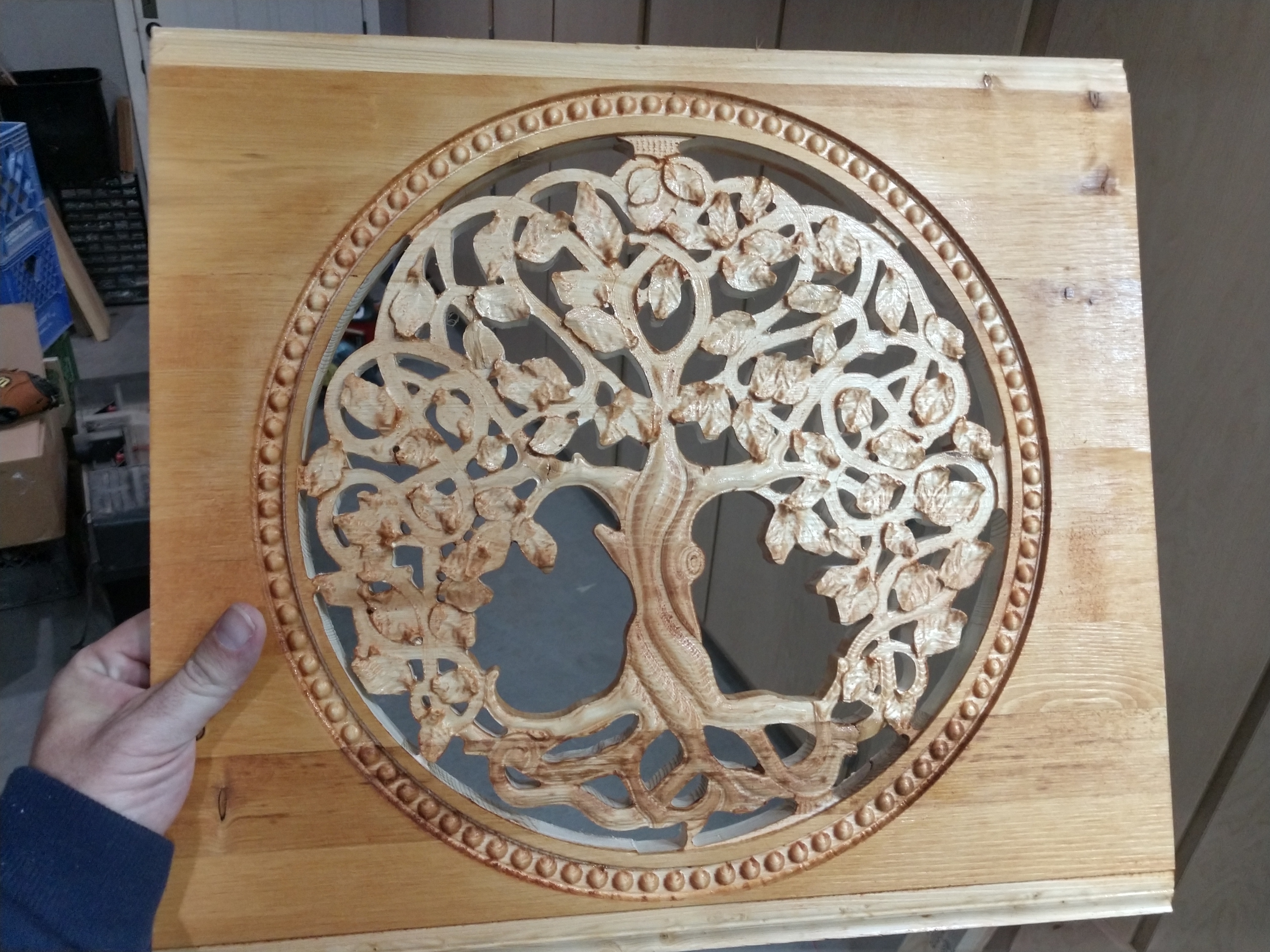
In this final image the smooth branches dont have any depth as I mentioned above. I modeled but did not appear in the end result. I ran out of time to google and needed to start cutting, as I suspect it has to do with limit planes which I am still learning and this is a great opportunity to expand my knowledge in this area. If that does fix the branches 3D contour, I presume I need to go back and adjust all the height of all the leaves individually to accommodate the new depth of the tree model and limit planes. And recalculate tool paths.