The model quality is set rather low:
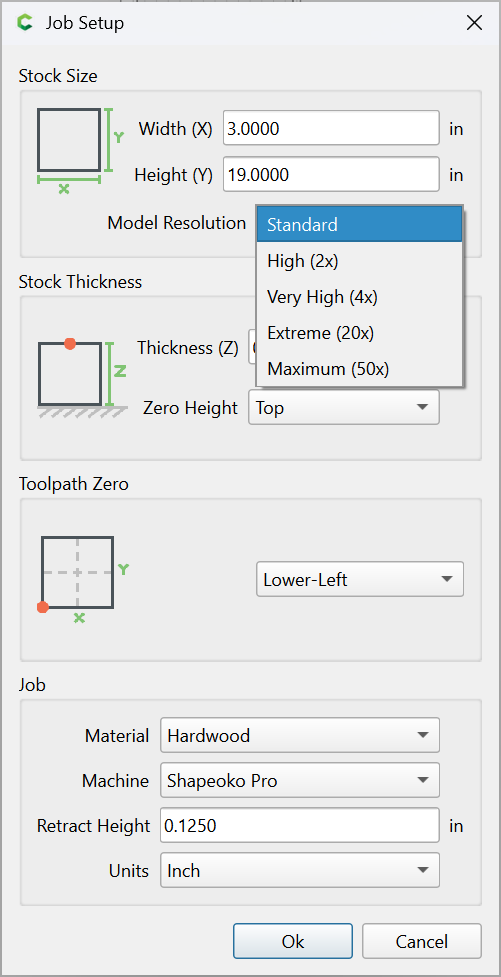
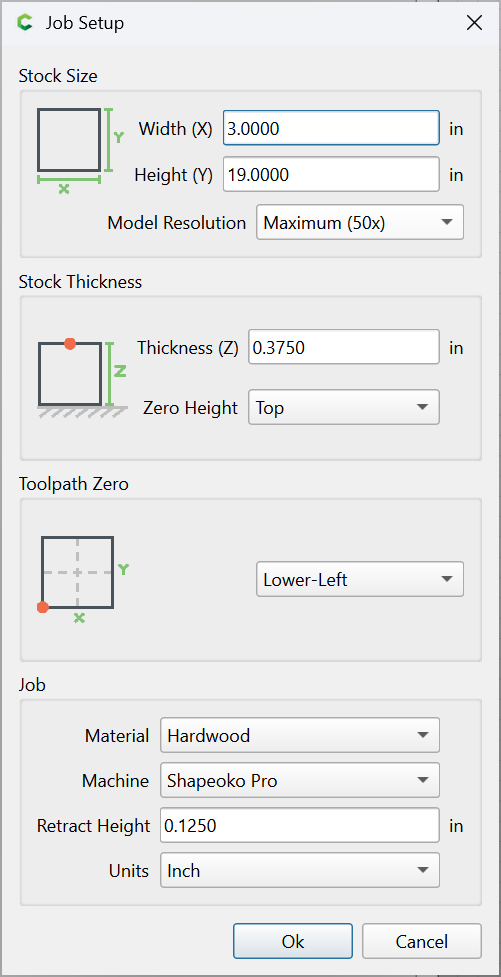
Increasing to Max seems à propos:
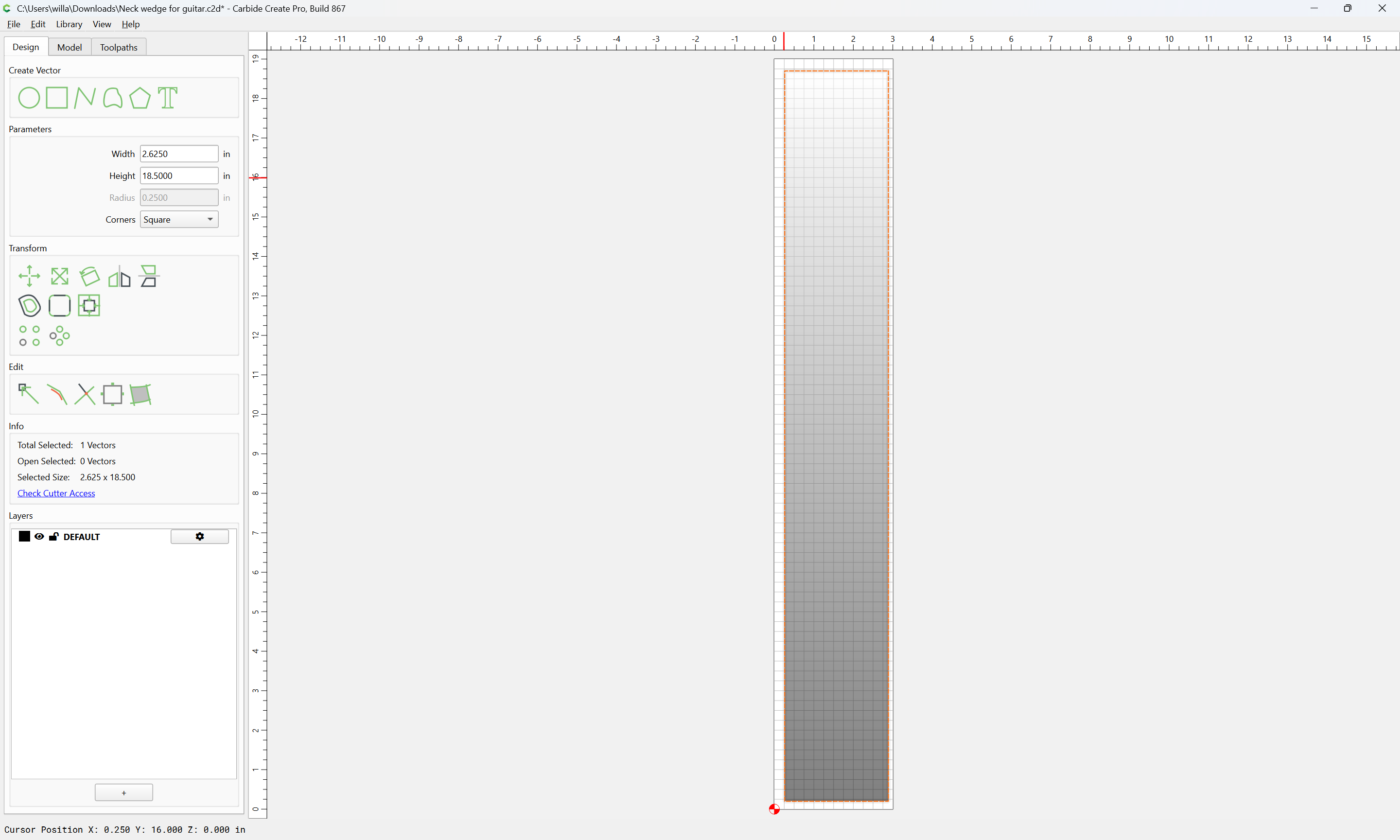
You are only modeling a subset of the stock:
You are trying to model to a thickness of 0.0:
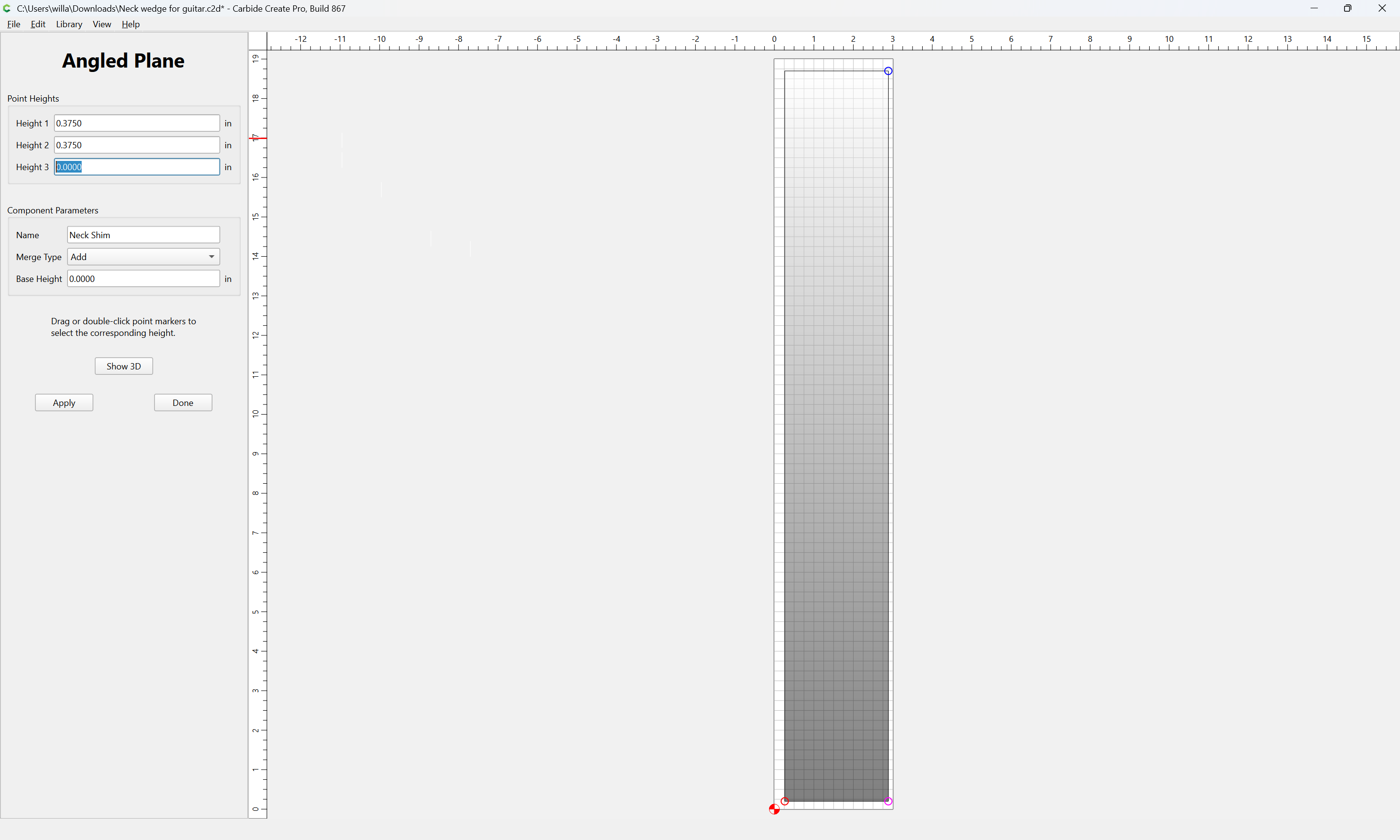
IME, it would be better to model more, then cut away, and since the neck doesn’t actually go down to zero, it would be better to model the actual dimensions. This wedge looks to be for a guitar fretboard, so something like:
Switch to metric:
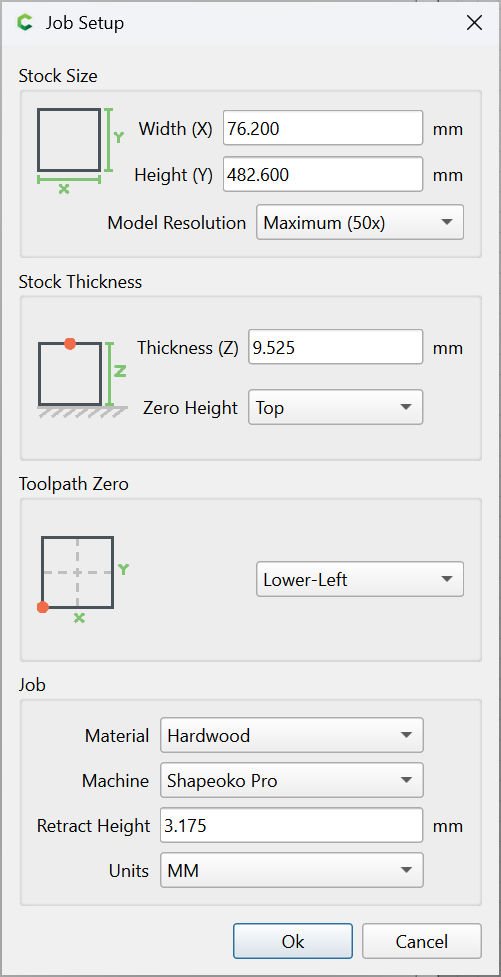
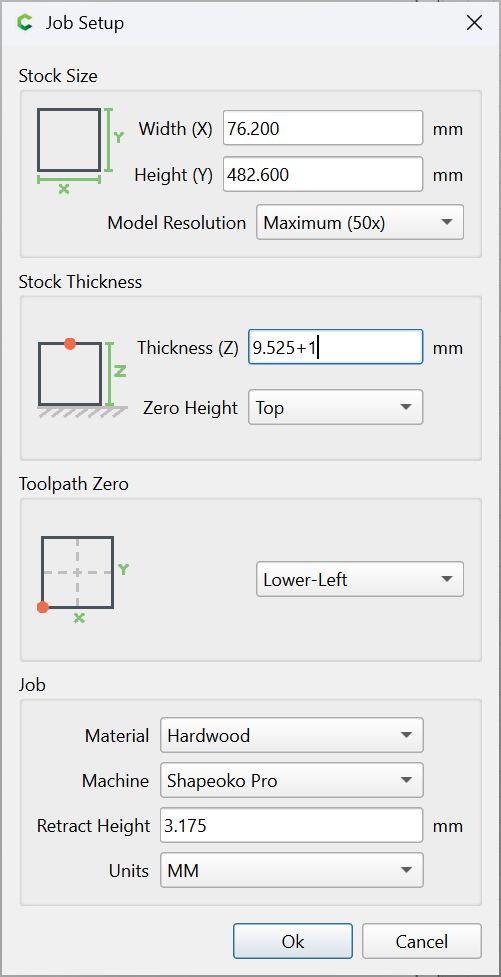
and increase the stock thickness by 1mm:
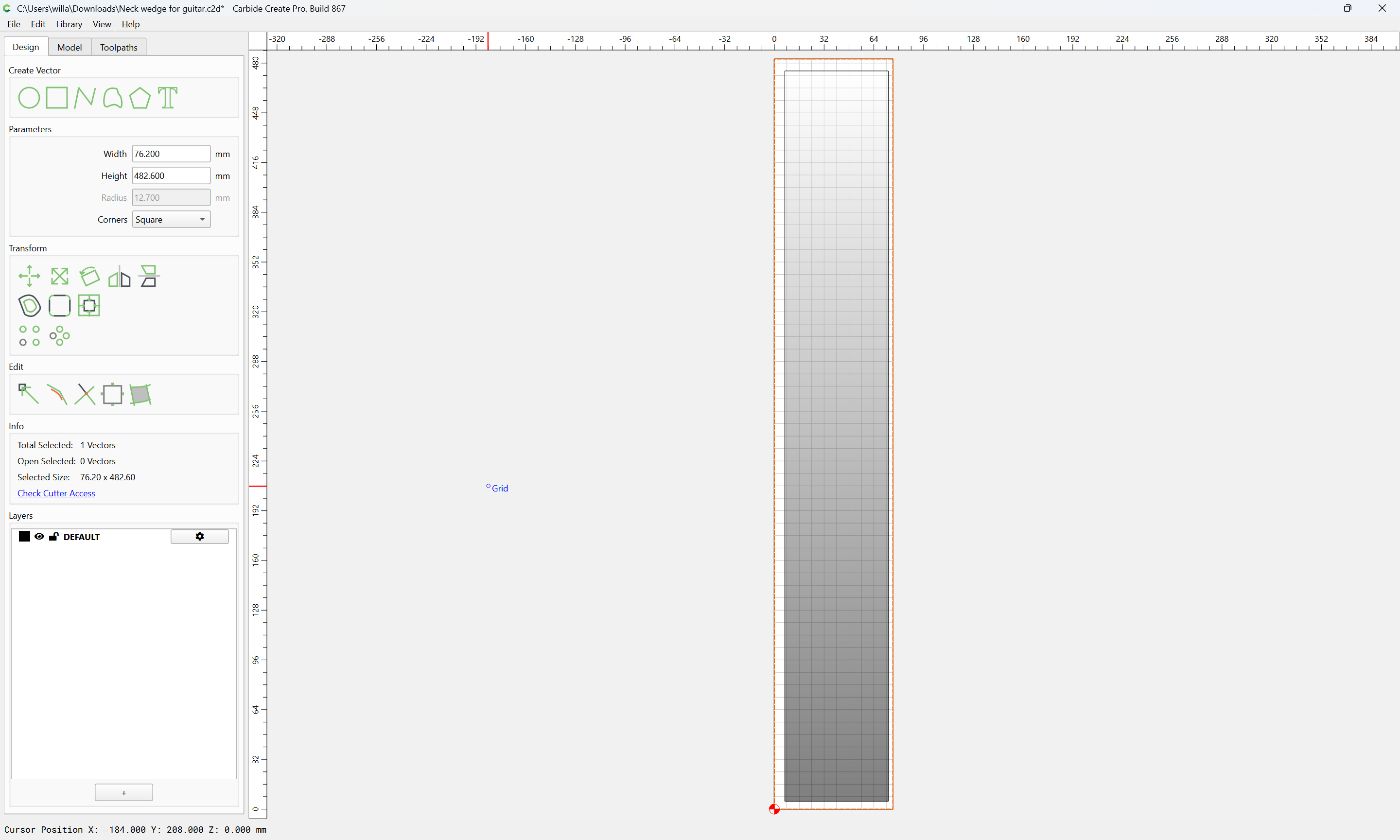
Draw geometry which matches the Stock dimensions:
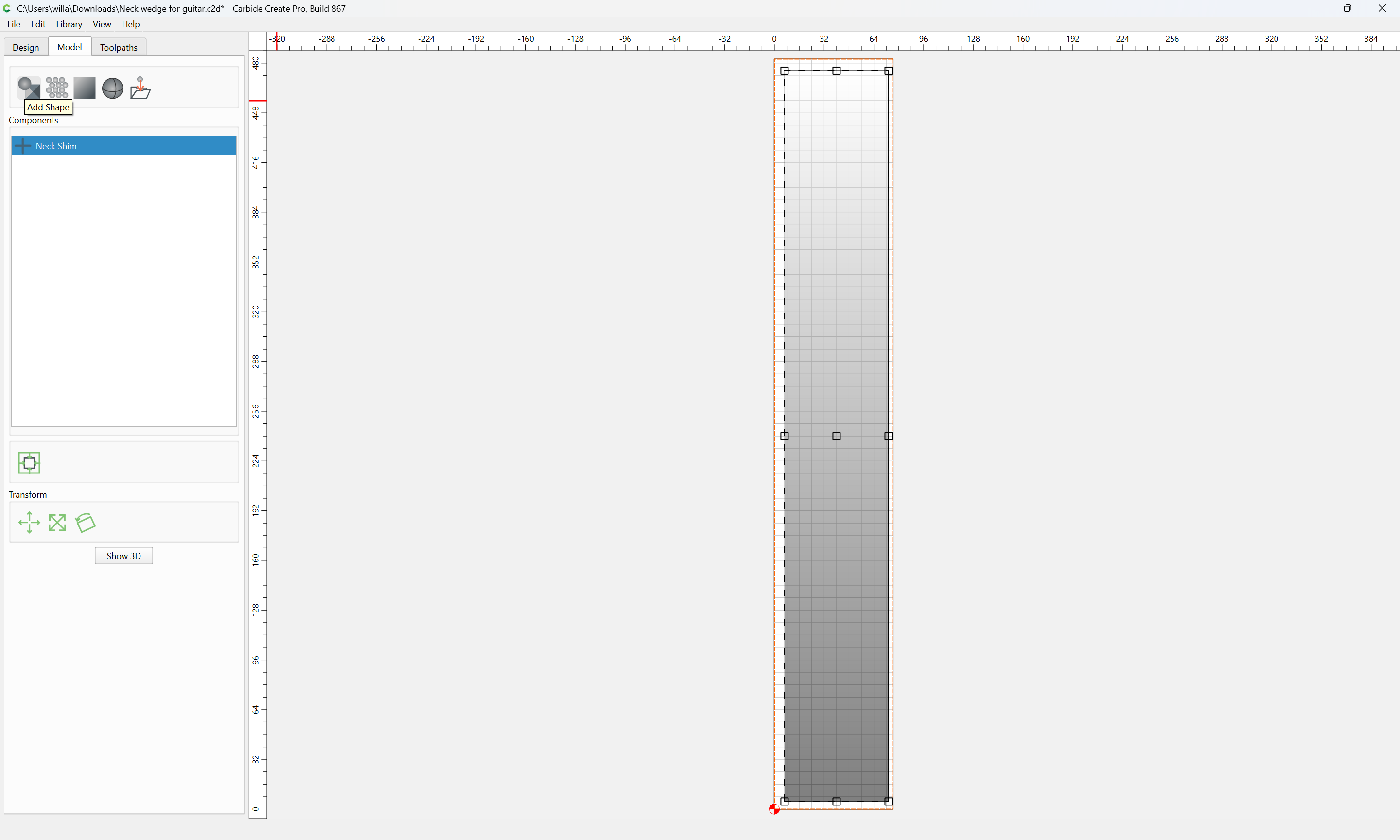
Model that to a thickness of 1mm
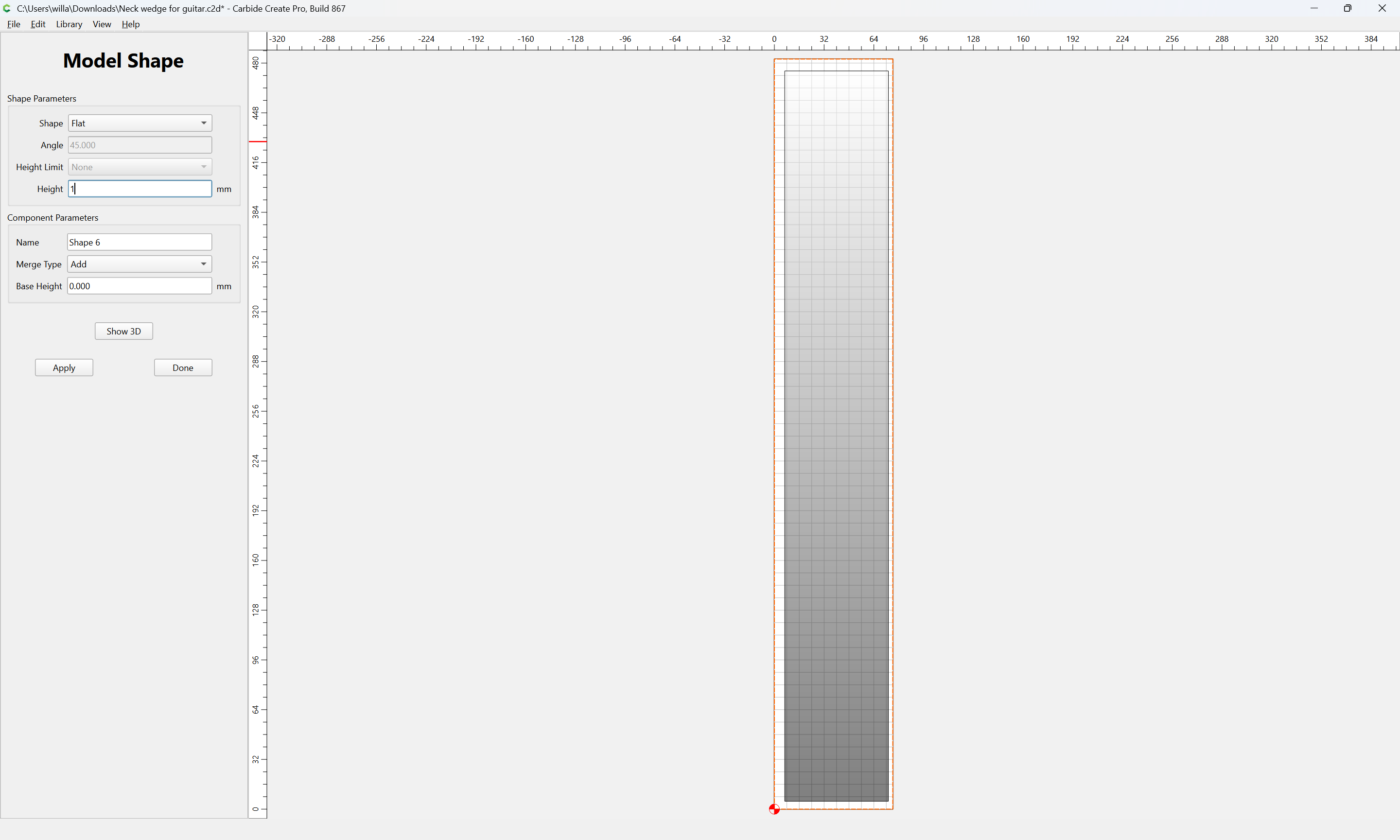
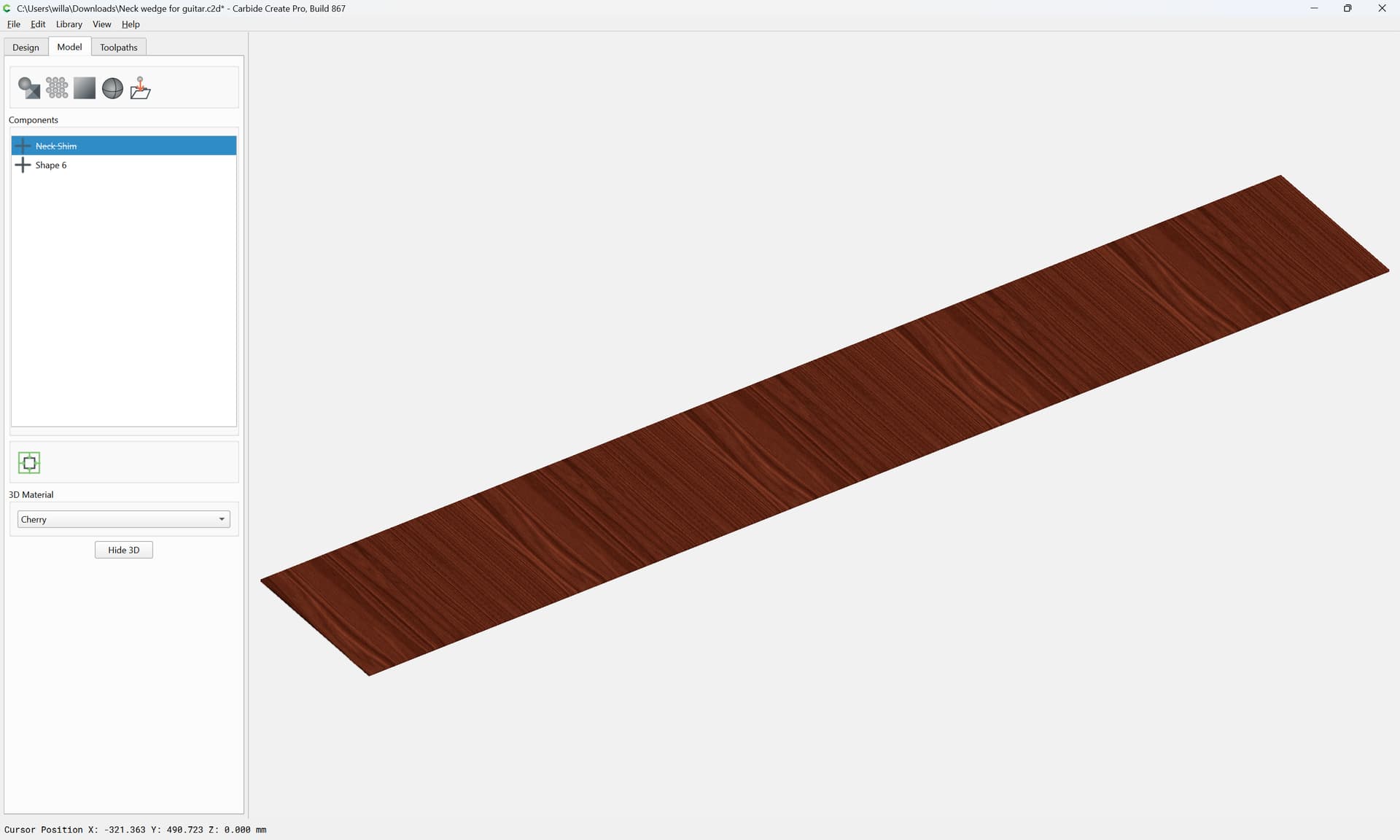
Go back to Design and select the geometry for the angle:
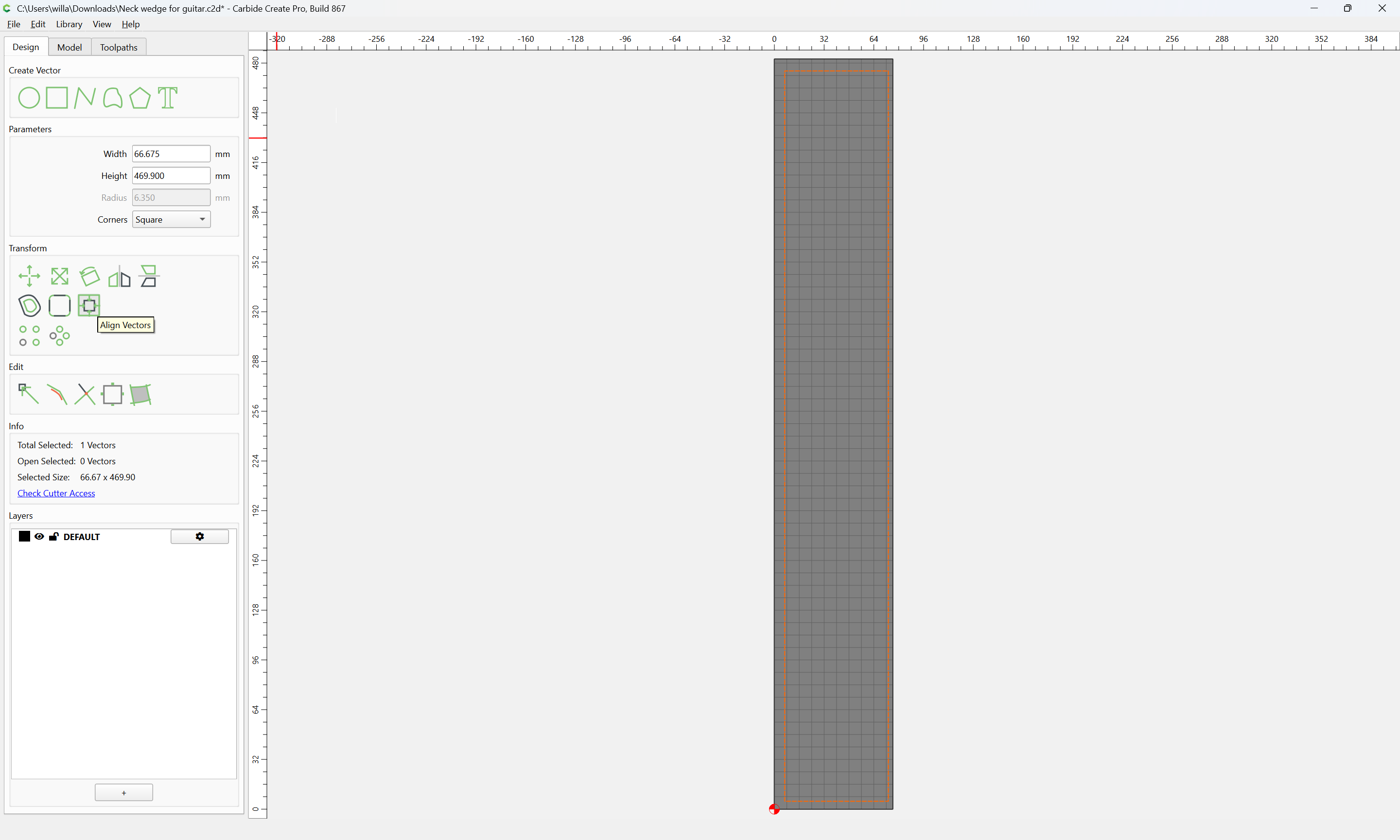
and center it on the Stock:
o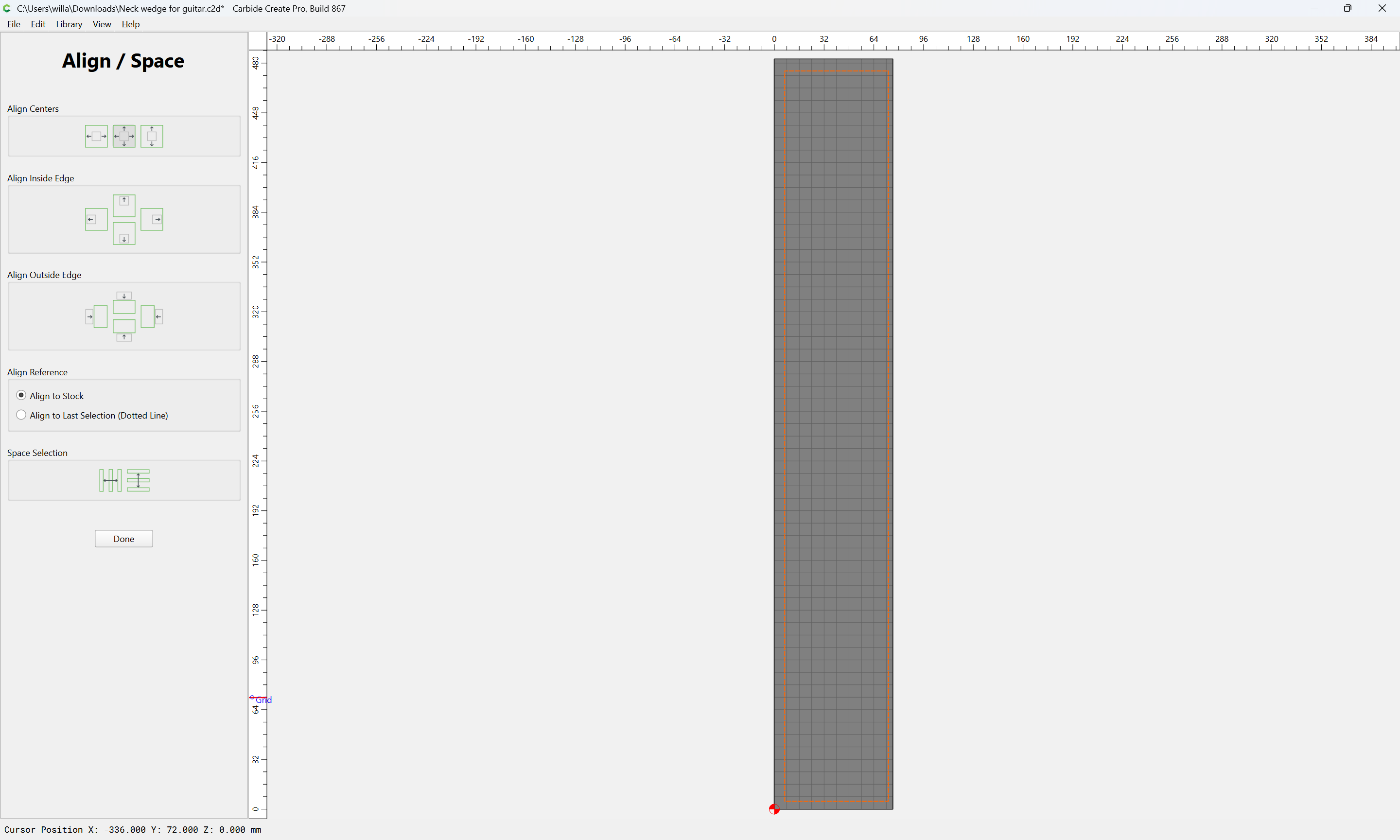

Done
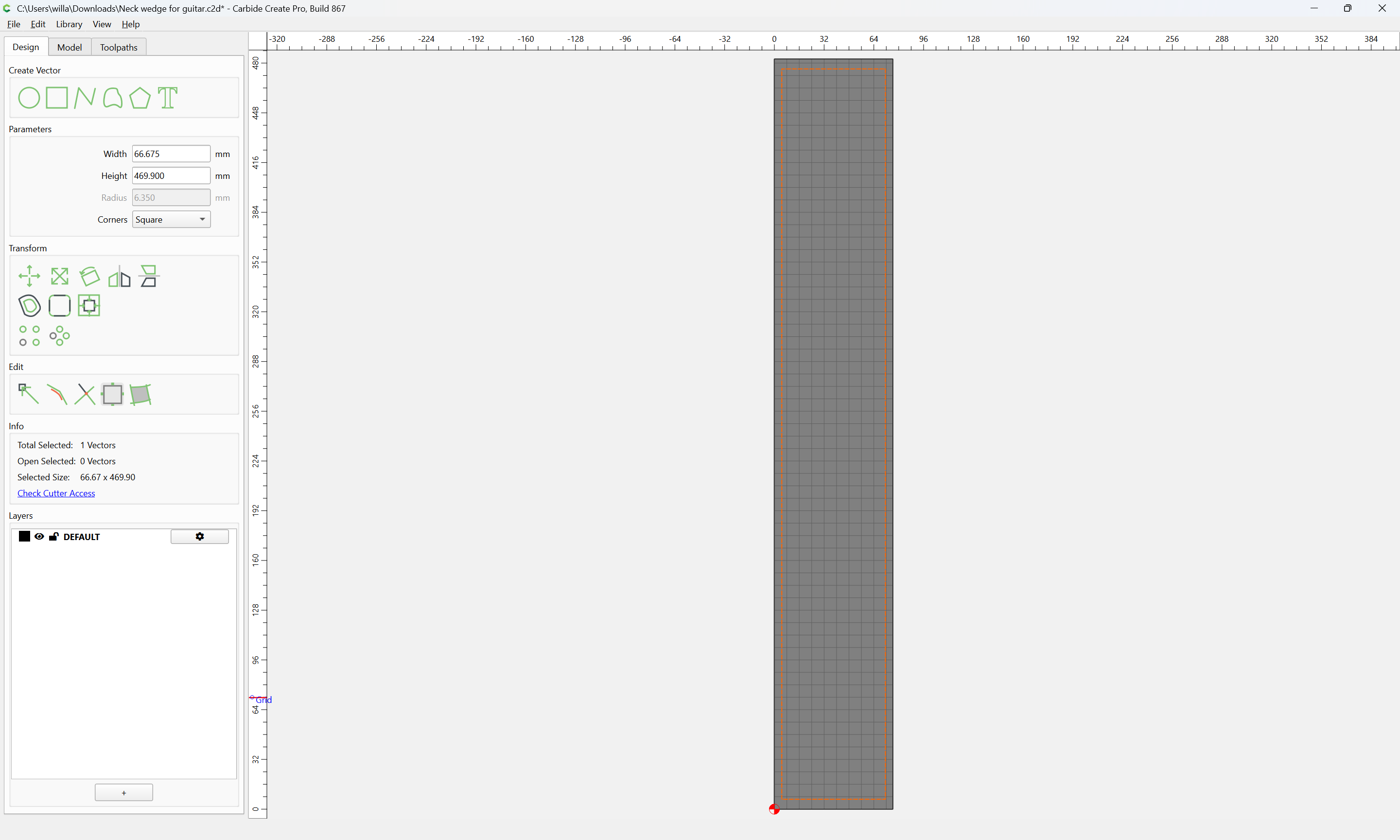
Select the geometry with the Stock Dimensions:

switch back to the 3D Model pane:
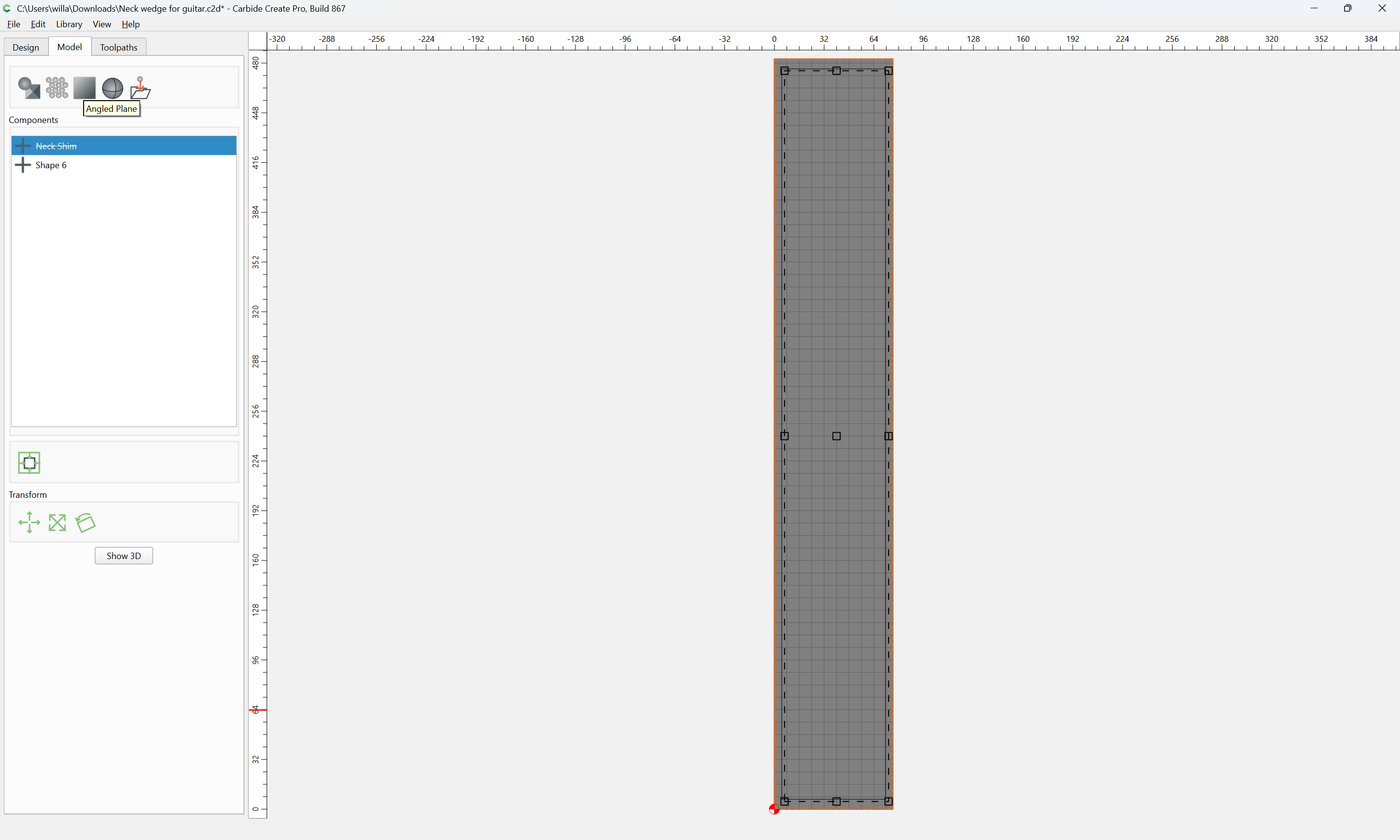
and model it:
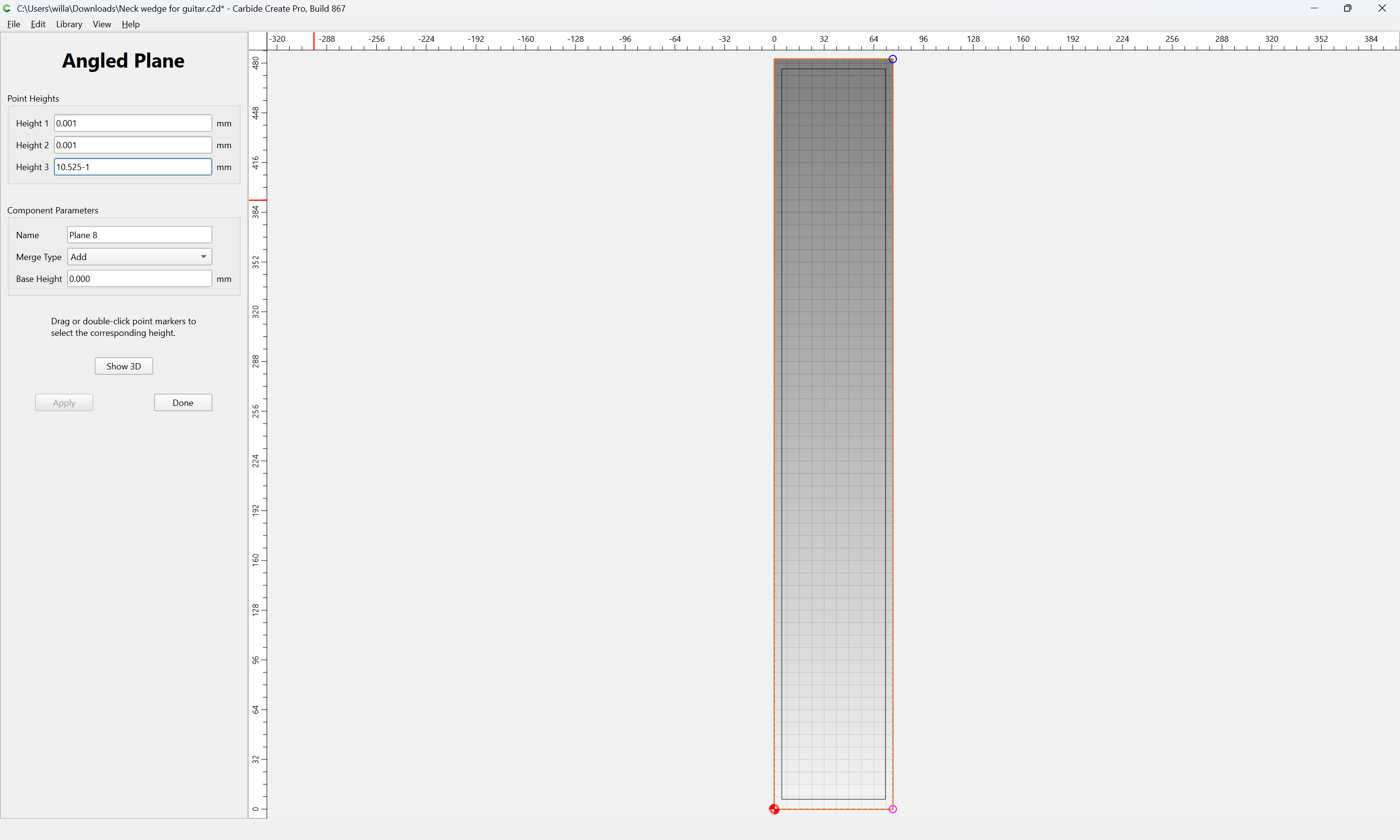
Show 3D:
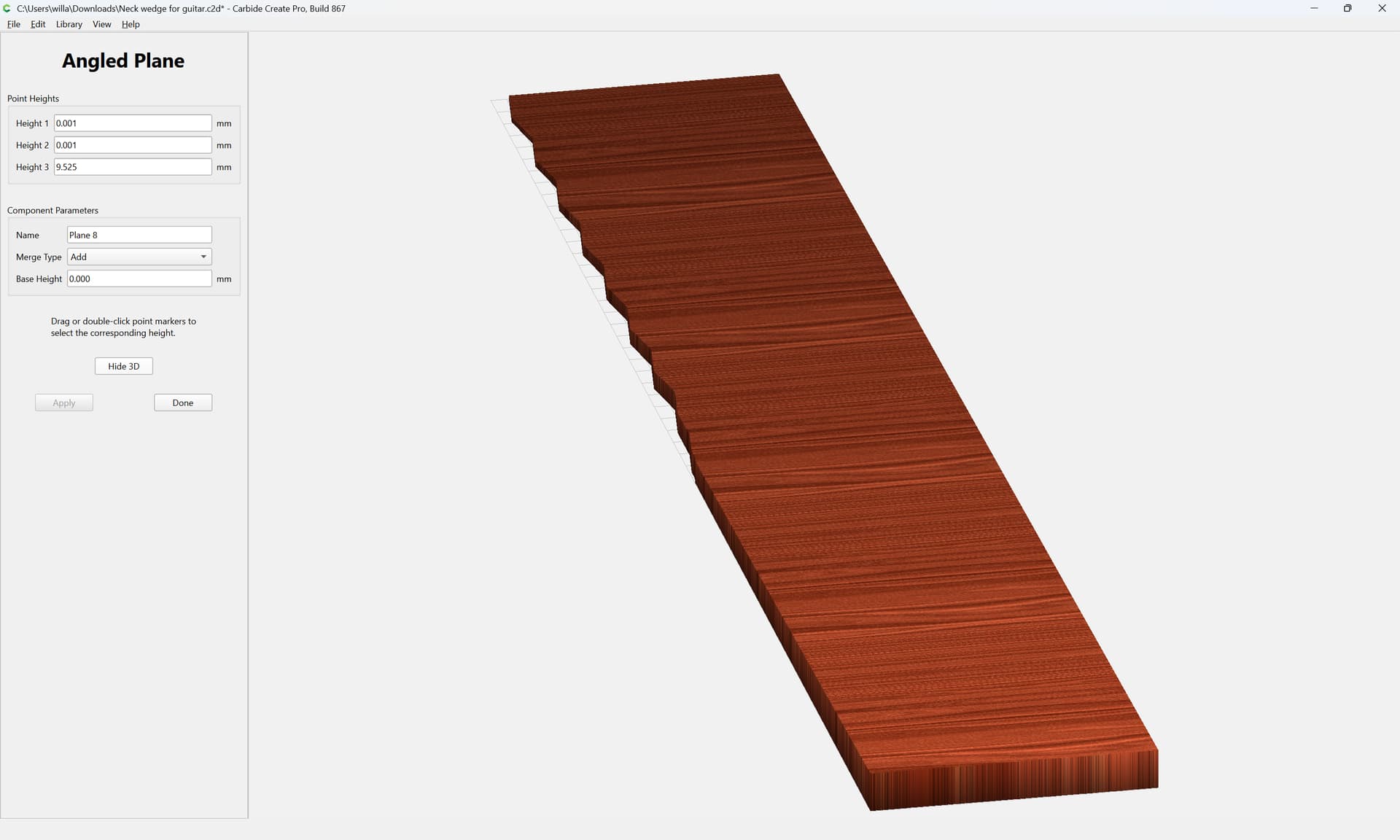
Select all the geometry:
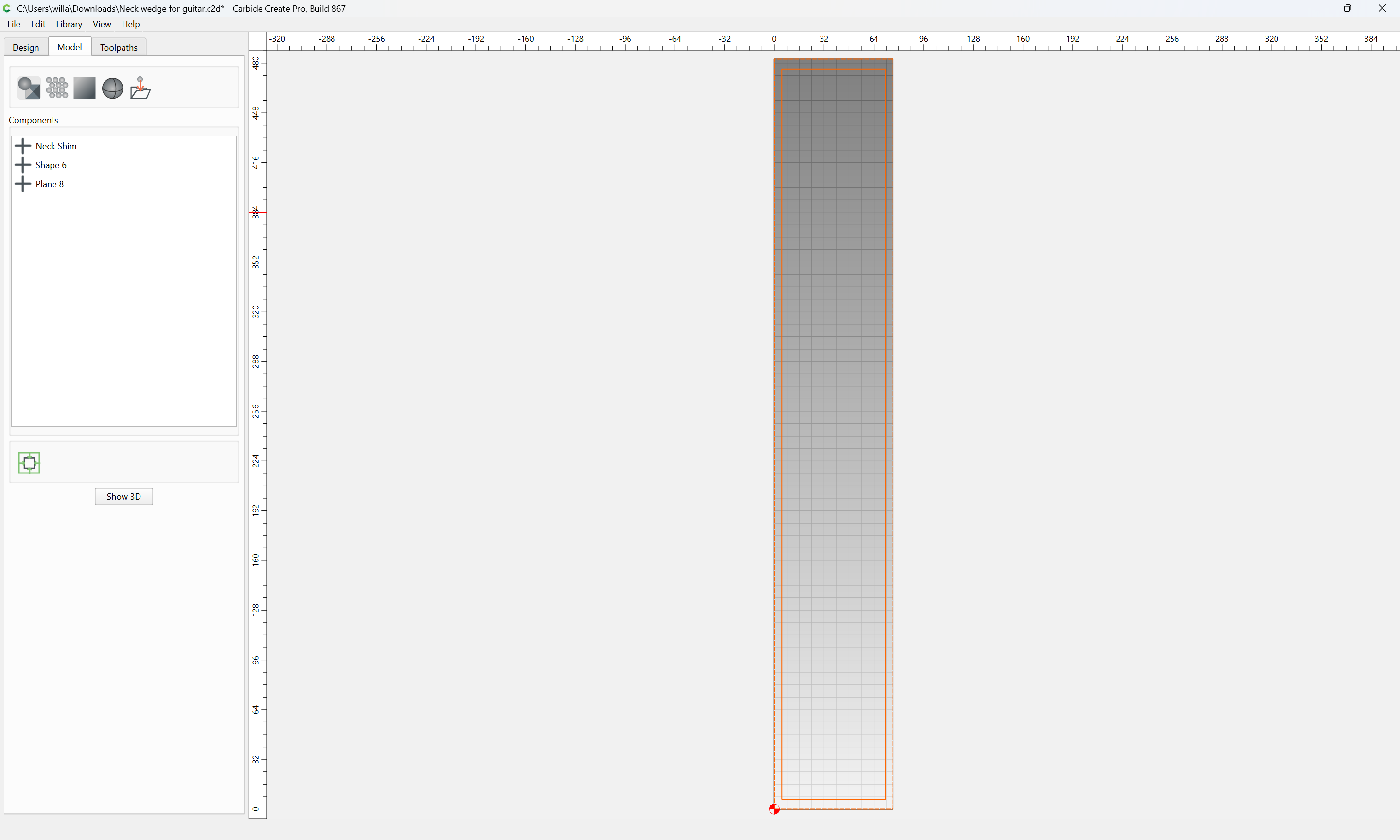
and subtract what is not wanted:
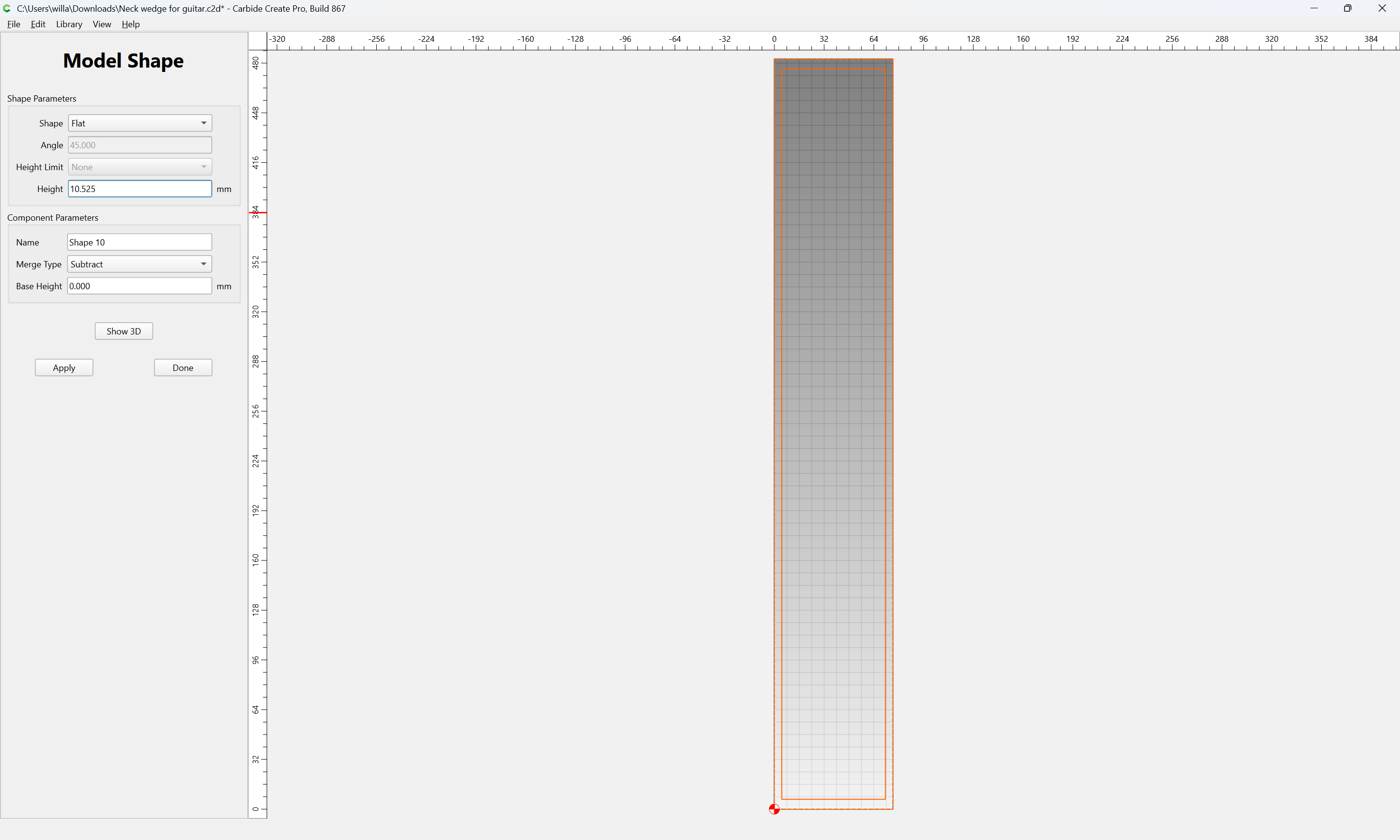
Iterate and adjust these dimensions/adjustments until one arrives at something like:
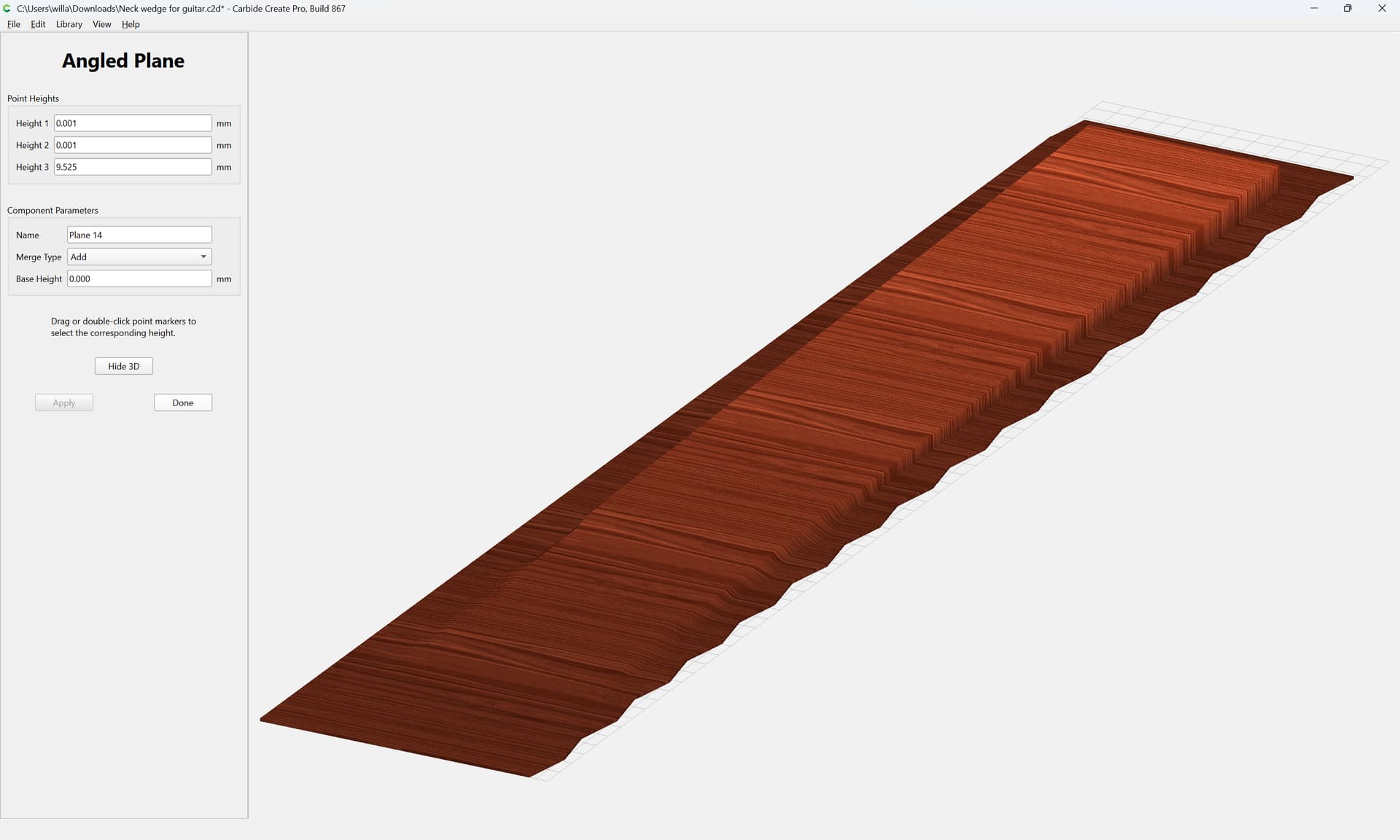
and then use a 2D toolpath to remove the final 1mm of thickness if need be.
(removing the surround as a 3D operation does not work well — not sure if a bug or a limit of the architecture)
I will note that for similar operations in archery, there are specialty tapering sander setups to make limb laminations due to the fragility of the thinned off ends — not sure if this will cut well, and it might be better to use the 3D model to make a tapering fixture, then actually cut the taper using a 2D flat toolpath (facing or a Raster Pocket).
Adding 3D toolpaths and a 2D Cutout one gets:
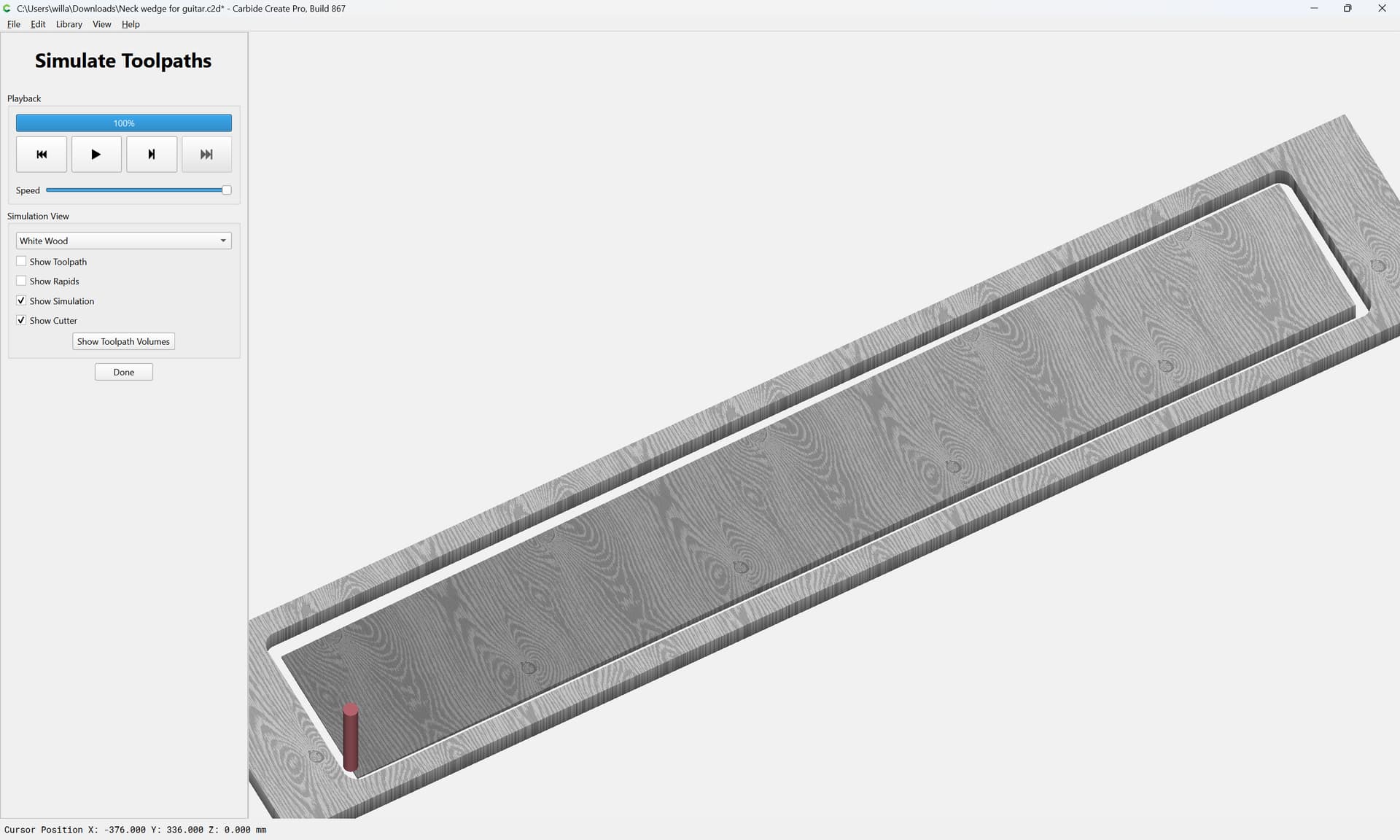
Attached as a v8 file.
Neck wedge for guitar_v8.c2d (120 KB)