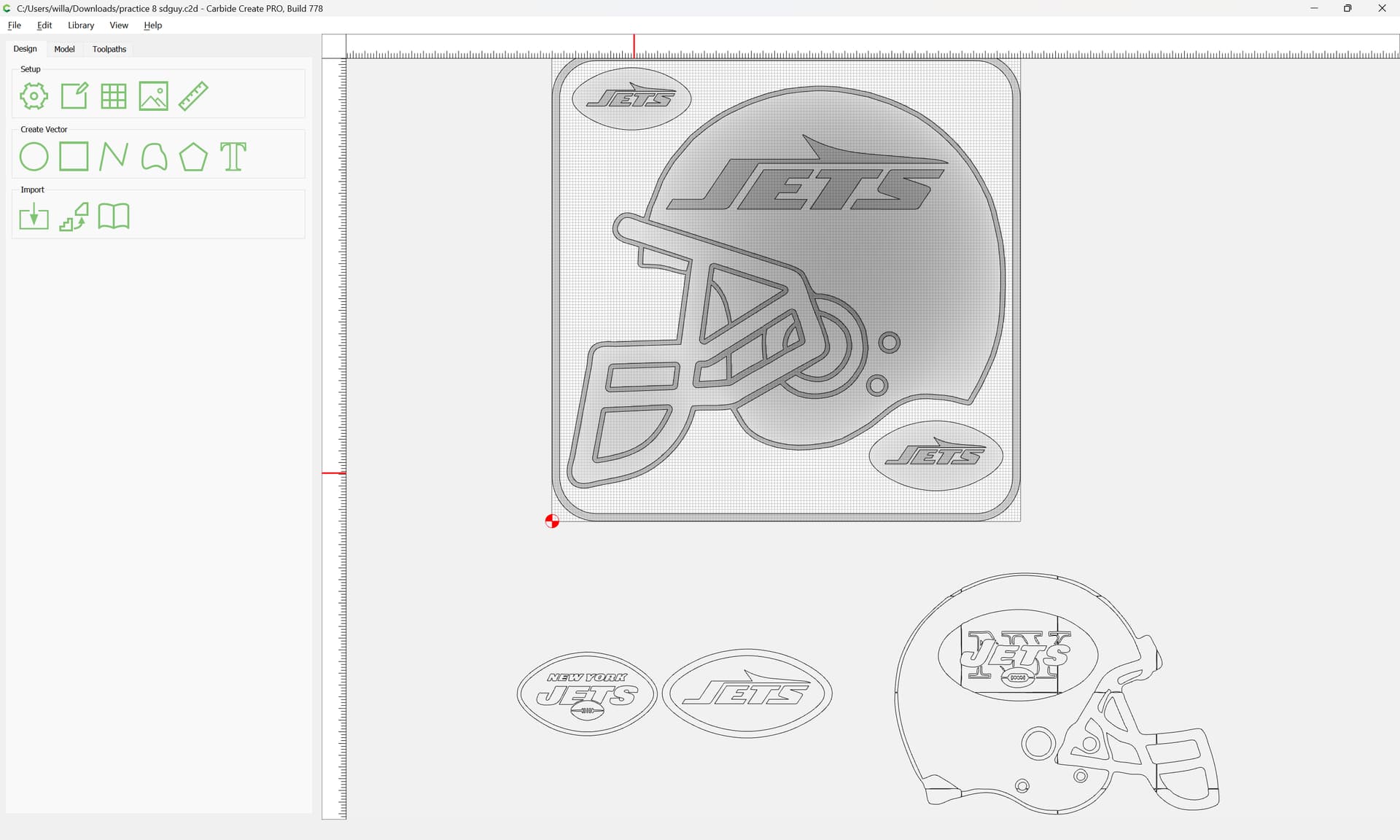
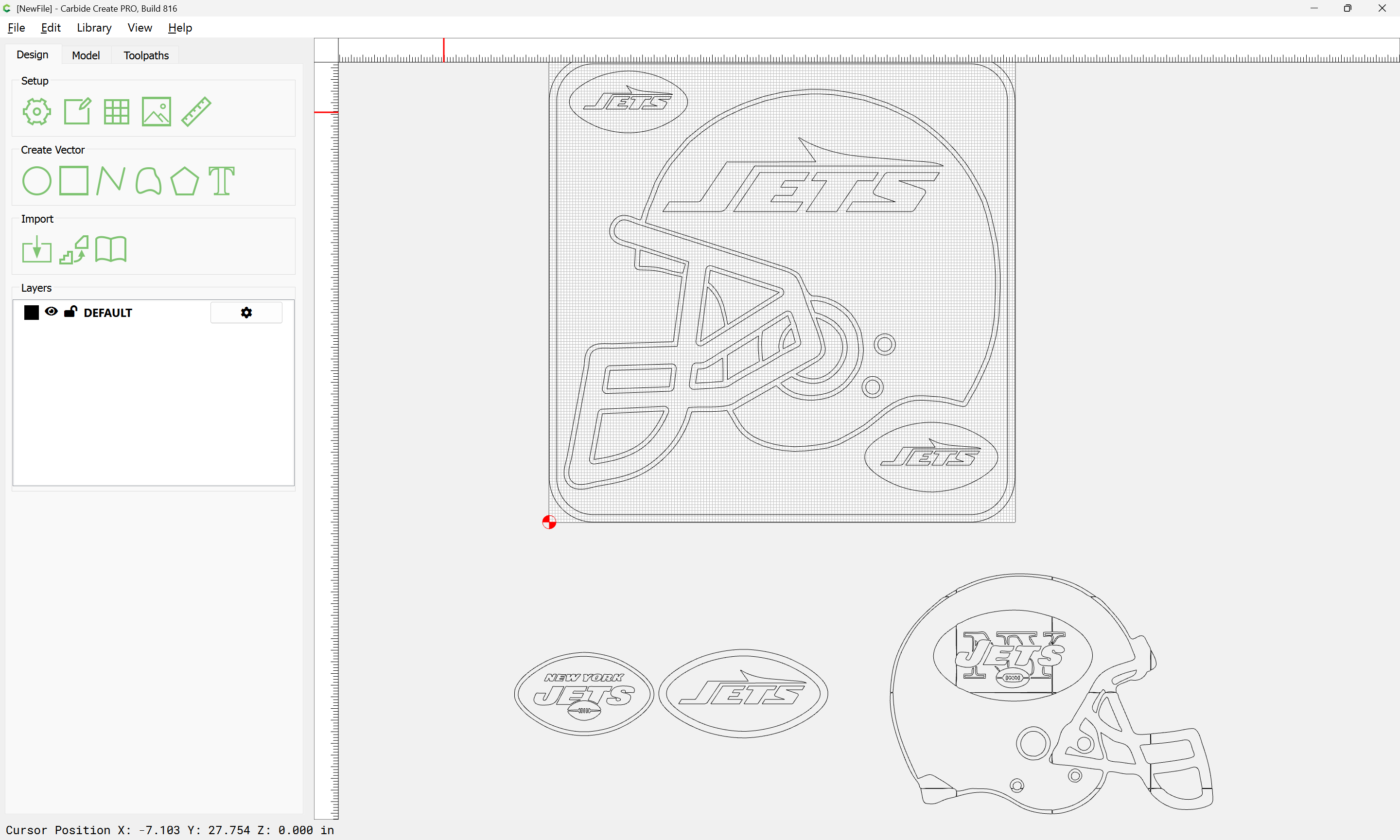
Hello all! I’m doing my first large 3D carve and I am so frustrated!! I have Carbide Create Pro. I’ll upload the file because I’m sure my description will make it more confusing. A guy I work with is a huge football fan, so I designed something for his basement bar. In the top corner and bottom corner there are two footballs that I would like to be round and have a logo protruding from the top. I managed to figure that part out. The big model is what I am having trouble with. In the middle of the design there is a large football helmet that I would like to be round and also have a logo protruding from that. This is where I’m having a problem. I’ve managed to make the lines round but for some reason the center of the helmet keeps getting cut out. I’ll upload the file so you can see what I mean. Any help would be greatly appreciated!!
Try to combine the outline of the helmet with the two footballs as a separate contour using the trim and join options in line editing by selecting both footballs and helmet. Then use that joined outline to do the 3d carve for the helmet and in theory it should be fine assuming no contour cuts after. And worst case add a little z height and see how it looks. Another thing is if you slice some models in half using meshmixer you can get more definition out of less space.
You are using “Limit Height” & it will chop off the component at that height.
Scale height will develop the component based on the angle specified & scale it down to that height.
To see what it develops without a height limit, set the Height Limit to “None”.
Thank you for your reply. I tried it but I am having trouble getting the logos to protrude. I hate to be a bother but would you mind taking a look? As you can tell I am still learning. I appreciate your help! practice 8.c2d (1.6 MB)
[Edit] OK, I see on the toolpaths you have all the boundaries selected & it’s only machining around the helmet. Select just the outer vector as a boundary and it should machine the whole thing. Or deselect the outer boundary & it will machine just the 3D elements.