WillAdams
September 21, 2026, 11:28pm
6
Ideally, you would get a vector original of the file.
Another consideration is that that image is made more complex by the 3D effect — if you’re not planning on re-creating or incorporating that into the 3D version, then it will add unwanted complexity.
The site does have a b/w version:
and since it’s mostly text and straight lines, it should be pretty straight-forward to identify the fonts and re-create.
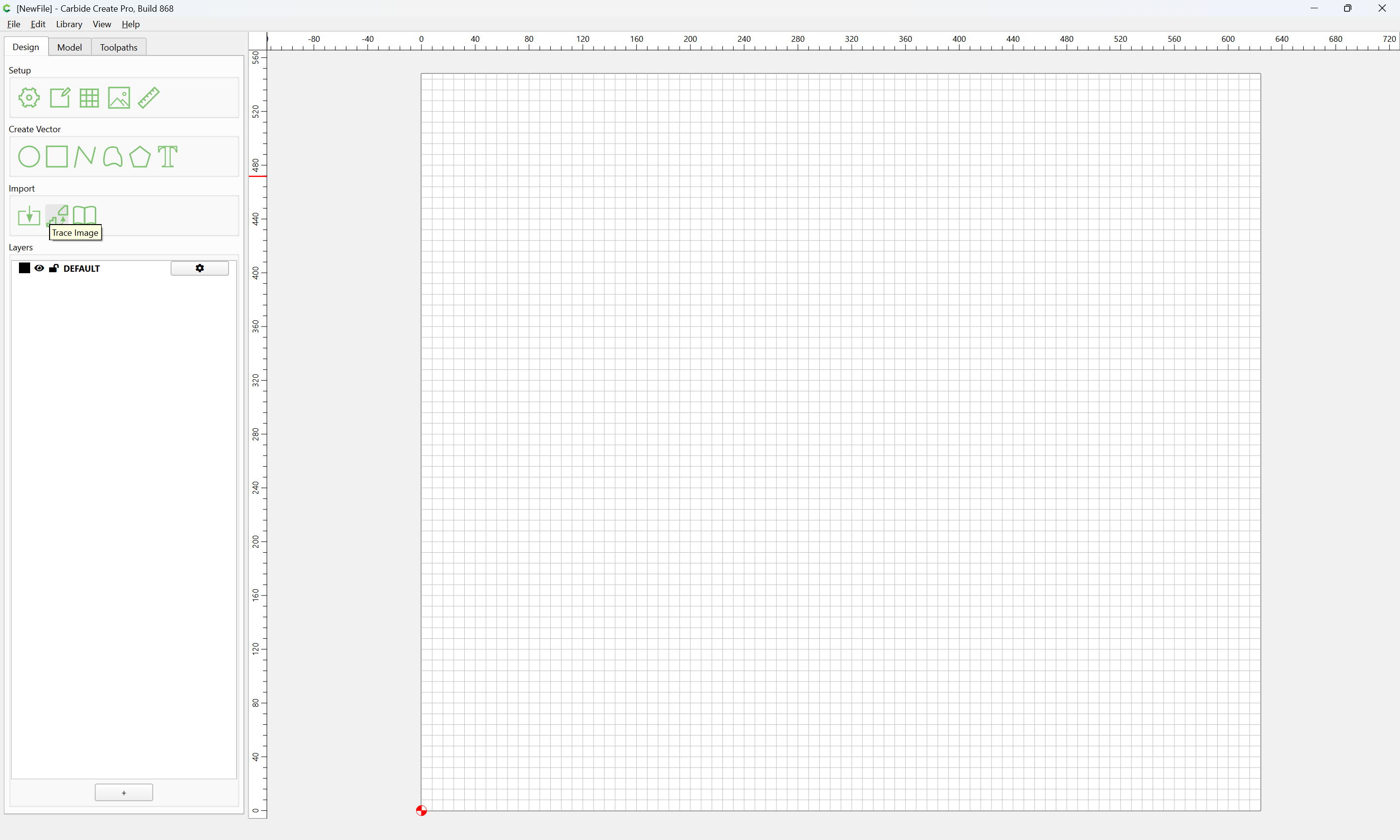
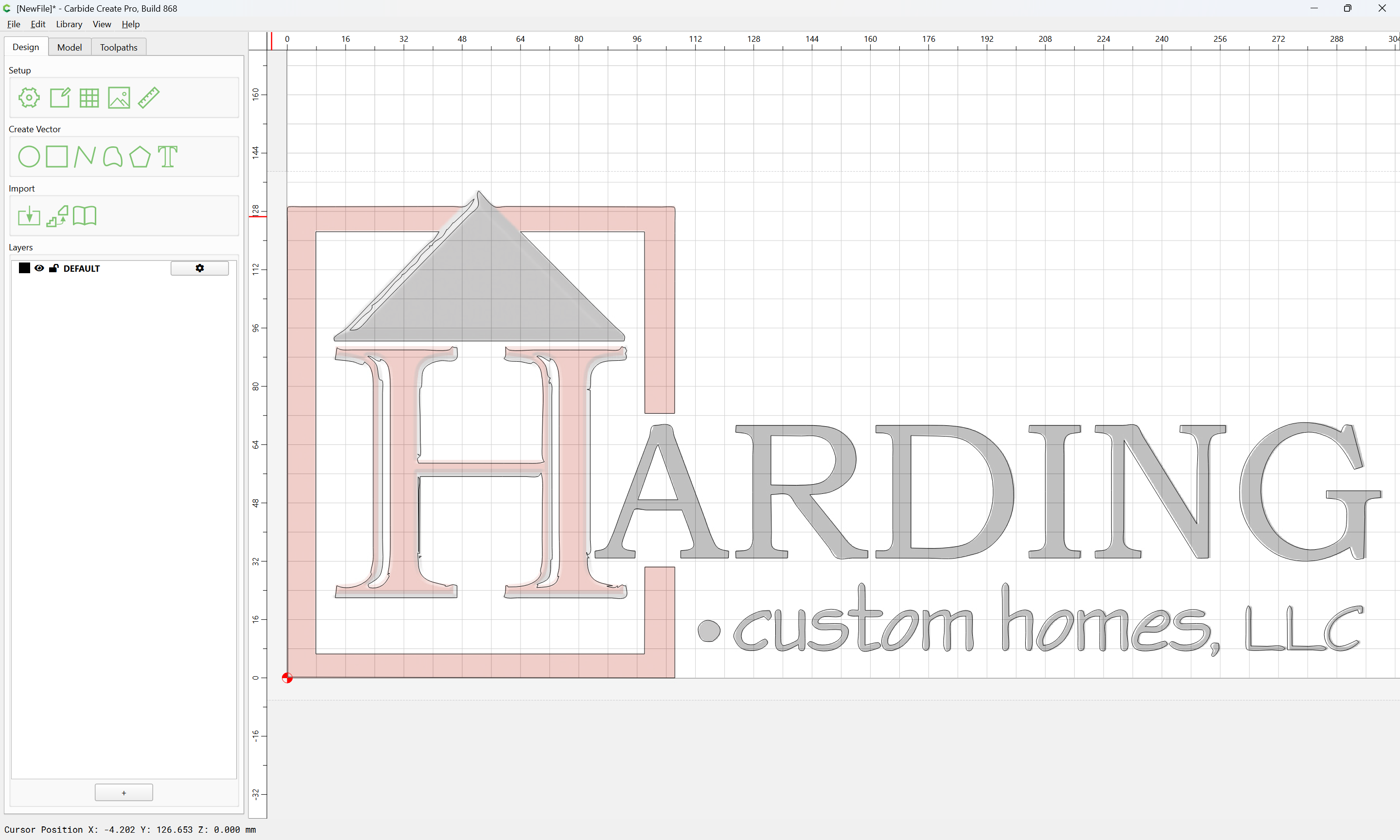
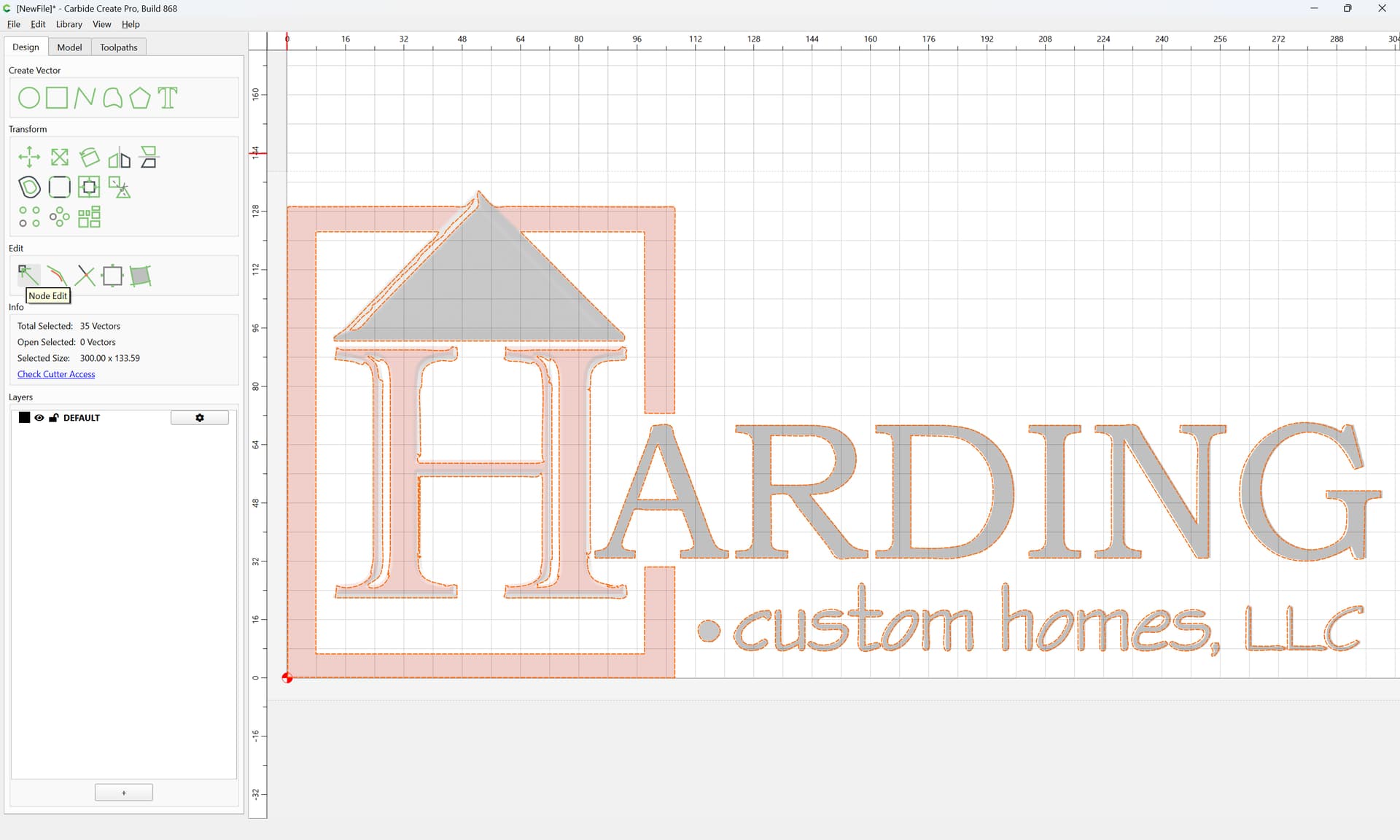
Working with the file you have, you would want to trace it — Carbide Create has a feature for that:
We just posted CC 520 to: https://carbide3d.com/carbidecreate/download/
520 includes a big new feature for us, Image Tracing.
[image]
You should be able to load a JPG or PNG and get a reasonable set of curves from it very quickly.
A few caveats:
Right now, it’s mono only so color images will be converted to black and white using the thresholds in the window.
We’re not optimizing for very small images so some will work well, others won’t. We’d recommend images larger than 500px on a side …
and the provided file is decently high-resolution, so should trace well:
Trace Image (and select the file in question)
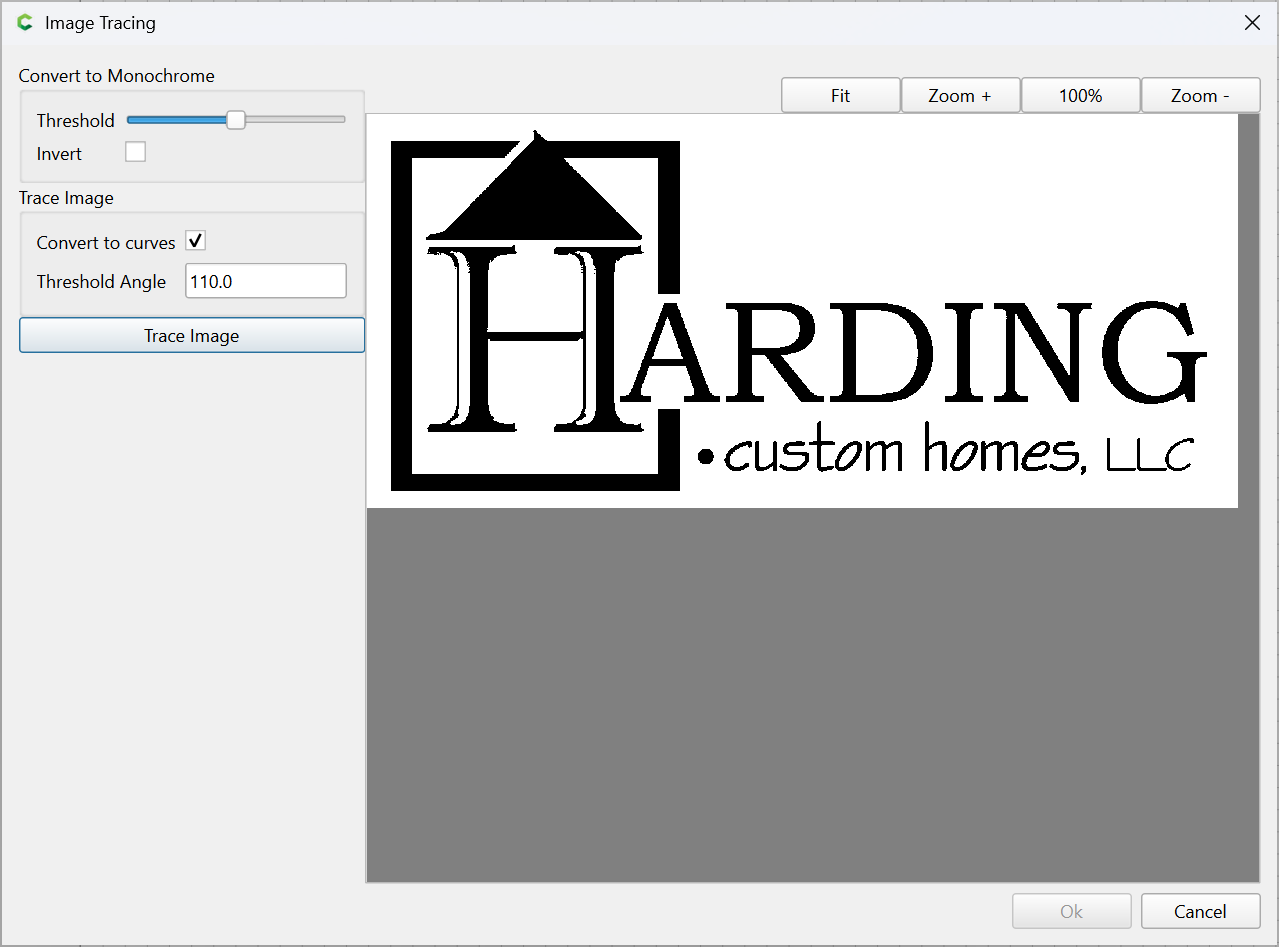
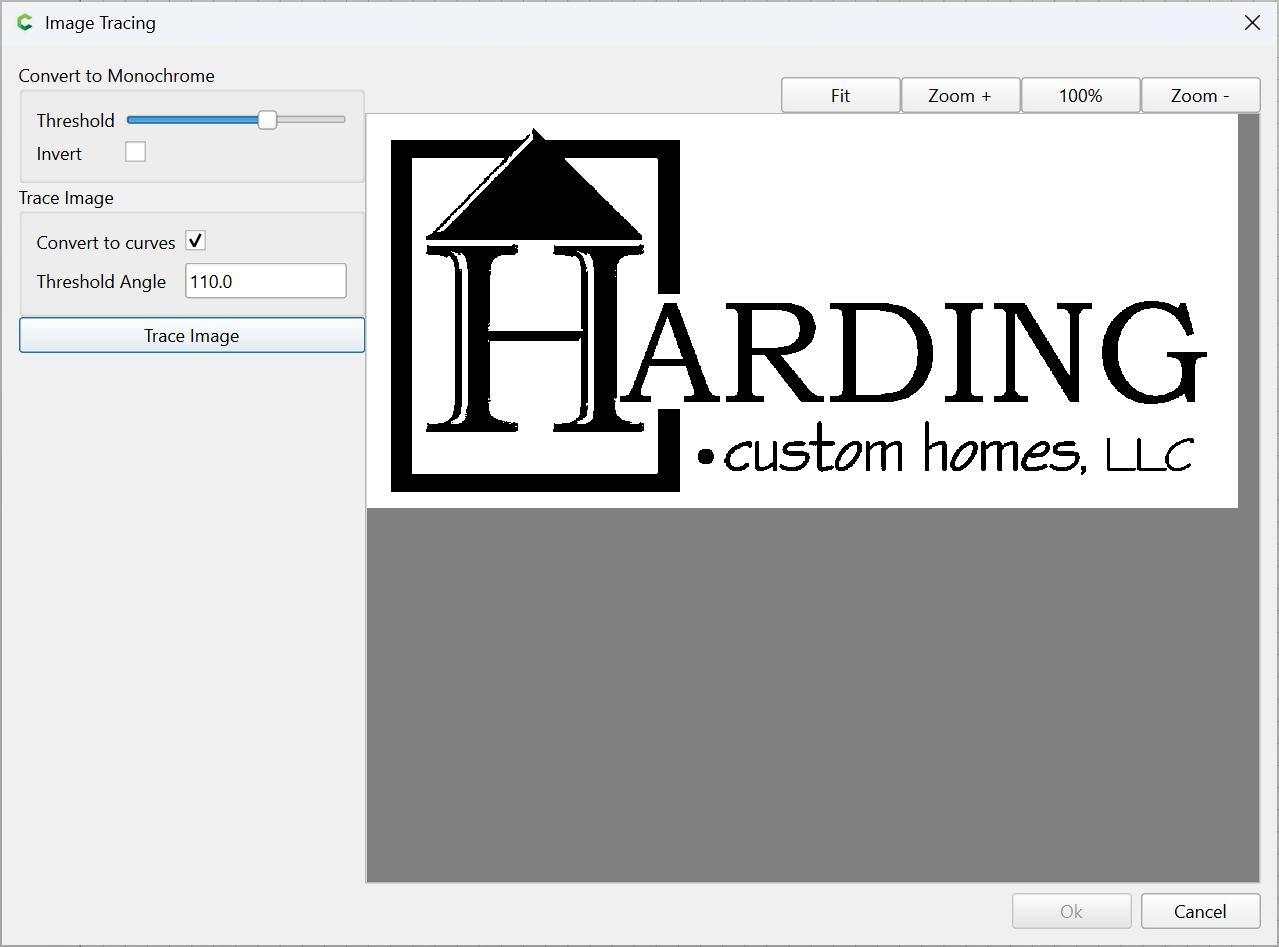
Adjust the threshold as desired:
click “Trace Image”
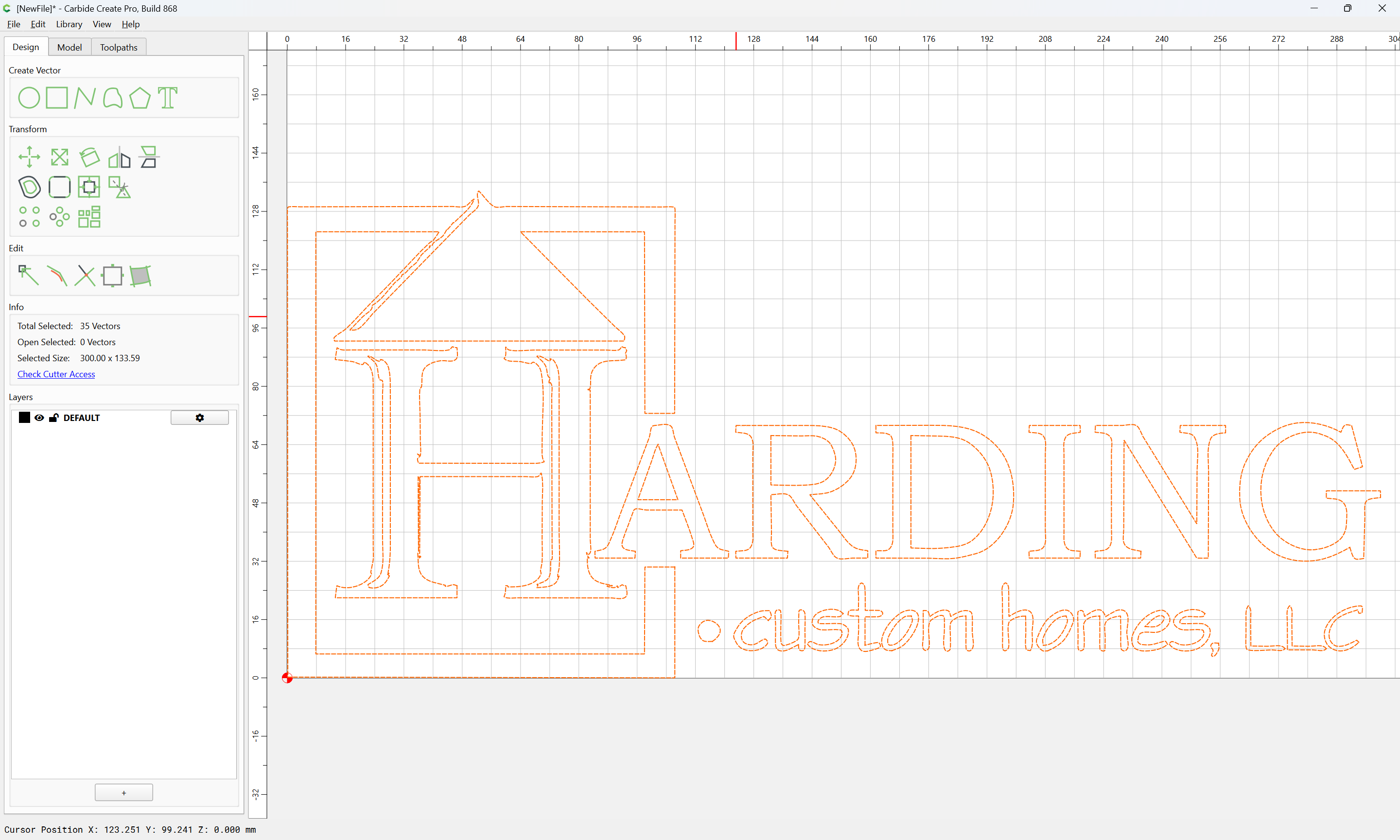
Ok
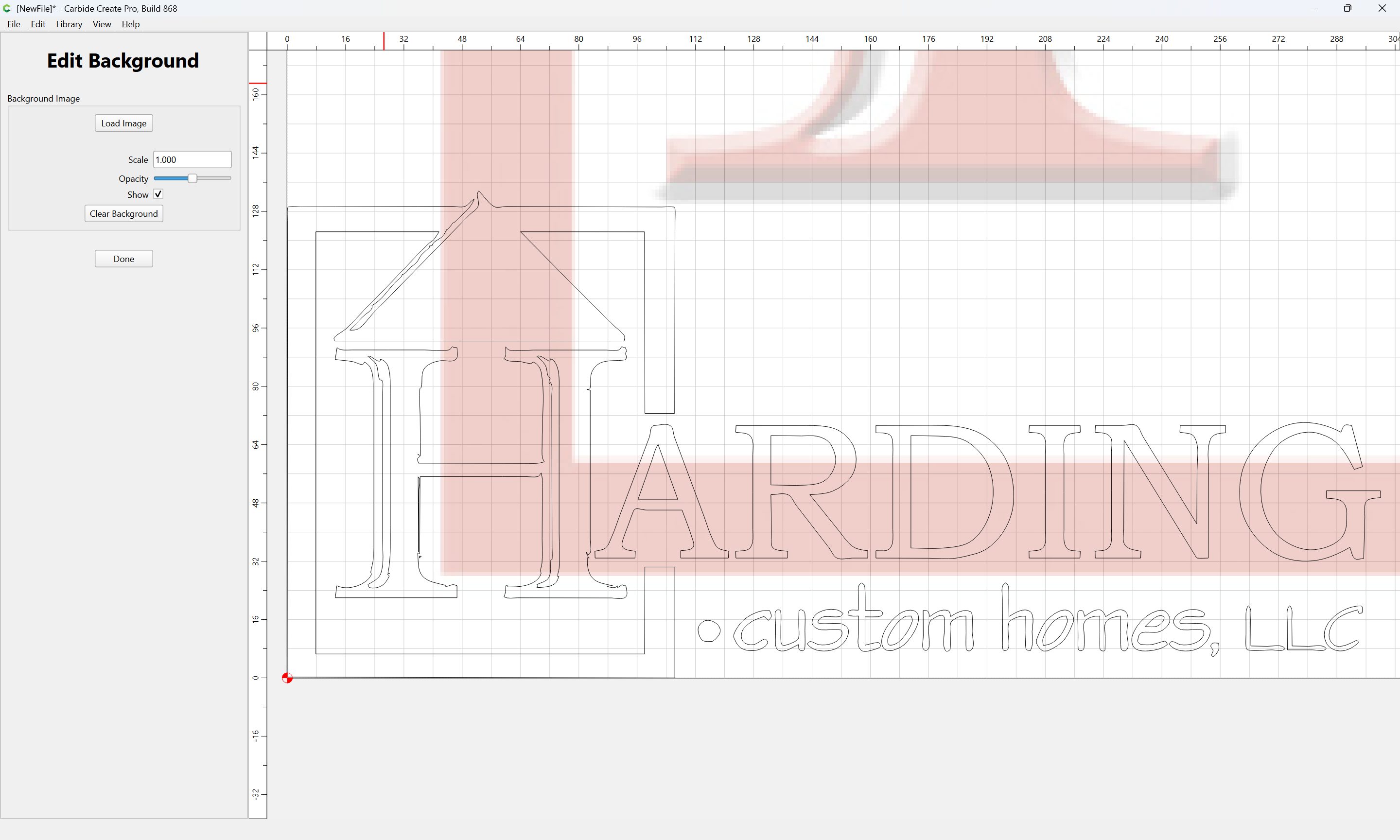
Then, import the original image:
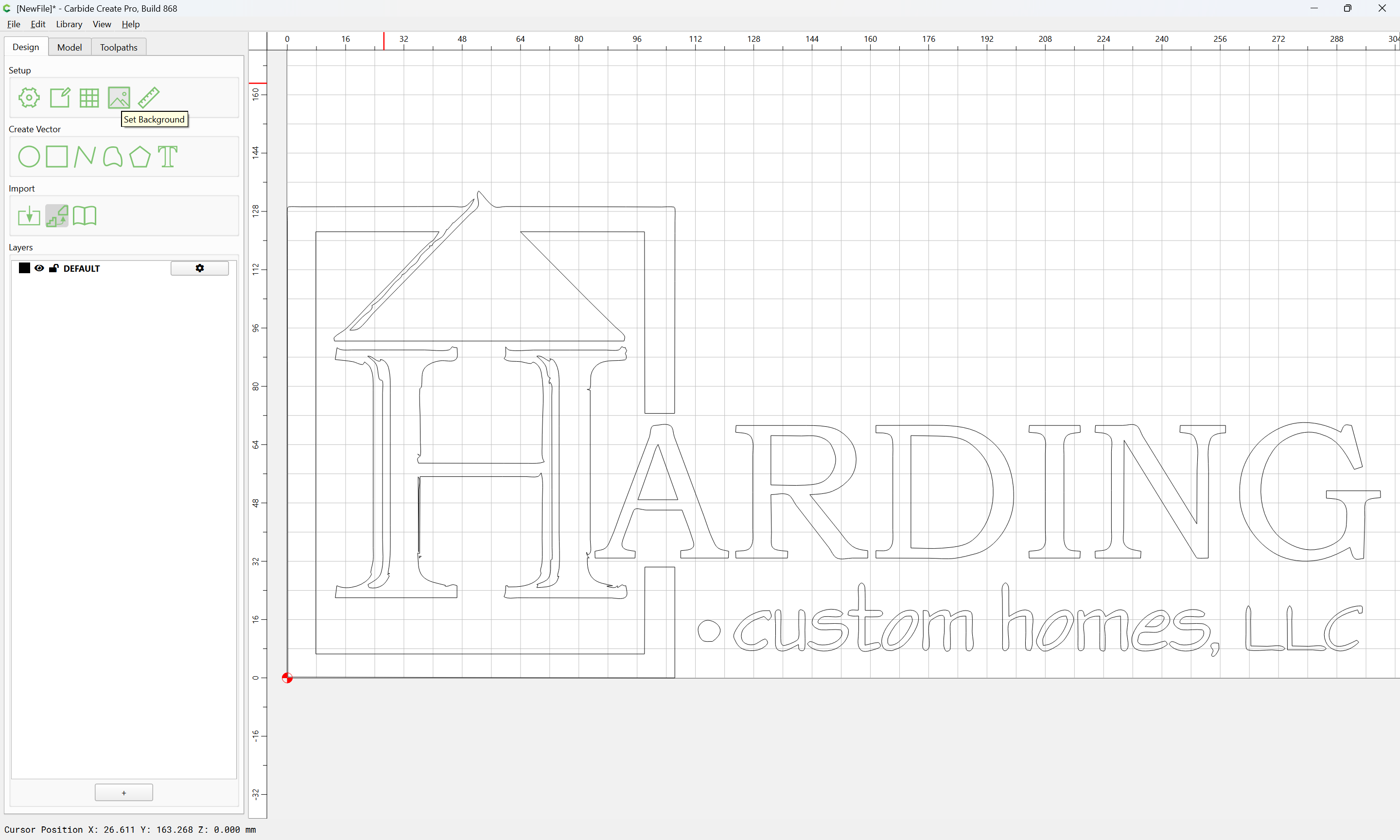
Set Background
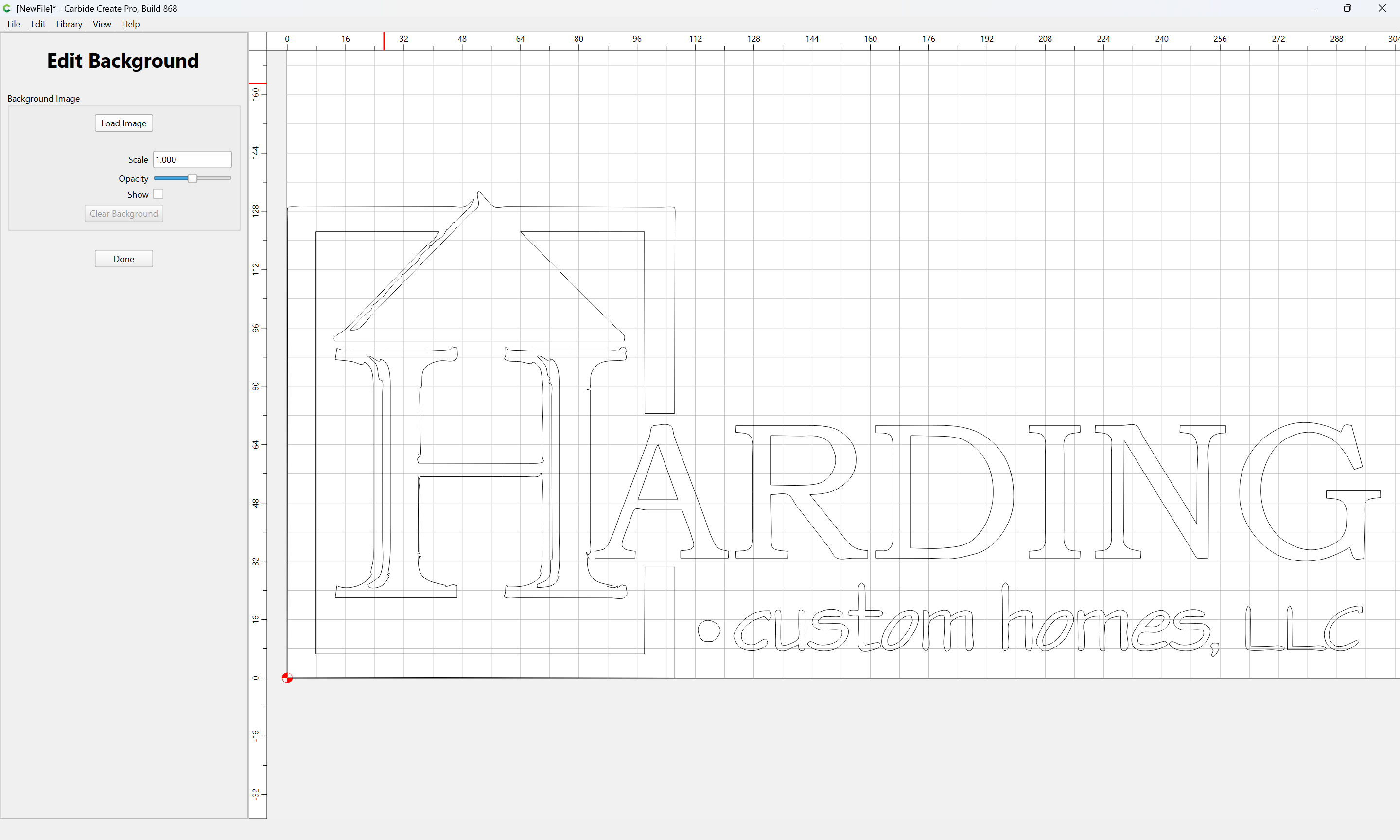
Load Image
(selecting the original)
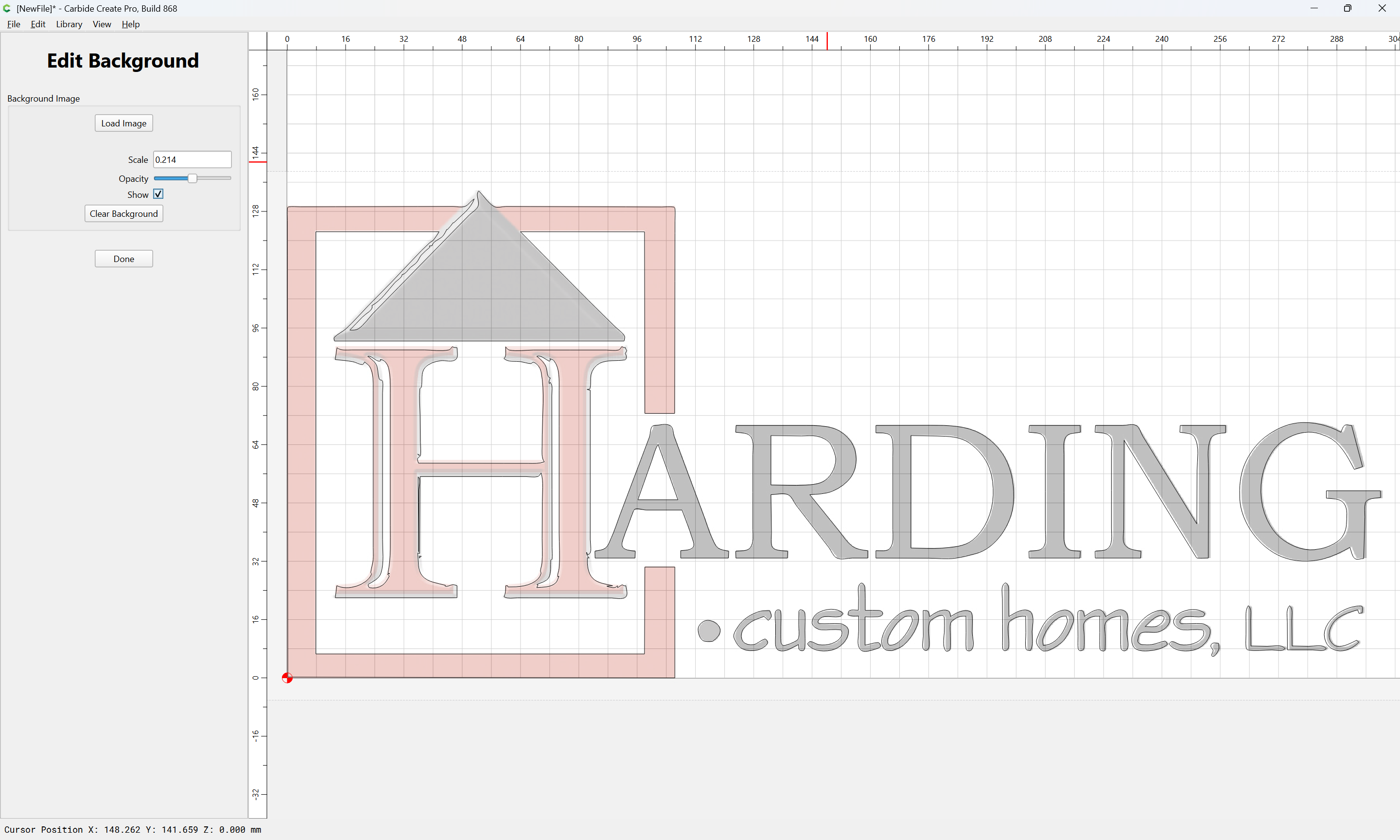
and adjust until things line up:
Done
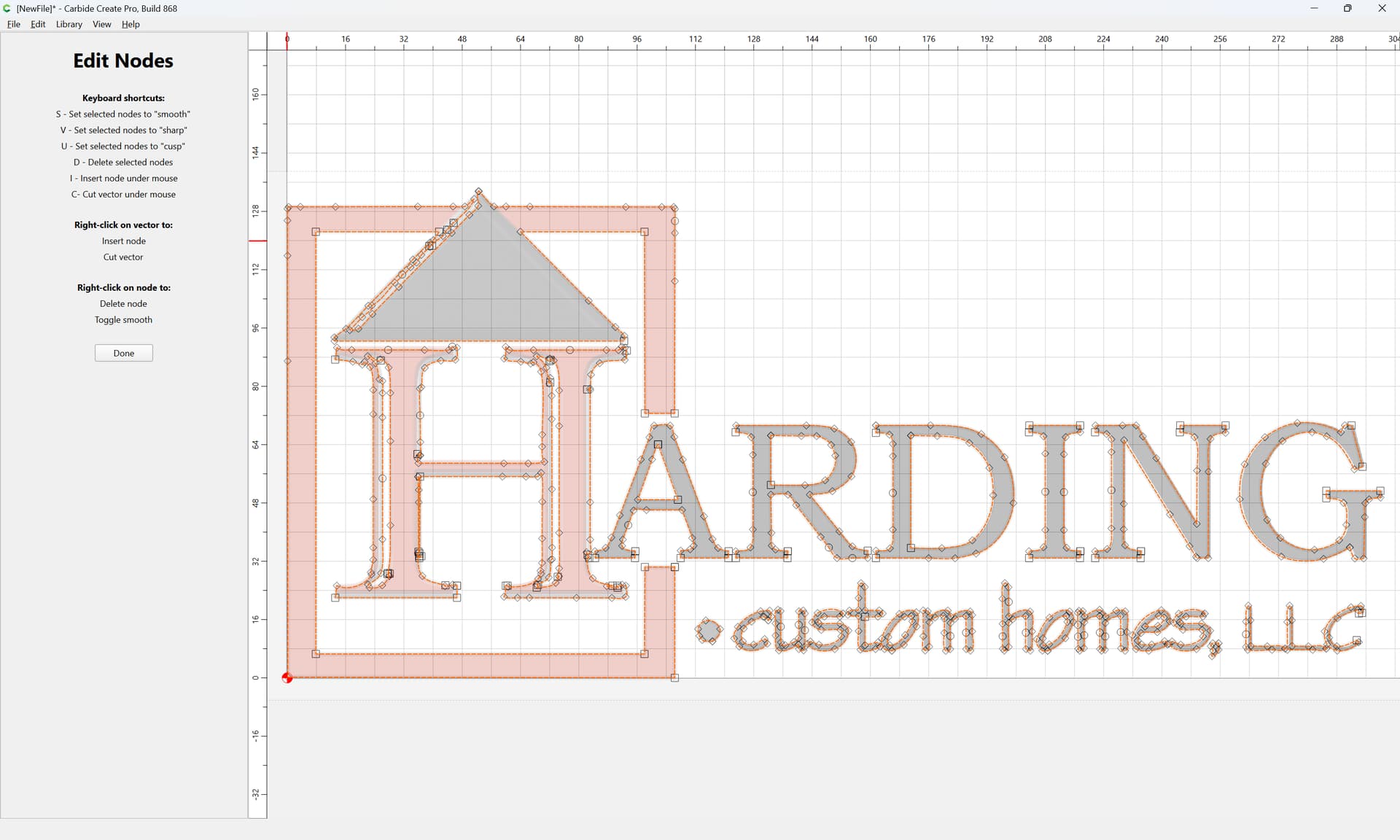
Then, use Node Editing to adjust things as desired:
For more on this sort of thing see:
as requested on support…
…having some trouble getting the vectors right for my design. Basically I am unsure how to close the open shapes so I can pocket them correctly.
The sign will be cut from 1/2" think (color core) HDPE - white/black/white. The bird (red) will be pocketed and the pockets will receive mating shapes from 1/4" HDPE. Same for the yellow and orange parts.
where the current state of the file is:
[image]
First, we import a pixel image for reference.
See:
and
Set Bac…
as requested on support…
I’m having difficulty drawing curves, for example I want to create a pineapple
First, source a suitable public domain image:
[pineapple_bw_pd]
While this could be done using Image Tracing:
We will instead, launch Carbide Create:
[image]
and Set Background to import the image:
[image]
Load Image
[image]
and adjust the scaling and positioning as desired
Done
[image]
If need be, adjust Job Setup as described at:
[image]
then, begin drawing…
and
2 Likes