I am not a Prusa “Fanboy” in that I can admit they are not the end-all be-all ultimate printer, but since I got my first Prusa i3 MkII in 2015-ish, I was hooked on how easy it was to use compared to the knockoff i3 printer I started with.
I bought a second MkII and then when the MkIII came out, I sold my MkII printers and bought a MkIII. Then started selling the printed things at craft shows, and was able to buy a second MkIII after just one good weekend. I sold my MkIII printers and bought the MK4, then the XL single head, and then an additional head to do 2 colors.
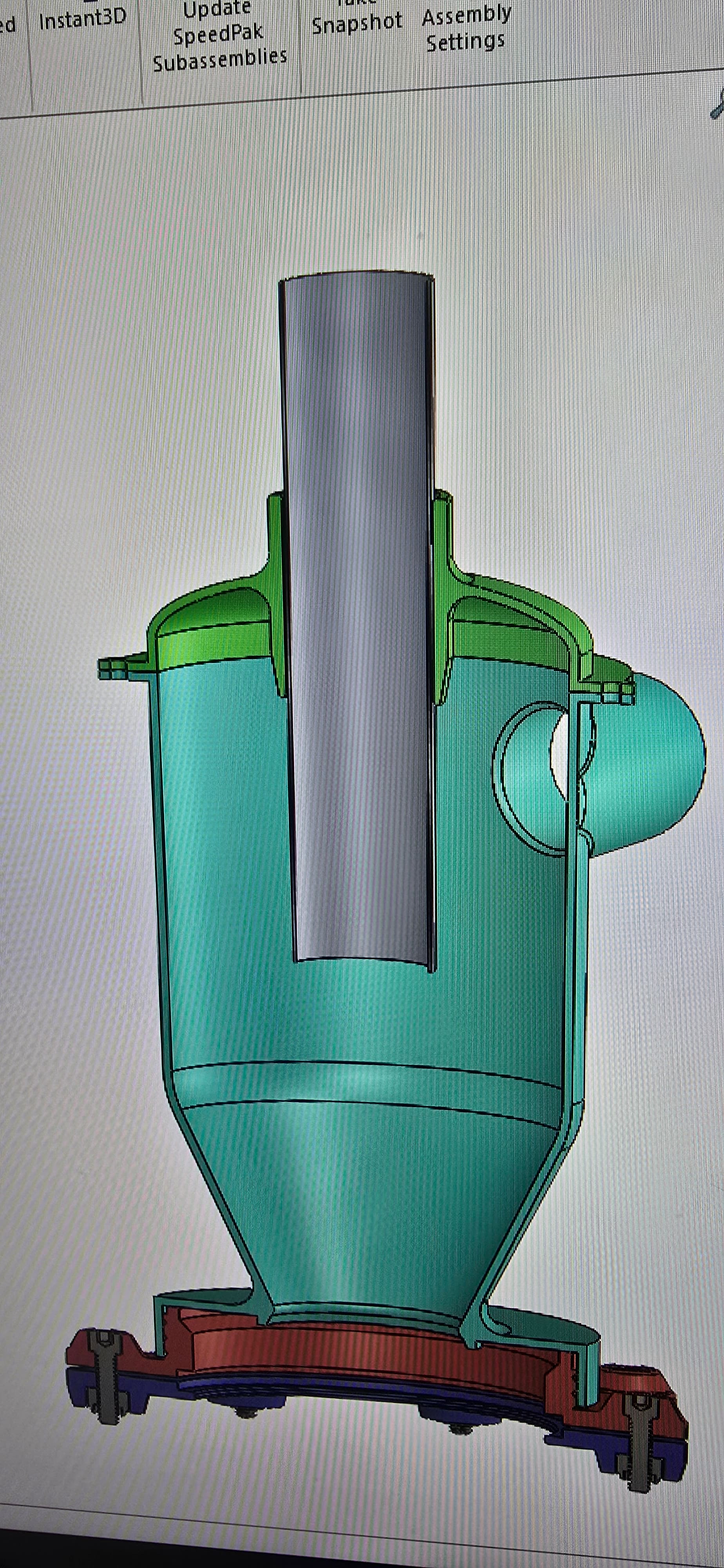
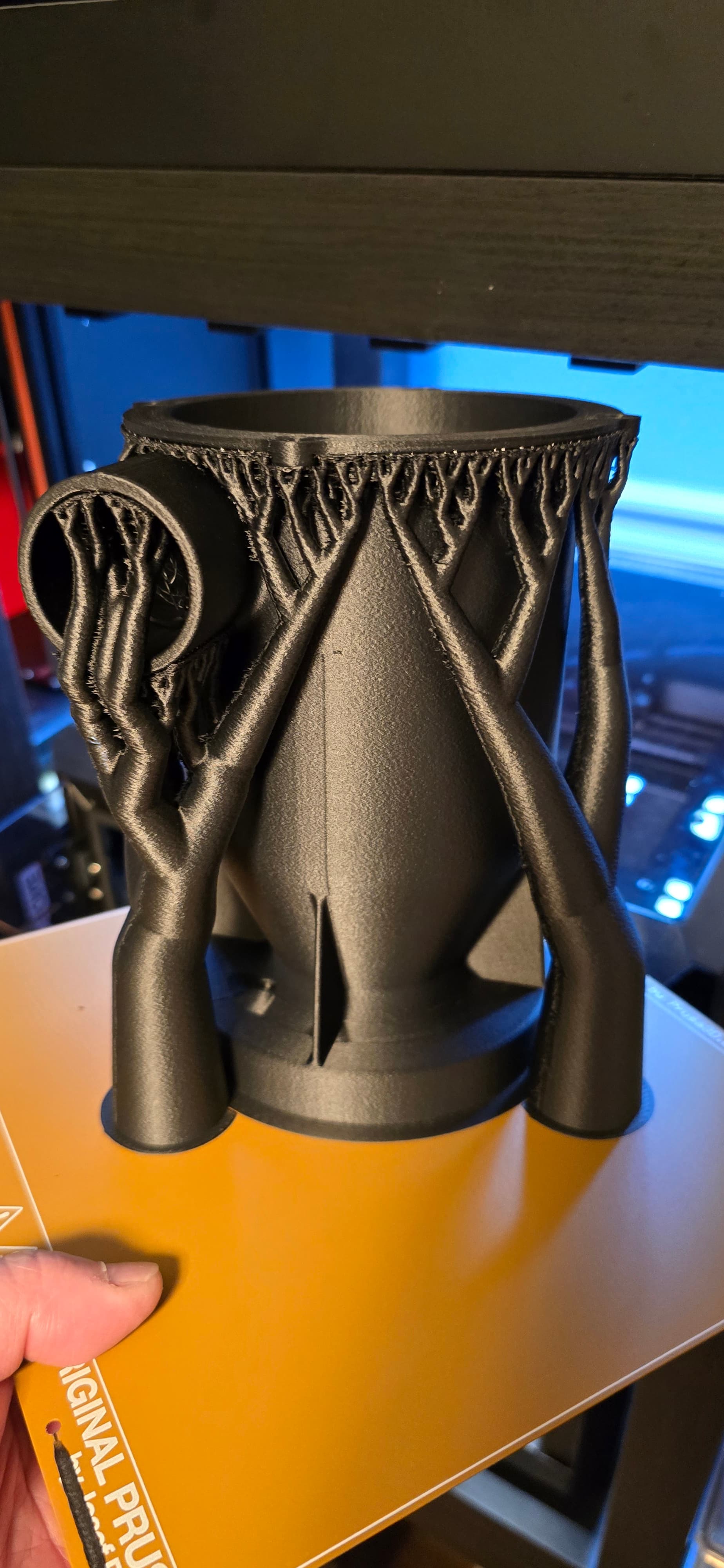
I also bought the CoreOne when it came out, and can print in PA, PE and PP, among other filaments. I have printed a little baby cyclone dust collector in PP-CF for my dad on my CoreOne, and he said it works great. That specific model was duplicated from a key cutting machine, and it had ~5" diameter threads for threading onto a bucket that was built into the machine. I originally just had to design and print a lid, because it didn’t have one, then he said he only had one, but wished he had a second one, so I ended up duplicating the entire thing. When I get time (Ha!) I am going to modify the base for mounting directly to a small 1 gallon or so bucket, then put it on Thingiverse and Printables.
Sorry, got off track a bit. I like Prusa printers because they are truly “Fire and forget.” I can put the USB drive in the printer with my file, clean the print bed, hit print and walk away. There are a lot of things I like tinkering with, but my 3D printer is not one of them. It is a tool, and I want it to be reliable. And they are. Just like my Shapeoko 3. (Soon to be a SO5 Pro when my new shop is done.)
Sorry, couldn’t resist. And for the record, if the need arises, the Prusa XL 5 head is not off the list yet. It’s a tool and if needed it will have a table to sit on somewhere.
Cyclone prototyping is one of the forays I would like to experiment with my self. Thanks for the info.
Man I want a Prusa XL. Love the multi head extruder concept and the ability to have supports that will not bond with the part. Just a little outside of my budget at the moment.
Well I was going to go down to our local library and get Wills hex holder done and I thought about it,I will go and get a basic 3 d printer and do it myself!What basic design programme is best to learn on?
Which 3D CAD program one uses depends on what sort of work one wishes to create and how one wishes to approach it.
Fusion 360 is the 800 pound gorilla in the room, sucking up all the oxygen from any other effort at free/low-price.
OnShape’s licensing kerfuffle happened a while back, but they seem to have arrived at a reasonable compromise.
Moment of Inspiration is one which I wish I’d tried early on — seems very capable/flexible.
Rhino 3D is a venerable choice and a good value — its programming system Grasshopper is an interesting opensource extension.
FreeCAD is exactly what it says on the tin and keeps getting better.
Solvespace is wonderfully lightweight, but weird/limited, but good for mechanical work.
Dune 3D is the only traditional 3D CAD program I have ever been able to get through the tutorial on w/o extraordinary difficulties and I think is well worth trying out.
EDIT: Plasticity is the new kid on the block — bought a Studio license, but it’s mouse-centric, and hasn’t been the fit I was hoping for.
EDIT: and there’s also Blender w/ CADsketcher (and BlenderCAM for use w/ the machines)
We are of course selling Alibre Atom 3D Workshop — for 3D mechanical stuff it is an excellent choice
There are a lot of sites that talk about features of good cyclone dust collectors, but those two have equations that allow you to plug in numbers and generate efficiencies and pressure drops for a given design.
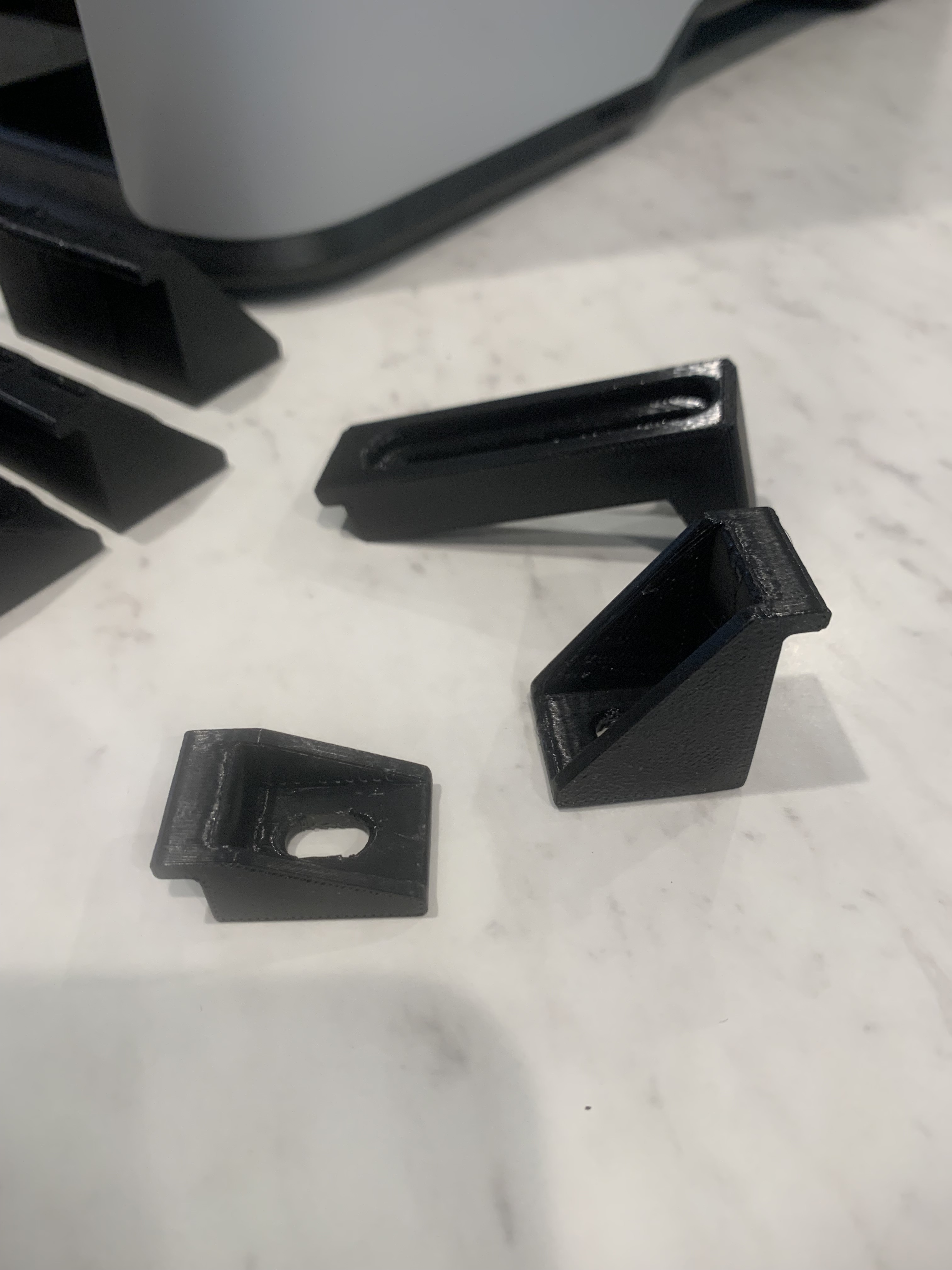
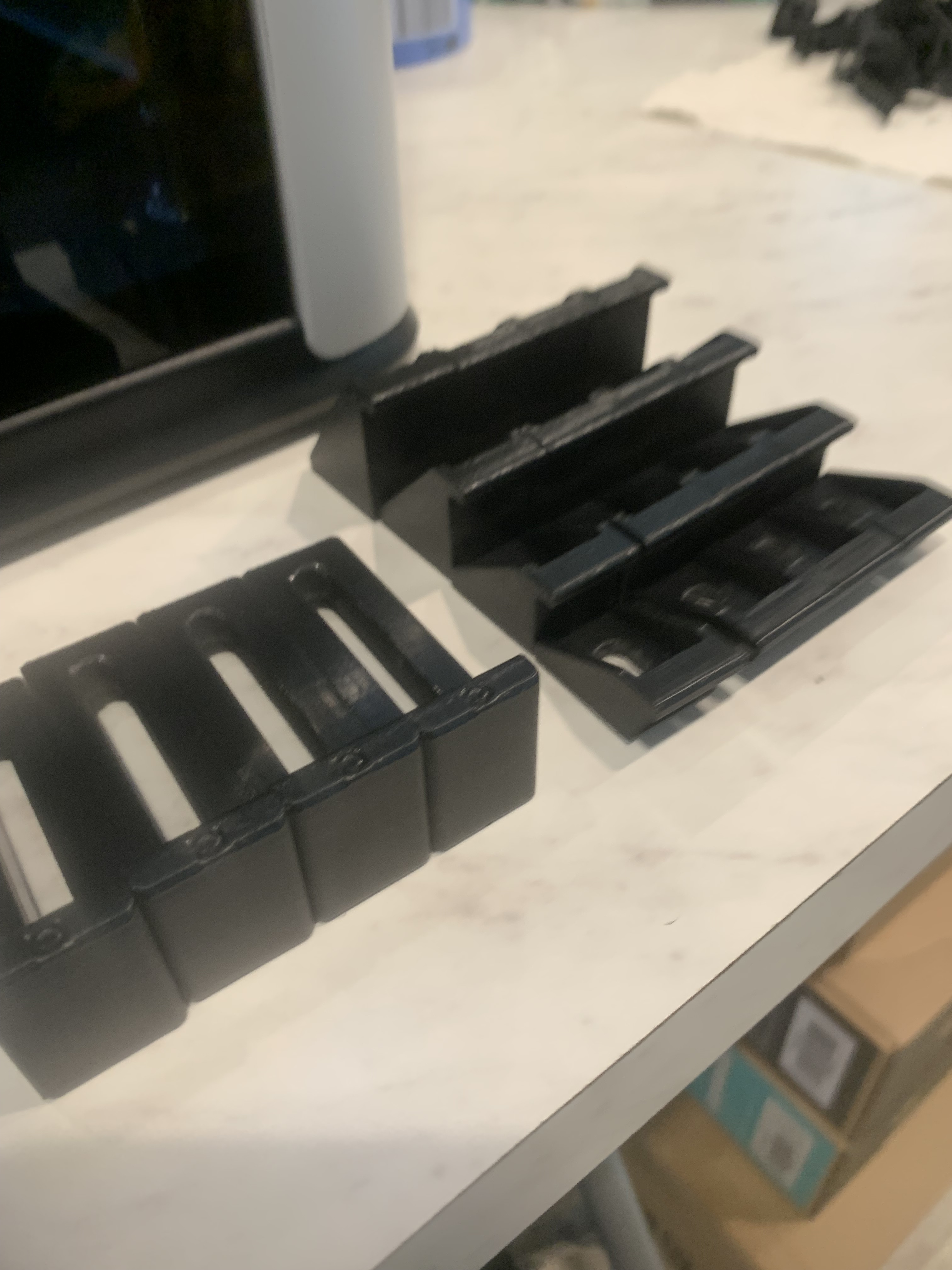
Finally got around to printing a small batch of clamps. These were printed on their side, 50% infill, PETG. I’l give them a go at it, they seem to be fairly rigid.
Also printed off a couple of drag chain retainers, not sure if I’ll need to fab a smaller one for the outside or not. Usually I’m the one knocking the chain off as I’m reaching over the Y rail.
Trying to get used to the machine and associated settings with respect to strength and infill settings etc.
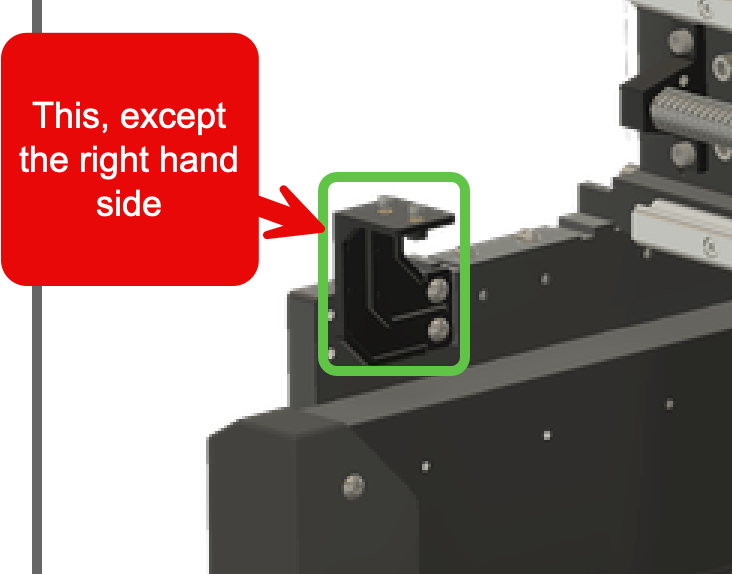
@WillAdams i didn’t see this part in the library. i don’t think it’s there, but if i missed it, can you point it out? if it’s not there, how would i get a replacement - i accidentally snapped mine. thx!
The value of gridfinity is the rich ecosystem. Resizing would create an awkward state where you “kind of” have gridfinity but none of the bins, etc made for gridfinity work with what you have
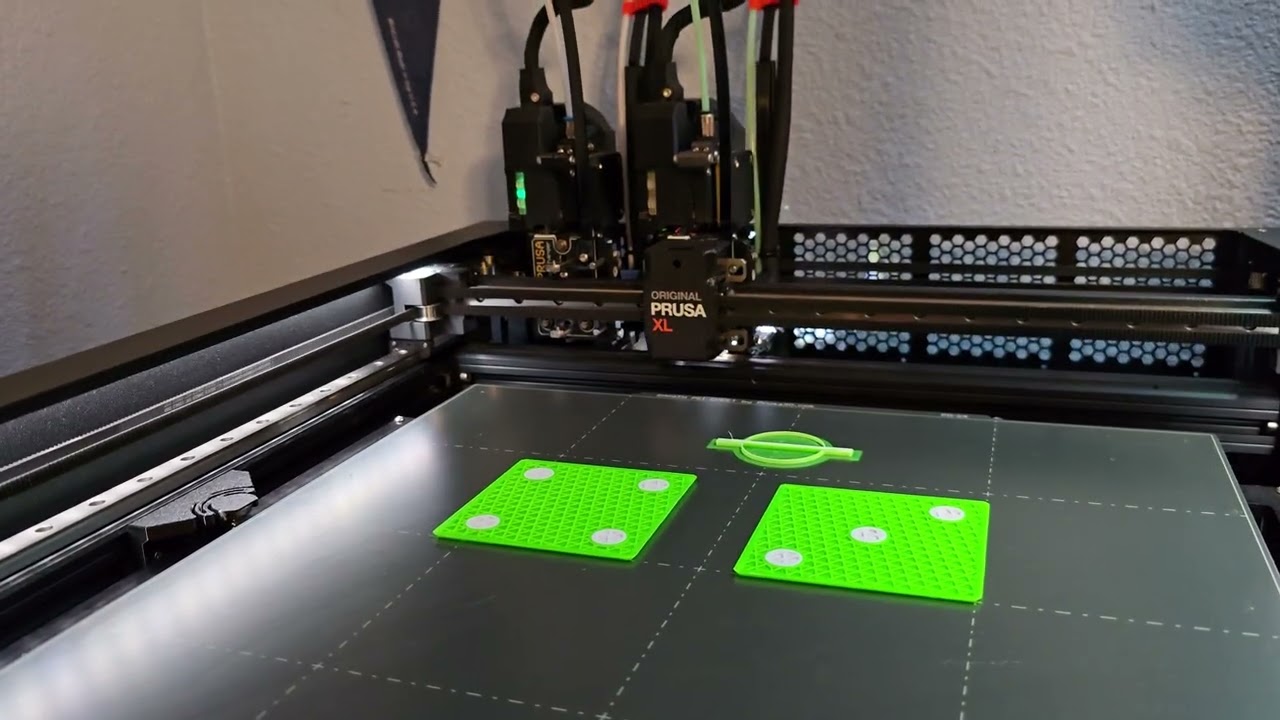
Wha!? I have been nothing but (mostly) kind to @WillAdams! I mean, I haven’t even posted that I recently upgraded from 2 heads to 5 heads on my Prusa XL!
(Okay, I haven’t posted that yet because it is still sitting on my dining room table because I needed the space to upgrade it and I am now in the middle of moving things around in the “spare room / printer room / pantry” and haven’t plugged it in and fired it up yet.)
So, thank you @SirGariff very much for acknowledging how kind and gracious I am.
Rookie mistake. Started a print on my MK4s before I decided I wanted to re-arrange things, so now I have. . . checks printer 42 minutes until I can unplug it and move stuff around.
I use a lot of those clamps, print them in different colours function of their height to differentiate them easily. Also if you cut a bit into the clamp, you don’t damage your end mill.
Now a story of another successful repair using a 3D printer:
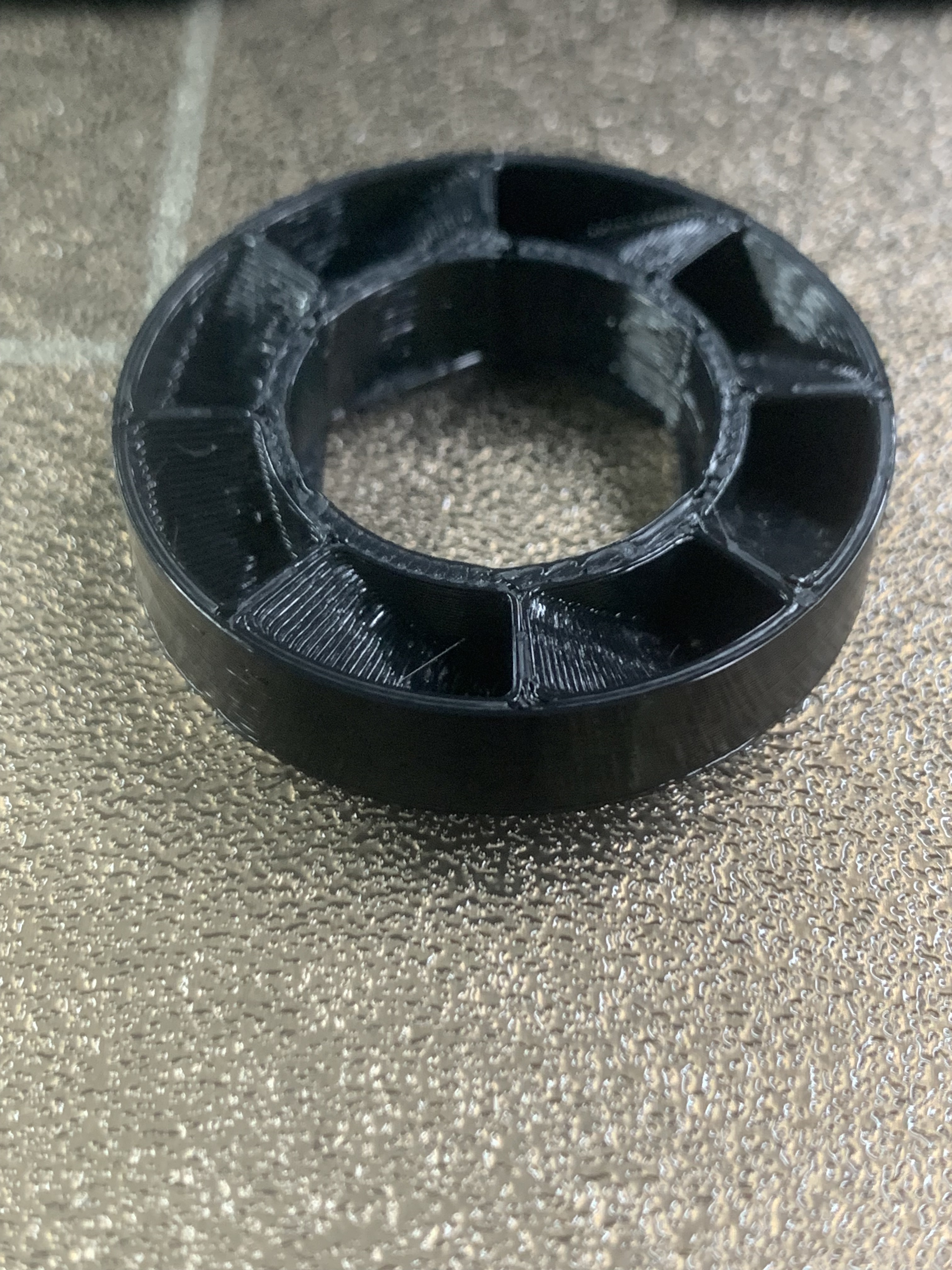
A few days ago, a rubber tire on my wife patio lounge chair has fallen into pieces after many years under the sun. I have search the web to find some replacement without success for something closed enough to order. So I started Fusion360 and in a some minutes had this design:
Then I have printed a few short 1 inch tests prints in TPU to verify the fitting and to select the proper infill for proper flexibility/rigidity.
It took 14 hours to do the complete tire print. I put the tire in hot water to make it more flexible and installed it on wheel. It was a perfect fit and complete success. Wife is very impress and happy!
I was lucky the outside diameter is just under 12" which is maximum size of my new H2D print bed.
Now a CNC question, if the diameter have been too big for my print bed, if I had a 1" thick rubber mat available, would it be possible to do it on the CNC? The outside profile of the tire is not critical but the inside is more important to fit the wheel properly.


 I have been nothing but (mostly) kind to


