Folks have CNCd rubber — usually by freezing it, alternately, you could work up a circle cutting jig and use a scrollsaw or jig saw — that said, by the time you’d priced out the rubber it probably would have been cheaper to replace both wheels.
Thanks Will, you are probably right, a new set of wheels… But luckily my new printer just has the right size and worked perfectly. Most of the work was done by the printer. This is why I liked CNC and 3D printer specially when they do most of the hard work.
Am I doing this right? I downloaded the Active Project Tray model, sliced it with PrusaSlicer 2.9.2 with my usual settings of 3 top and side walls and 80mm/min and 10% gyroid fill, in PLA+ and it tells me it’s a 7 hour print.
Someone else who’s printed this, what settings did you use and how long did it take?
I haven’t printed it yet, Tim. The 7 hours was a little off-putting. And that is with .25mm layers using a .4mm nozzle. But at least it’s not an order of magnitude more than your time. Thank you for the feedback.
Unless you are printing “high speed” TPU, it does take like twice as long to print compared to PLA. So, that print time doesn’t sound unreasonable for that.
This was PETG, 2 layer walls, 0.2 layer height, 20% gyroid infill, 0.4mm nozzle and right at 4 hours ish. If I remember correctly, I did not go back to the file and check.
Edit: This was 50% infill because I forgot to back it down to 20%. I wound up using the same parameters as the clamps which needed to have more structural integrity.
To whomever within Carbide3D thought up the idea of proving an online library of 3D printable parts. And to whomever approved the idea, THANK YOU.
I’ve been a Carbide3D customer since 2014, and decisions like this is why I love Carbide3D and hope to someday purchase my third CNC from Carbide3D (holding out for Shapeoko 6 2x4).
The Active Project Tray (or sometimes Trey… ) is 150mm square and 20mm tall. It’s the first model in the Library. I tried importing the STL into SolidWorks to shell it to a constant 1mm wall thickness but SW choked on it.
I just sliced this at 0.25mm layer height, 2 wall loops,15% gyroid infill with PETG. 3.5 hours, 118grams. This does not need much more in my opinion based on my prints of the gator tray. It’s just holding stuff. This is larger than the other tray I printed shown above, a trade off for reducing infill but a larger print.
Thank you for that, @Redlander! I will try those parameters with the PLA+ that I have spools of (the only PETG that I have is one roll of carbon-fiber-filled and I only use that for more structural stuff).
OK, .25mm layers, 2 walls side, top, bottom, 15% gyroid infill. I have all my “G1” set at 80mm/min, “G0” at 150mm/min, slicer says 6h12m. You must be using faster speeds…
I would use the defaults for the PLA, and adjust the few parameters above. All I changed was the layer height from 0.2mm to 0.25mm, set the infill to 15%.
Speeds were Initial layer @ 50mm/s (initial layer infill @ 105mm/s)
Outer wall @ 200mm/s and inner wall @ 300mm/s.
These were all default from the STL or my printer. I did not change these. I am not smart enough to start messing with G code on my S5Pro much less the 3D magical printer thing….
@Redlander , I don’t edit the printer gcode at all. But looking at it, all the extruding moves are G1’s (PrusaSlicer doesn’t do arc fitting, just as CC doesn’t!) and I’m just calling the non-extruding moves G0 (they’re actually G1’s also, but it’s easier for me to think of them as G0). Real, honest-to-goodness gcode! So the differences in our times are just your 200/300mm/s vs. my 80mm/s print speeds.
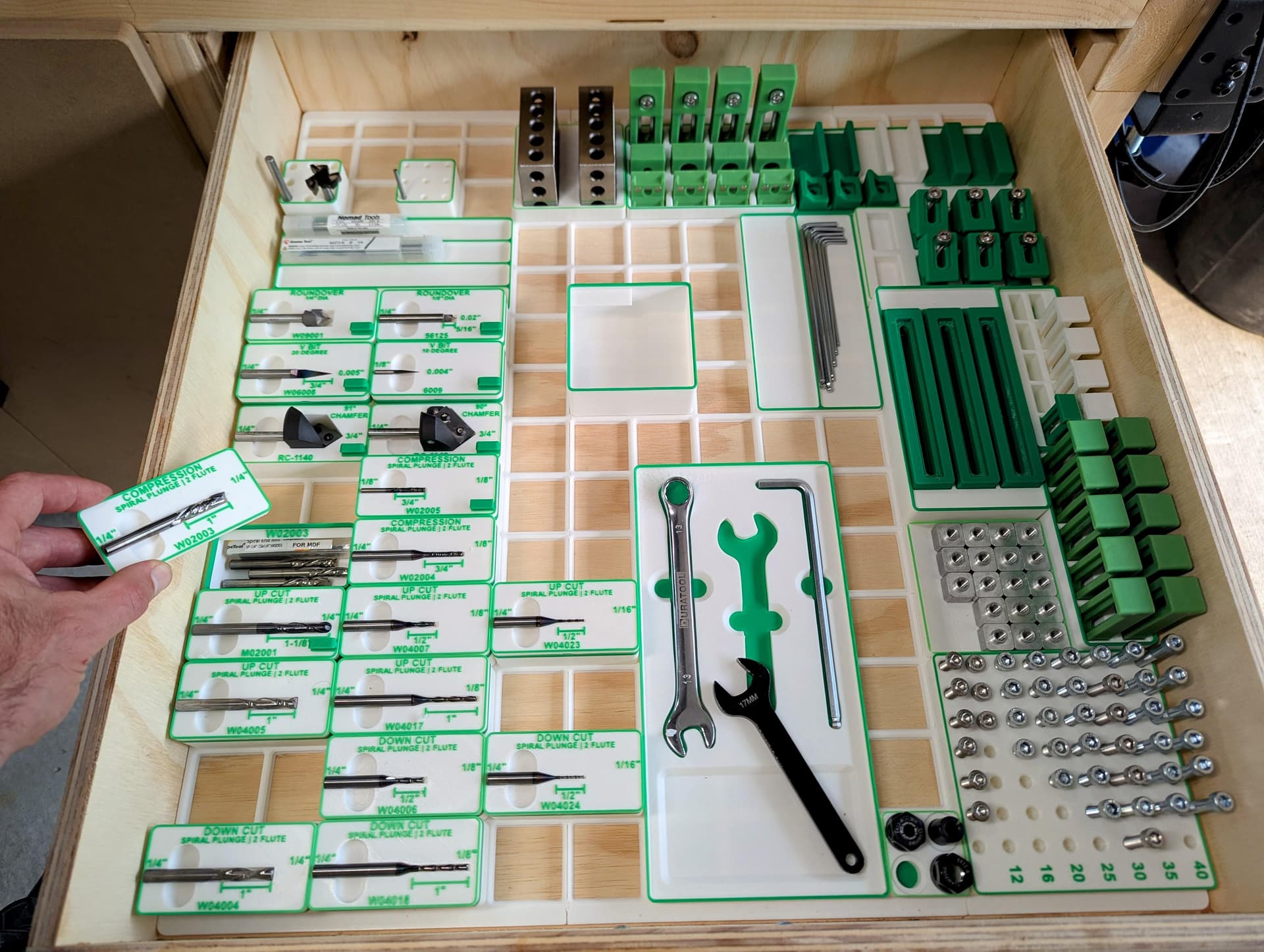
Spent most of the last two days Gridfinity’ing ONE drawer in my 4x4 Shapeoko 5 Pro cabinet… Incredibly satisfying, but incredibly time consuming! Not sure every drawers will get the same treatment I guess it gets faster as I have my system setup now.
I used GRIPS system to generate my baseplate: Gridfinity Generator
And I used Fusion 360 plugin to generate/design the bins: GridfinityGenerator | Fusion | Autodesk App Store
I used ToolTrace to generate my “Current Project” tray. It’s great to save on design time for odd shapes (photo → tray, no need to design): Tooltrace
Most bits are identified with:
Tool number (same as in Fusion and Carbide Motion)
Up/Down/Compression Cut
Cut length
There’s a compartment under each bit holder (to store more of the same bit).
Unfortunately this may cost me a week of my life because I’ve been holding out against the urges to gridfinity everything but your pictures just broke my resolve.
very nice! I might have to redo mine. I just did simple divided bins, some I 3d printed the label, others I just stuck a label on them. would you mind sharing the fusion file for the top bit part with the label and such?
Griff
(Well crap, my hypometric precursor device is blown…)
101
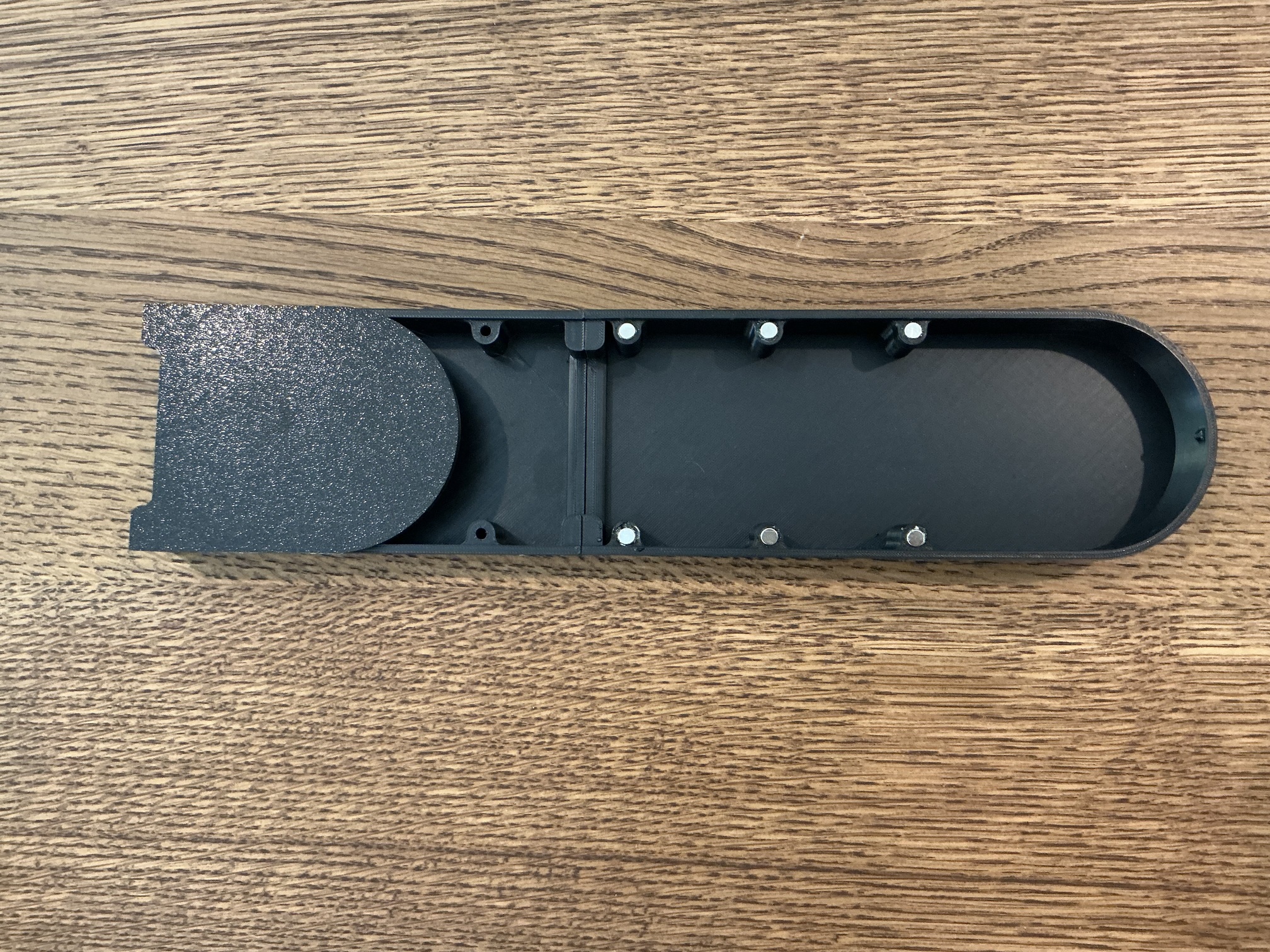
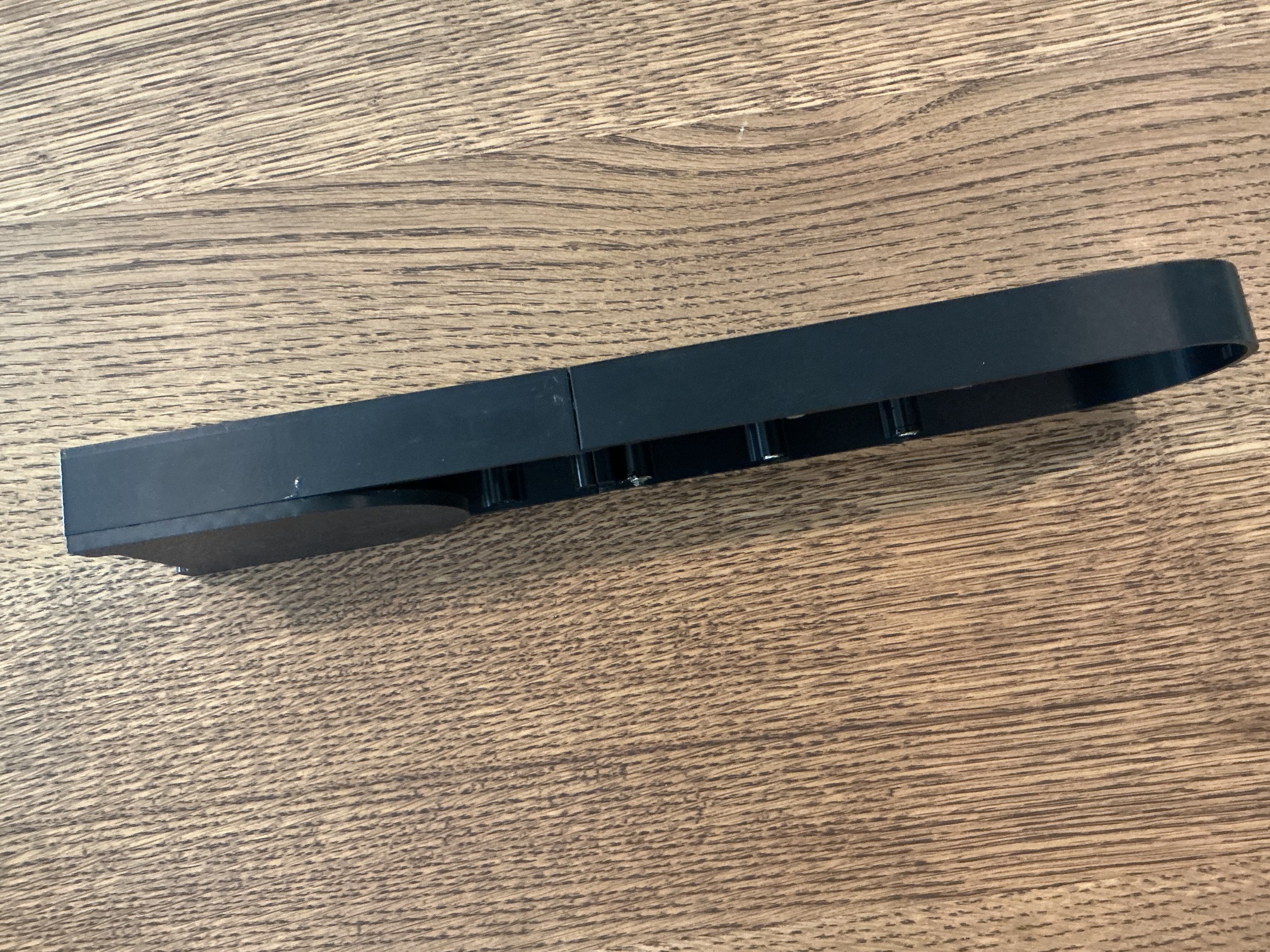
I’ve been working on a smoke extractor attachment for my HDM. I made one in the past but it was tedious to install. This one just snaps in place of the stock dust collector.
It’s a prototype, in two pieces ‘cause it wouldn’t fit on my trusty PrusaMk3S++.


 ) is 150mm square and 20mm tall. It’s the first model in the Library. I tried importing the STL into SolidWorks to shell it to a constant 1mm wall thickness but SW choked on it.
 But looking at it, all the extruding moves are G1’s (PrusaSlicer doesn’t do arc fitting, just as CC doesn’t!) and I’m just calling the non-extruding moves G0 (they’re actually G1’s also, but it’s easier for me to think of them as G0). Real, honest-to-goodness gcode!
  So the differences in our times are just your 200/300mm/s vs. my 80mm/s print speeds.
 I guess it gets faster as I have my system setup now.