as requested on support…
Marine corps emblem in the library
Can you walk me through the steps to do the emblem on a 12"X12"CC1.76" board
This was covered at:
I believe the file in question is:
https://elements.carbide3d.com/category/us_armed_forces/usmc-seal.svg/
Download it.
Launch Carbide Create:
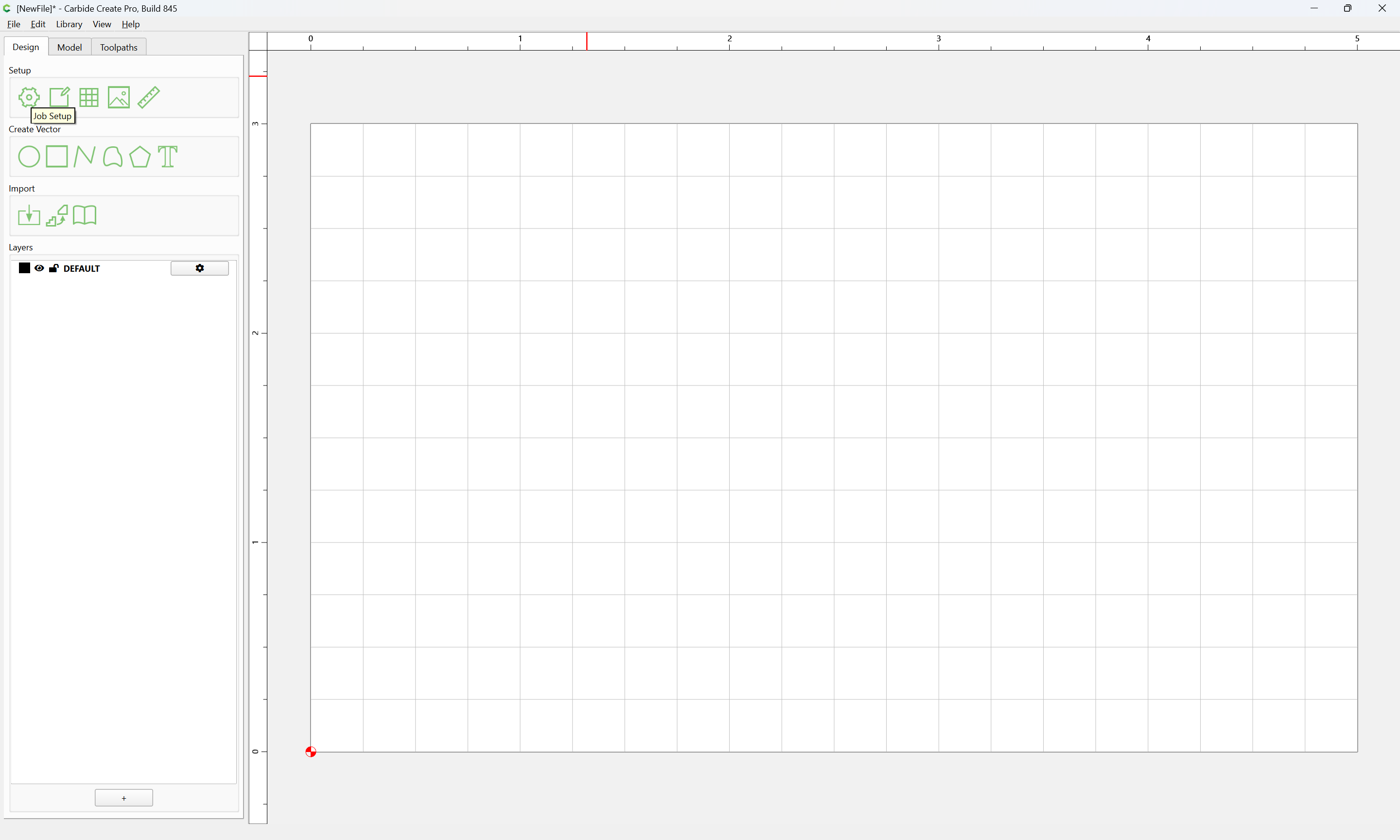
Job Setup:
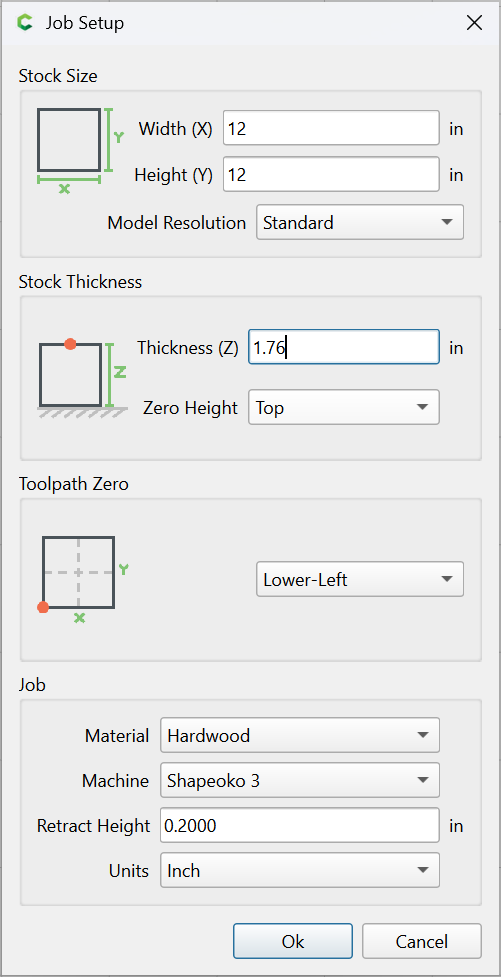
enter the desired dimensions, Ok
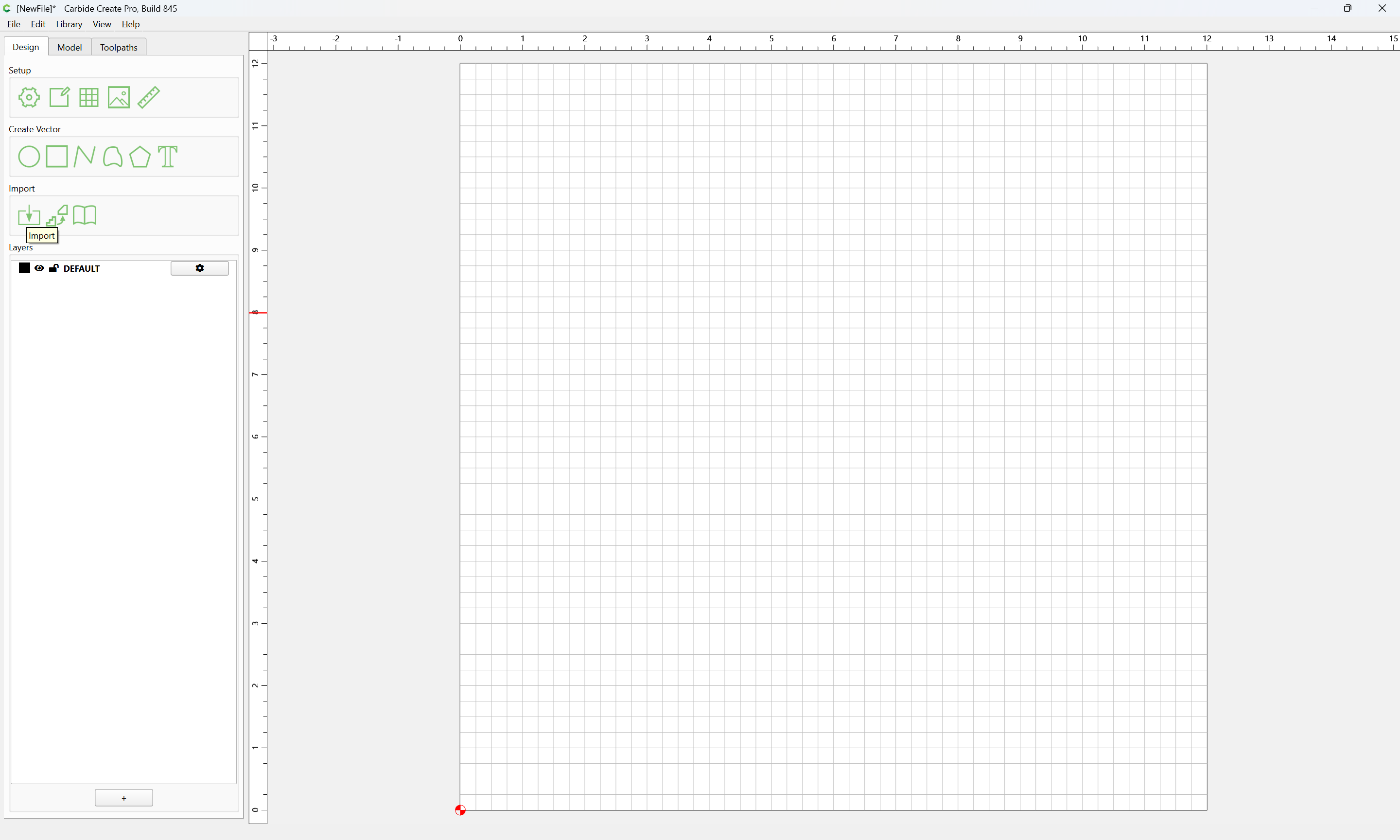
Import
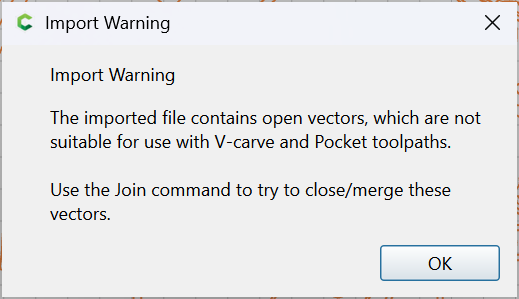
OK
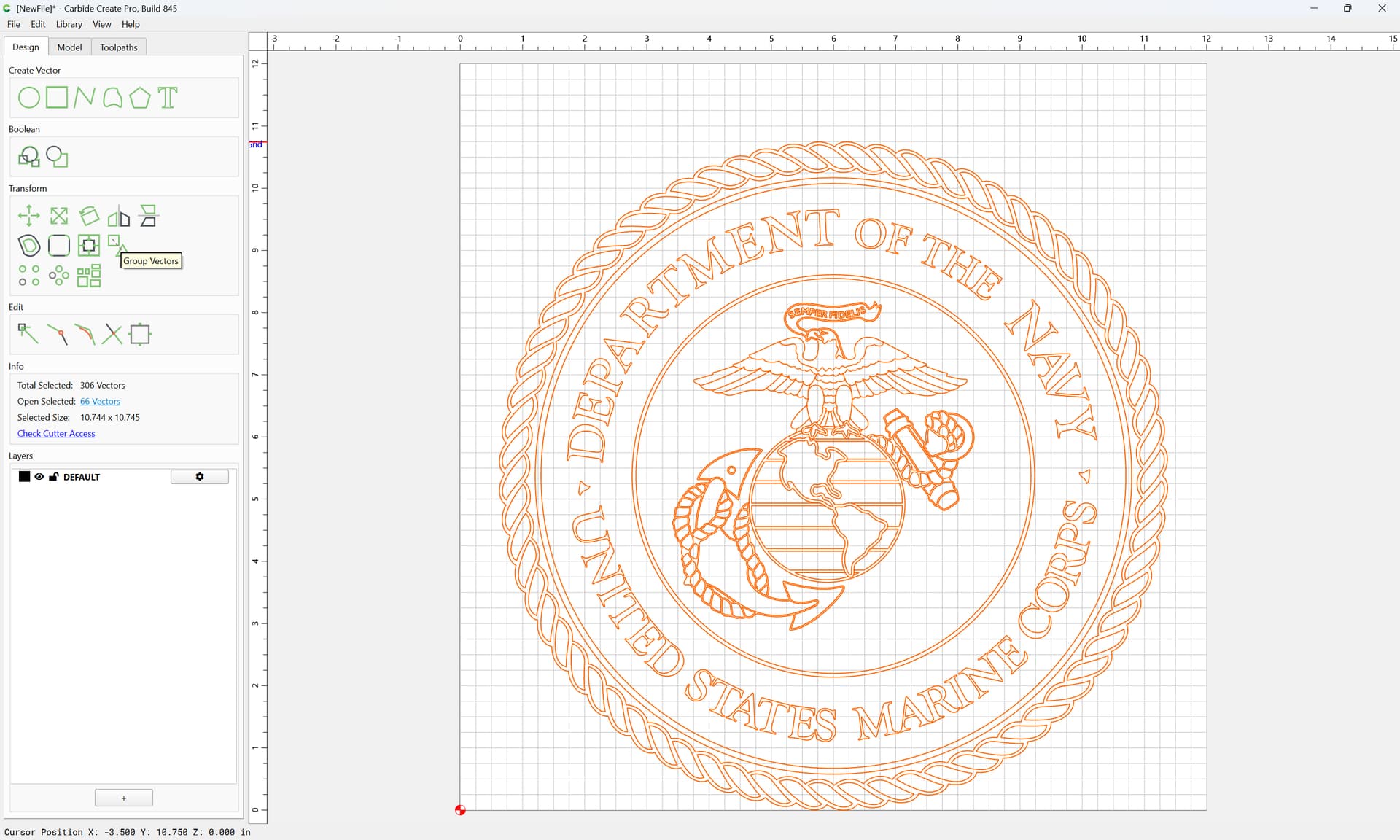
Group Vectors
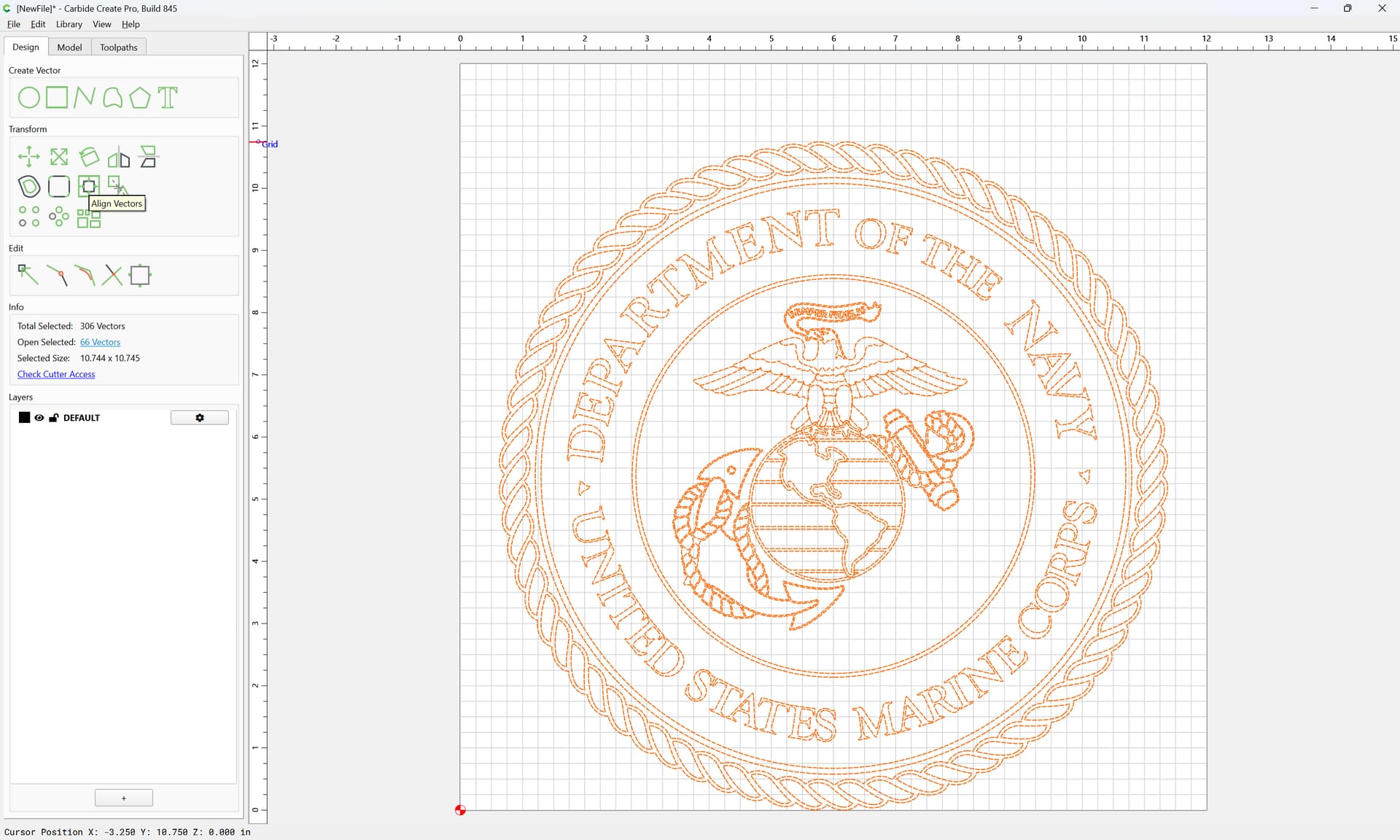
Align Vectors
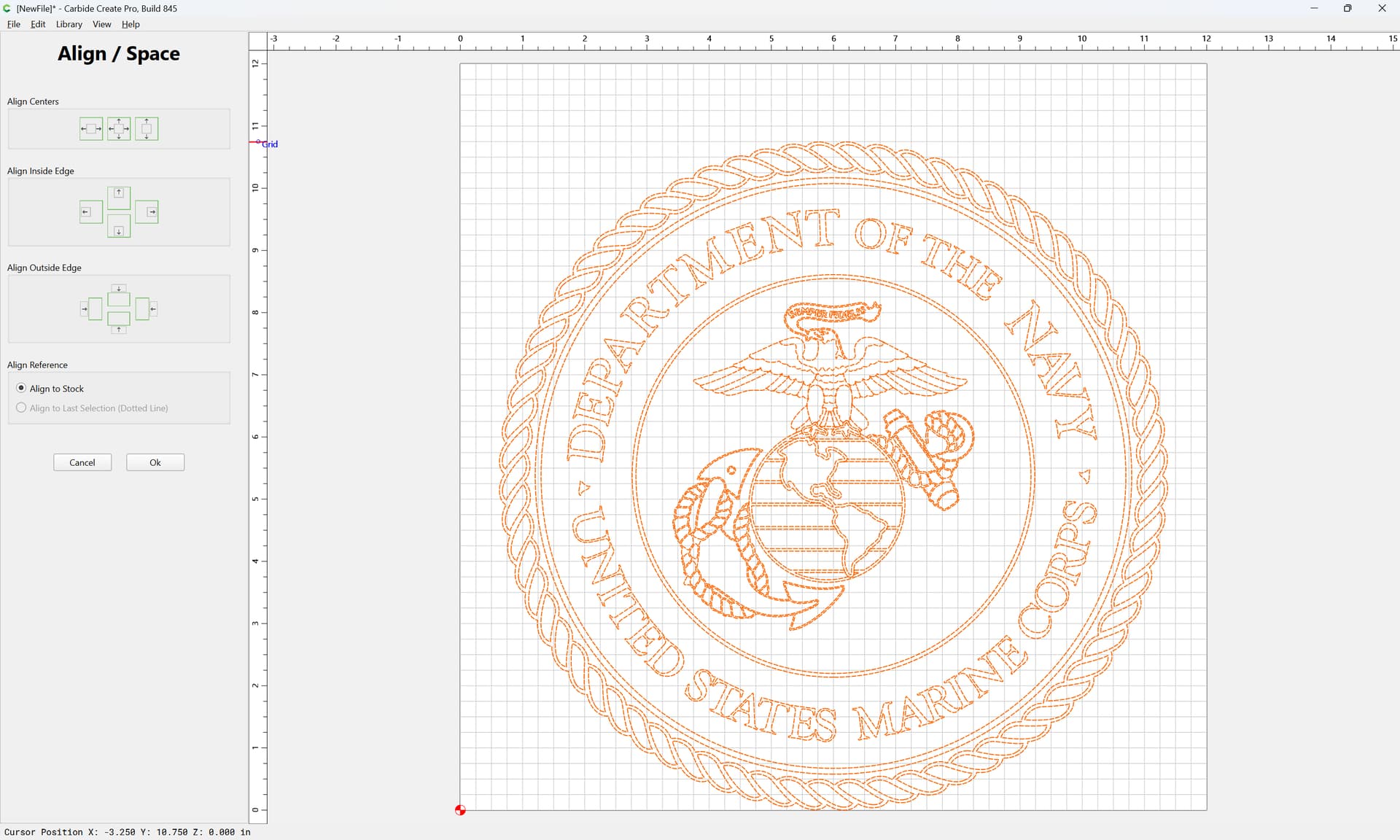
OK
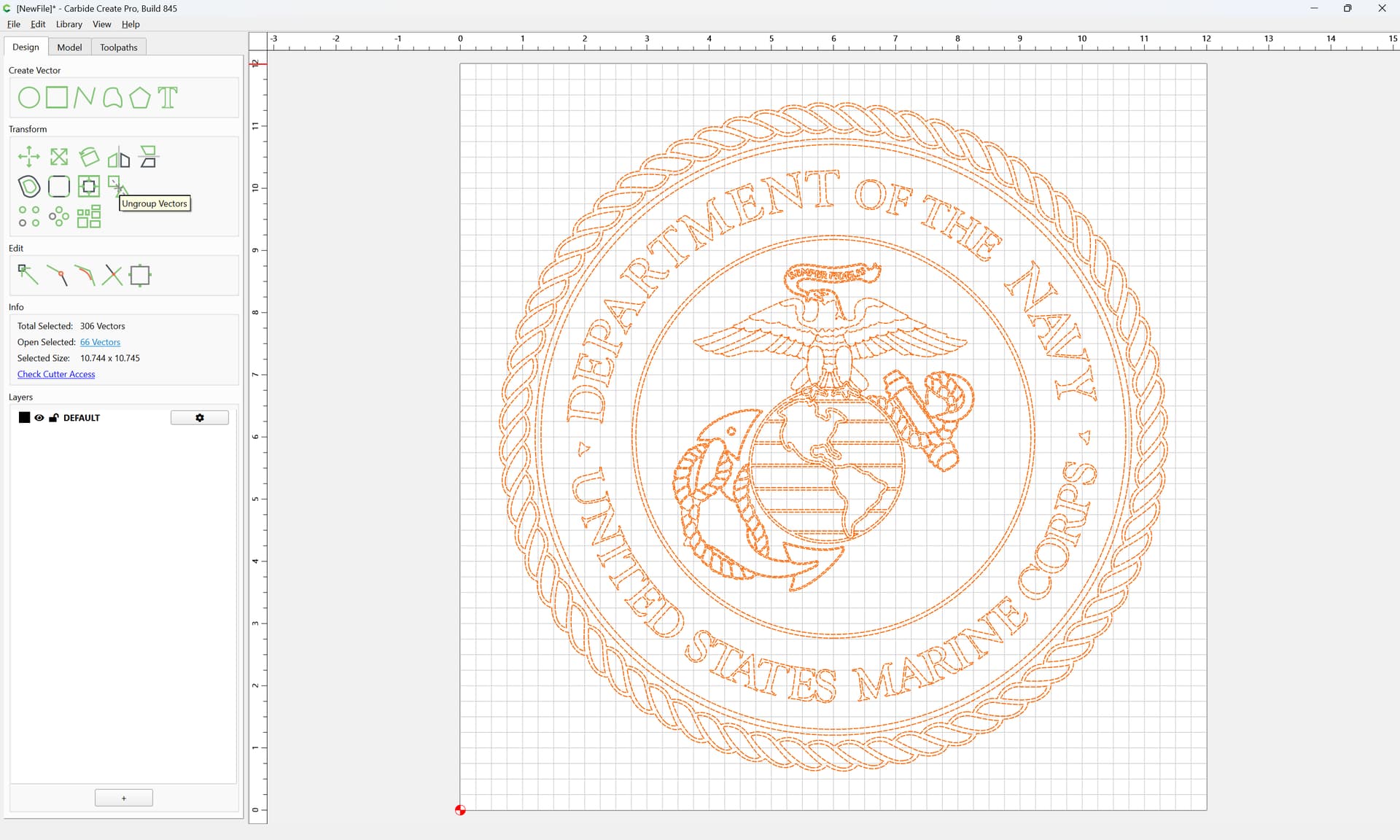
Ungroup Vectors
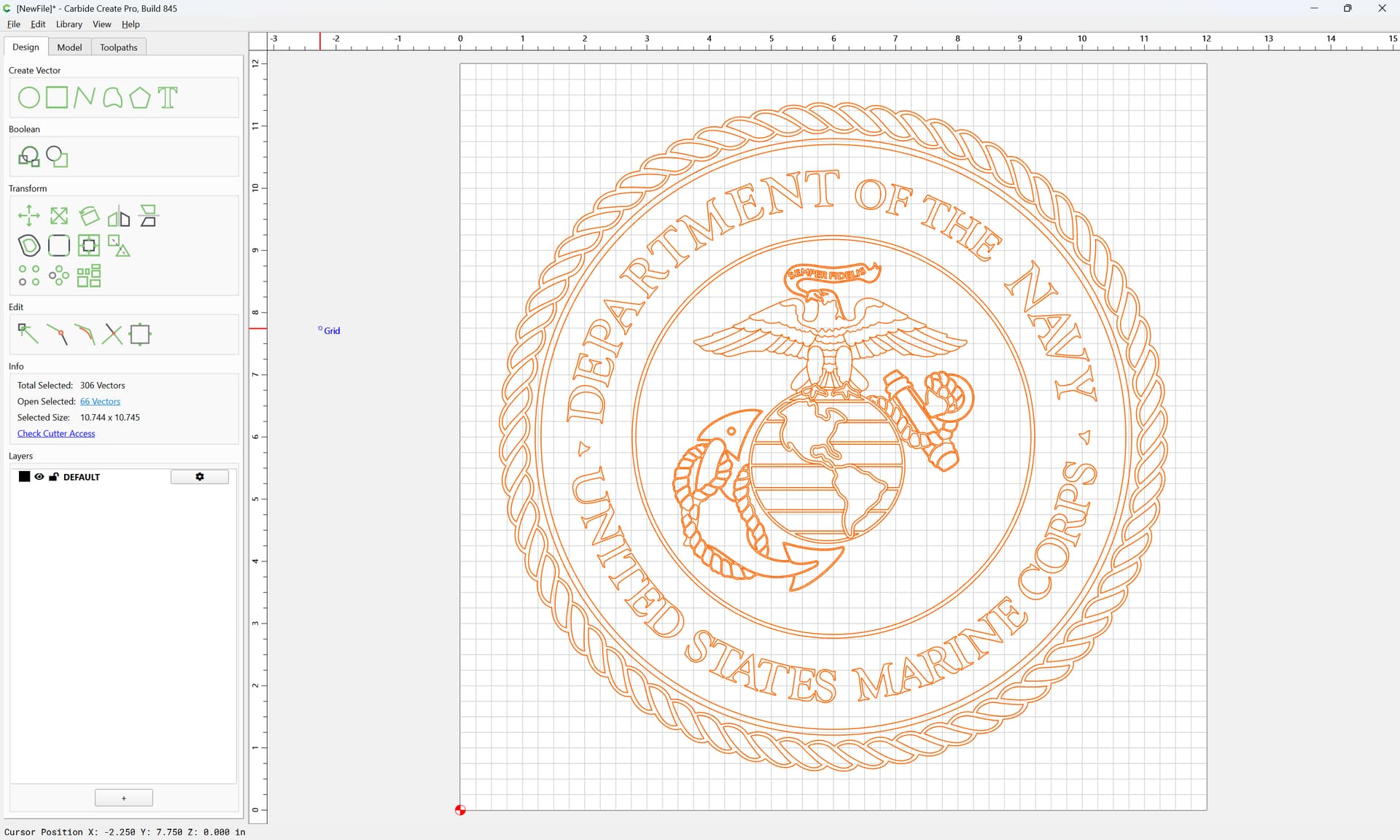
Click away to deselect
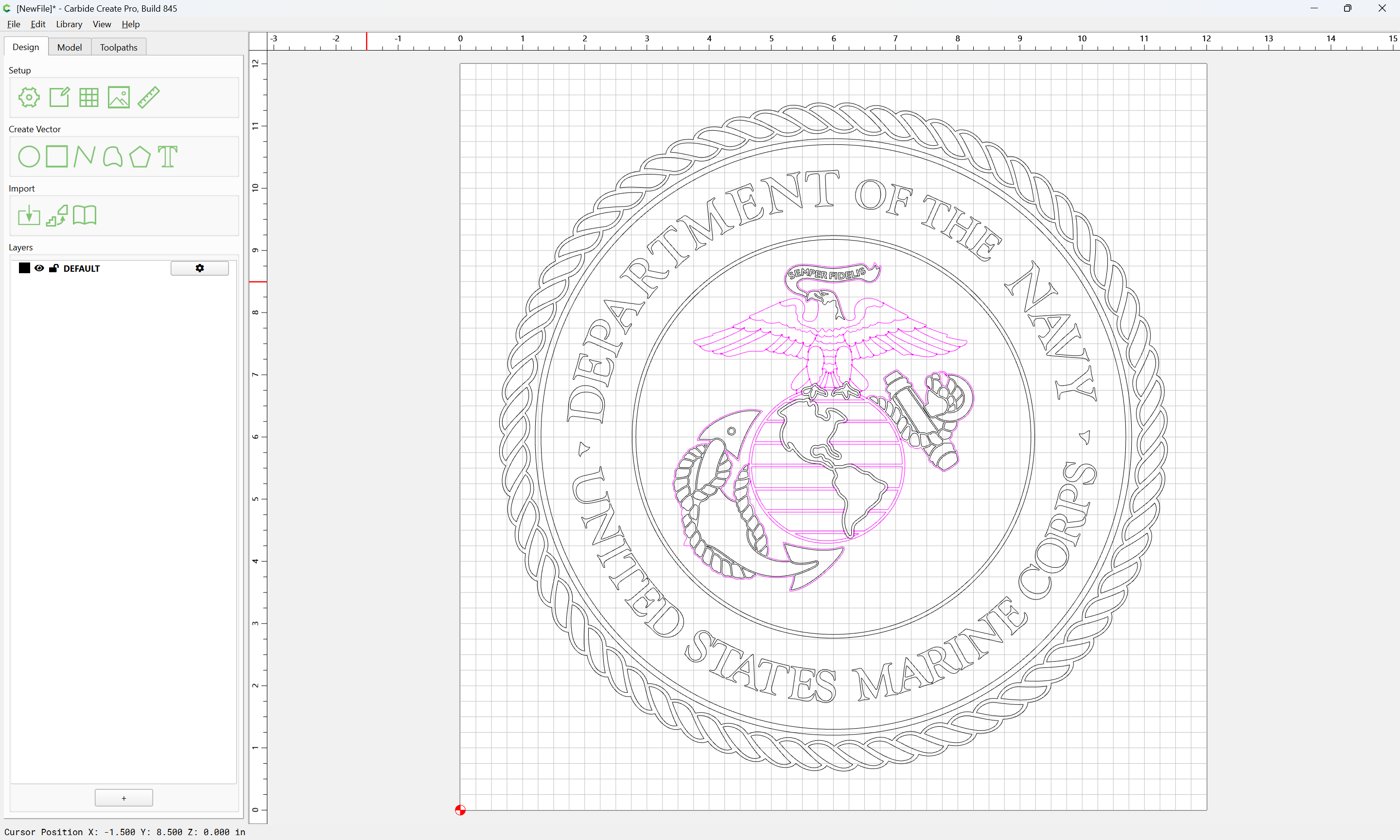
Drag-select the circles around the center:
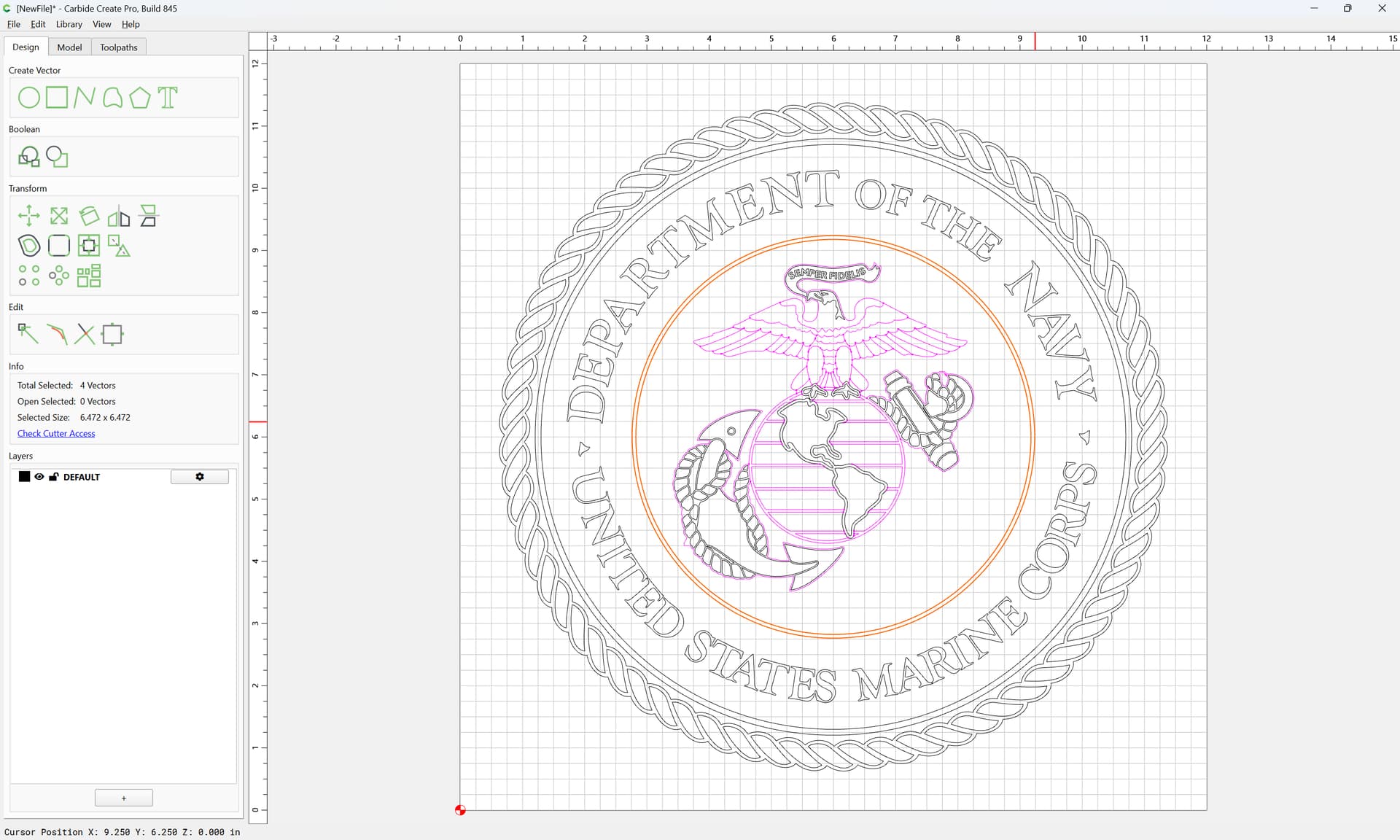
The shift-click to remove two circles:
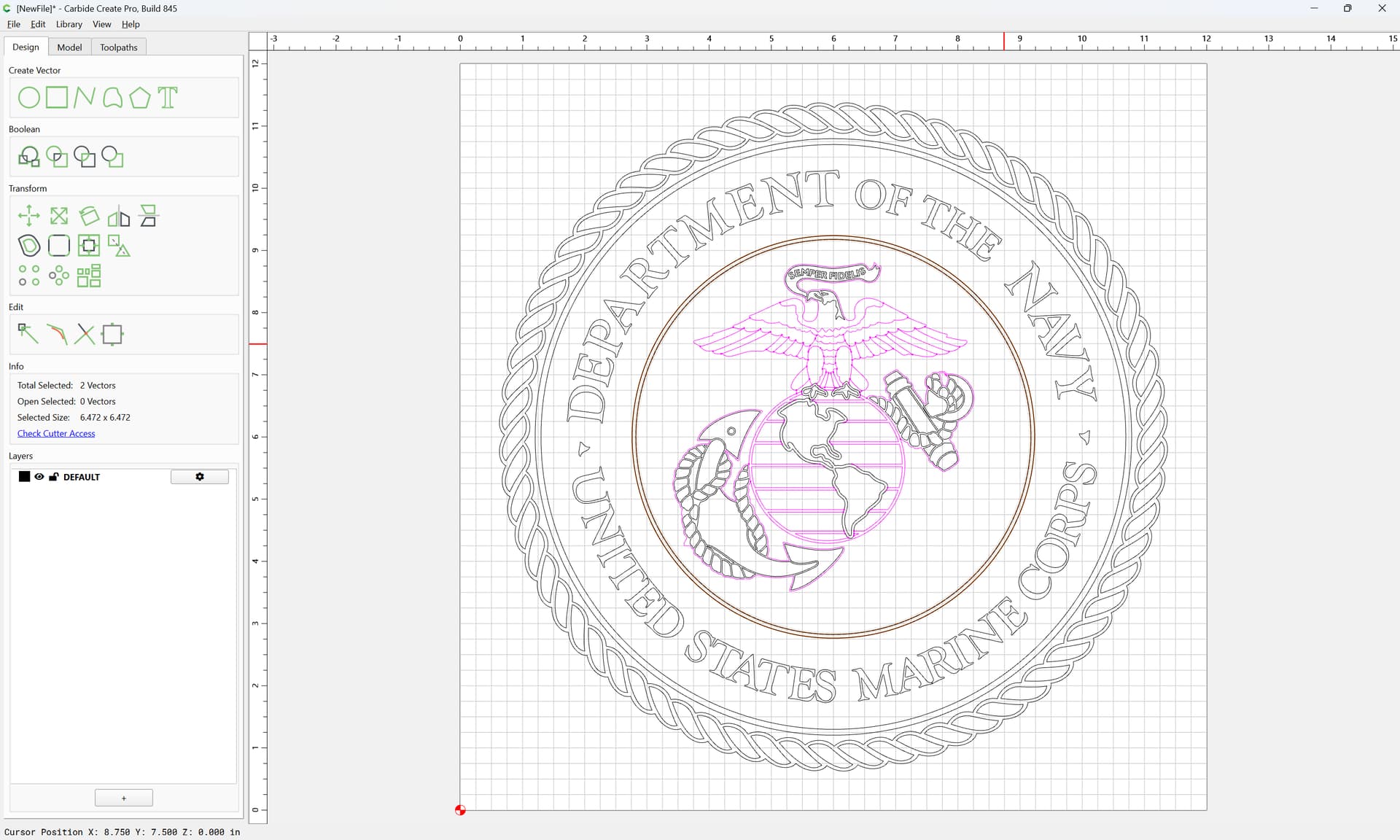
and delete the two duplicates
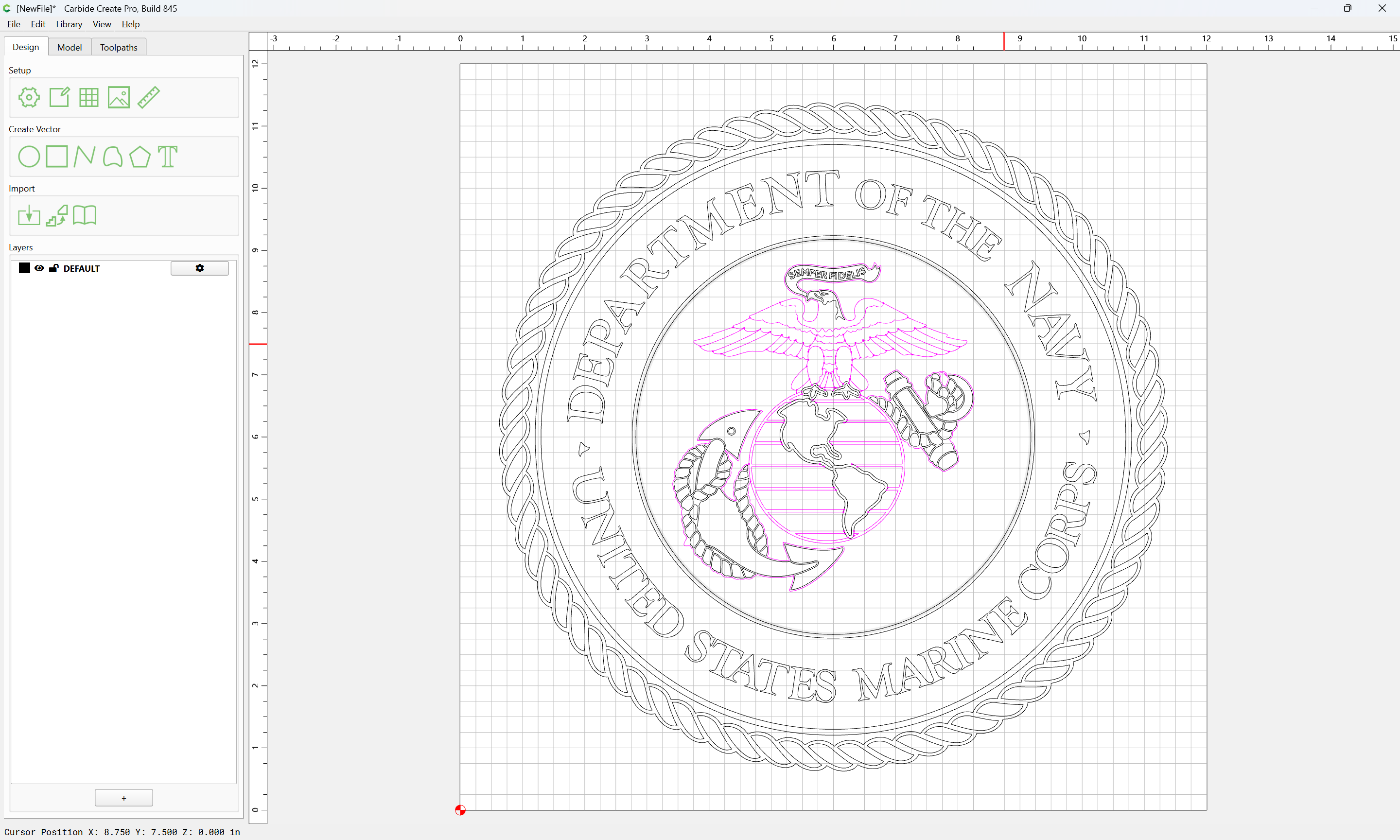
Select everything in the center:
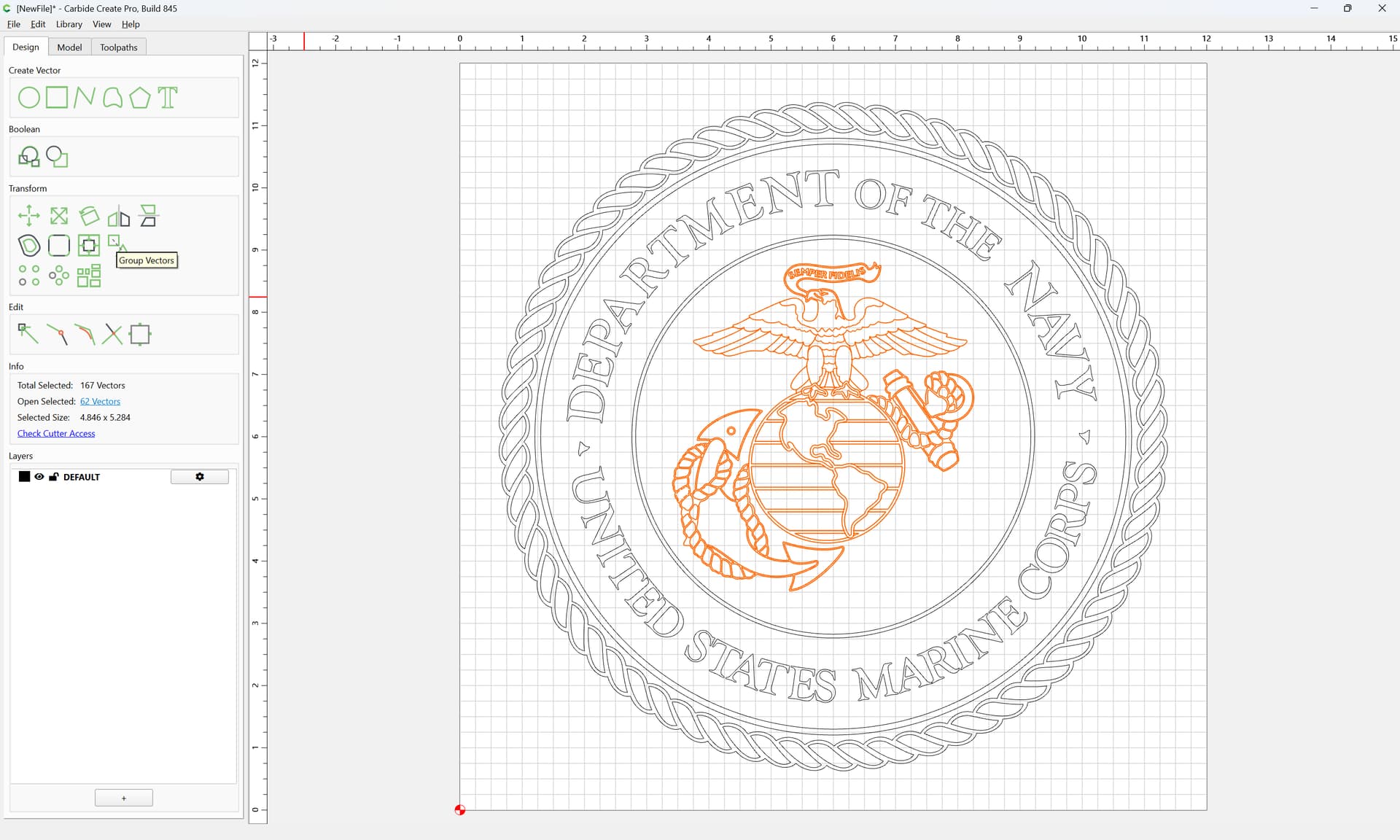
Group Vectors
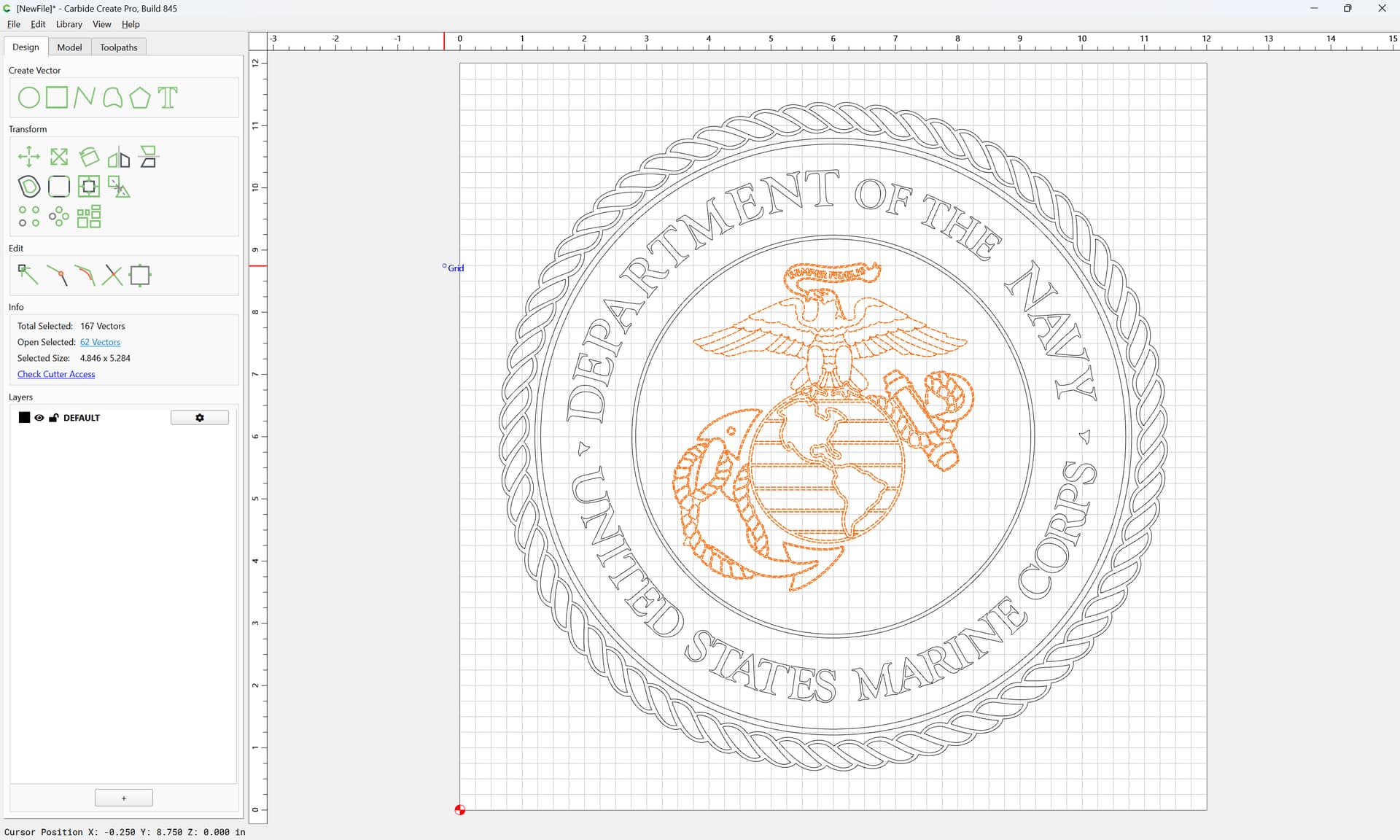
Select the balance:
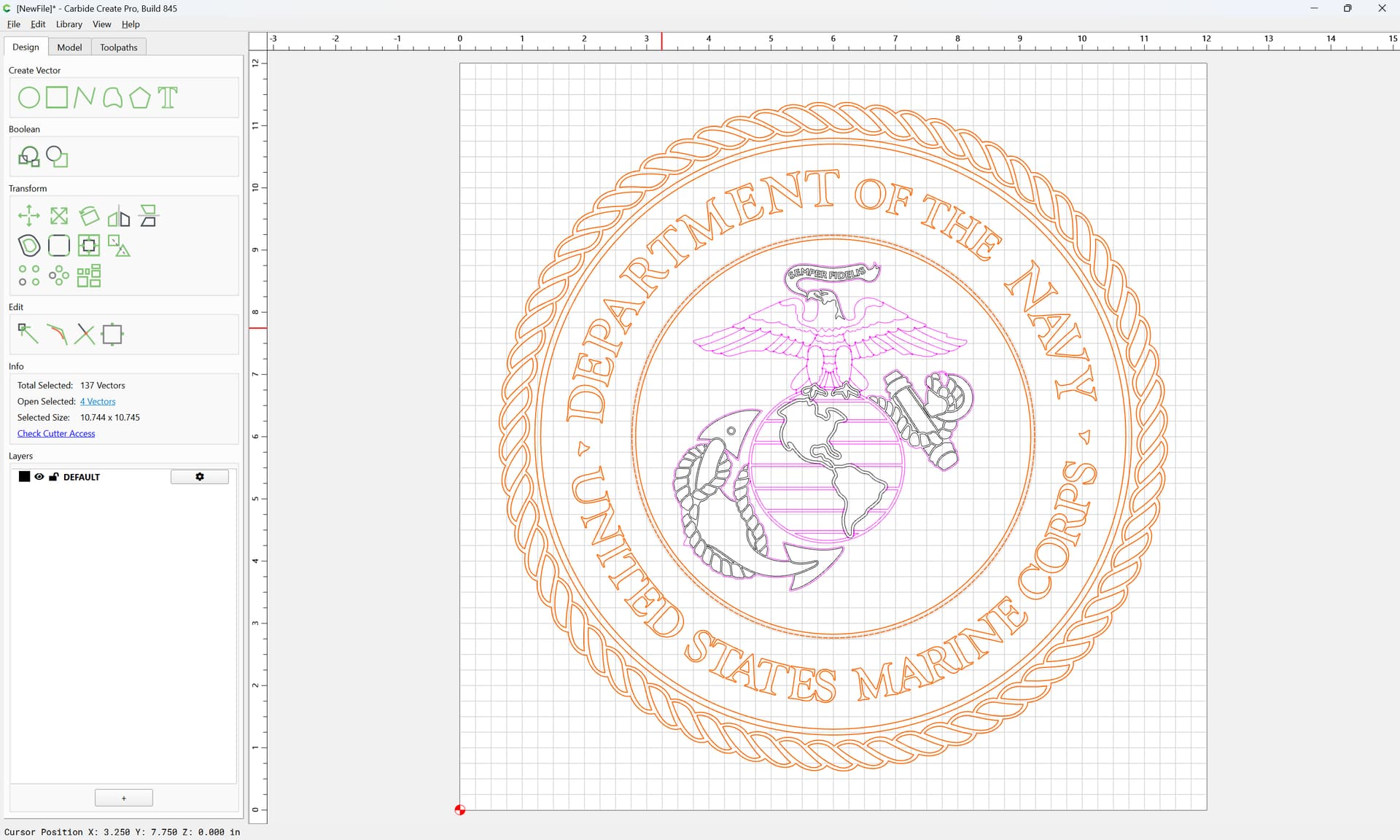
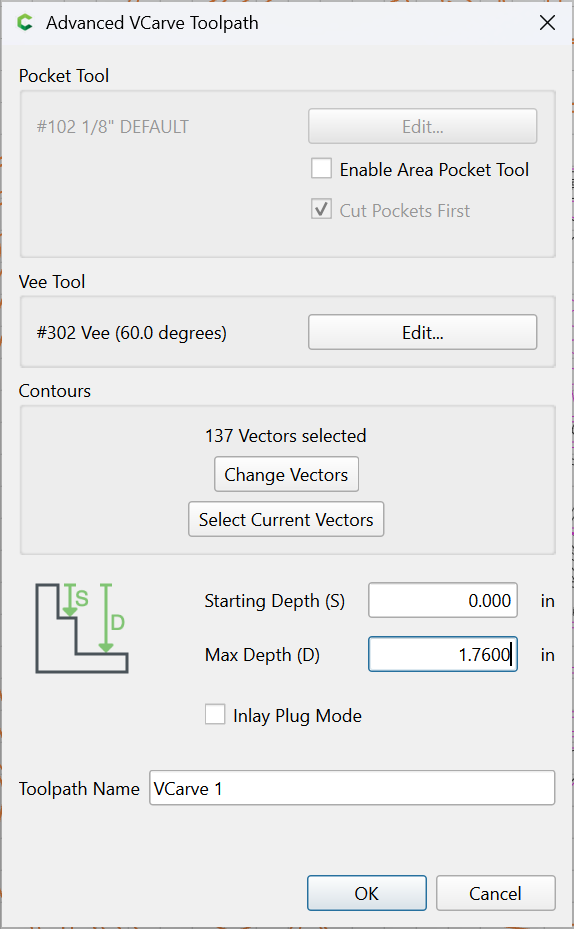
and assign a V-carve Toolpath:
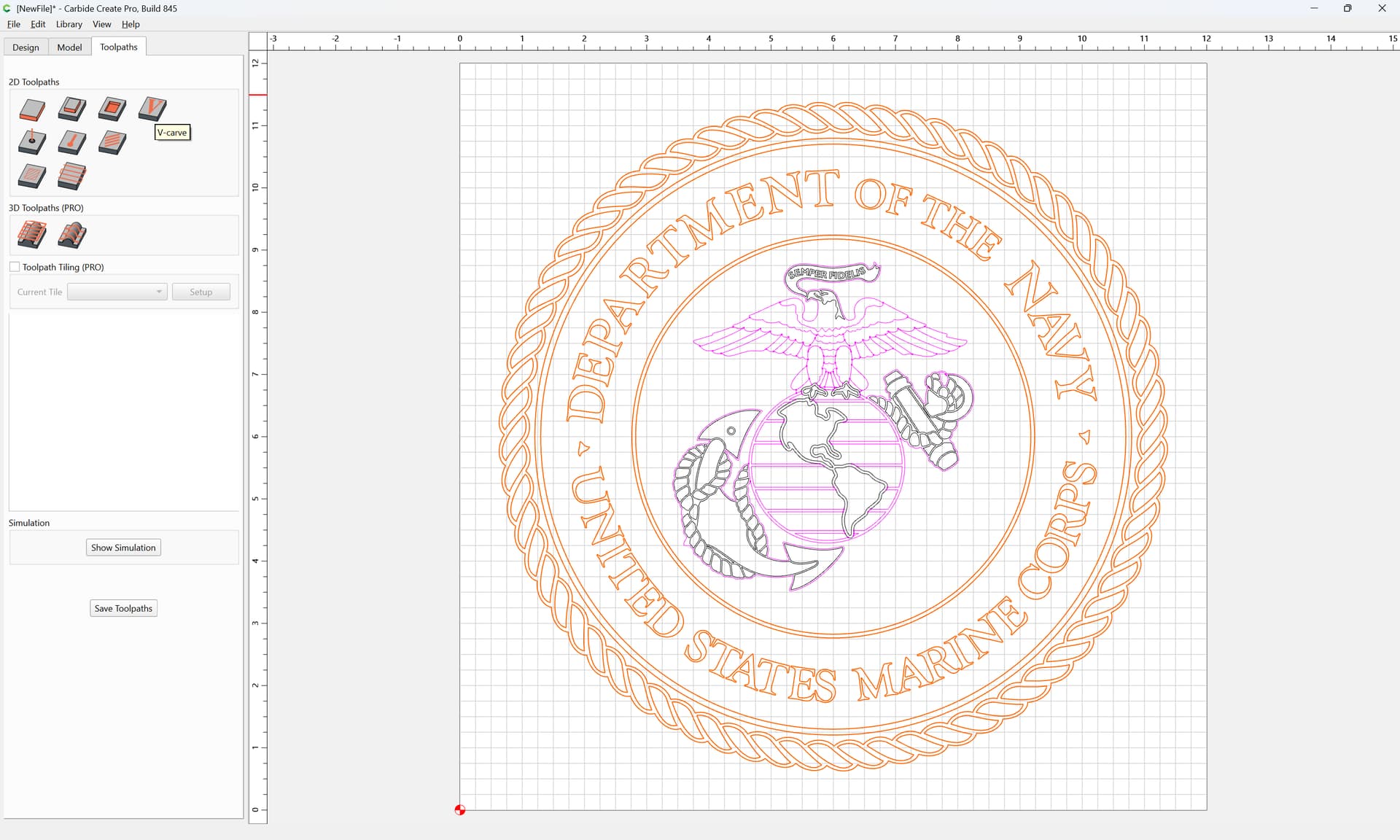
Use Current Selection
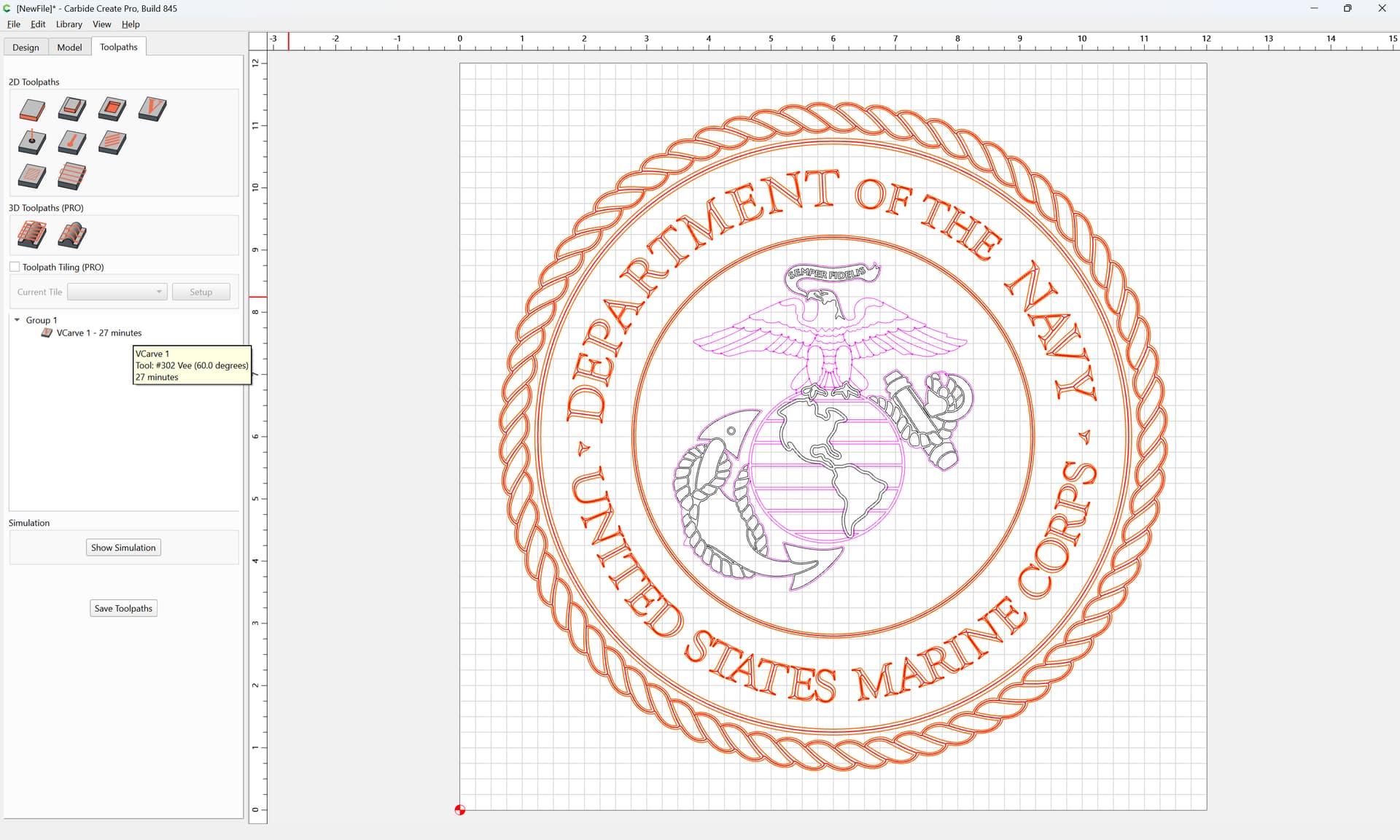
Select the central elements:
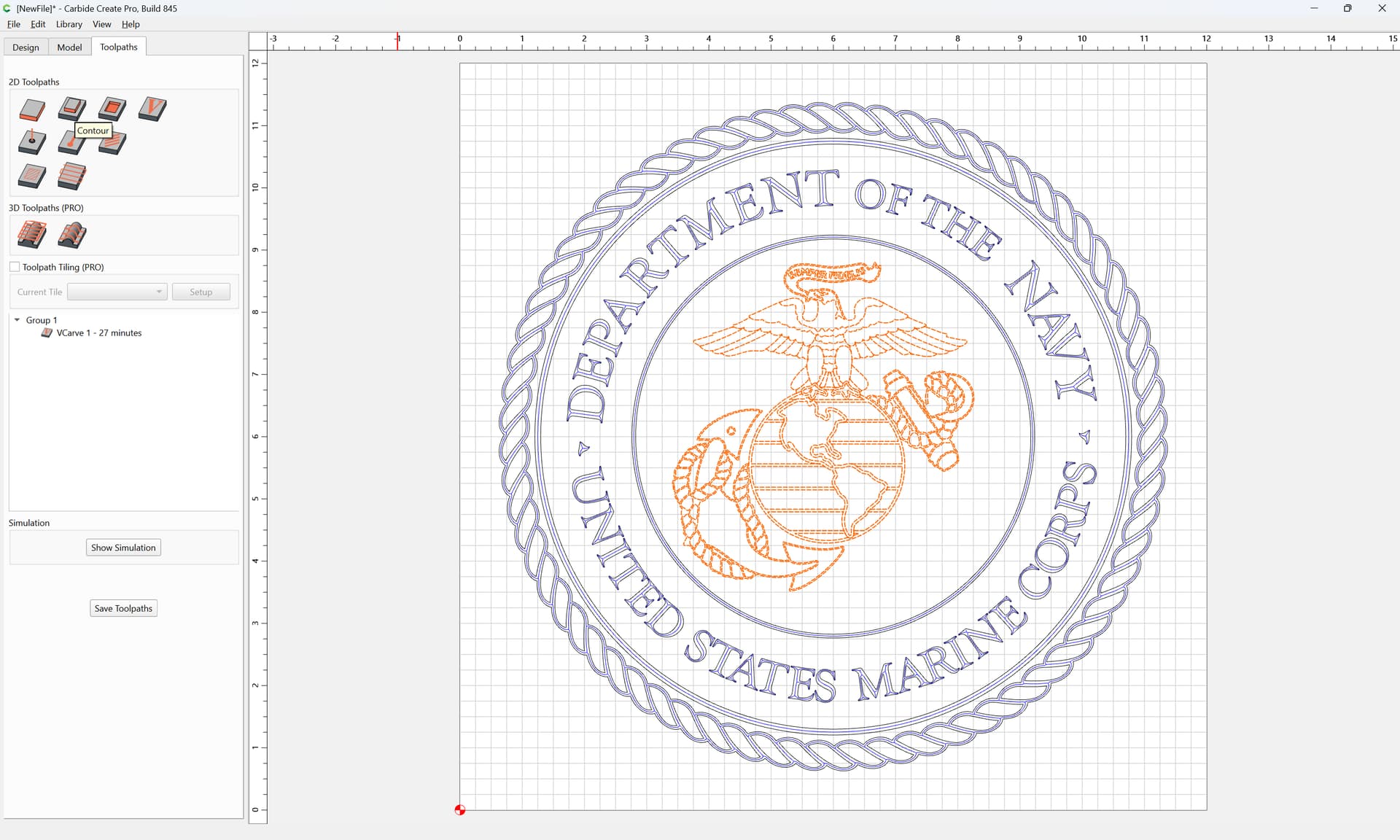
and assign a No Offset Contour:
Use current selection
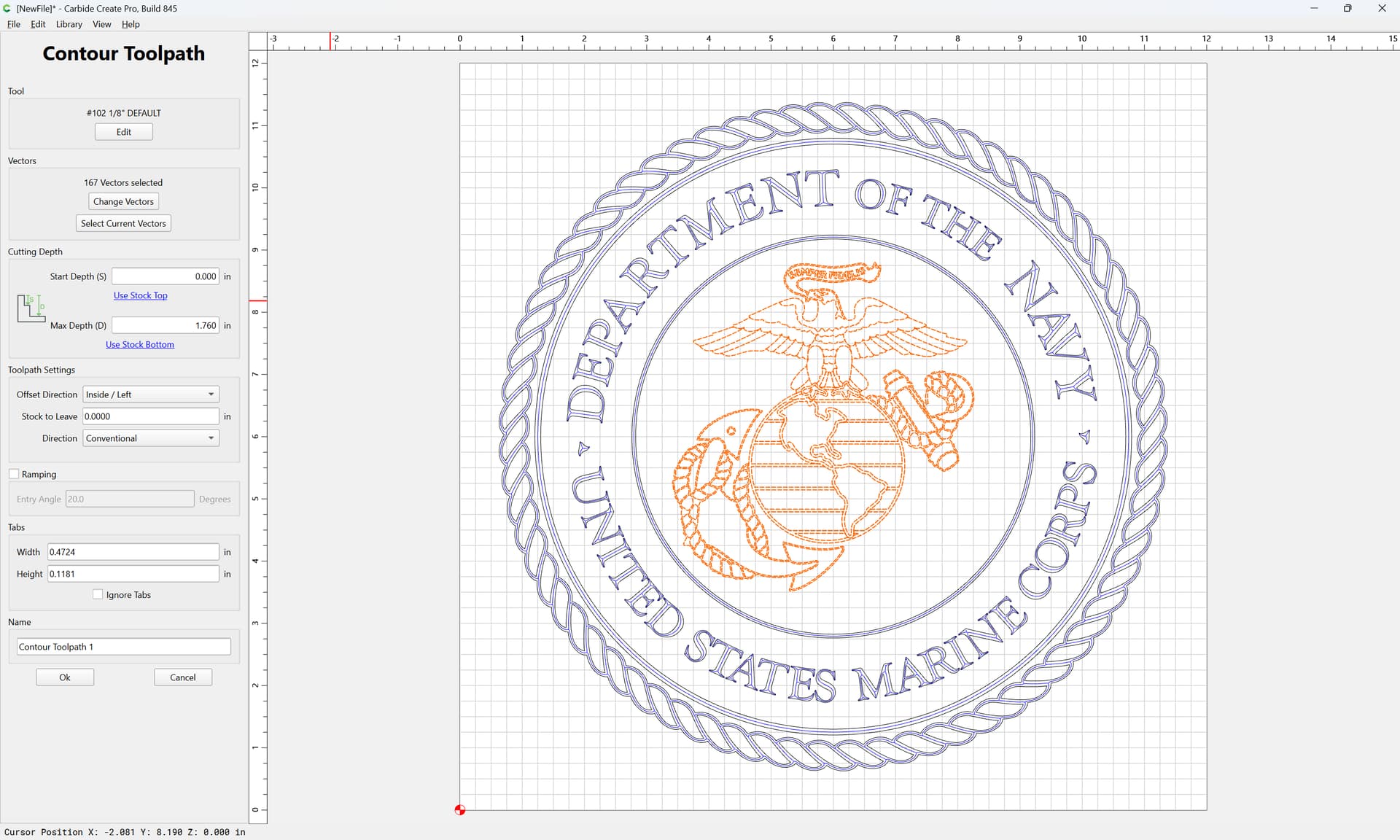
Edit the Tool
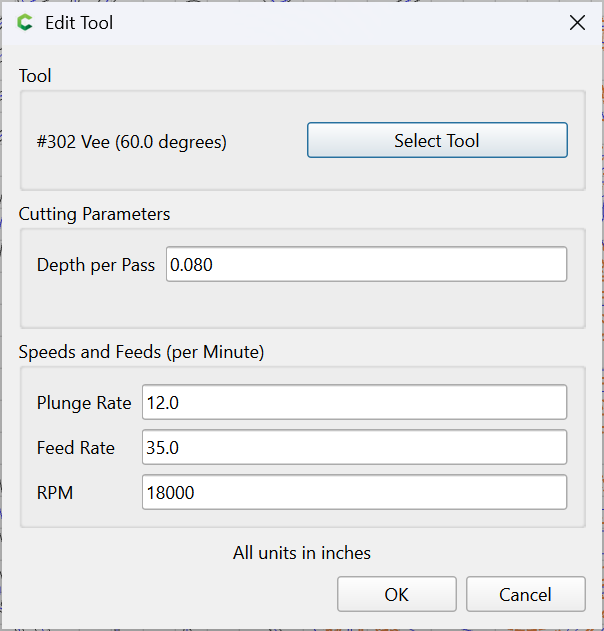
and select a V tool

and adjust as desired:
Ok
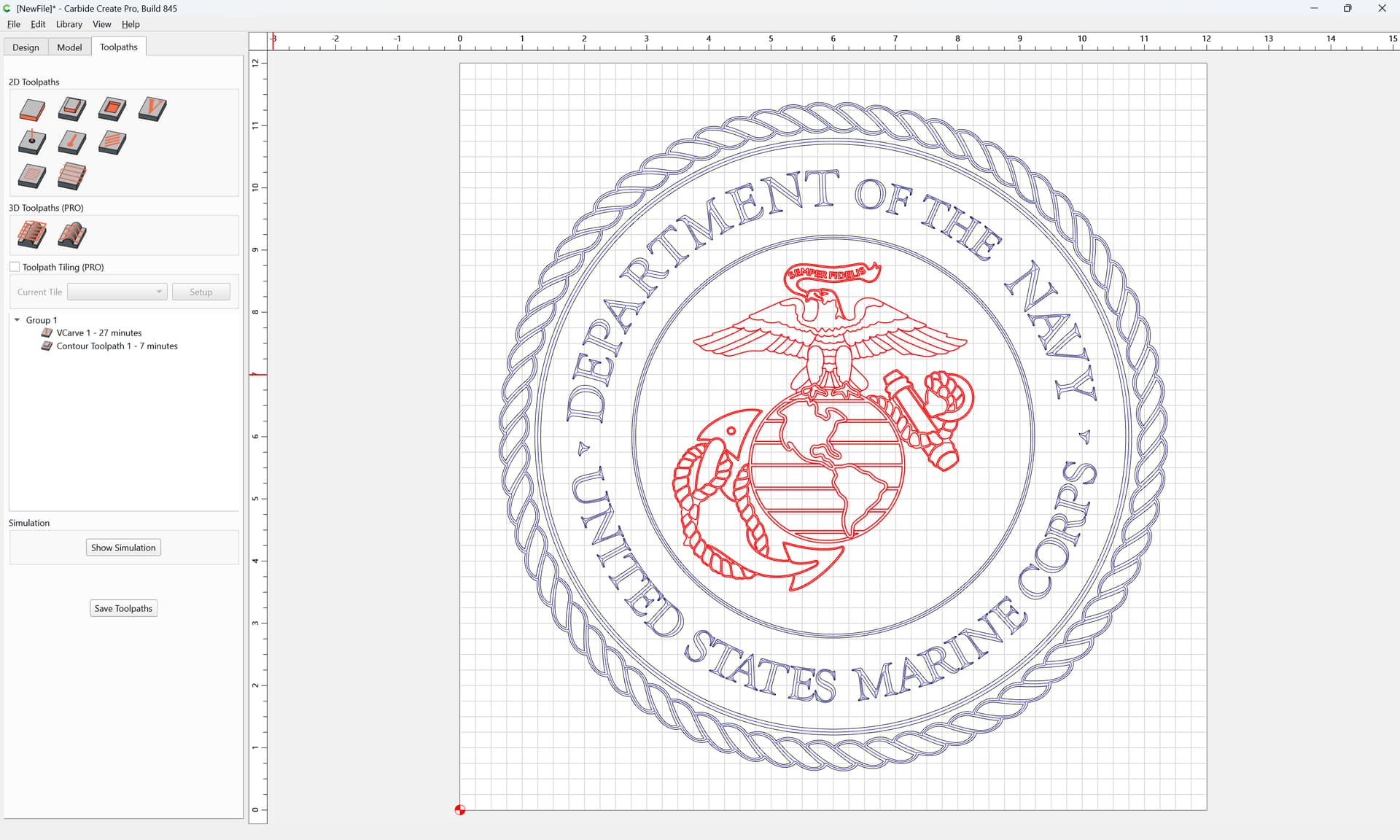
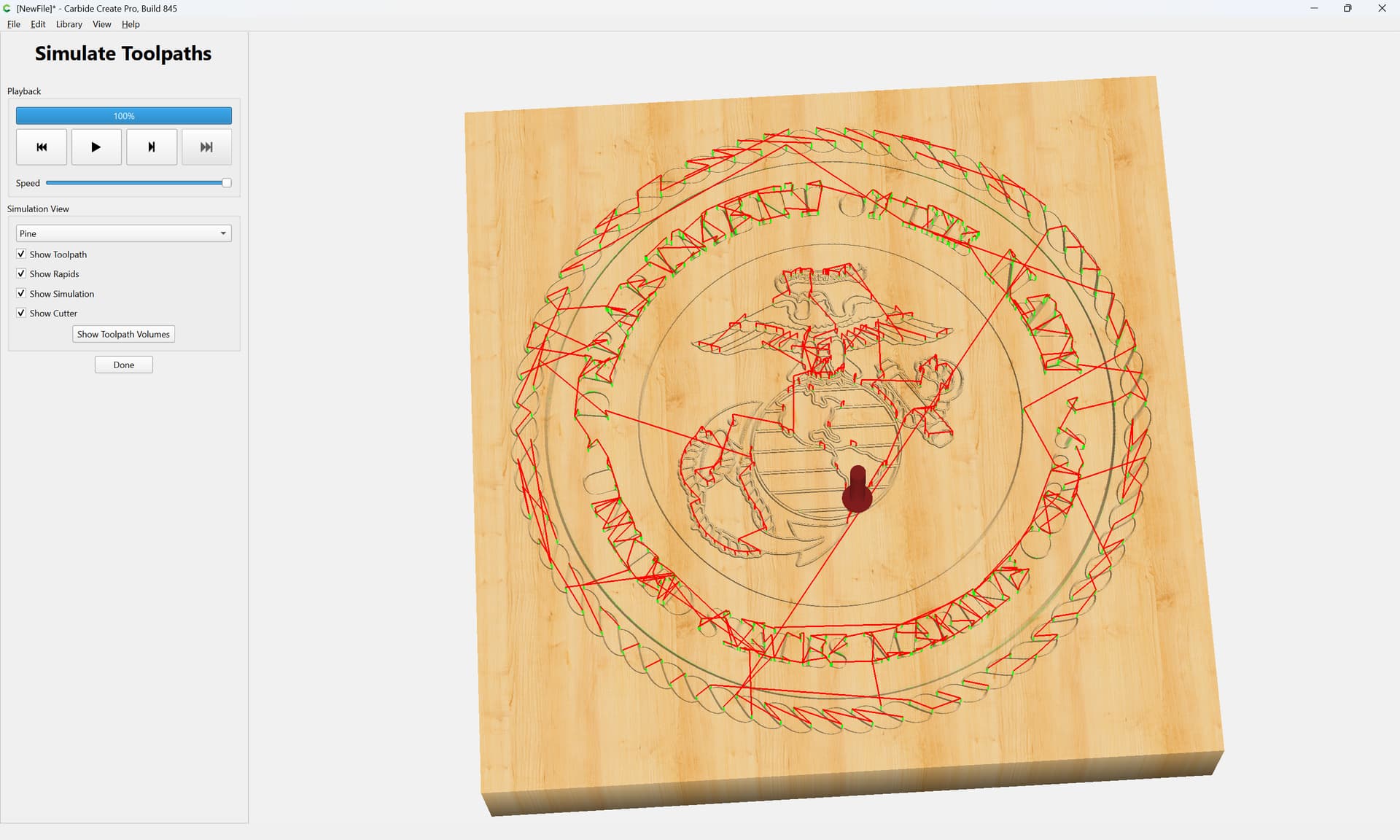
Simulate Toolpath: