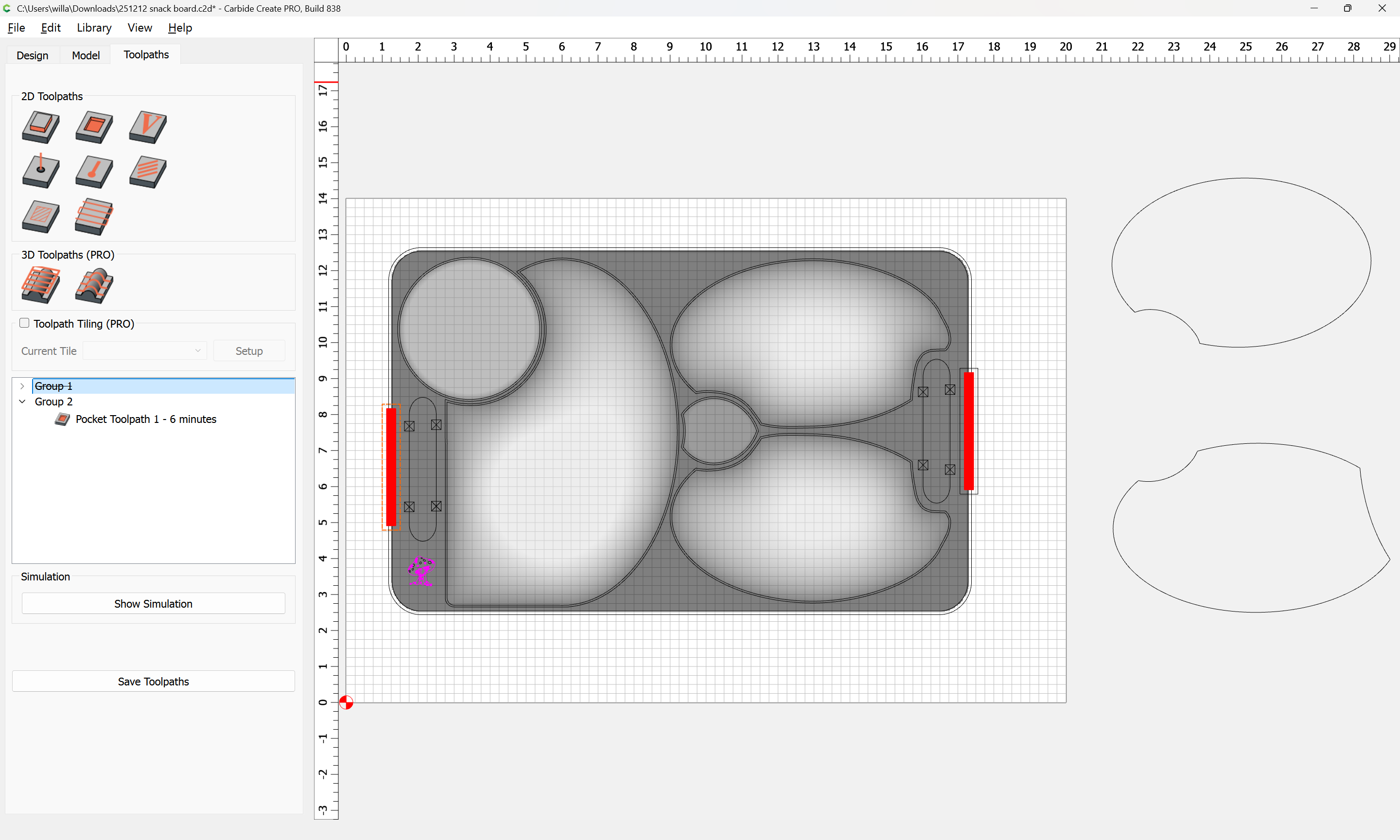
i try to make a snack board with 3-D cutting on my Shapeoko 5 Pro, i figure out the top part, and try to do the bottom part.
try to make the handle part little off the table (easy for hand to grape it), so i try to 3-D cutting the handle part (make some round from thick flat body part of main body to 3/4" on handle) and leave the main part of body part flat as thickness (1.5").
i try different times and not success. need some help here.
if any one here ever did this before, appreciate to share you plan here.
thanks much.
Upload the file you are working on?
Note that you will need to plan this out as a 2-sided set of operations — Carbide Create does not model undercuts.
251212 snack board.c2d (1.9 MB)
understand for the bottom cutting, that need to do a separate file.
i just upload the file for top part of the board.
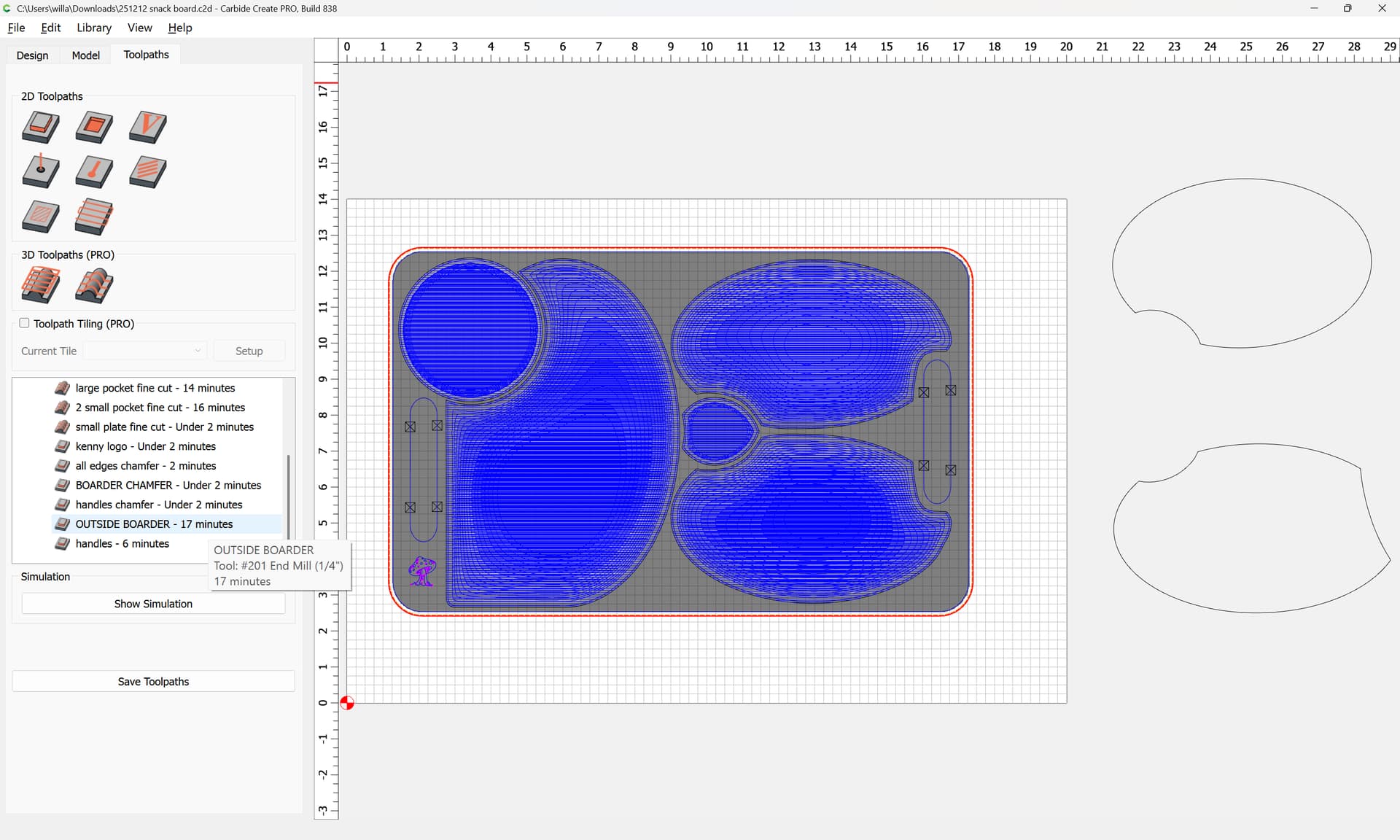
You should cut out the handles before the outside boarder:
A #201 endmill does not have 1.5" of cutting flute length:
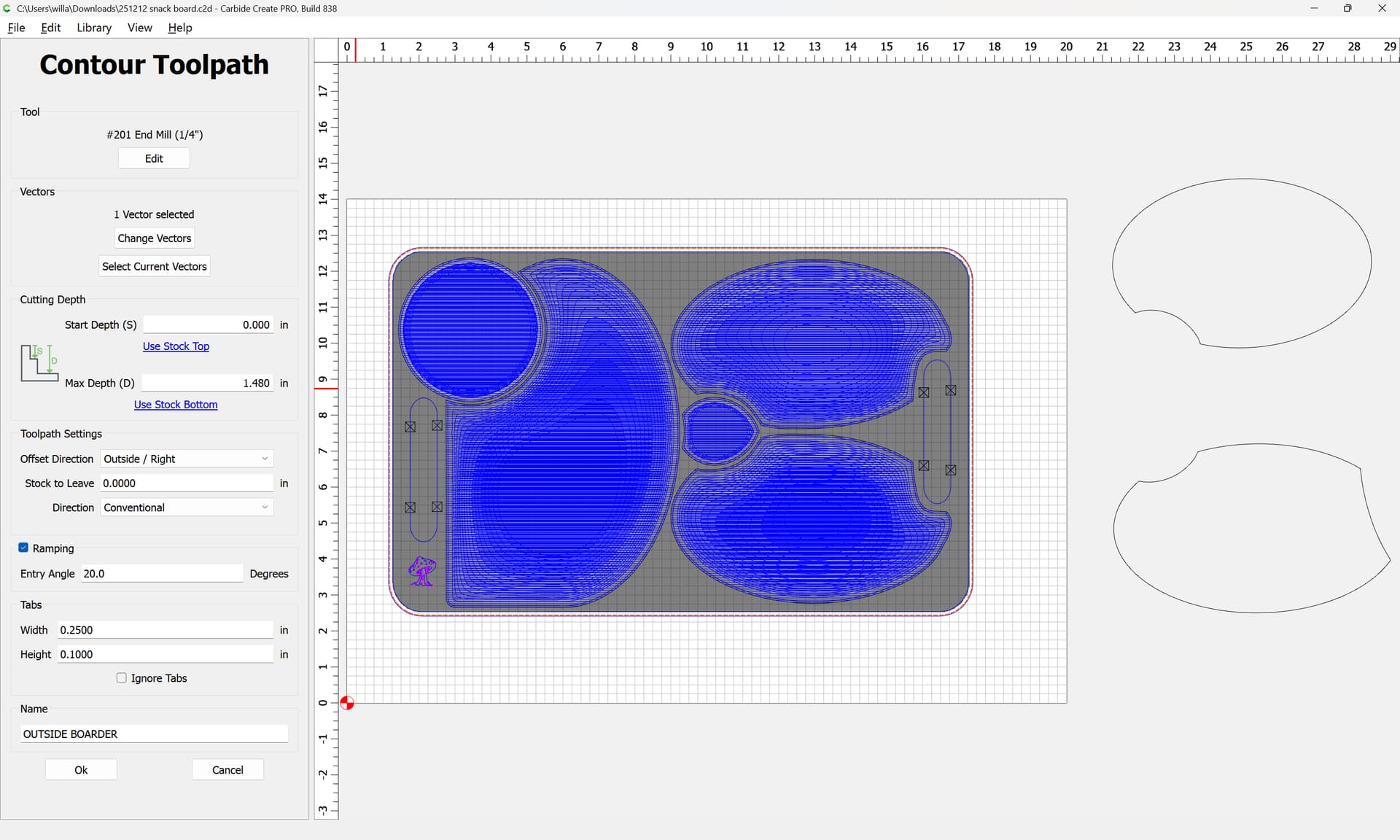
you’ll need a "long reach endmill for that, and you really should consider Climb vs. Conventional Milling and tooling engagement — where possible avoid slotting and add geometry and cut as a pocket
and/or
and consider leaving a roughing clearance and taking a finishing pass.
(same for the handles)
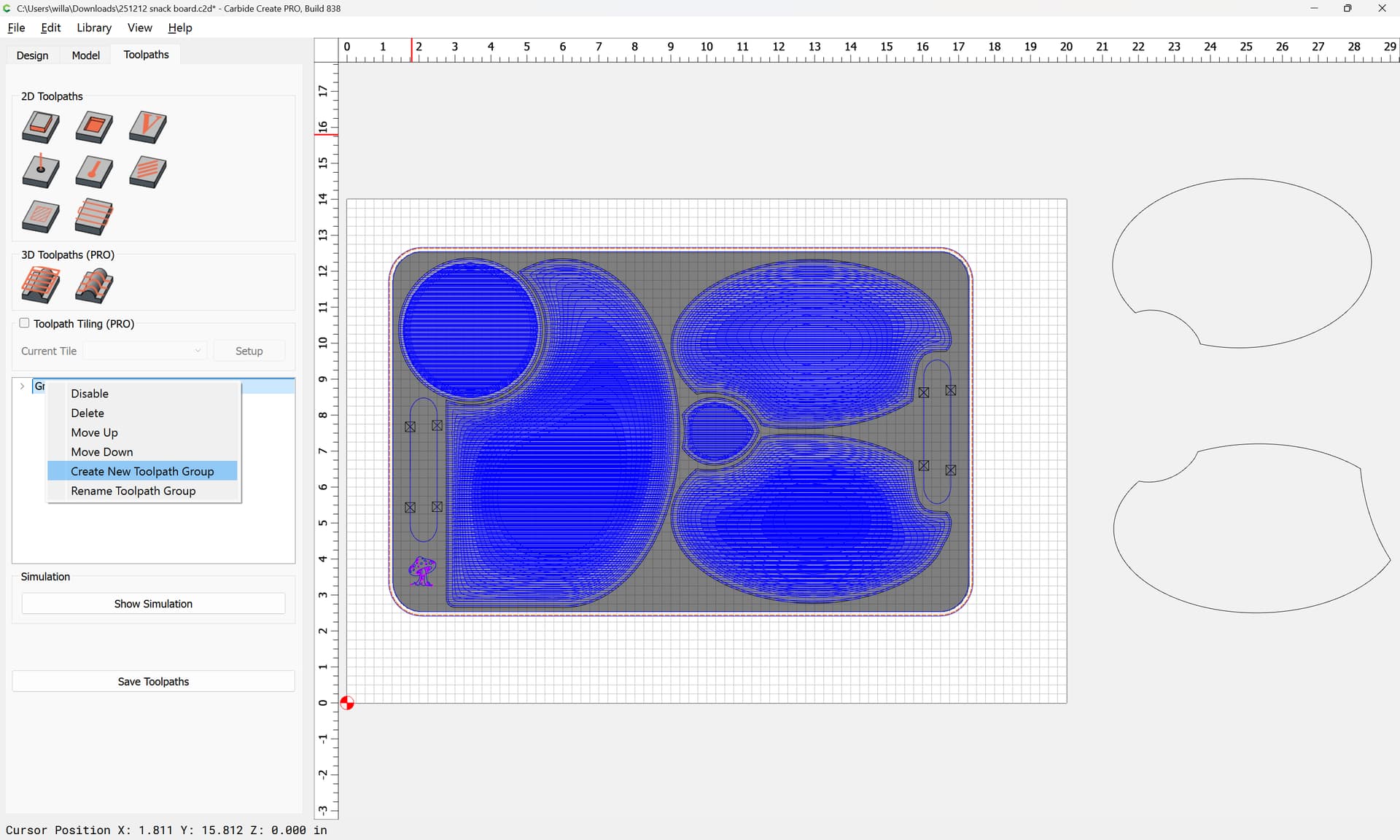
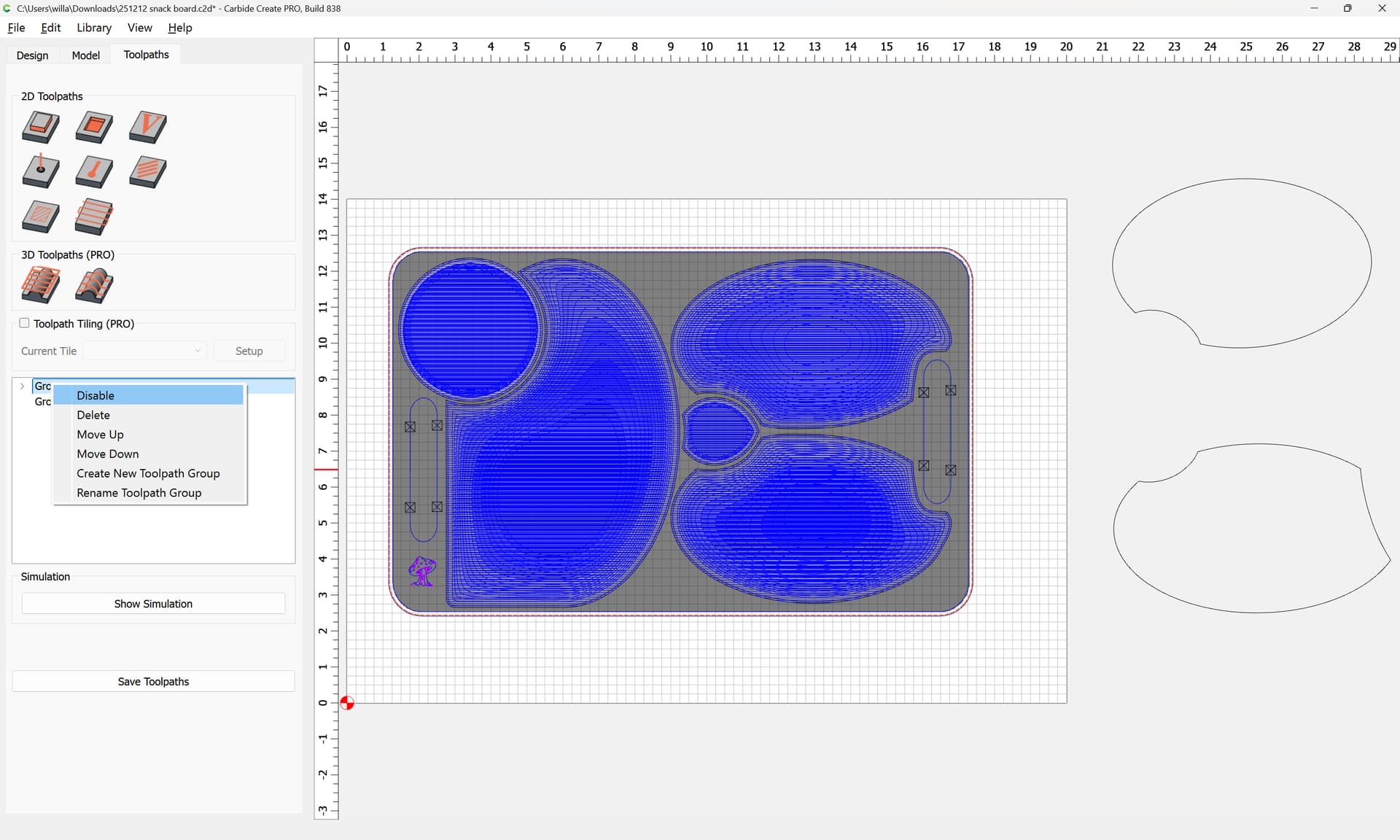
I’d simply add another group and add a shallow cut along the edge (note that you’ll need to maintain registration — probably the best approach would be to cut half-way through on each side)
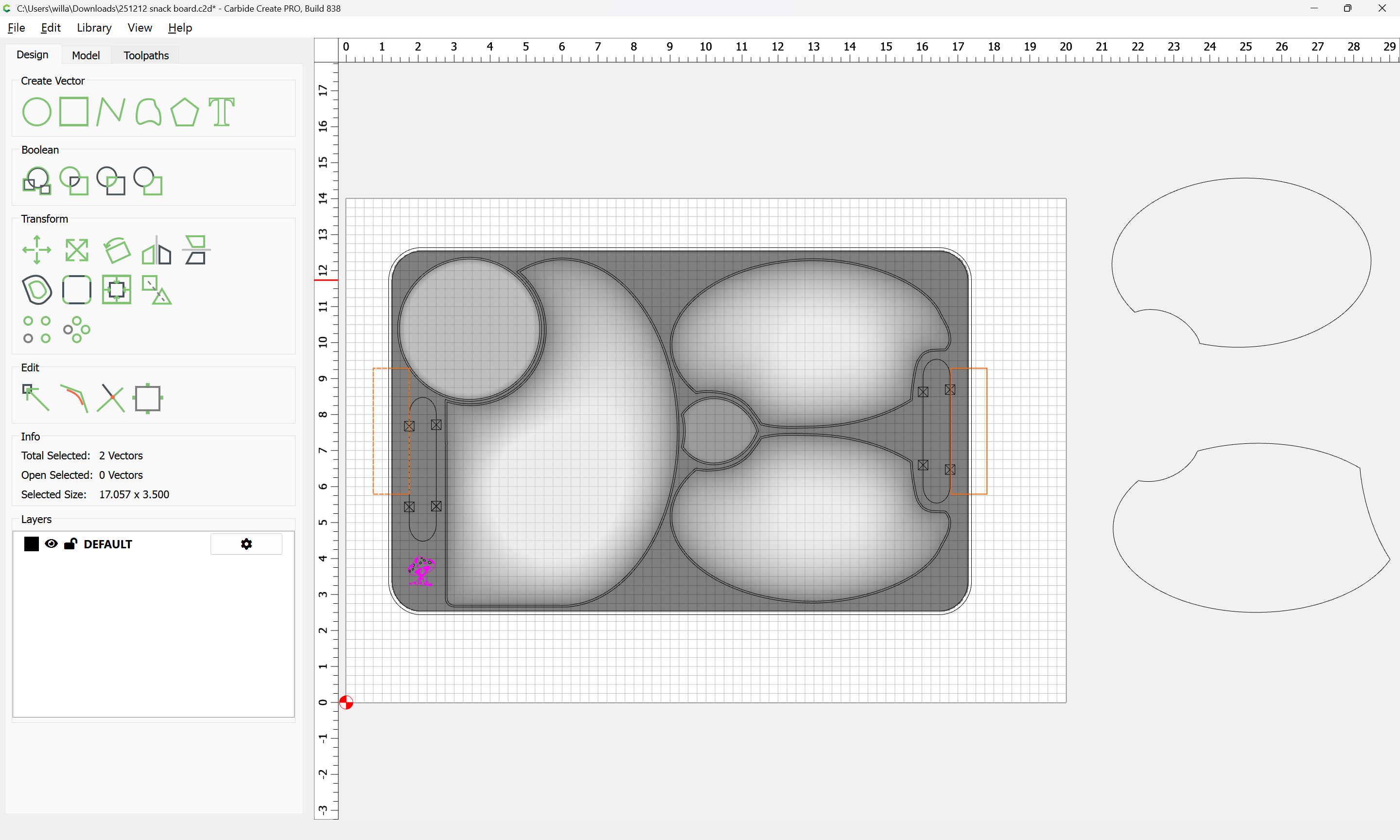
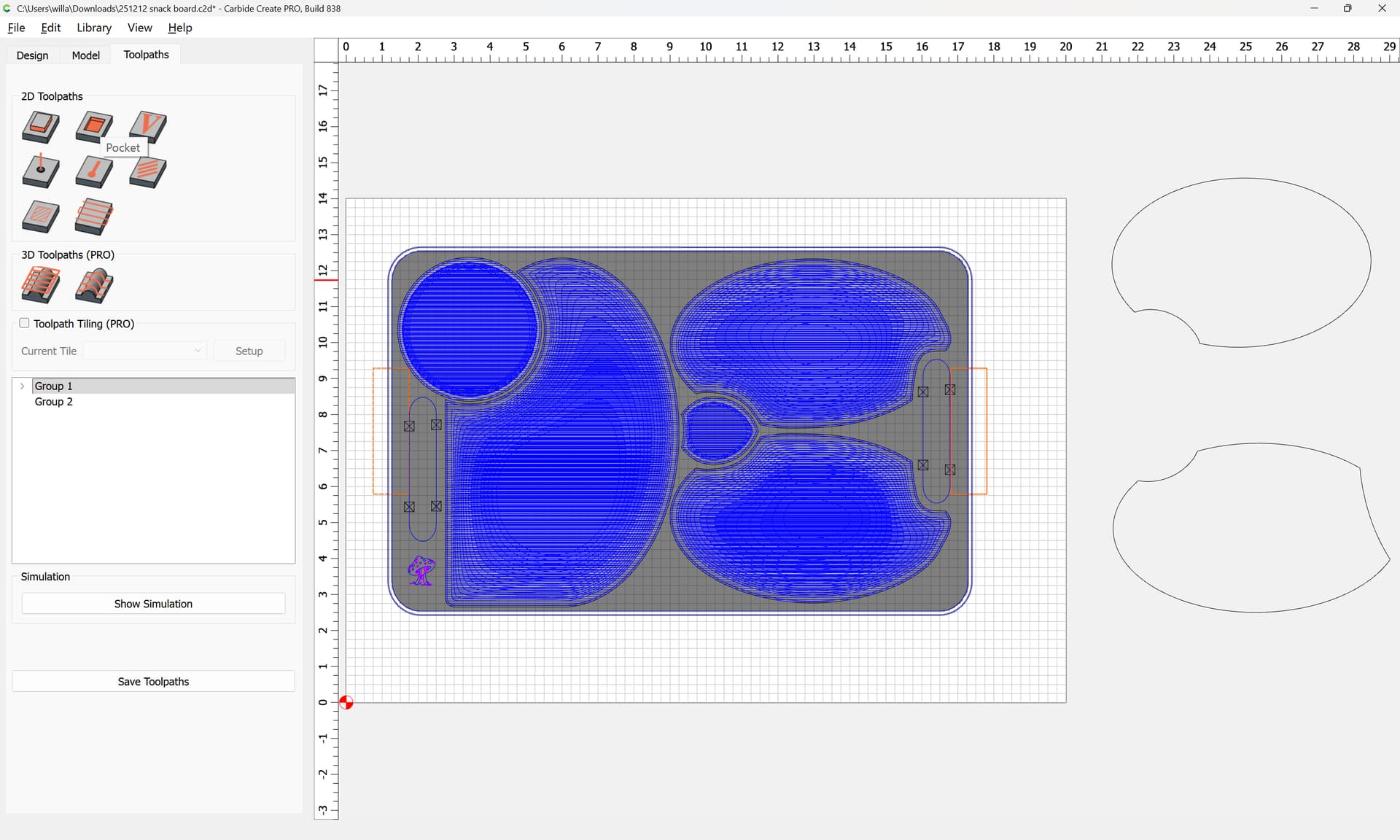
Adjust the dimensions/placement a bit:
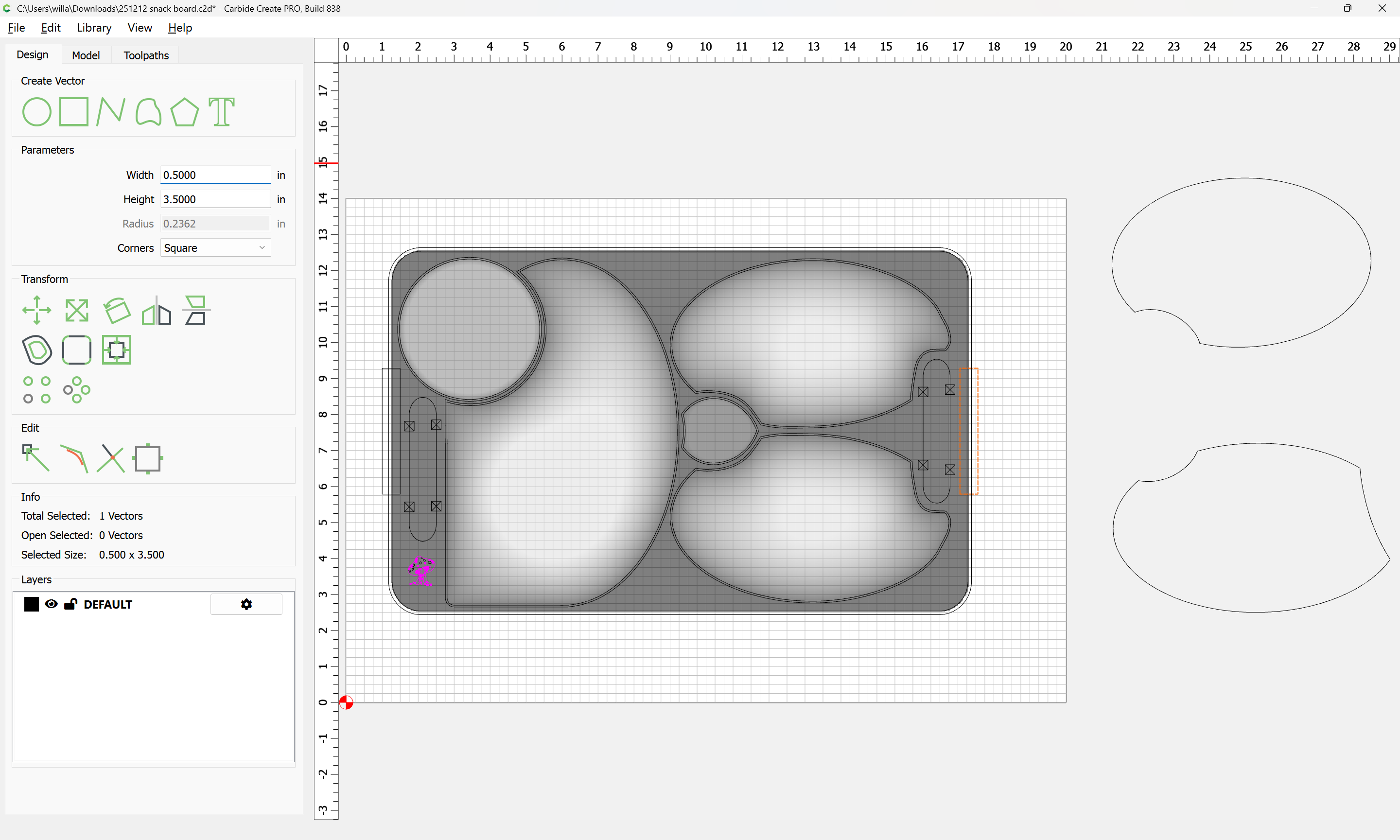
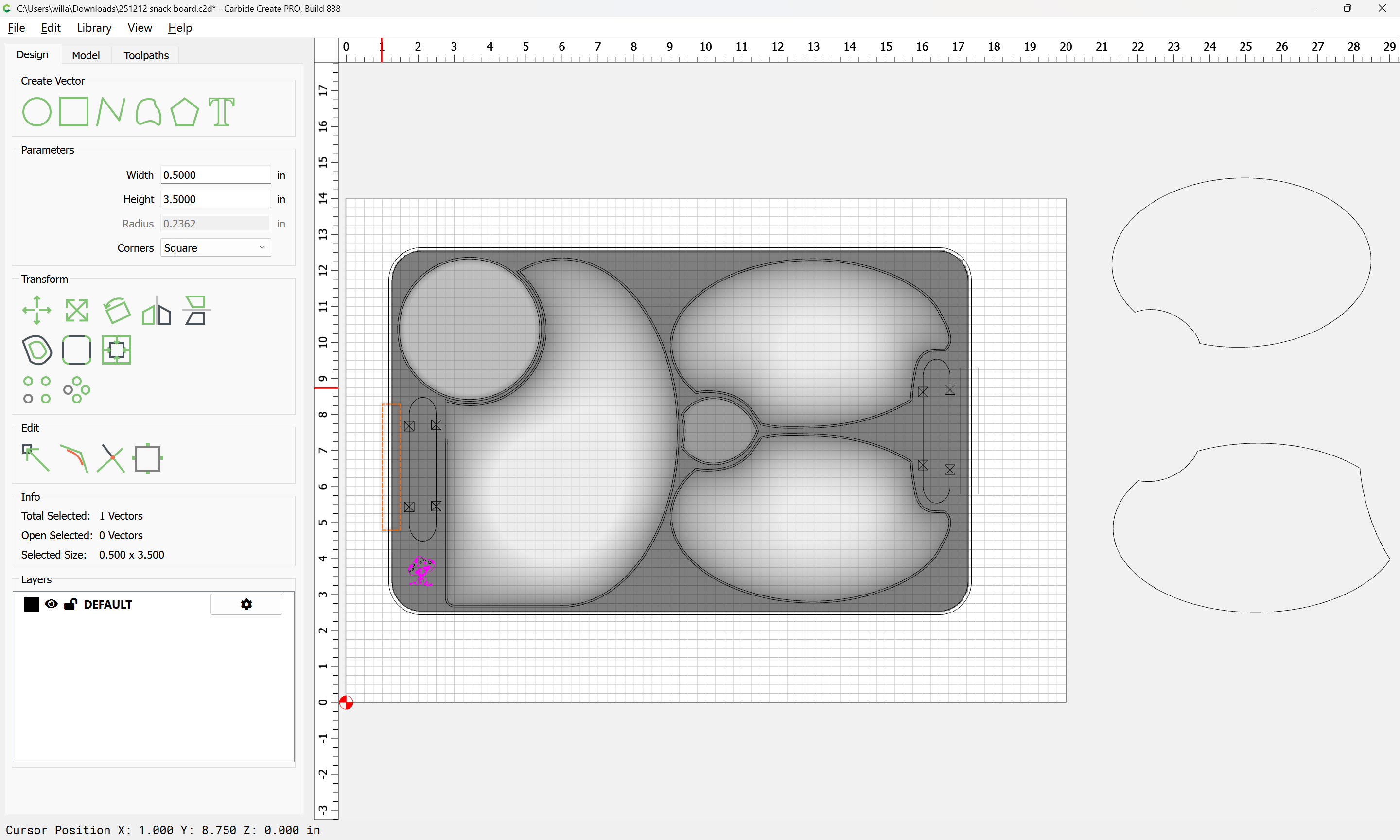
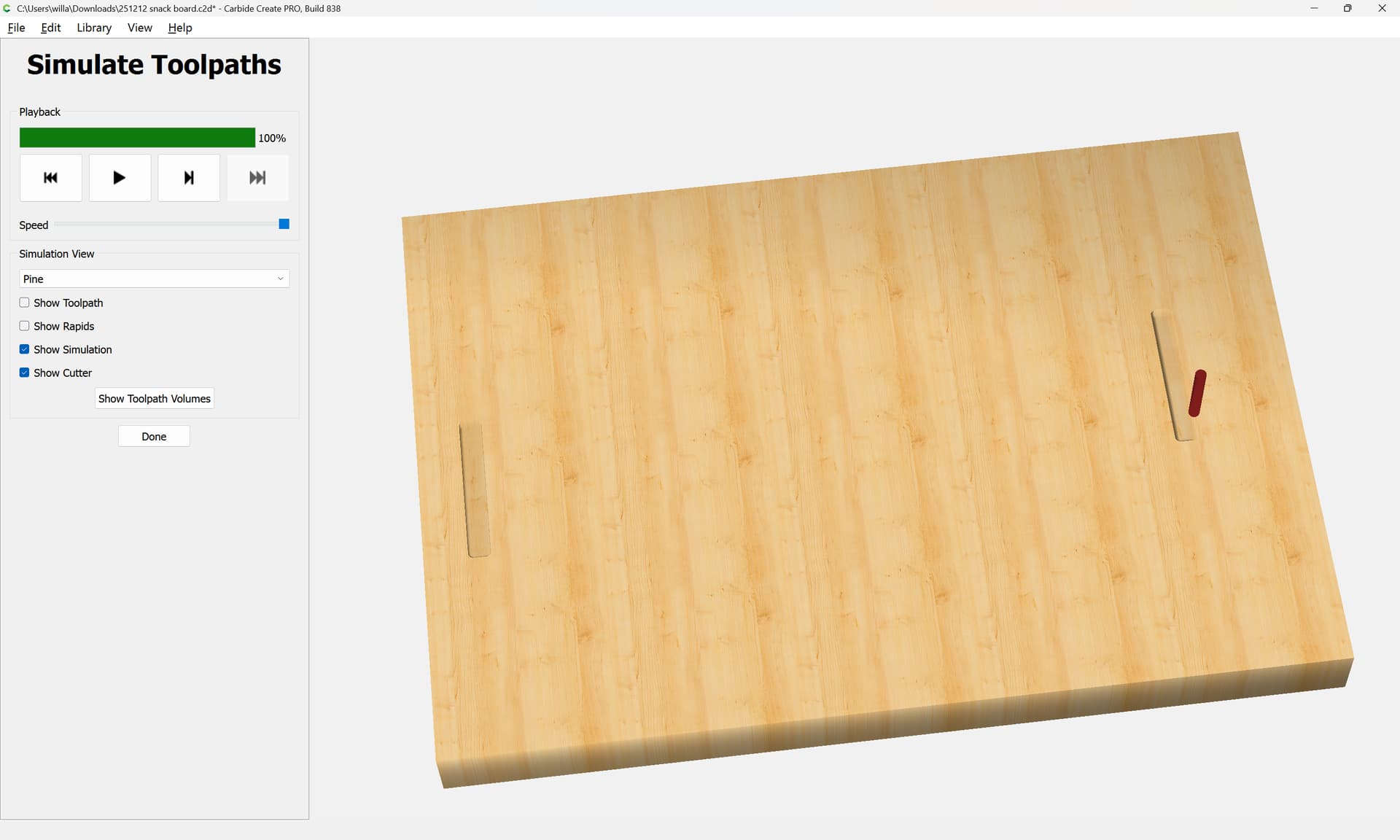
I believe those will need to be mirrored depending on the orientation of your flip, see:
1 Like
251220 snack board back.c2d (252 KB)
i may described not so clear. i had made a file to show what i really want. but not sure how to not cutting the part outside of the board? it will cutting air and wasting time.
thanks.

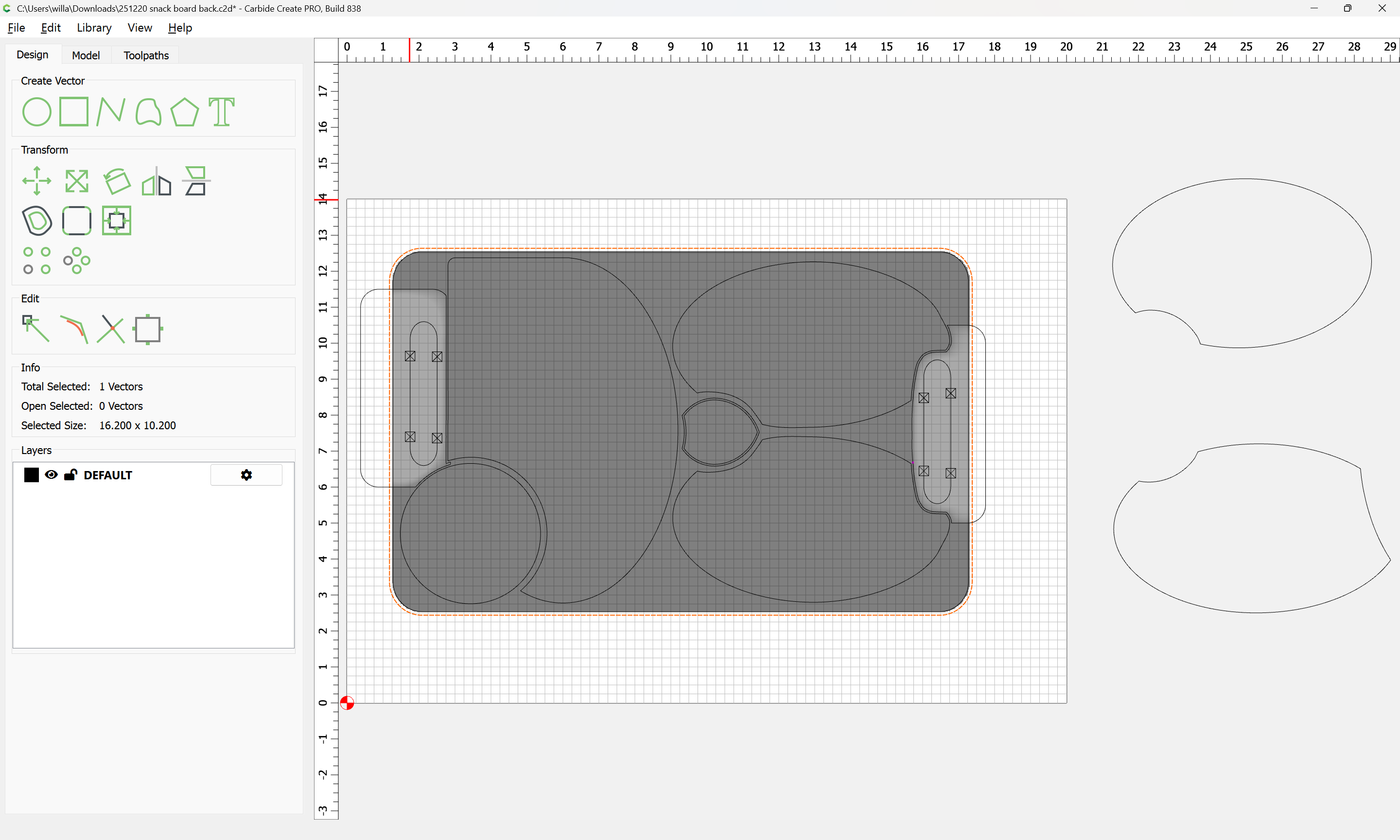
Select the perimeter:
and duplicate it:
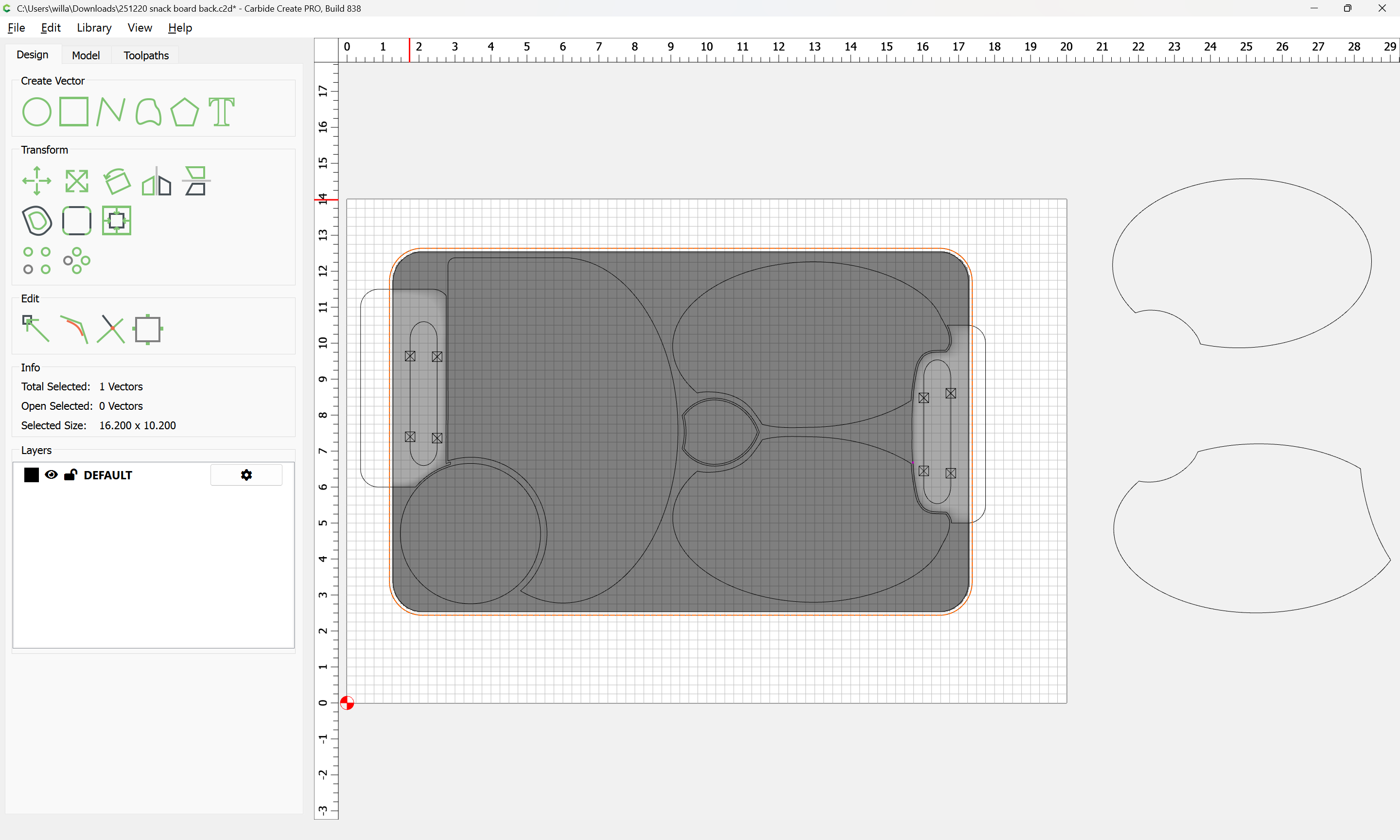
Then select the shapes which define where you wish to cut:
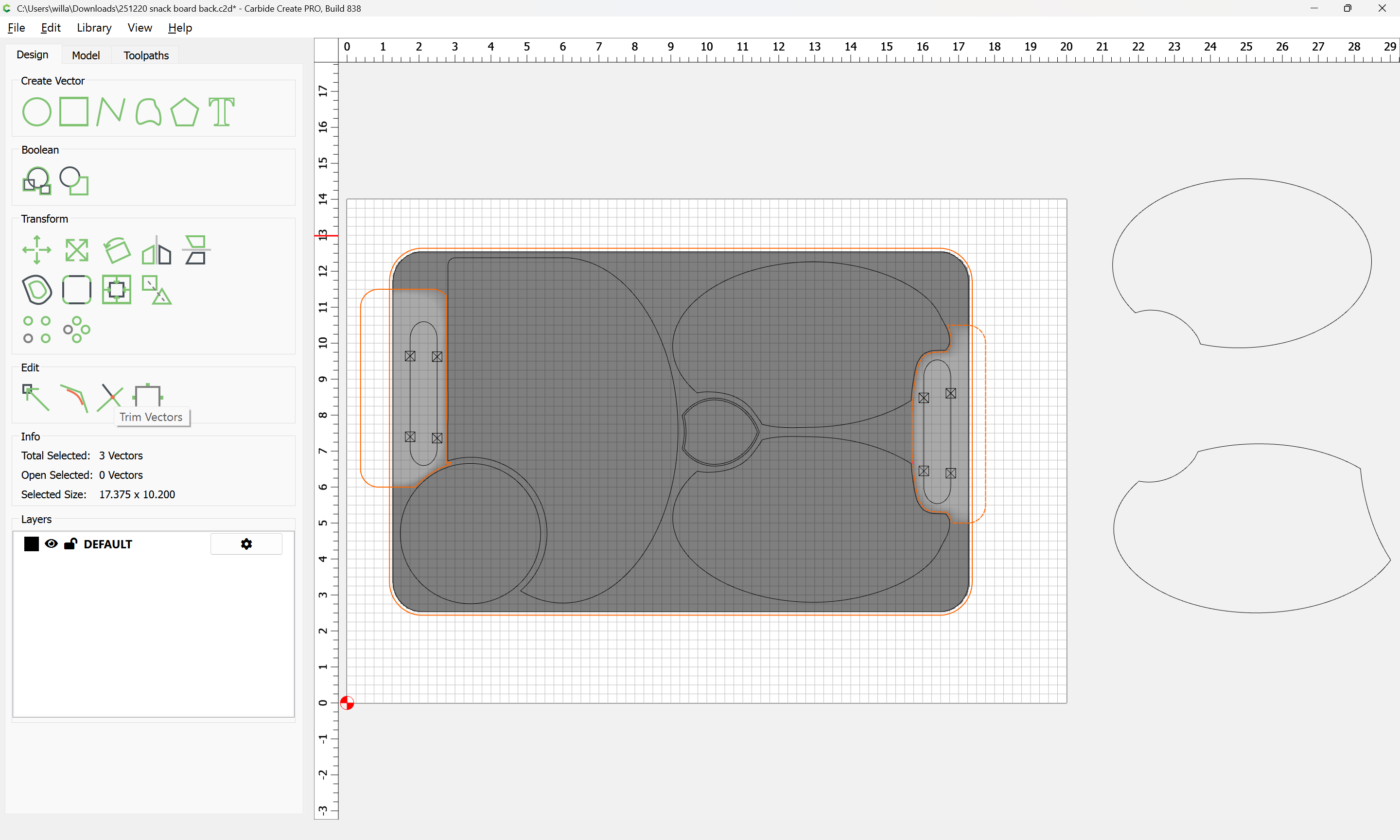
and use Trim Vectors to reduce to what you want:
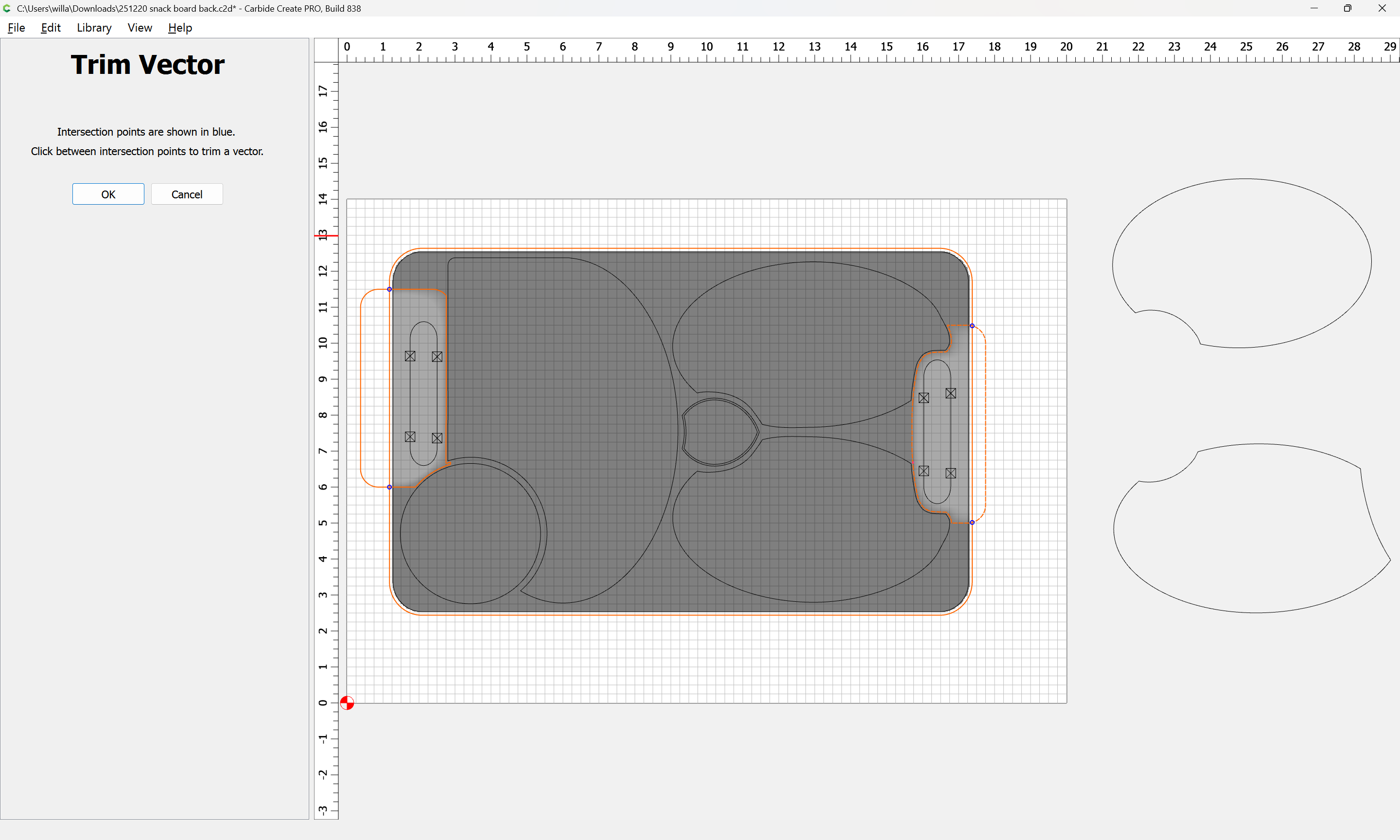
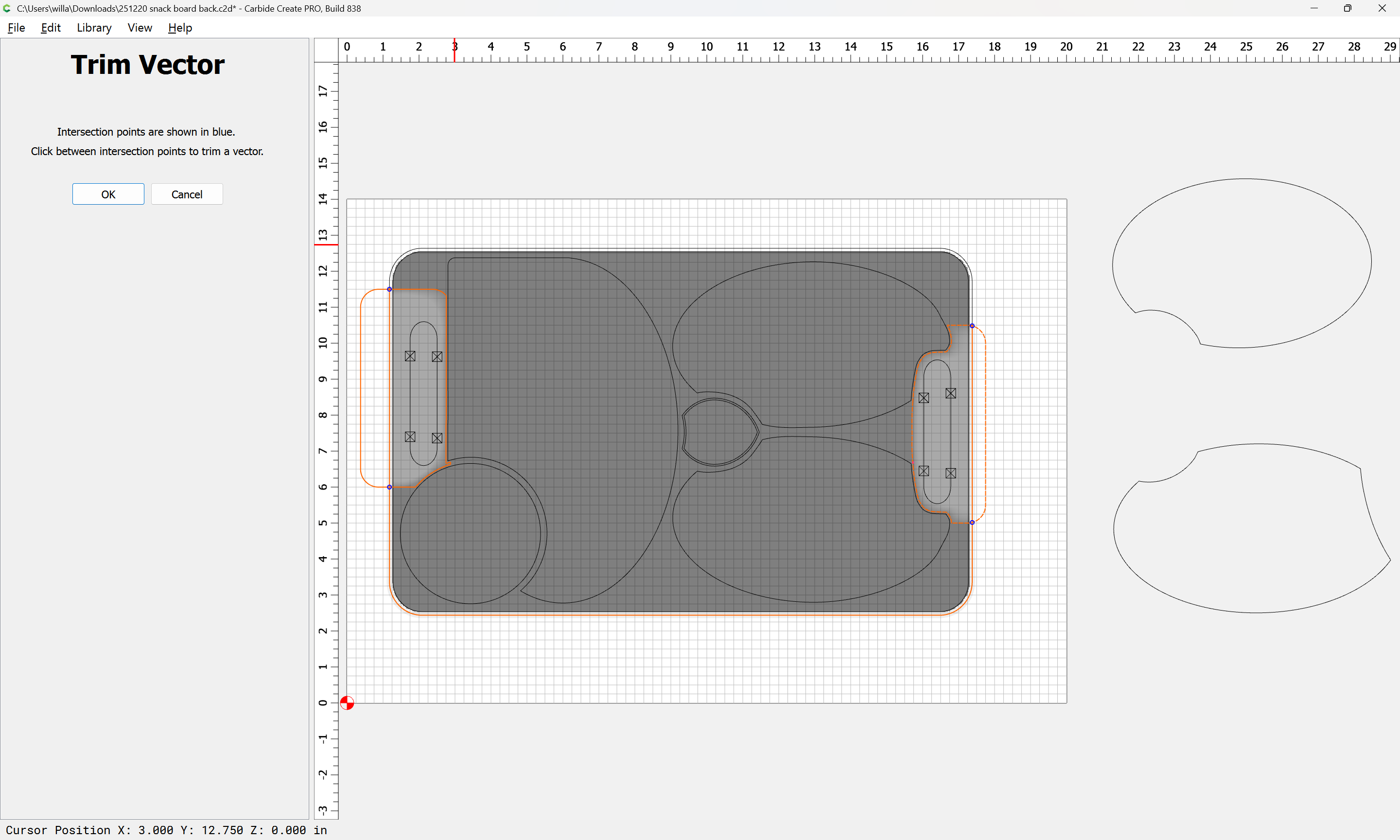
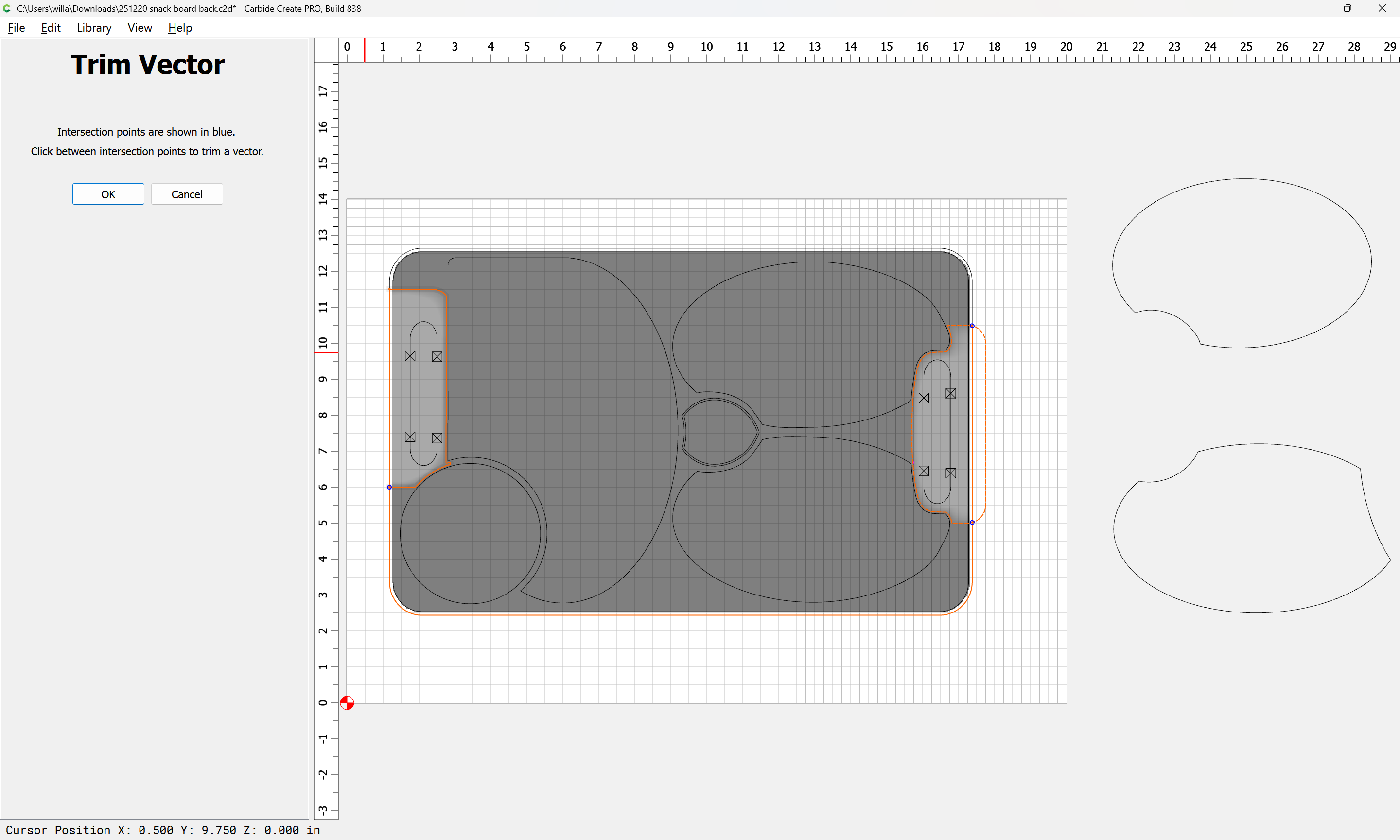
until one arrives at:
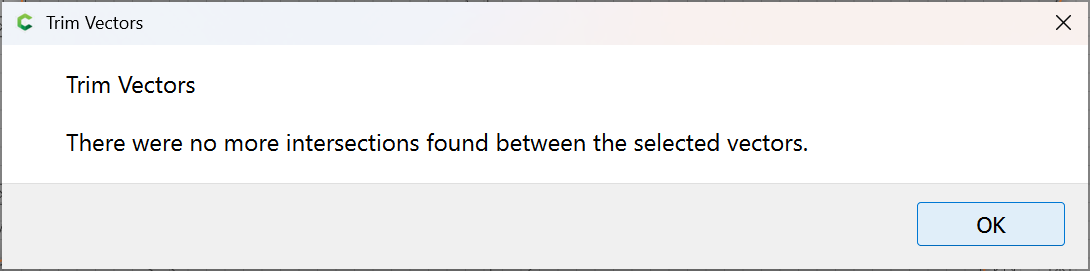
OK
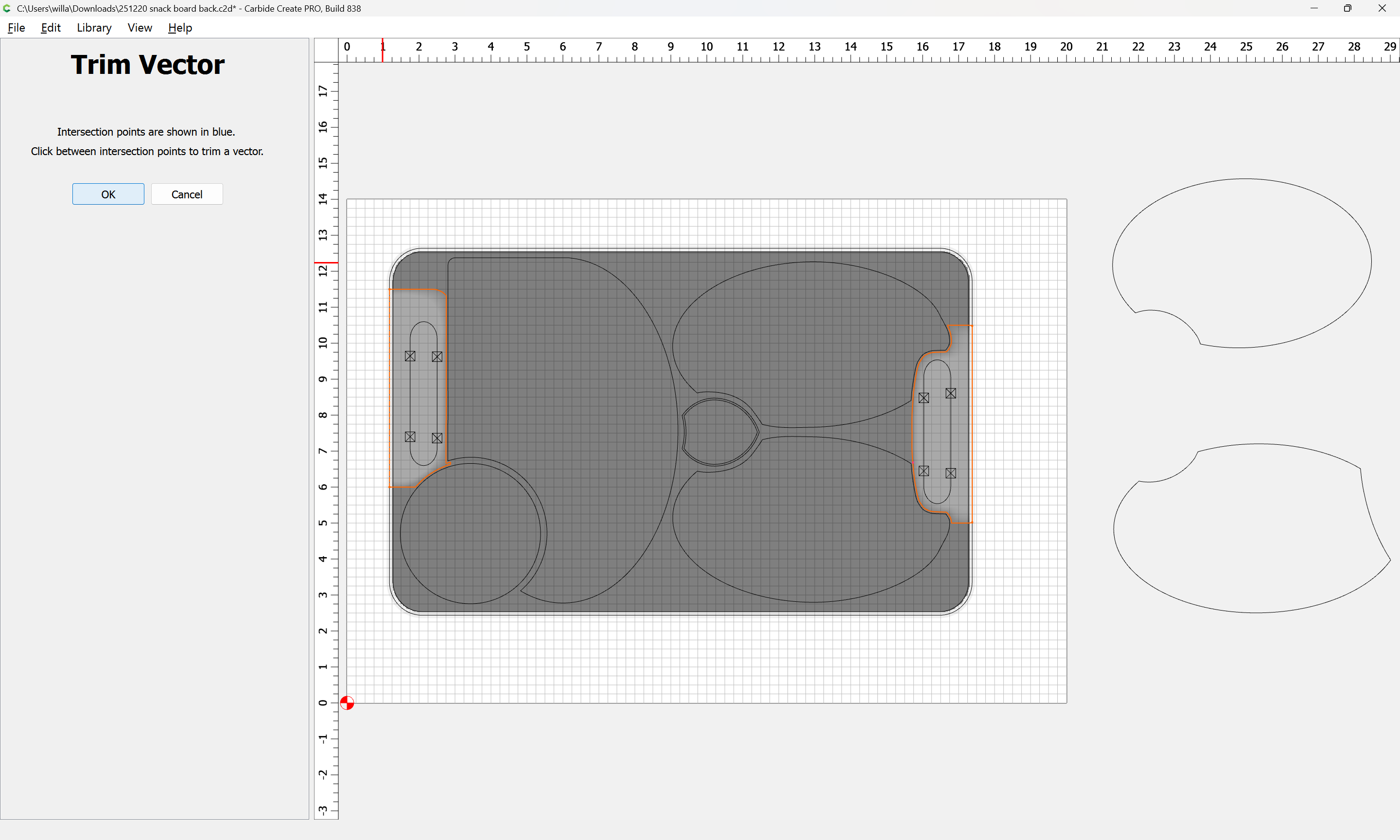
OK
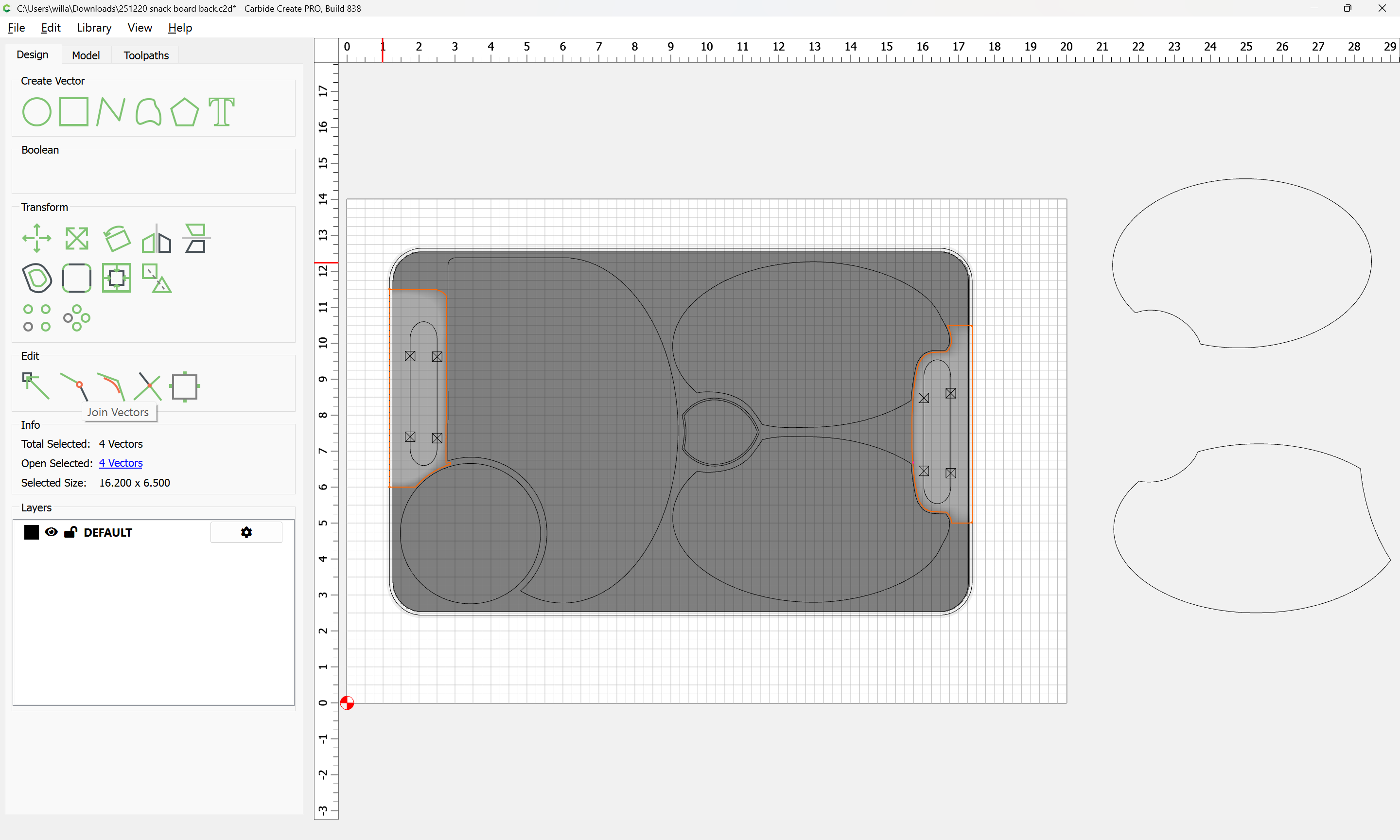
Use Join Vectors to close things:
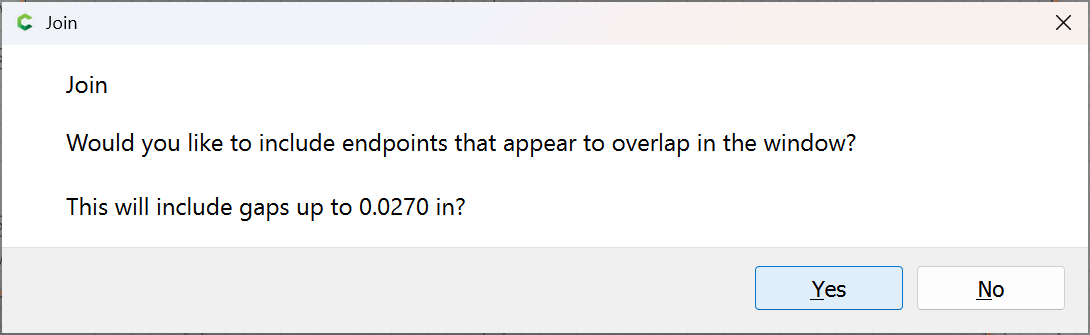
Yes
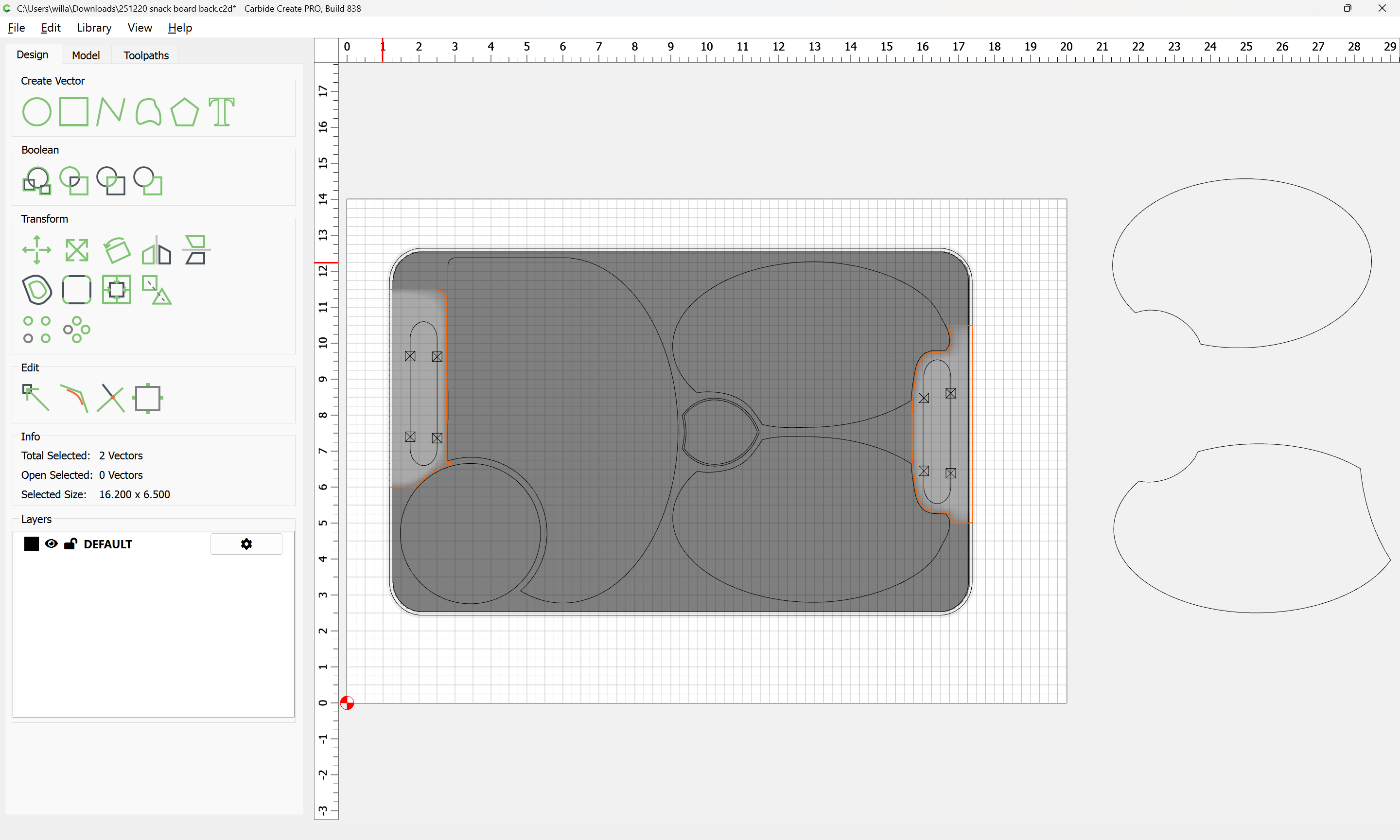
Then use this new geometry for a 3D toolpath:
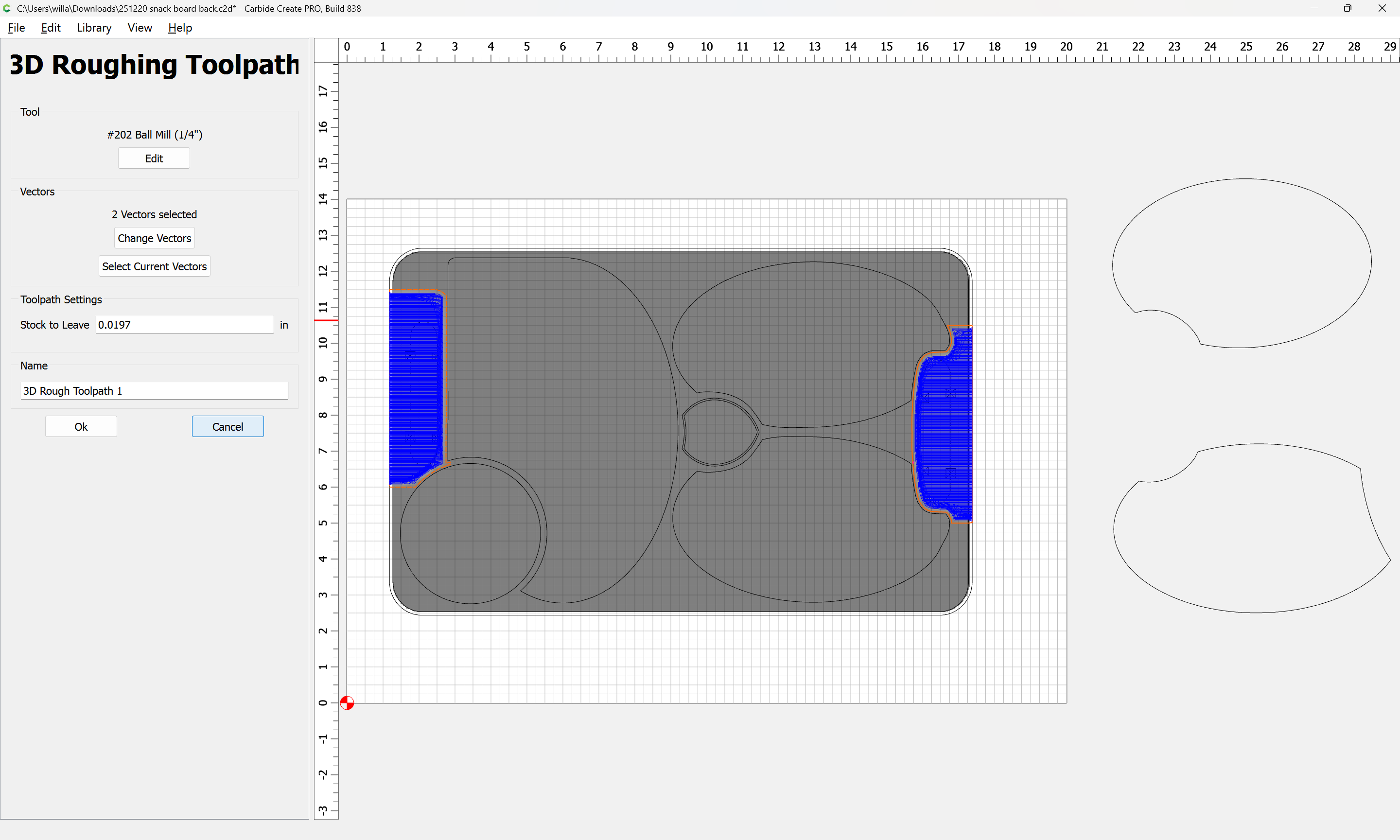
1 Like
thanks William for the details!!
one question before i start to make changes on my file, will the new shape cut 3-D made the center of the shape goes down, and edge will be up?
if up-side-down, it will make the edge of board no lift up to allow the finger to go under.
on my file you can see, i was trying to make the edge stay at bottom when cutting. just don’t want the bits to cut air or wasting time for outside of the board.
i do understand it is hard to explain, and hope you know what i talking about.
thanks again.
I believe that sort of thing is explained in the flip cutting video linked — if not that one, maybe:
1 Like
This topic was automatically closed 30 days after the last reply. New replies are no longer allowed.