Nice. Can you take me through the steps starting from having the resulting image in ScupltOK, importing that into Carbide Create, and then generating the toolpaths?
I was thinking about writing a separate post detailing this since yes I did encounter many issues along the way. might get to that tonight if all goes well
4 Likes
The texture tool in Carbide Create sets the angle at 20 degree by default. Change the number to 0 and it’ll run horizonal. You can also see the difference in the simulations.
7 Likes
I am enjoying these topo map etches. I am getting better at predicting the densities.
Thanks to @Tod1d for the GREP string !
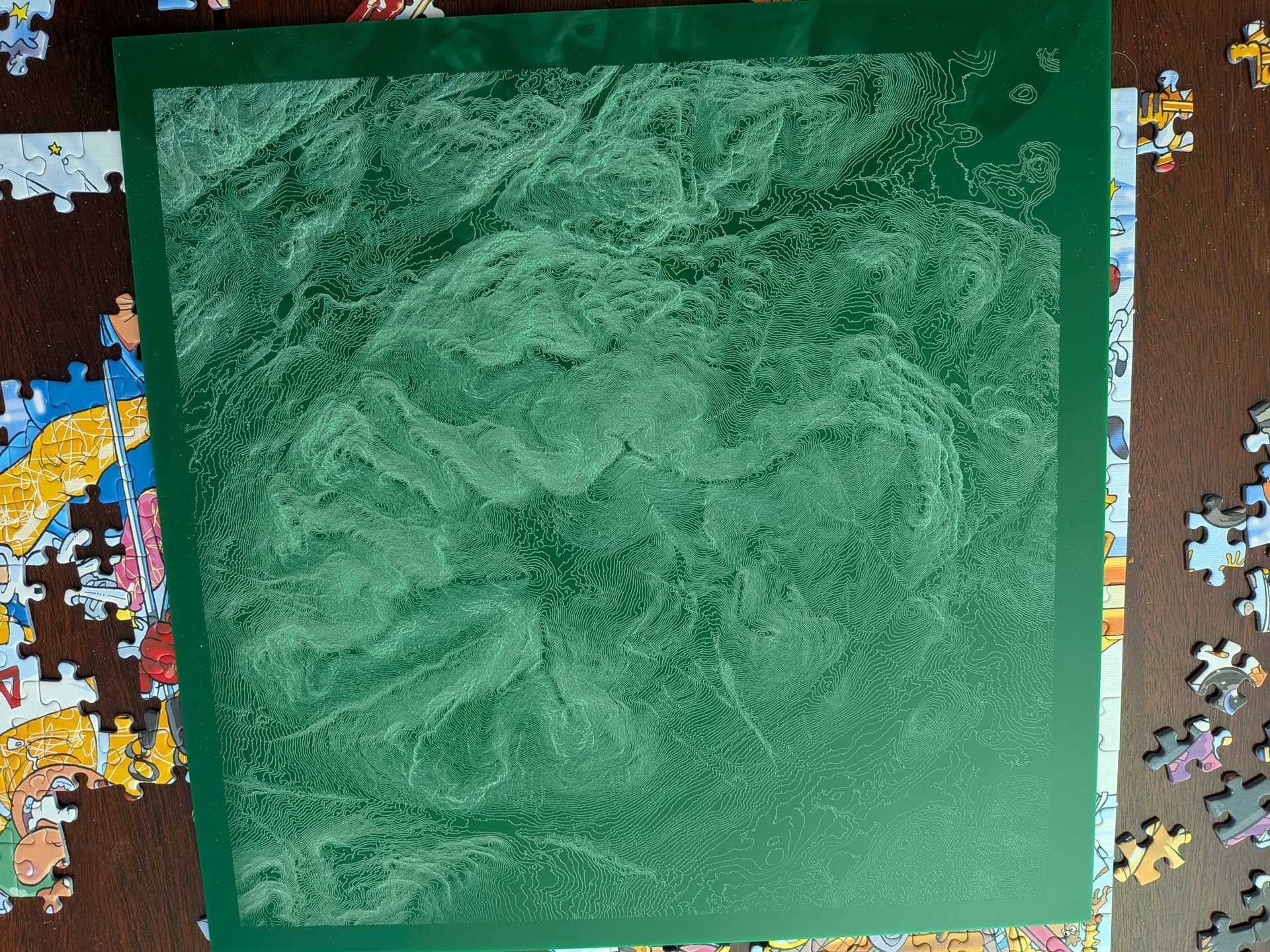
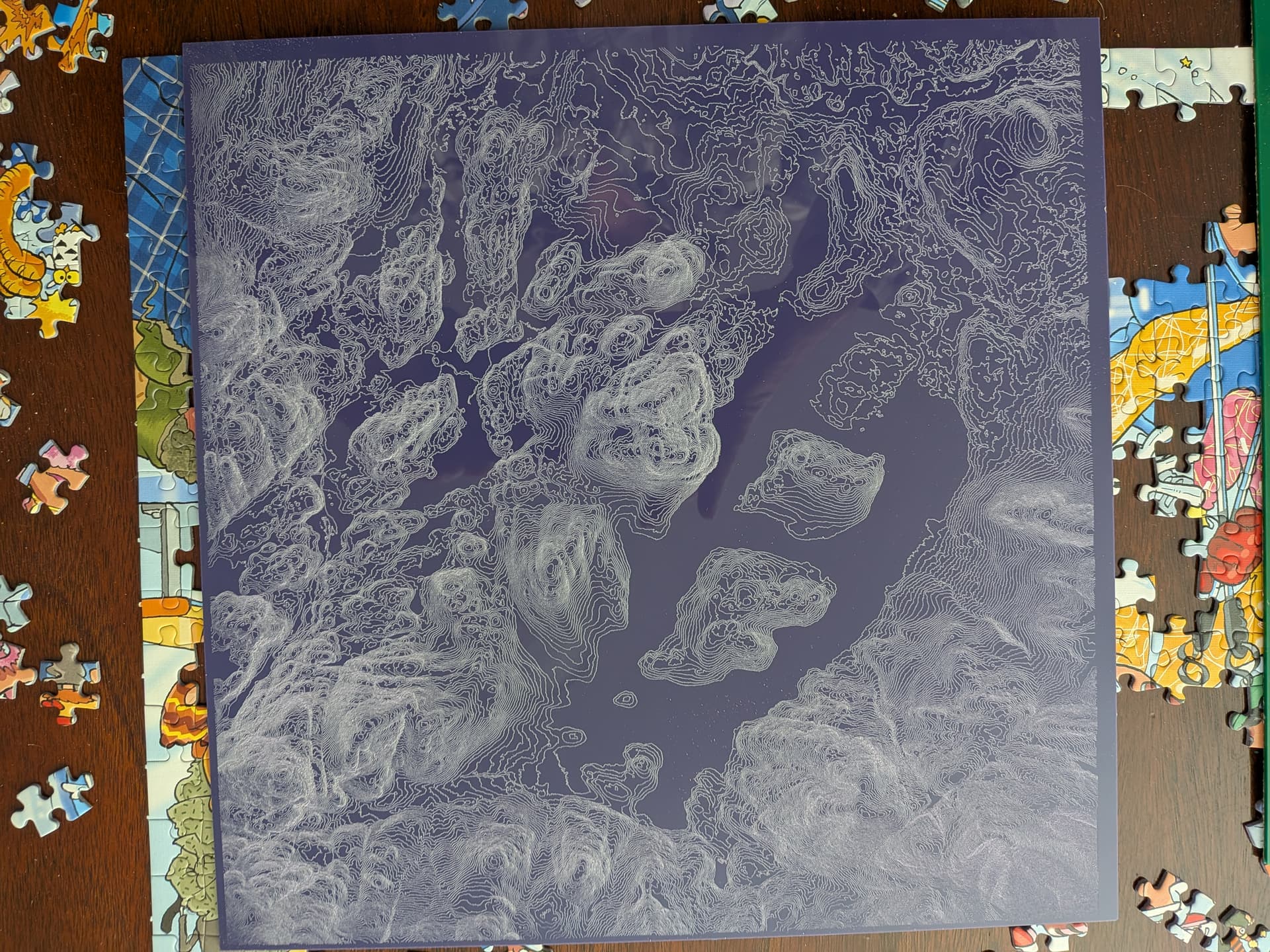
14 Likes

What does it say? twenty characters
Oṃ āḥ hūṃ vajra guru padma siddhi hūṃ
4 Likes
Ok Steve.Mc that was easy for you to say. 
2 Likes
I used google image to find it, the translation of it is not simple,
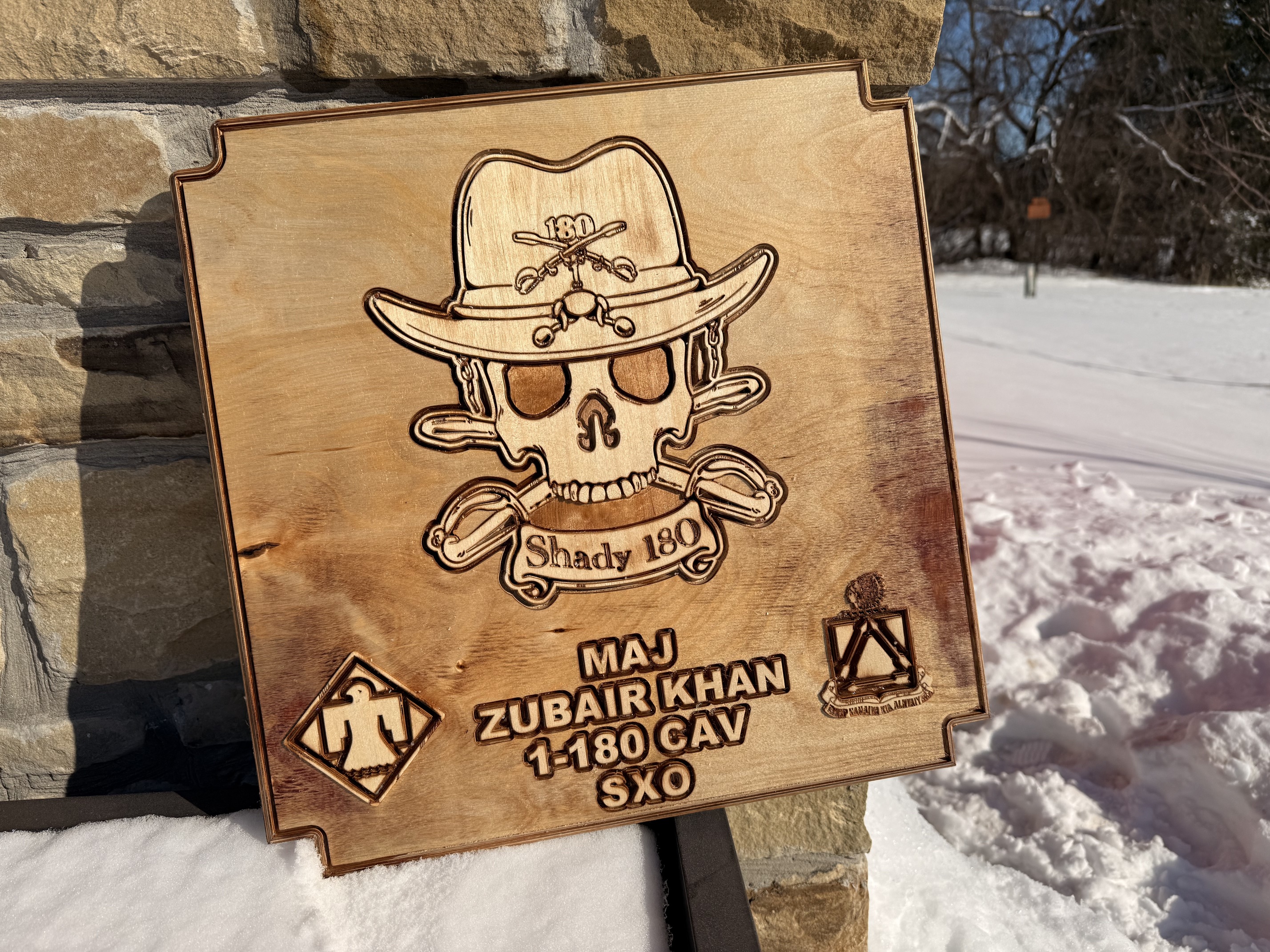

Looking pretty cool Jim.
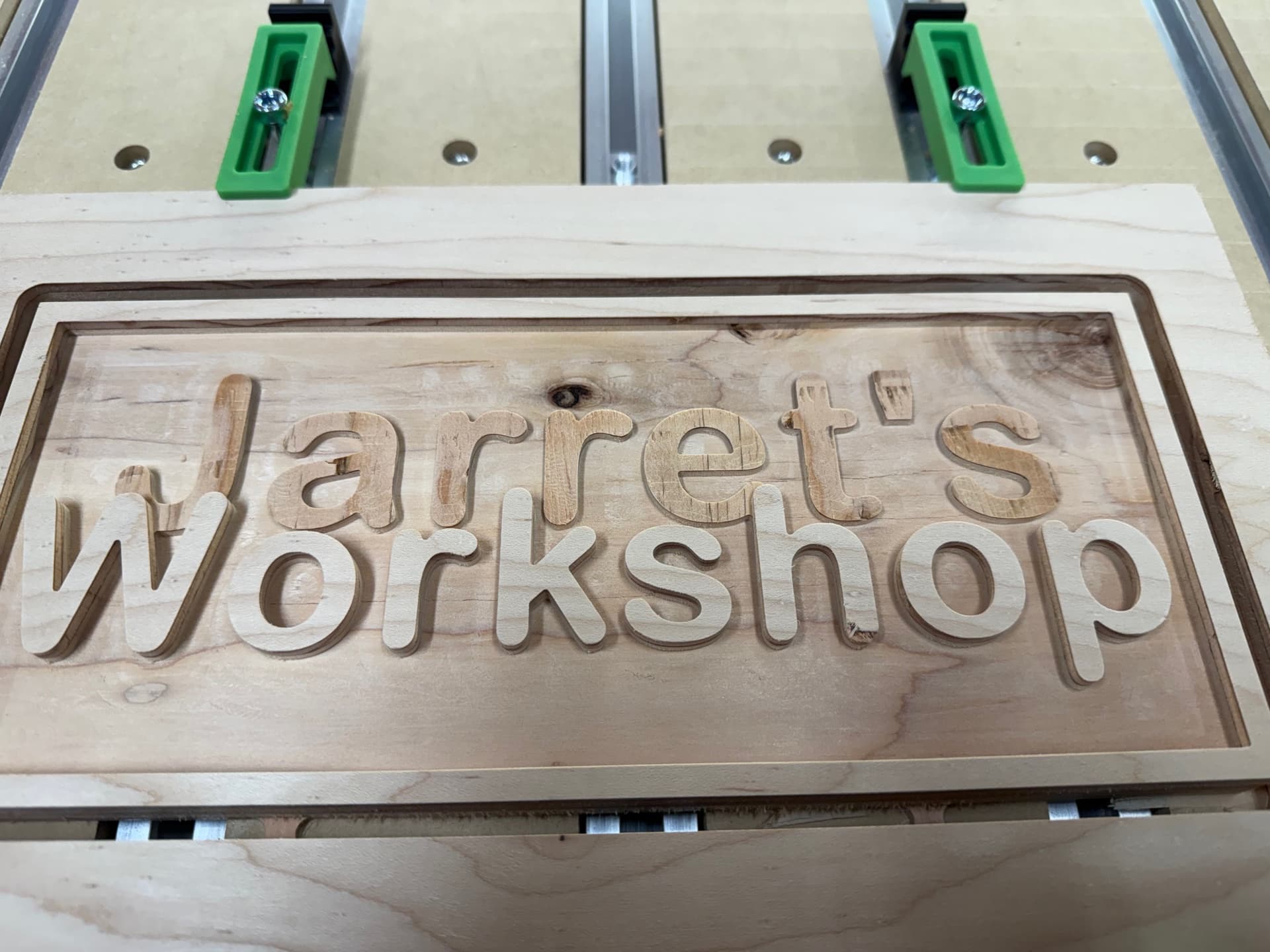


25 Likes
The journey begins. Enjoy the ride !
That is a fantastic first project! And it looks like you have the new leg kit that comes with the Shampoo 5.1 pro. How do you like it? How stable is it?
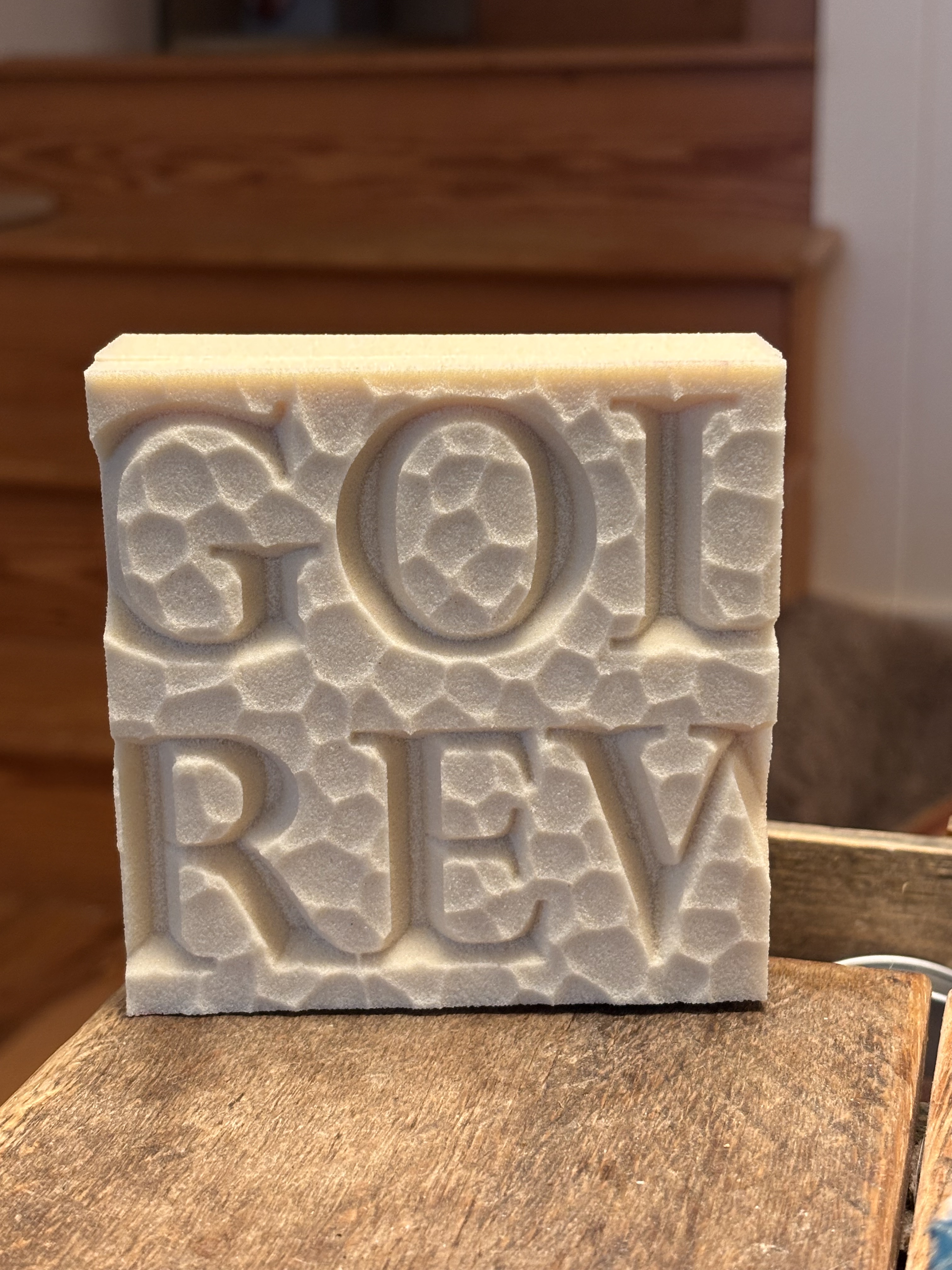
Working on some sample textures for a sign. I like to do 4x4 test runs for the client to see (after my painting pro paints them). This is part 1 of maybe 4 I’ll make
14 Likes
The legs seem to be very stable. I wish they would have pre-drilled holes to match the rear leg mounting holes on the front. These allow you to mount the VFD and the Shapeoko controller up front if desired. Additionally, it would have been nice if they had added mounting spots for the 3D printable Bit Zero holder and the pendent, available on the webpage.
1 Like
Looks nice, what’s the material?
HDU. It’s what most signs are made from these days. And carves NICE! It’s hard to go to wood when we use this all the time.
2 Likes
Looks like its spendy, on Amazon anyways.
Yes…I buy it by the 4x8 sheets for round $550. But we sell 5"x14" homeowner name signs for a community $300. So we recover that cost fairly quickly. And honestly as we do larger signs, those smaller signs are cut out of the scrap.
3 Likes