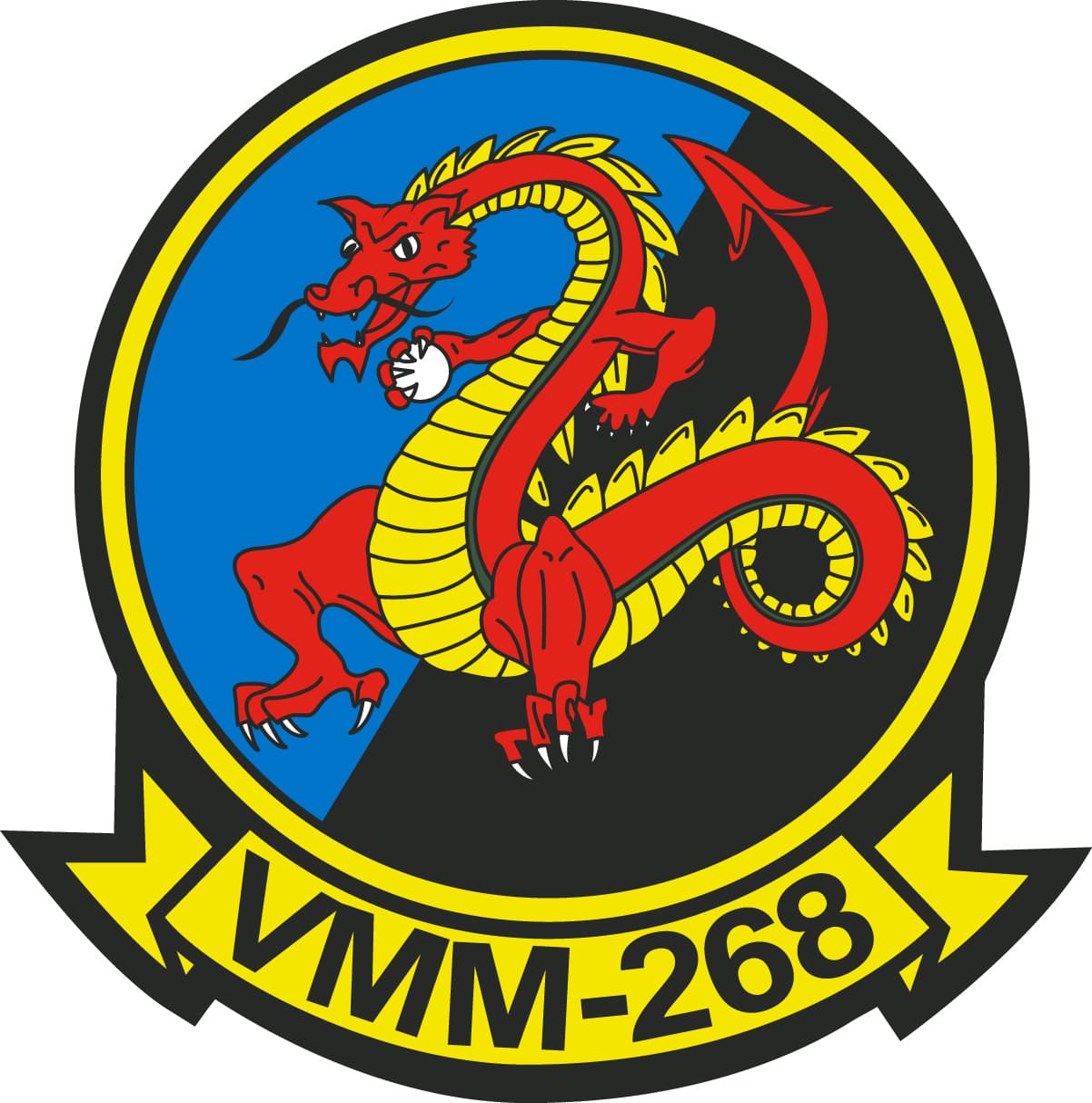
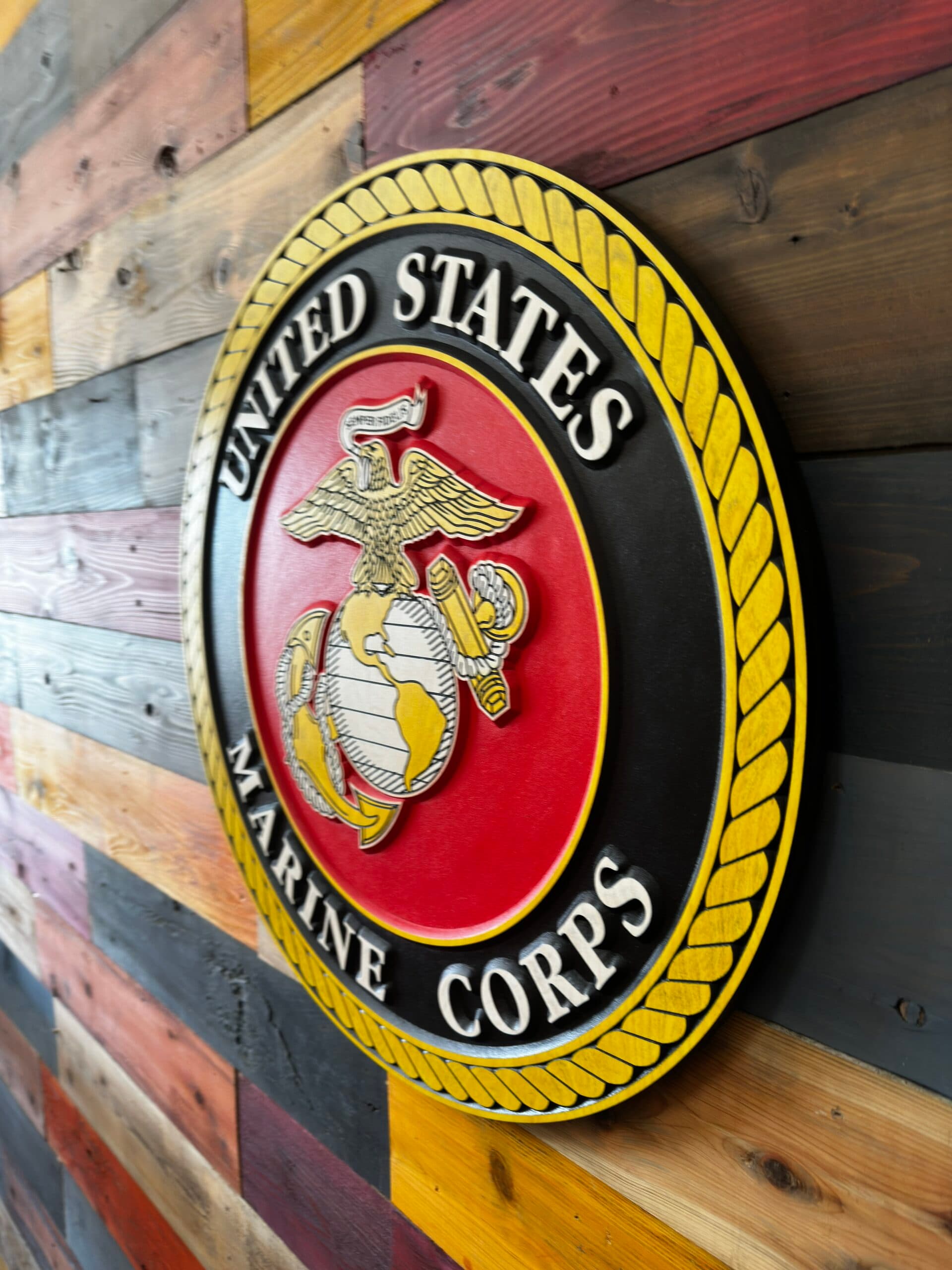
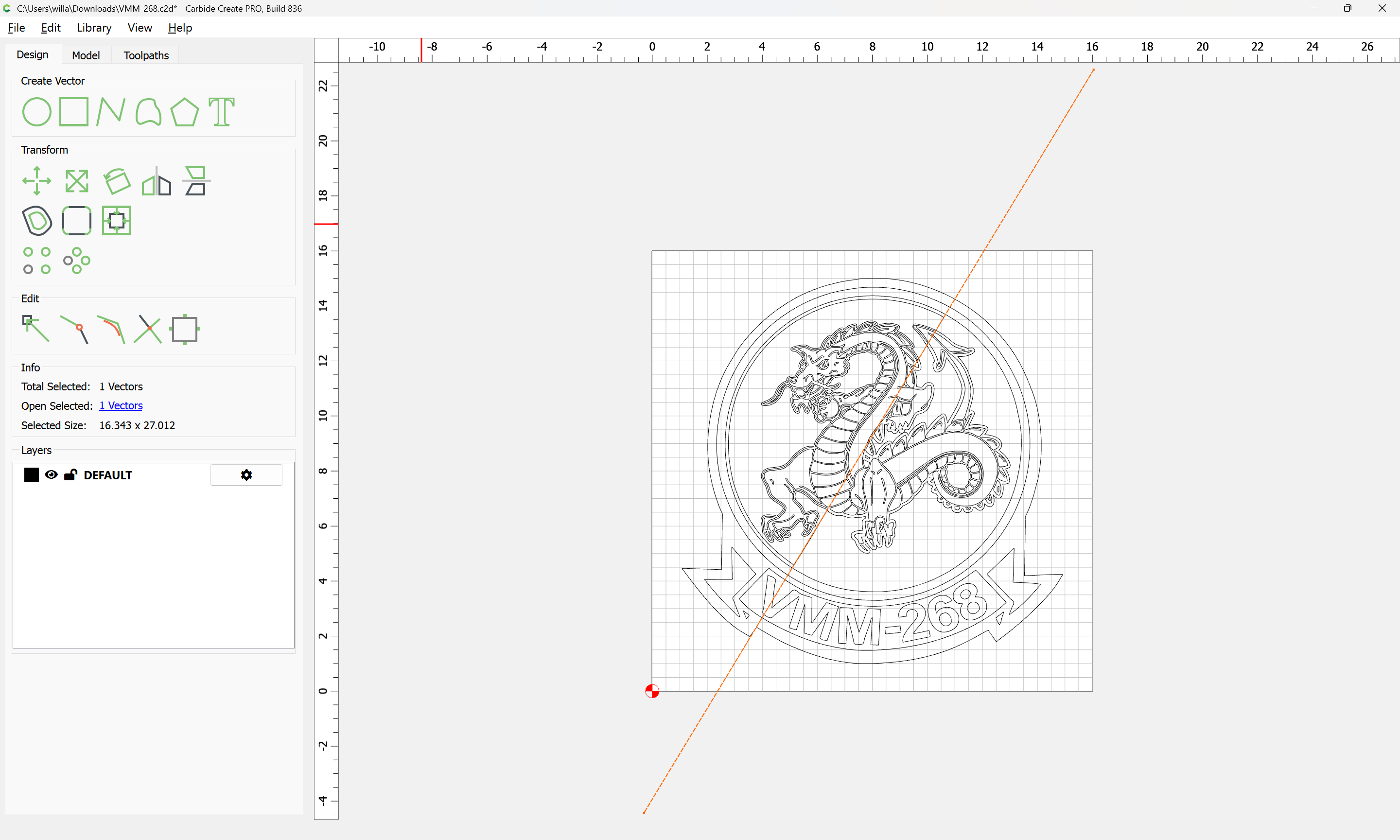
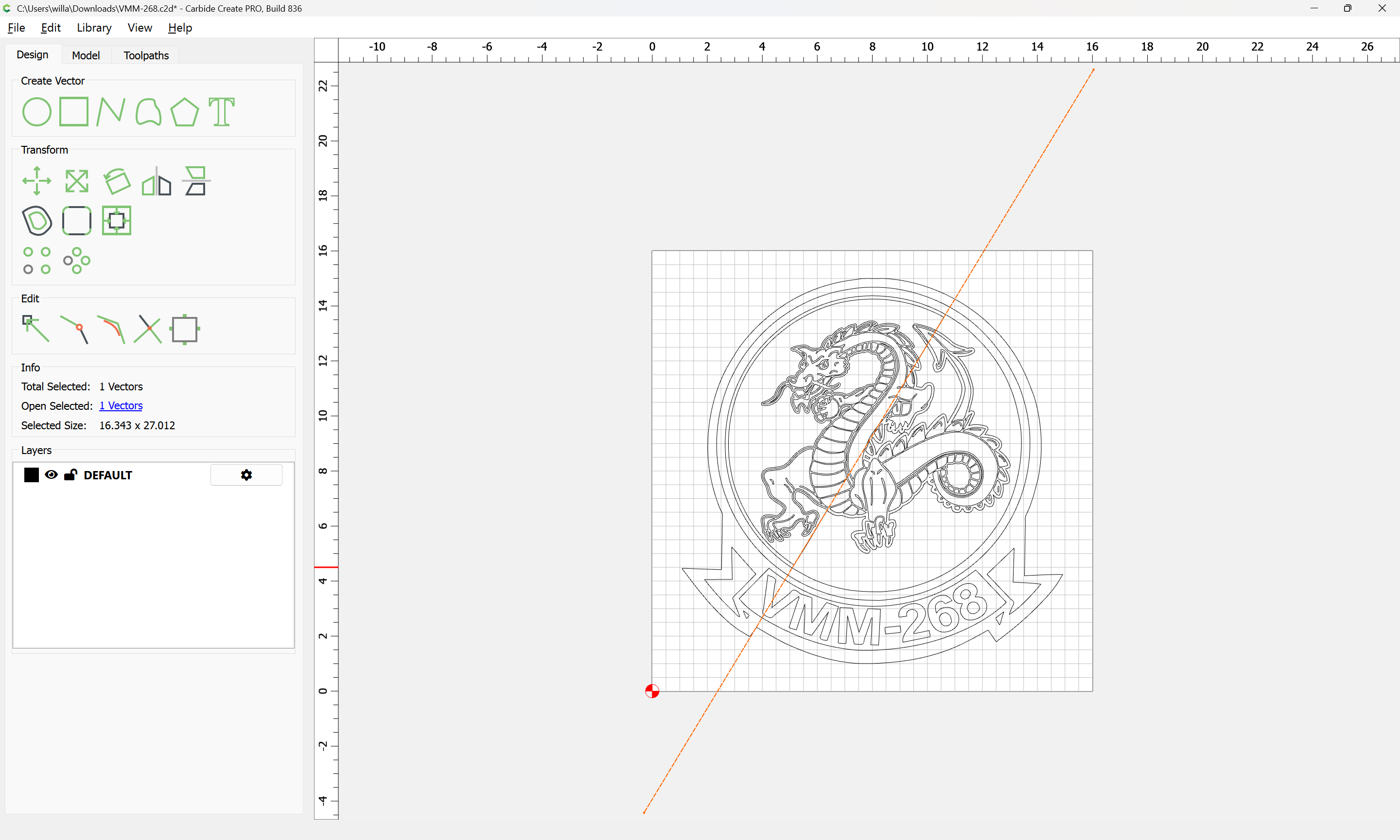
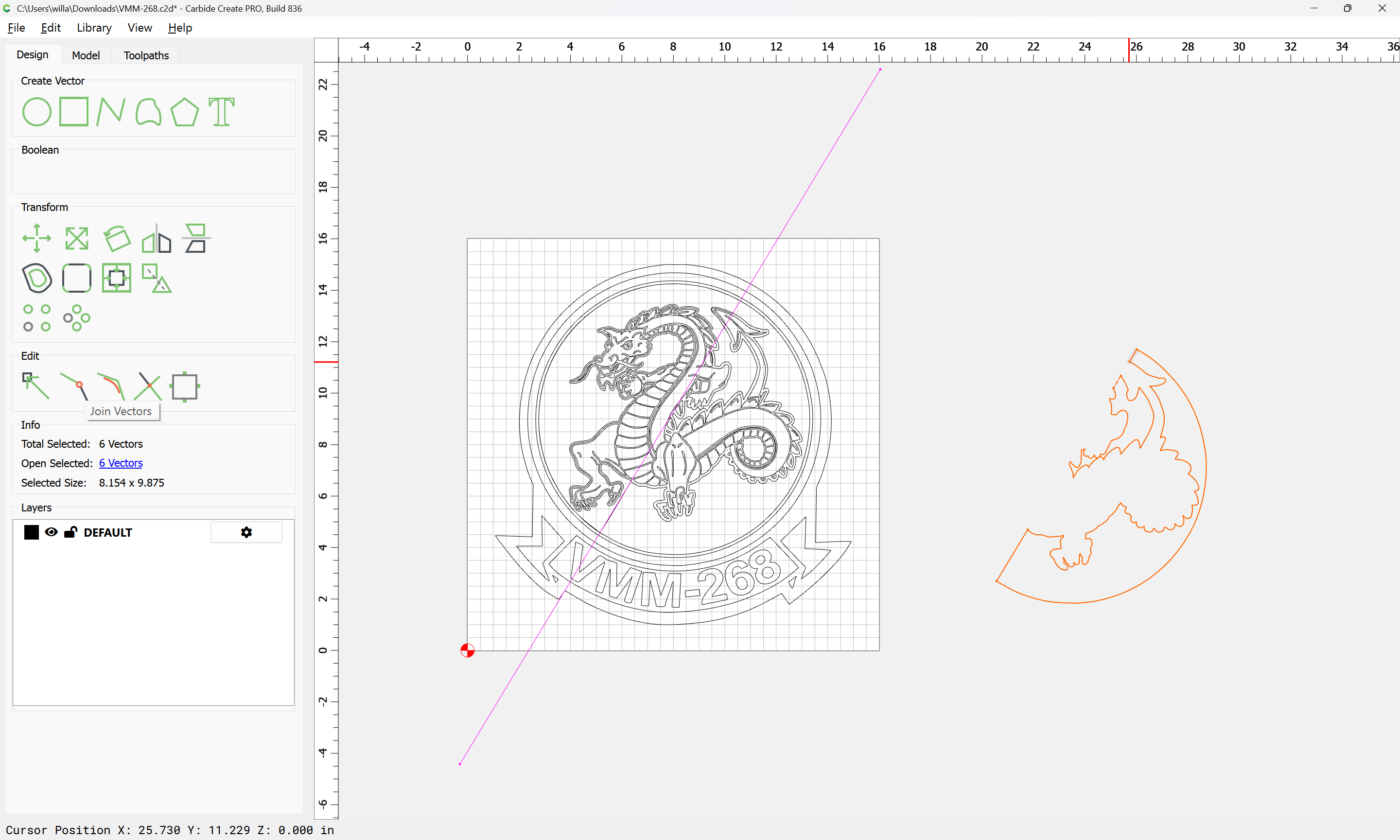
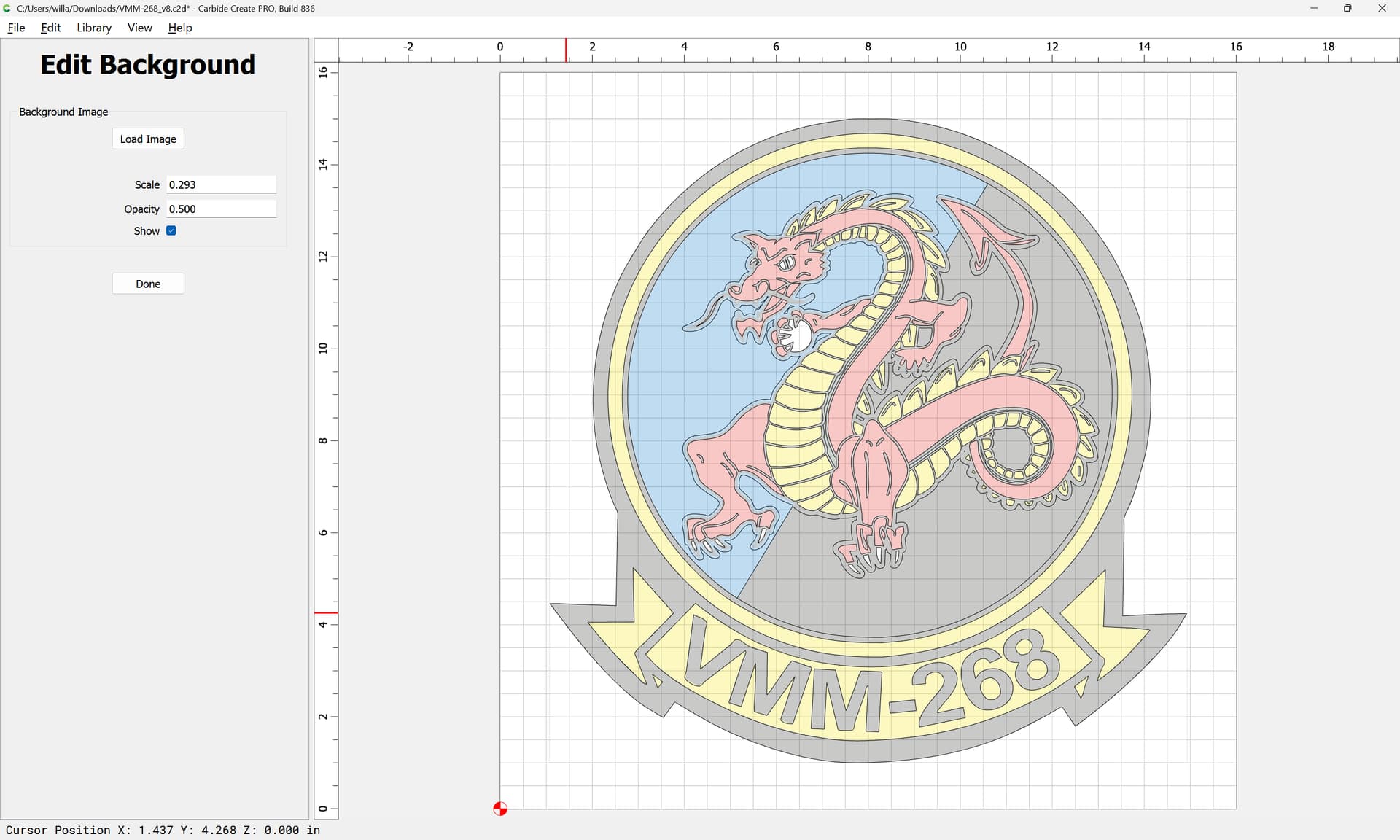
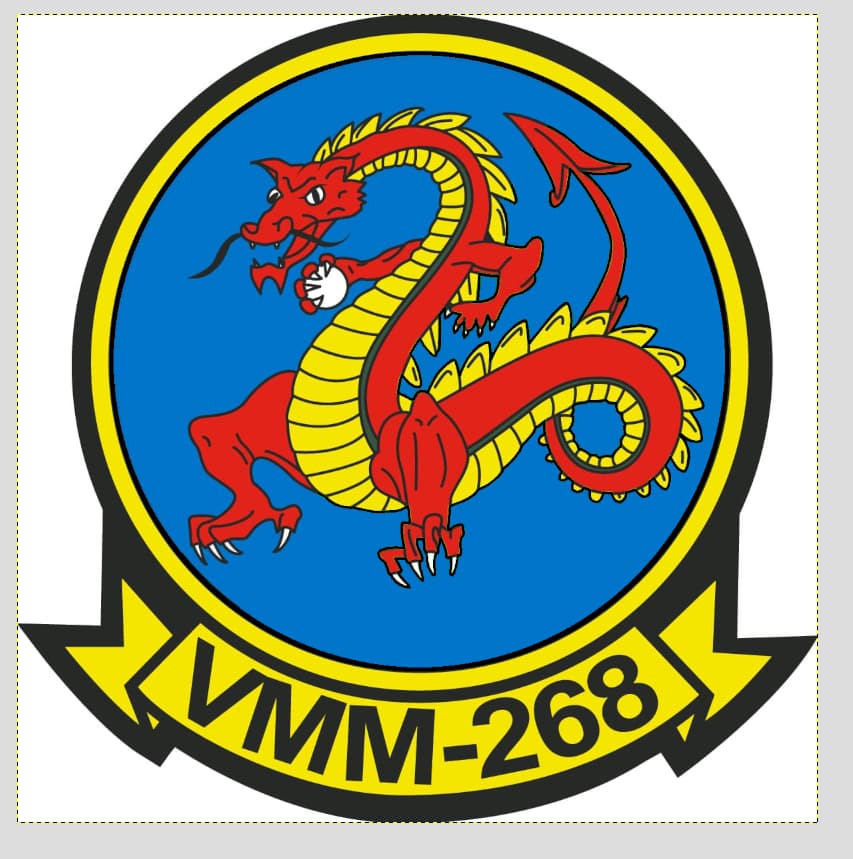
I am looking for help in carving this Logo for my brothers Military unit. Dimensions will be approximately 16x16 carved in 1" thick poplar. I would like to do something similar to what Cornbread Customs does. For those with more experience, how would you go about setting this up? Do you use a separate software to break everything up by color? What would be your painting process? I have a CC file drawn up, but I just feel that there has to be a better way.
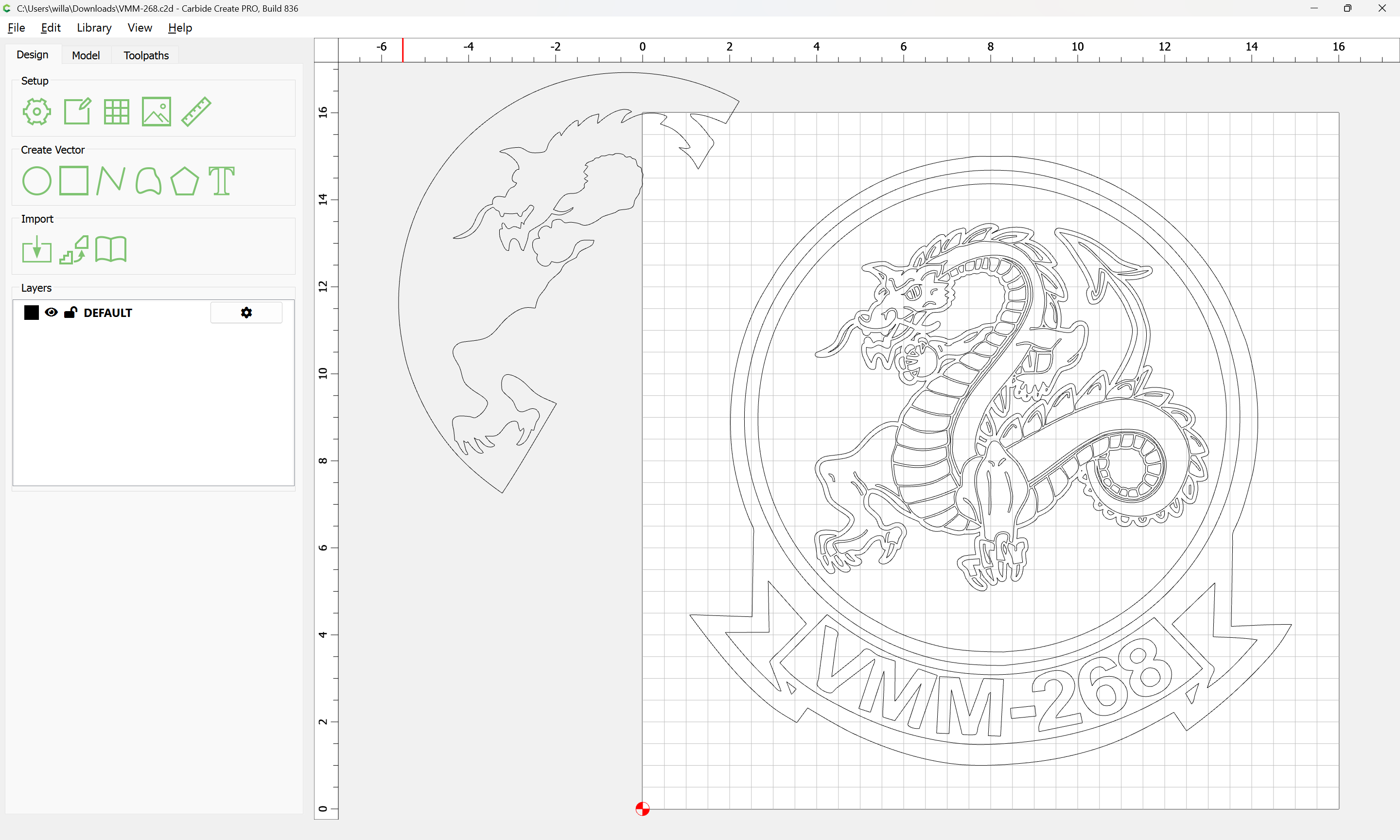
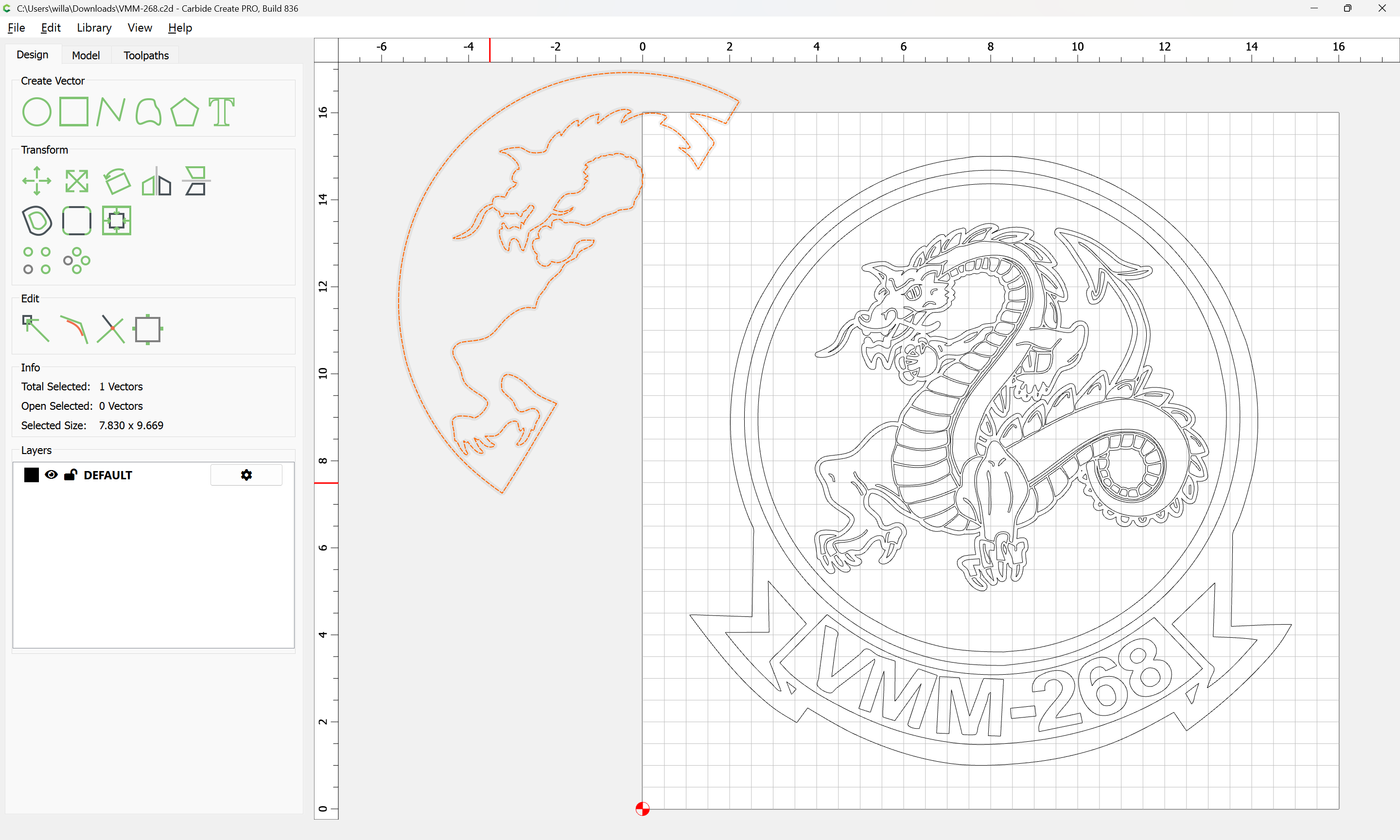
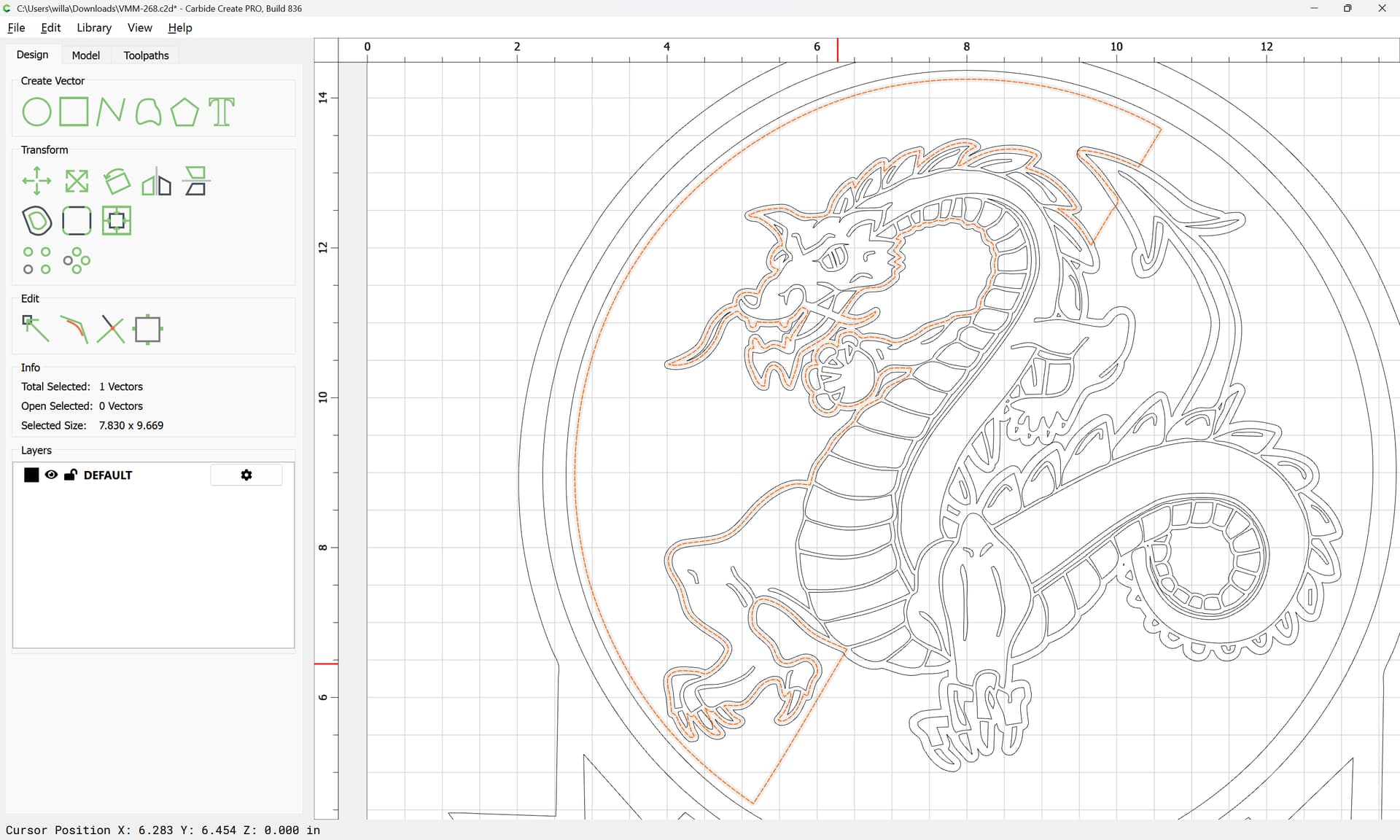
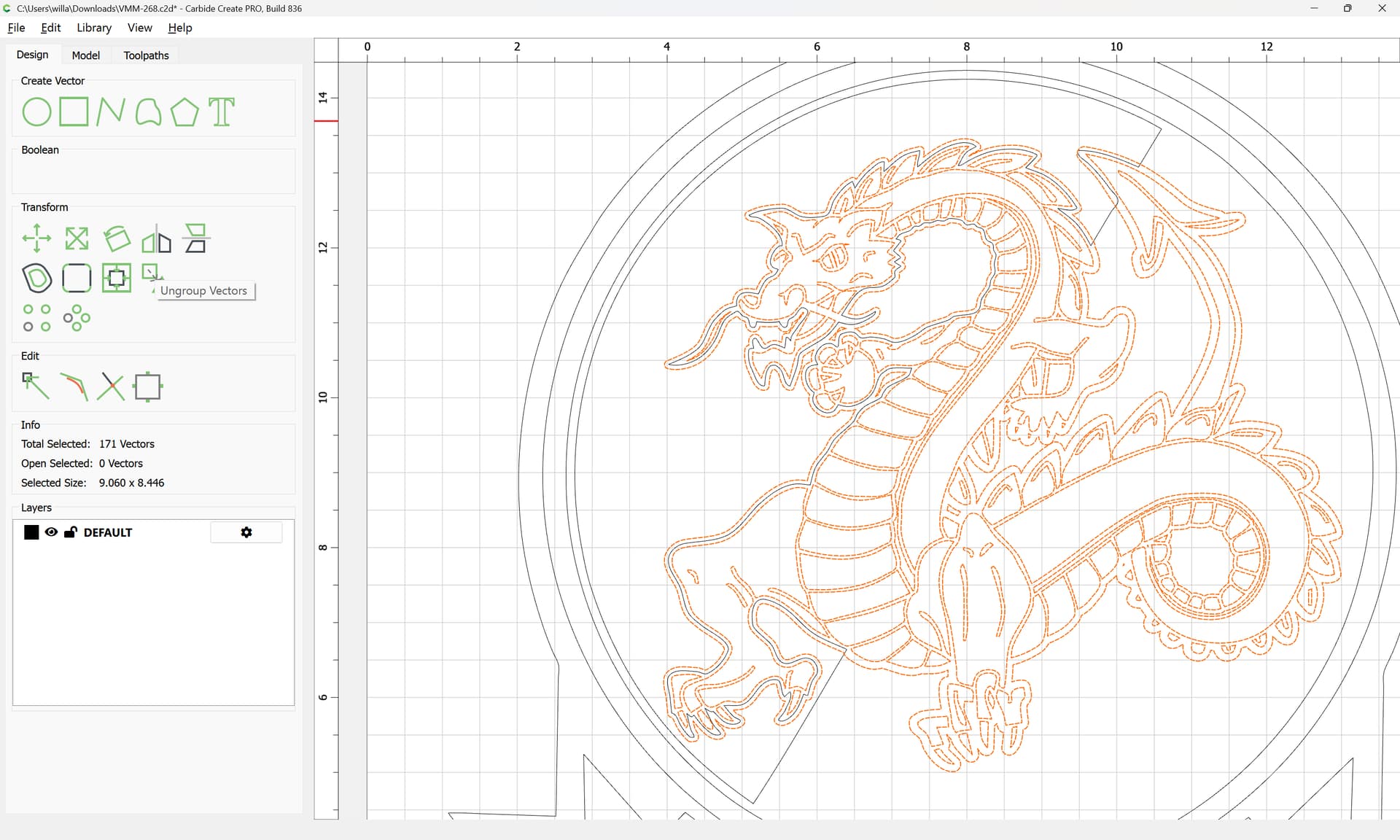
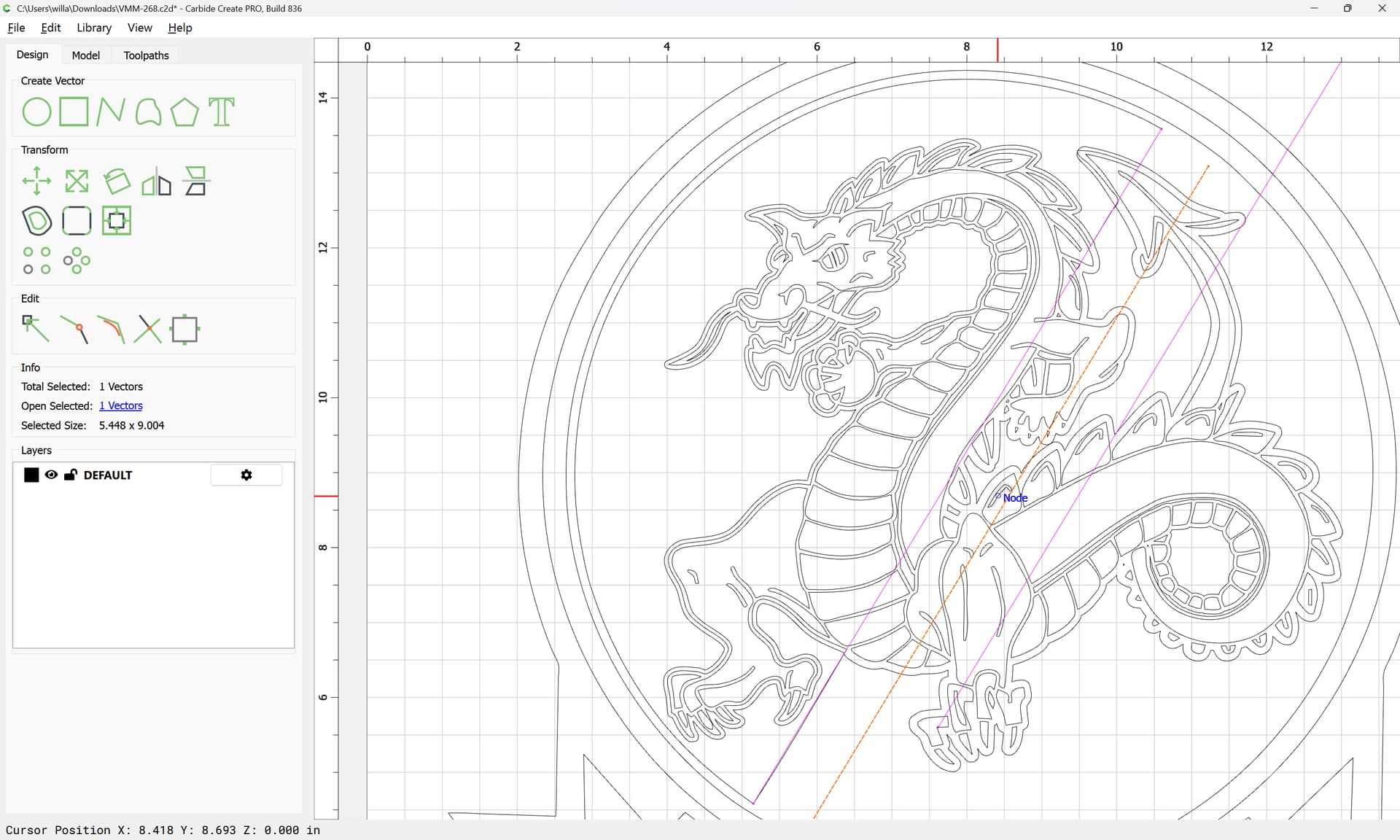
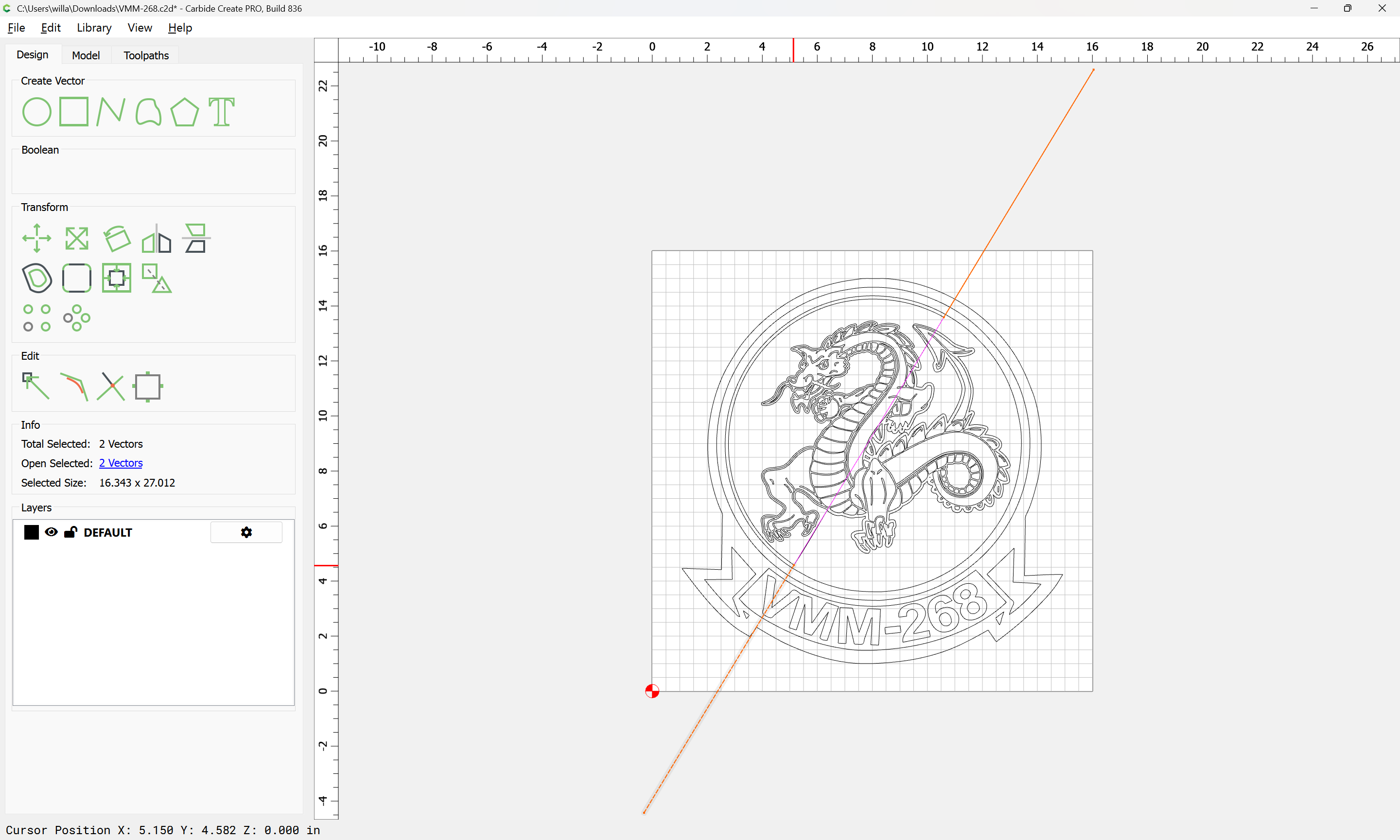
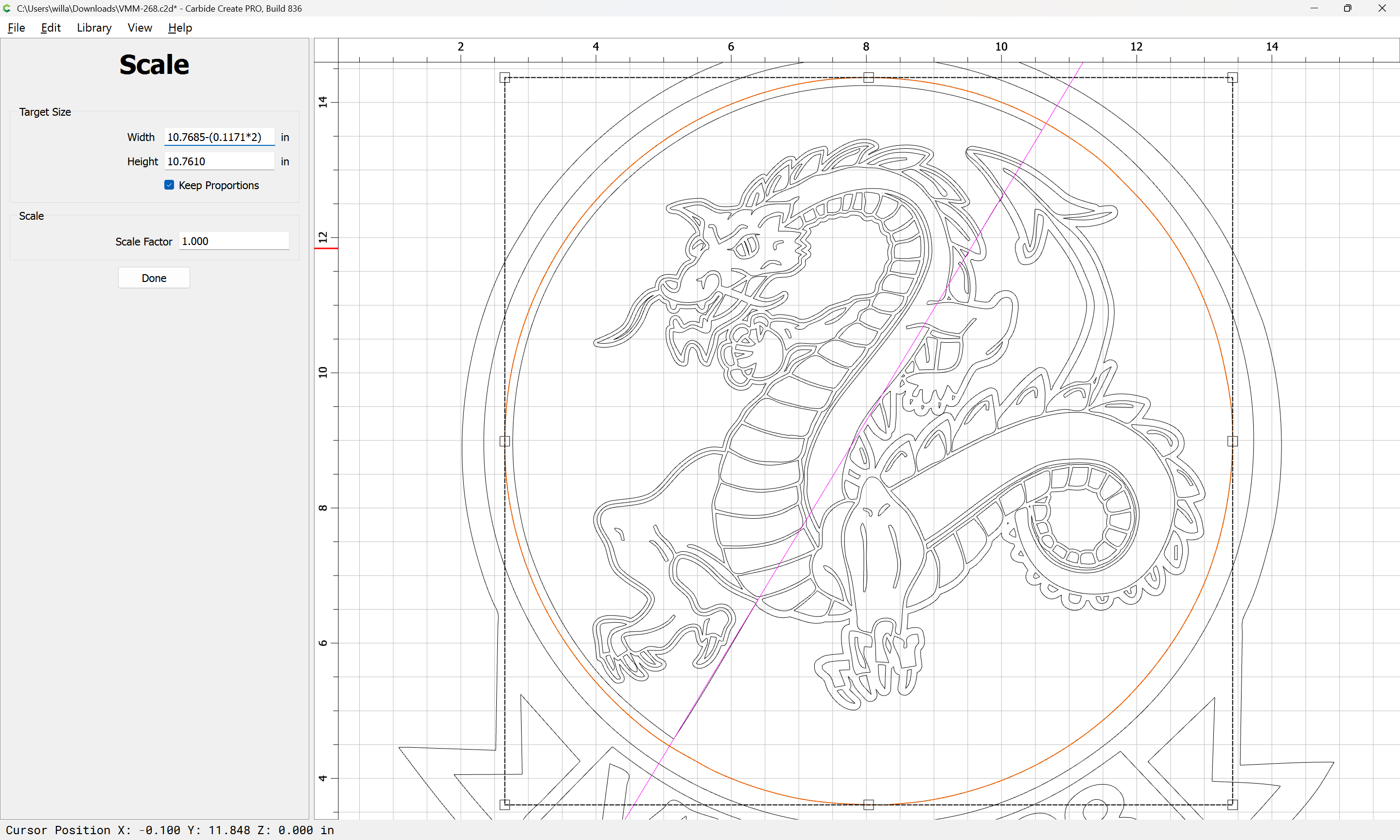
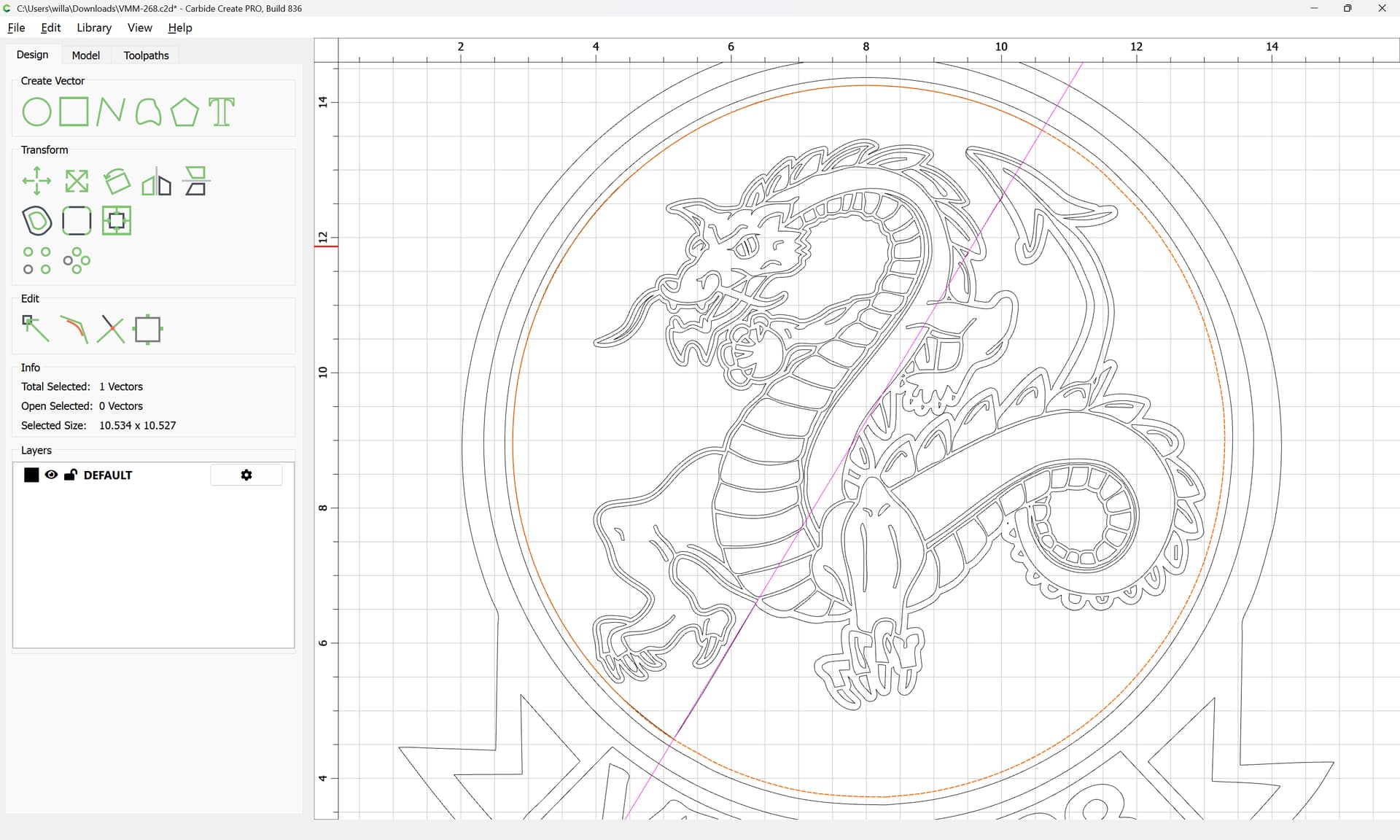
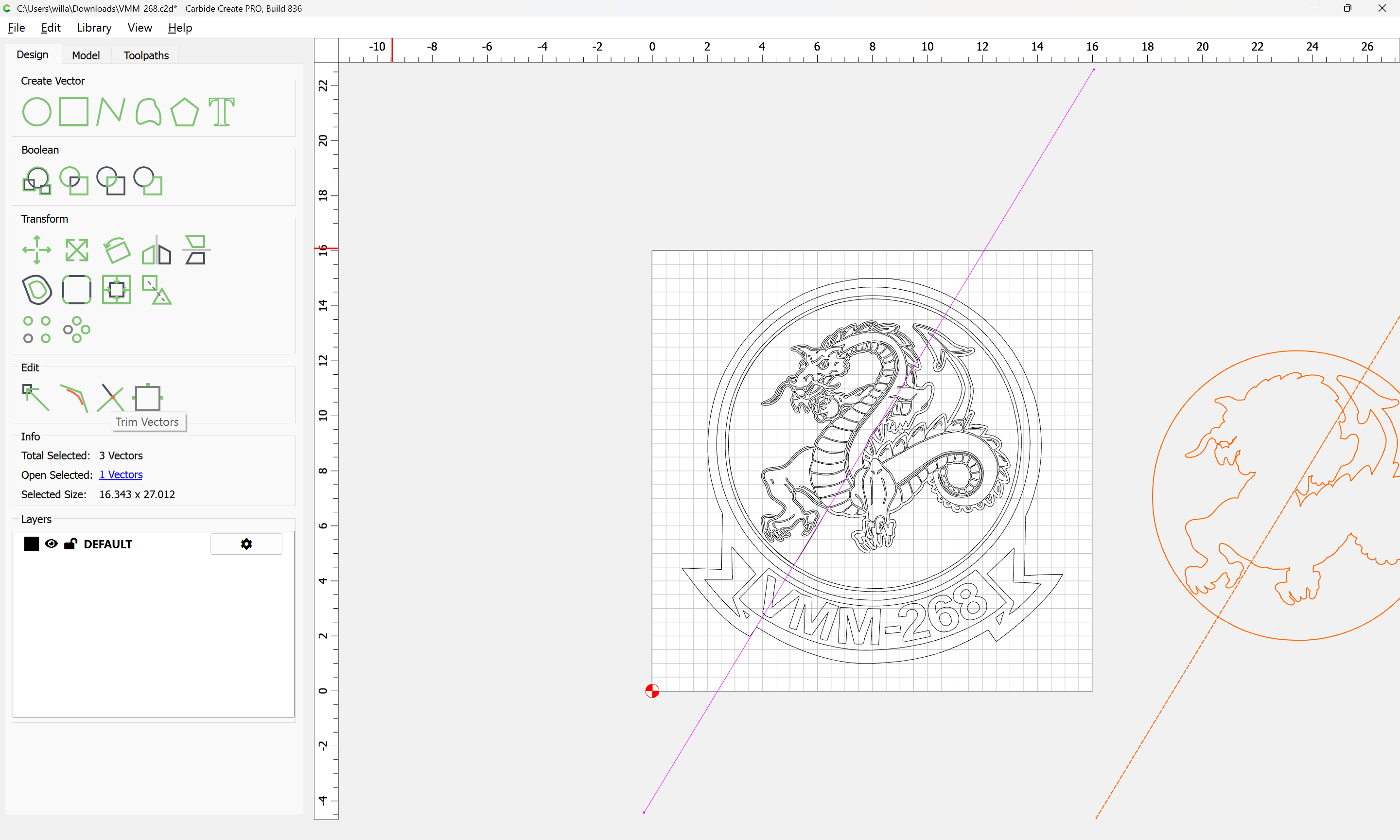
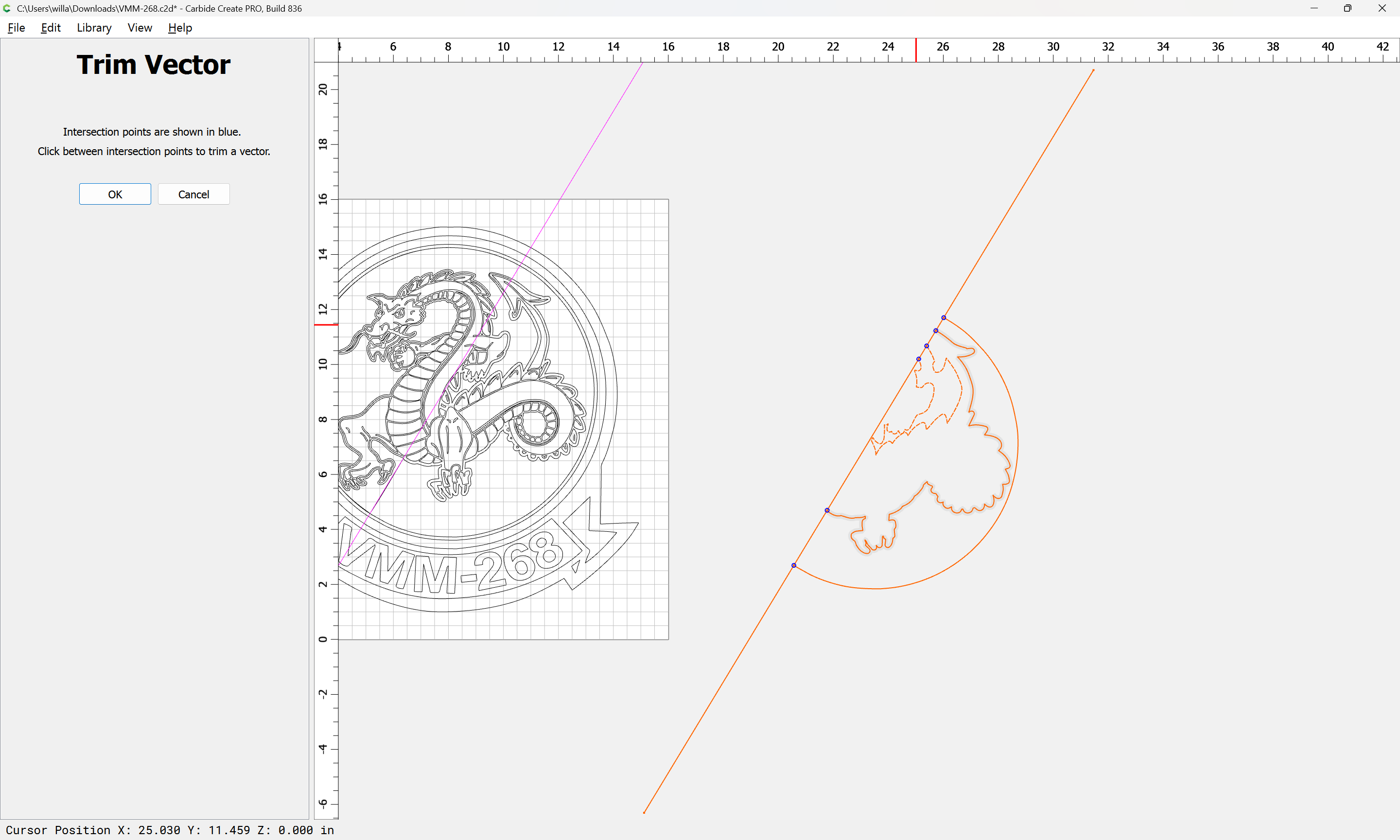
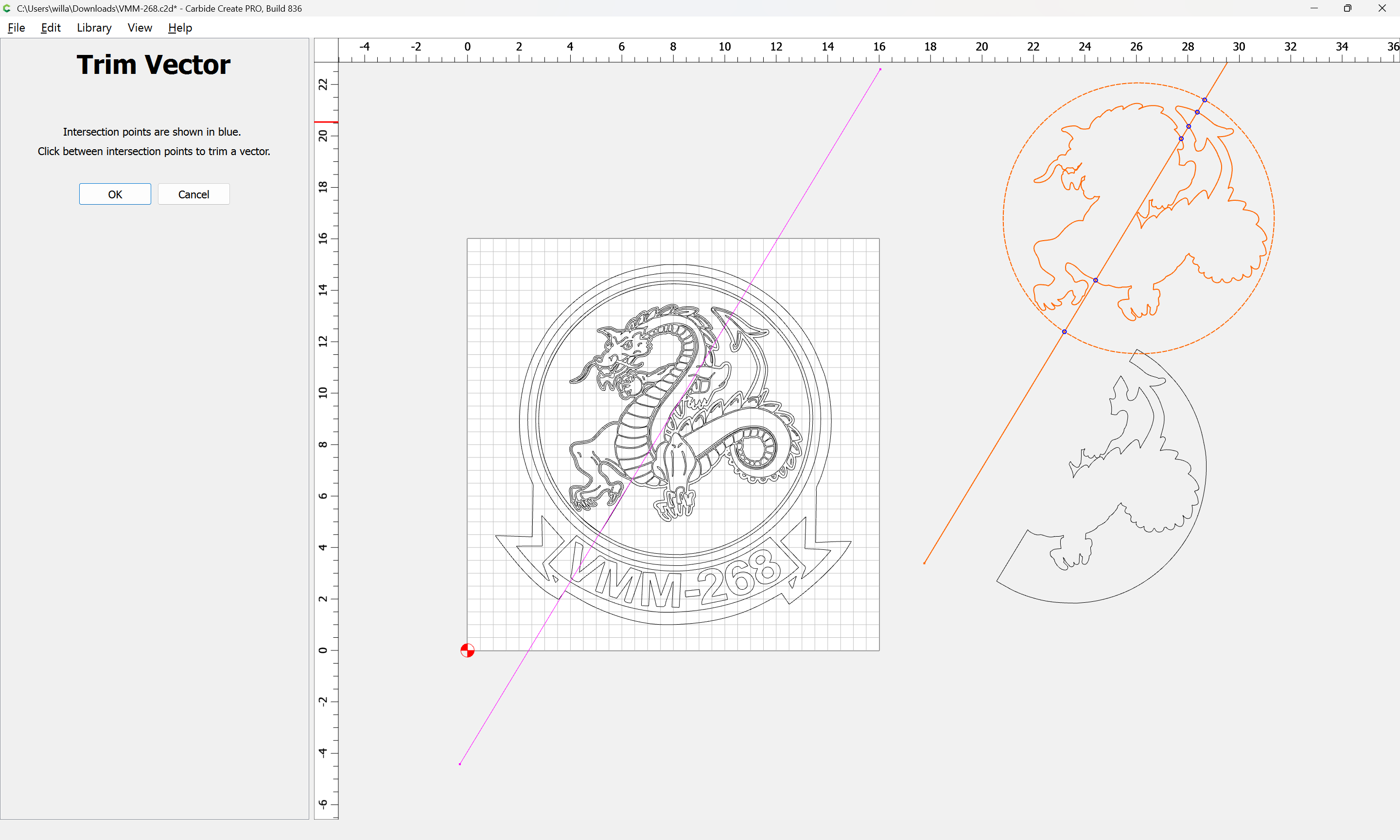
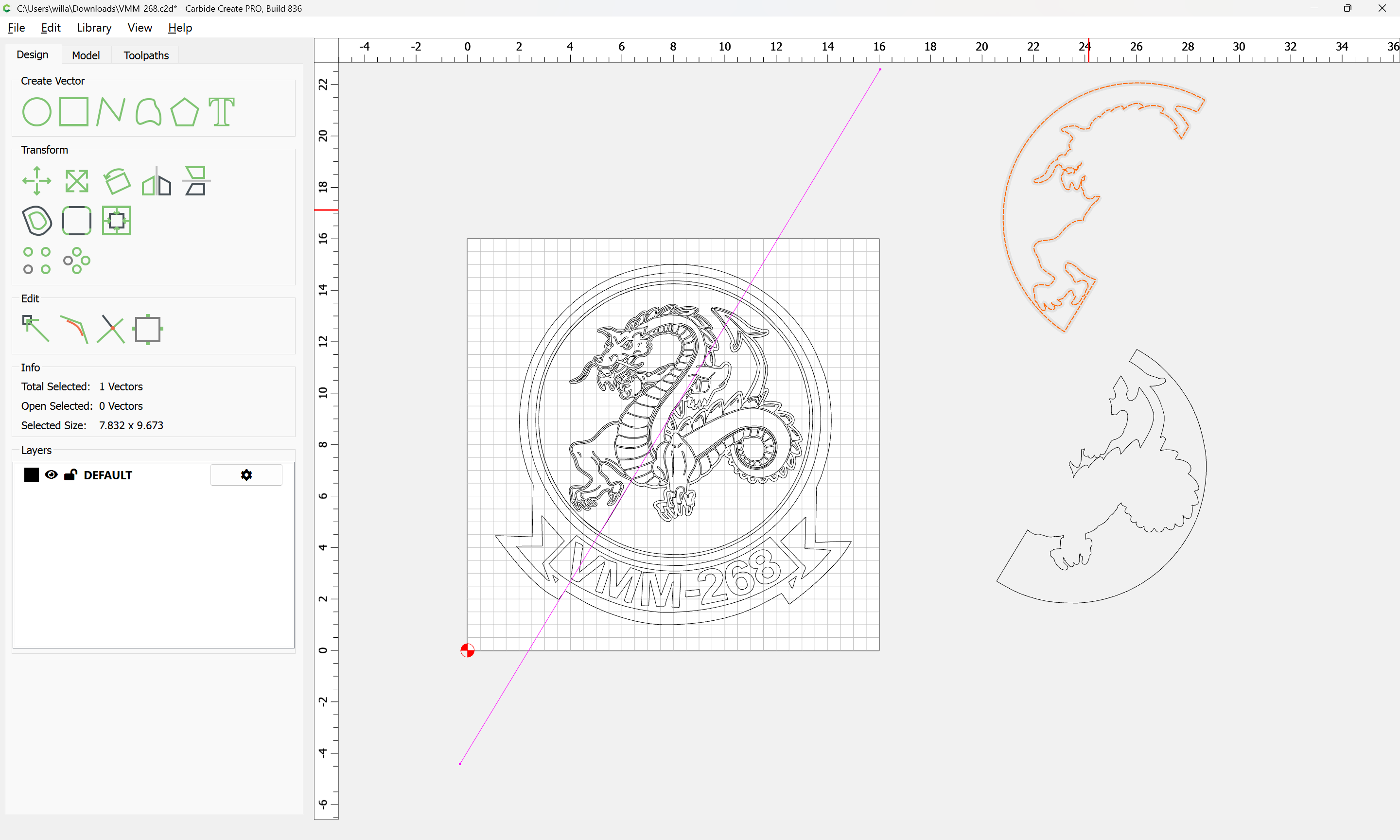
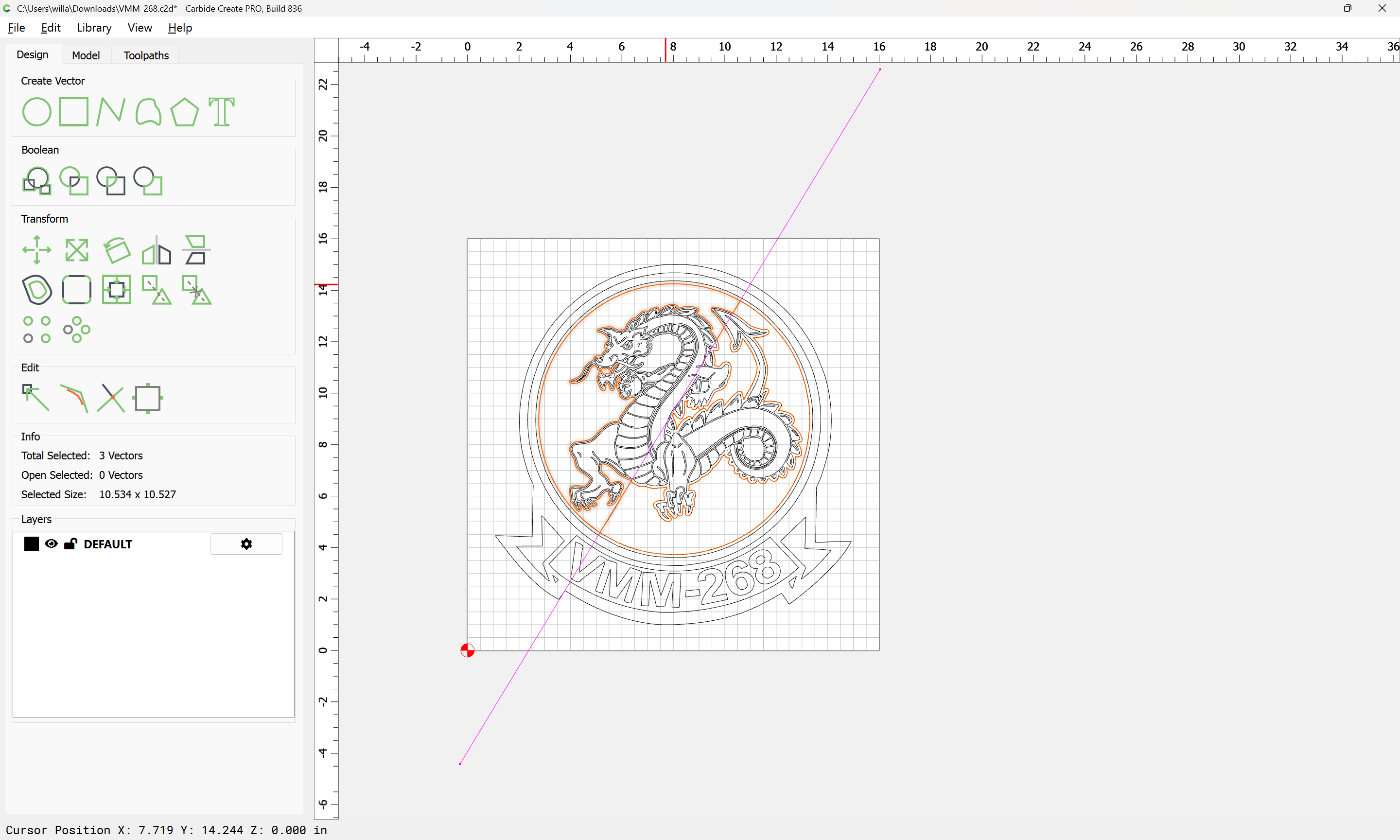
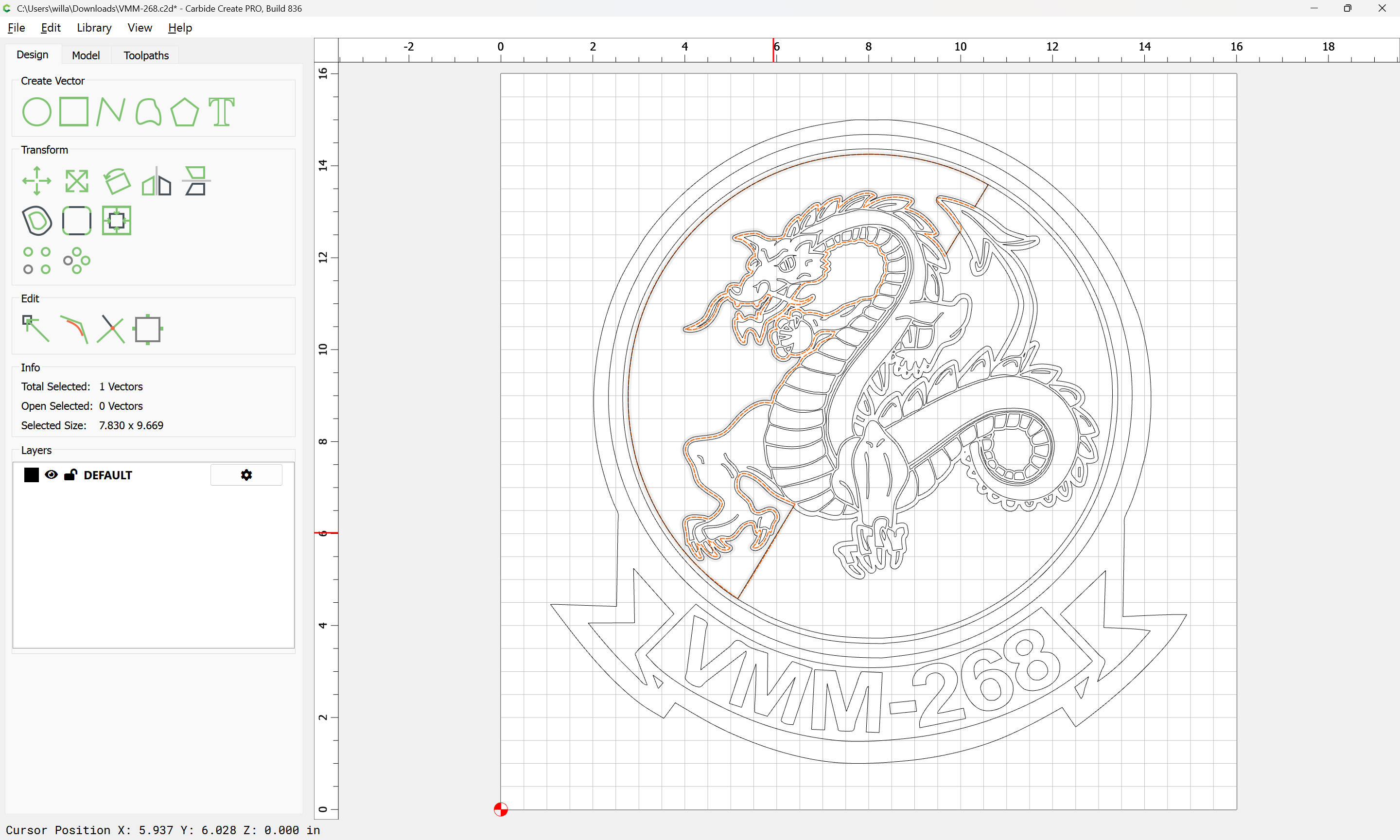
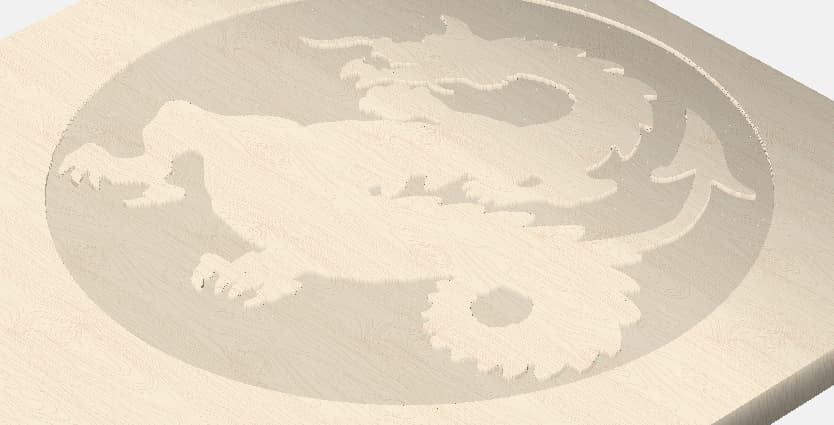
I guess my question is more on the software side. If I trace the image in CC Pro, it is including the blue as part of the dragon. I would like for the black and blue to be carved at the same depth, approx .1, and the dragon to be raised. I can’t figure out how to completely separate the dragon from the image trace svg. Would this require a different software such as illustrator? (which I don’t have. Attached is a picture as to the kind of look that I am going for. Thank you for your help.
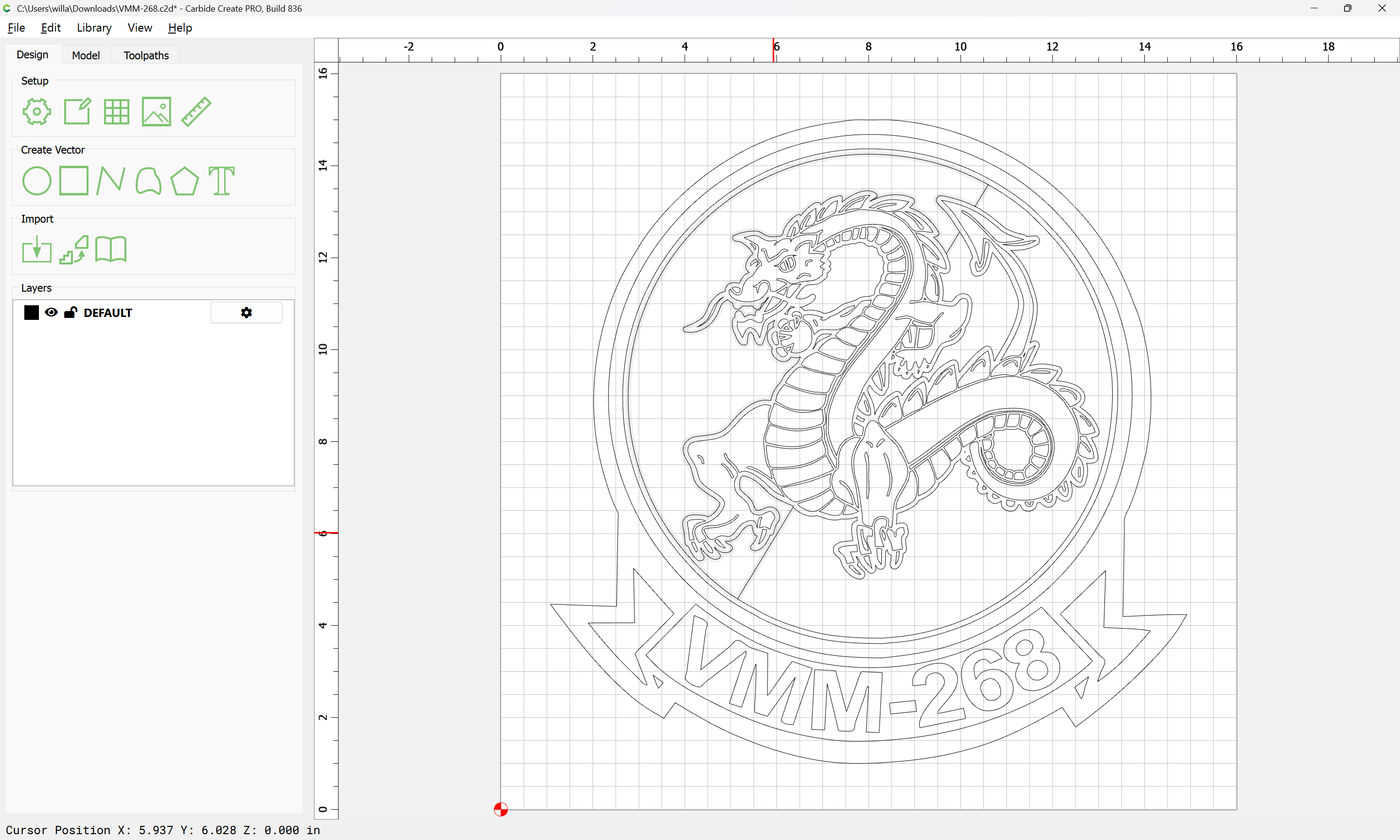
This is a good high res image & it traces nicely in CC with the threshold adjusted.
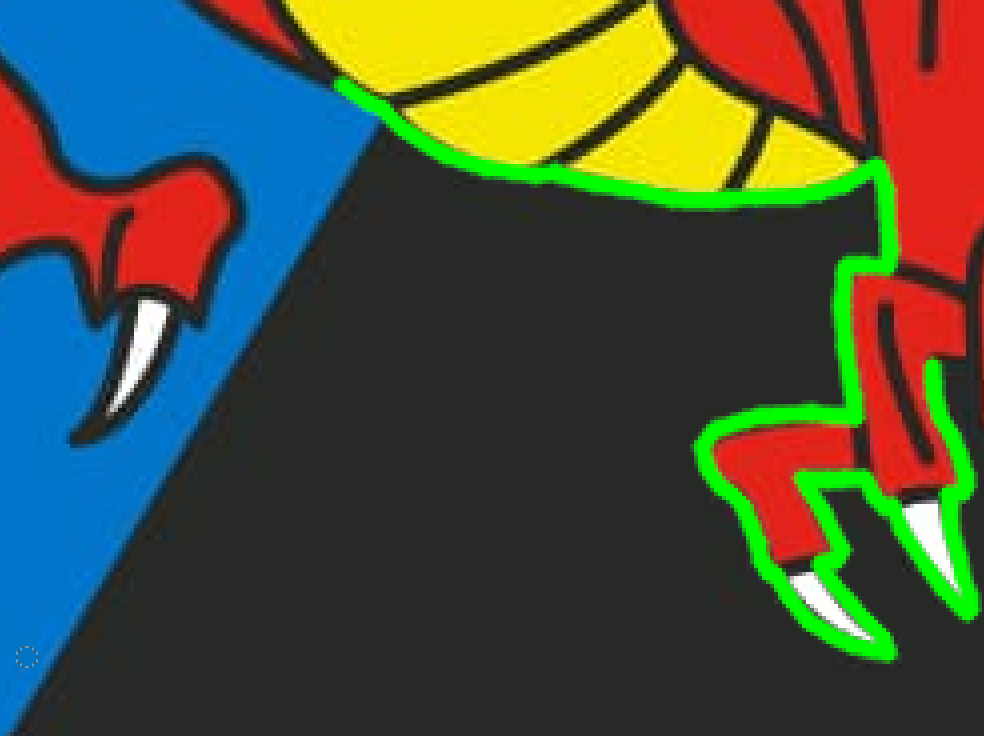
The only issue I see is the right background area being black, it merges with what would be black lines around the dragon. If you want the right background to be the same depth as the blue background, I would either edit the image and fill that area with blue & draw the black borders back in, or trace it as is & fix it in CC. Whichever you’re more comfortable with.
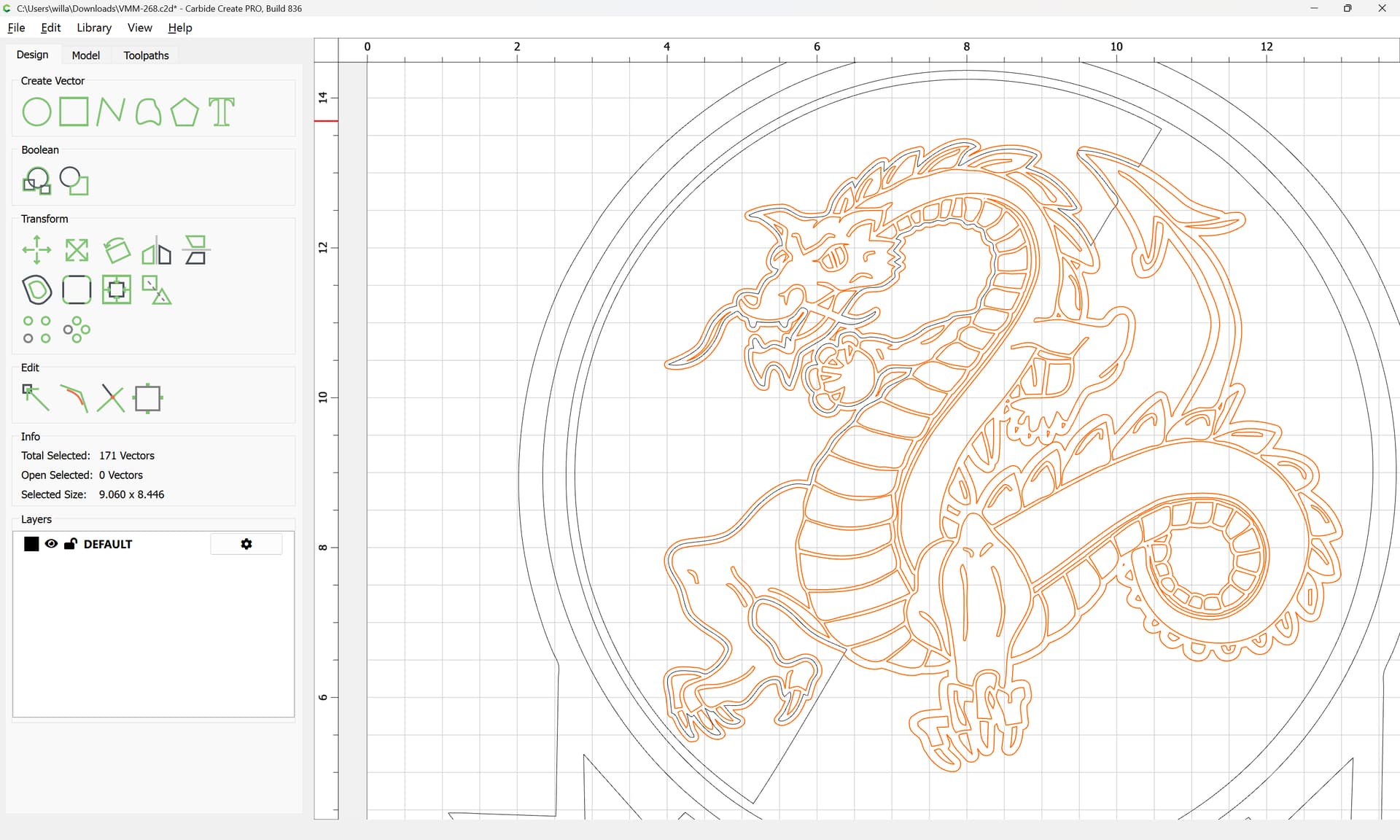
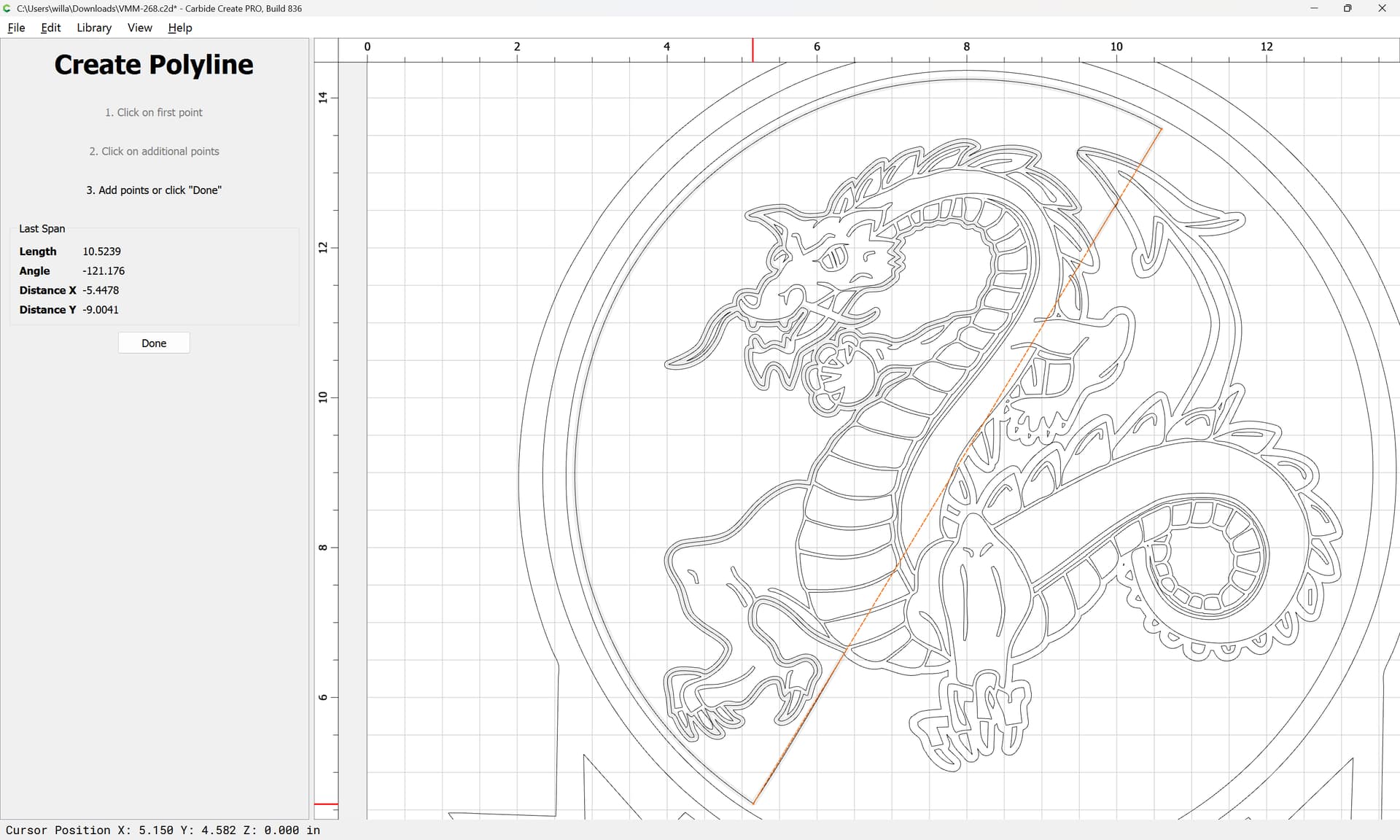
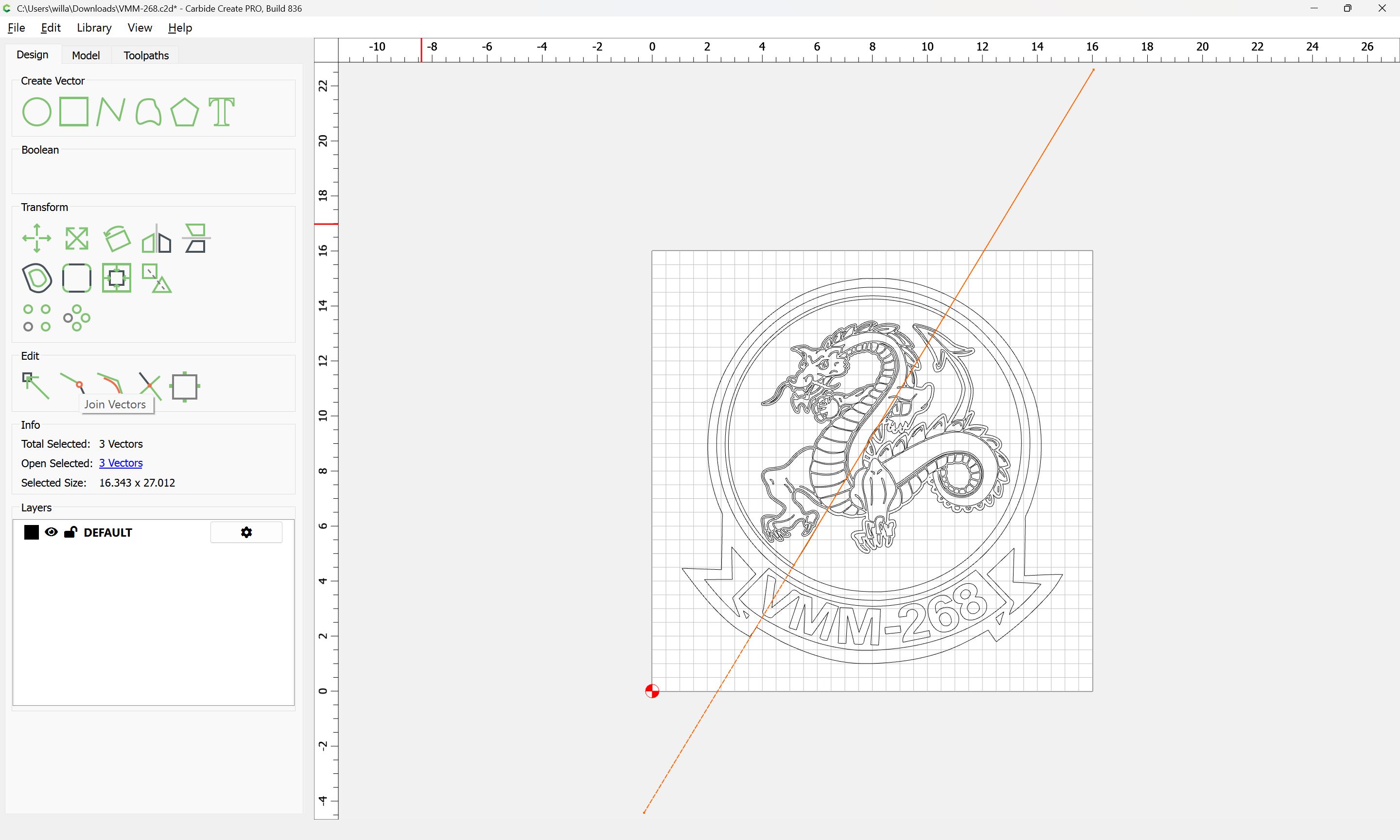
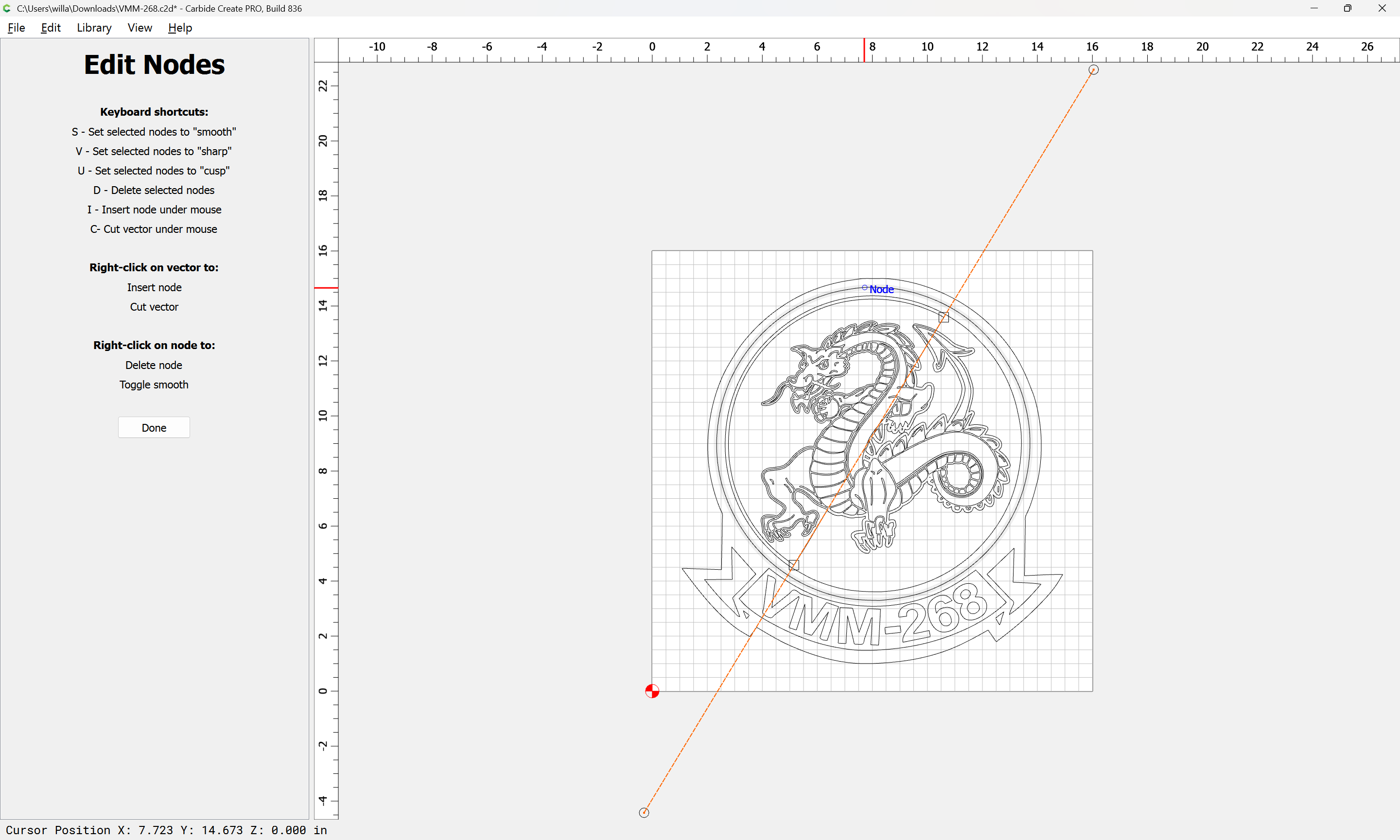
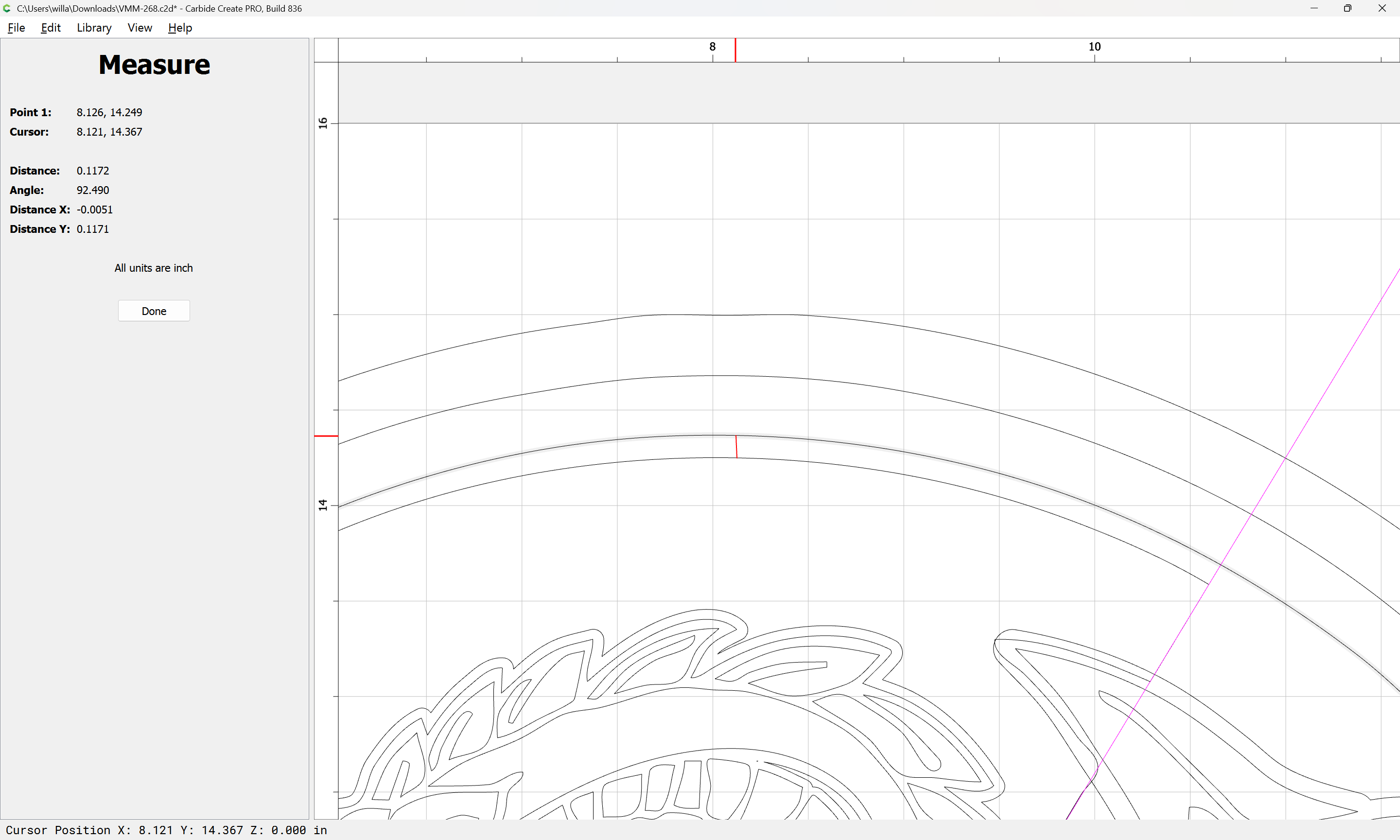
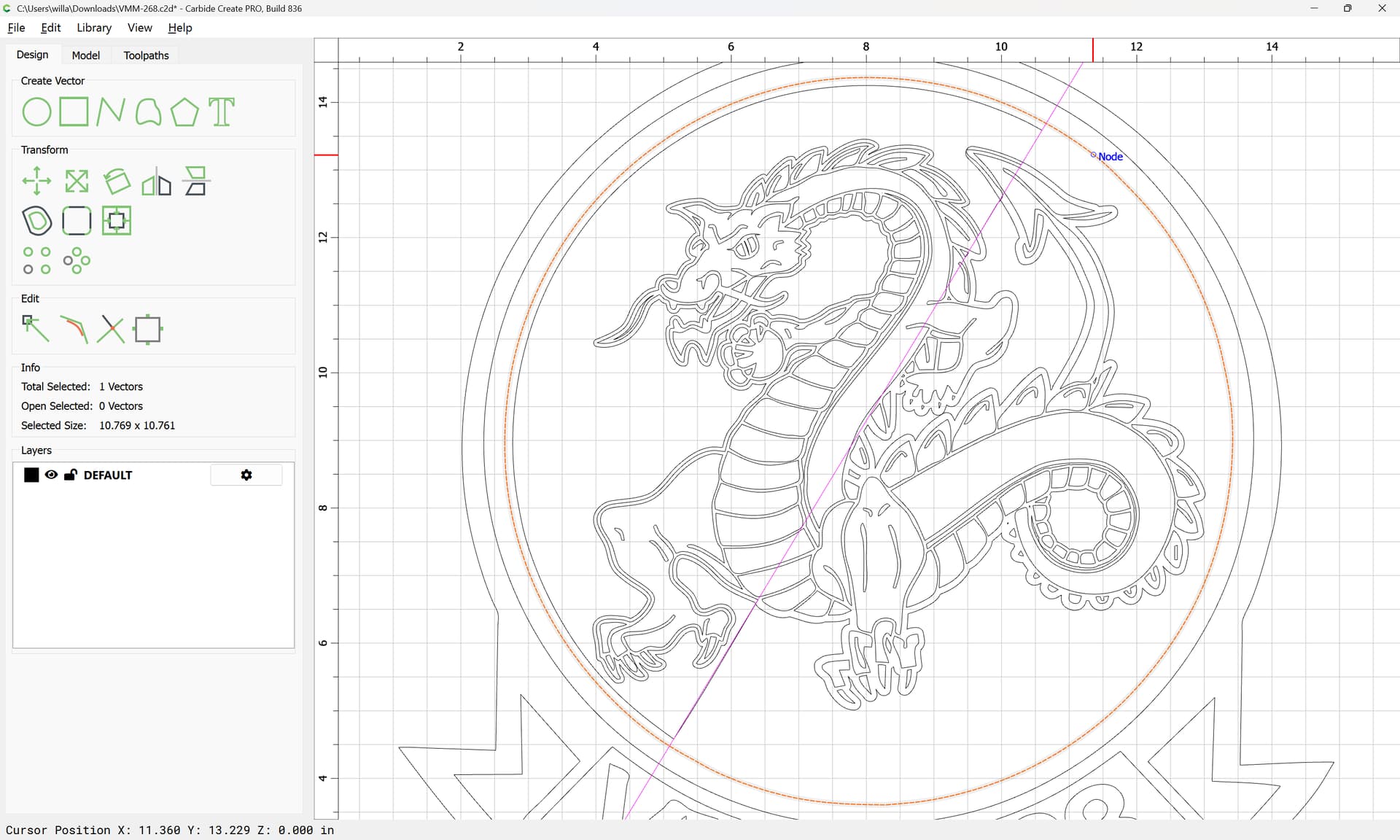
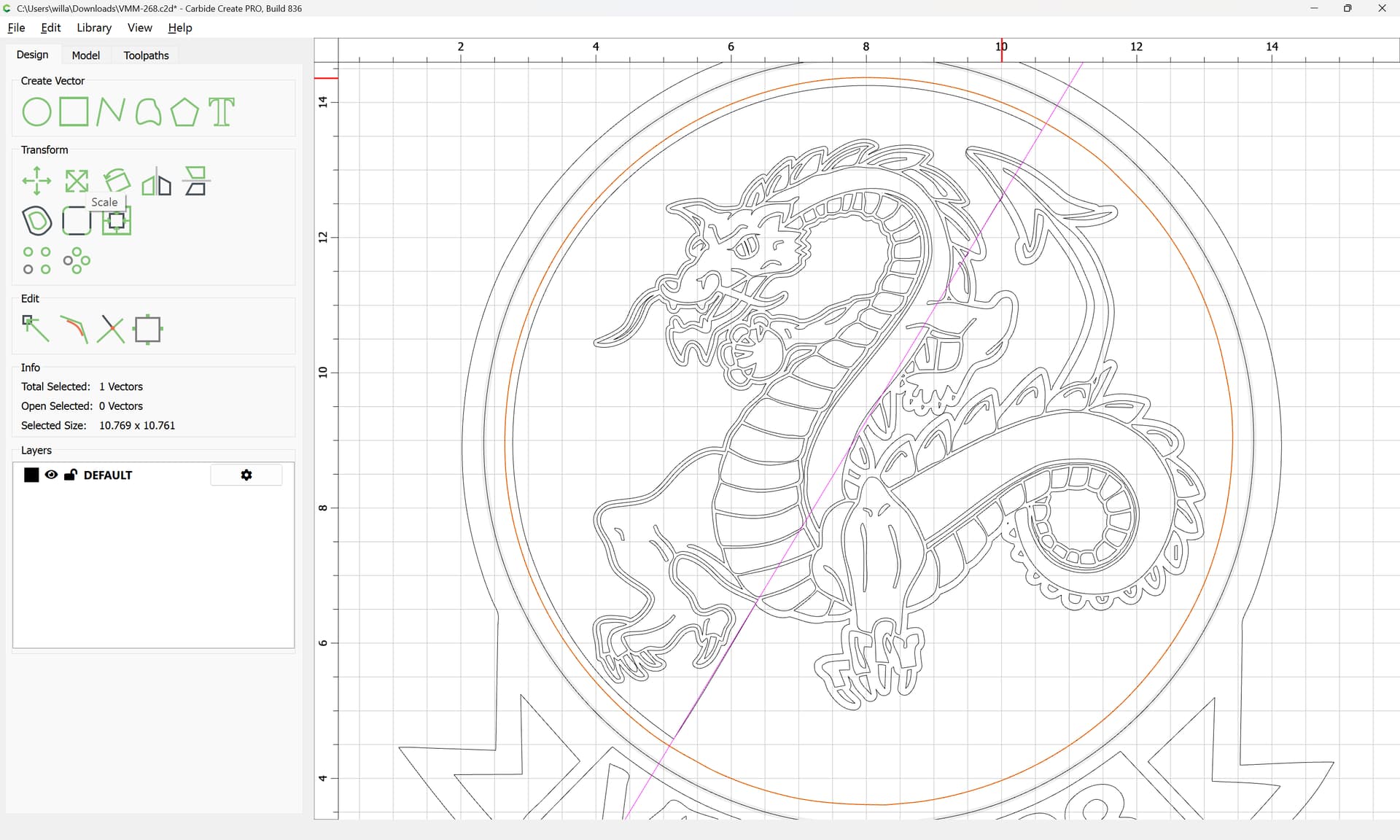
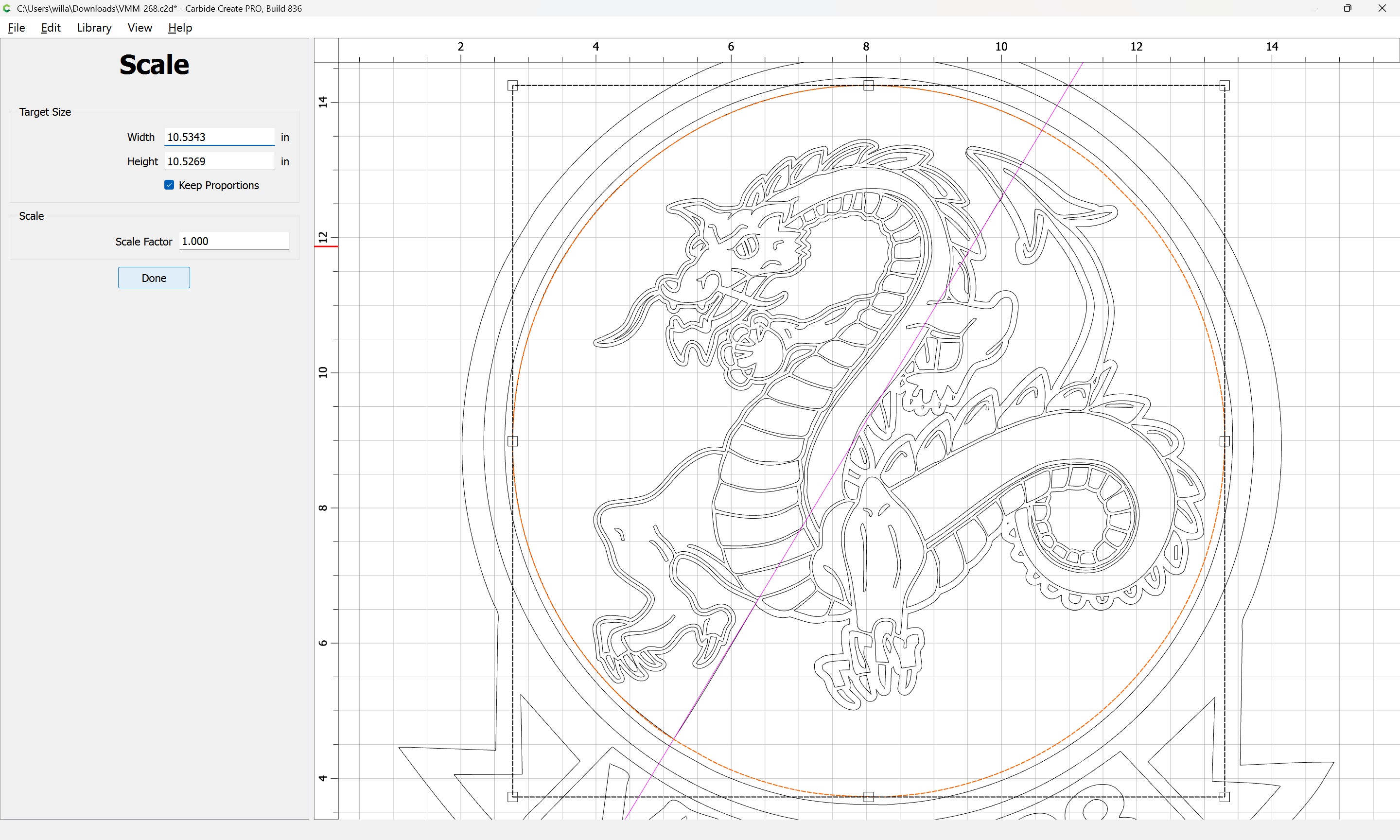
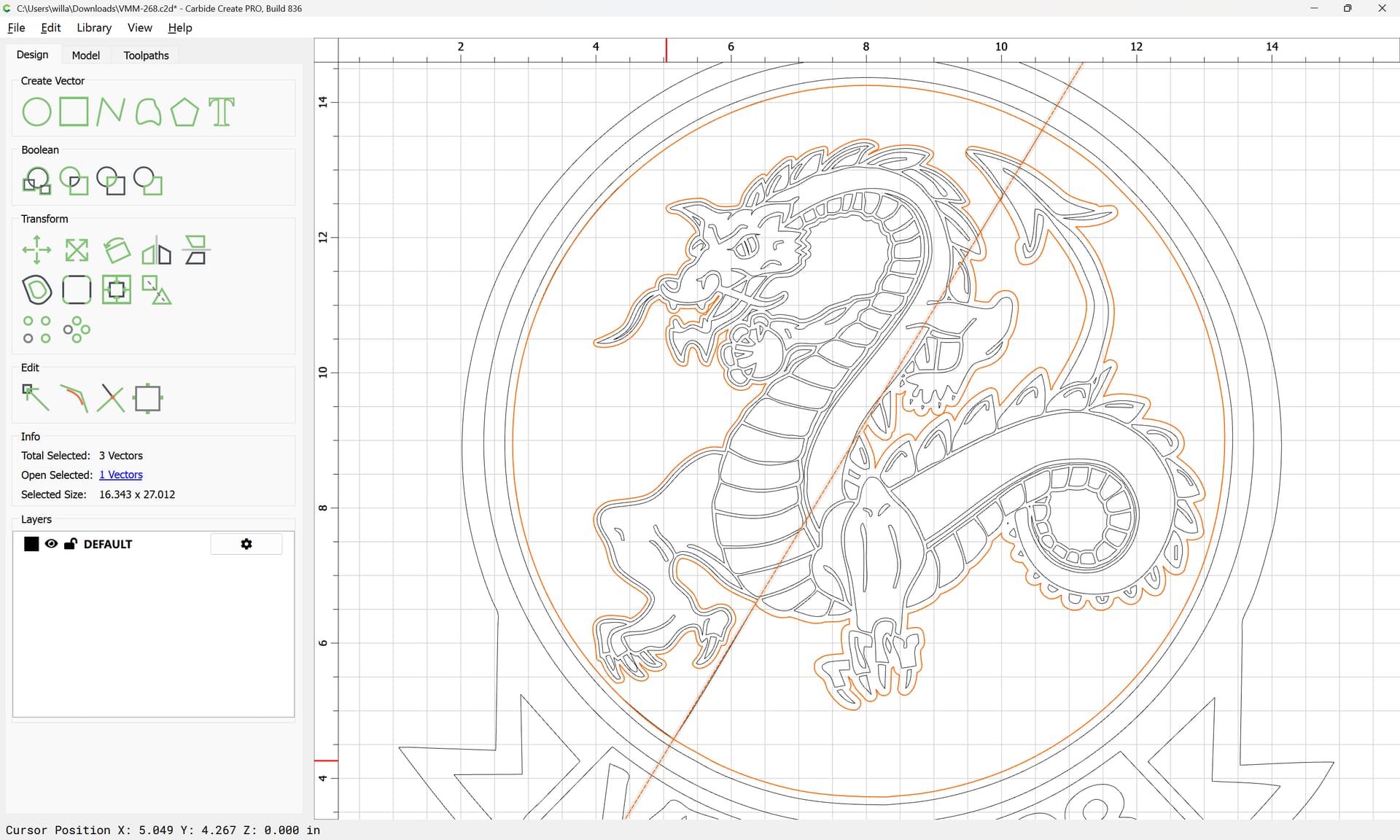
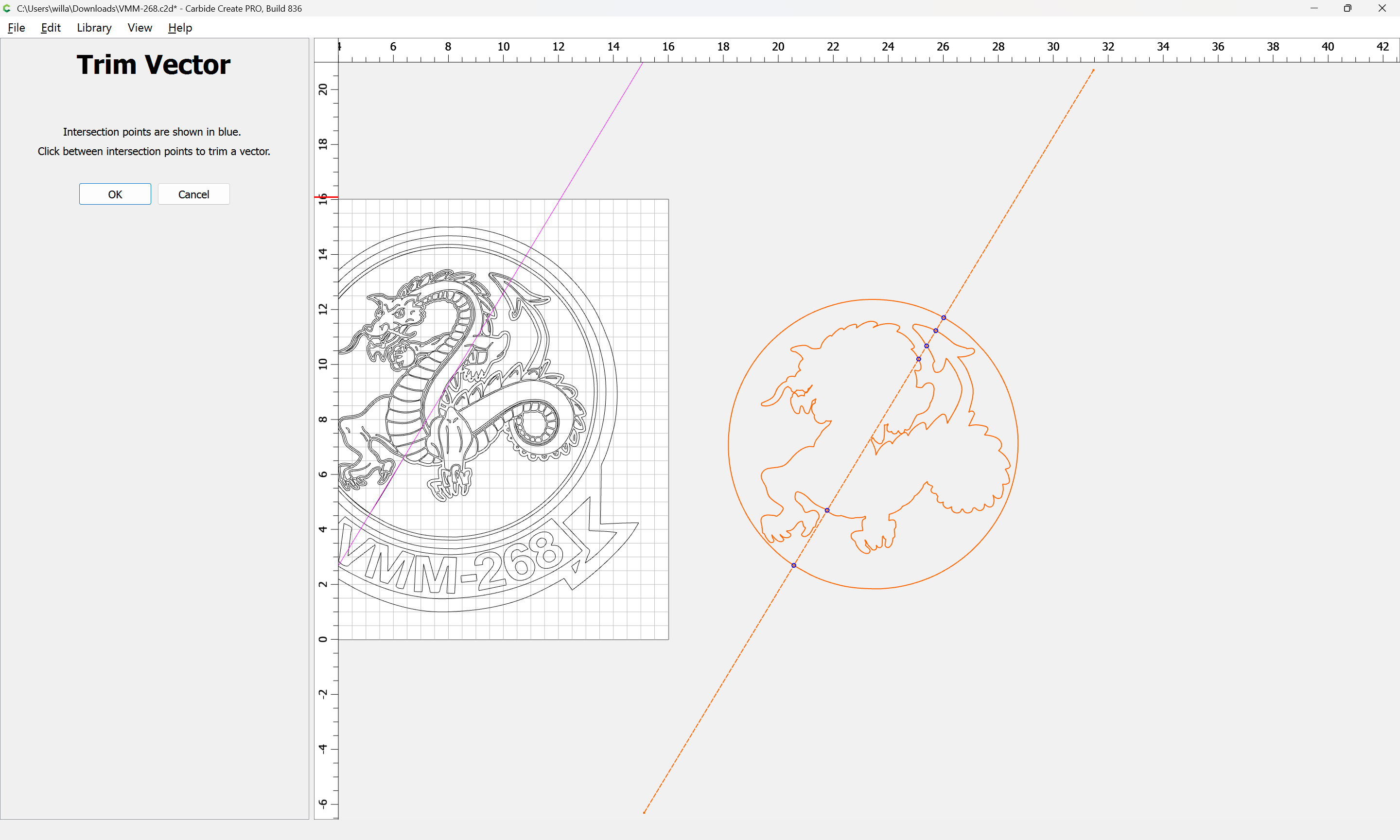
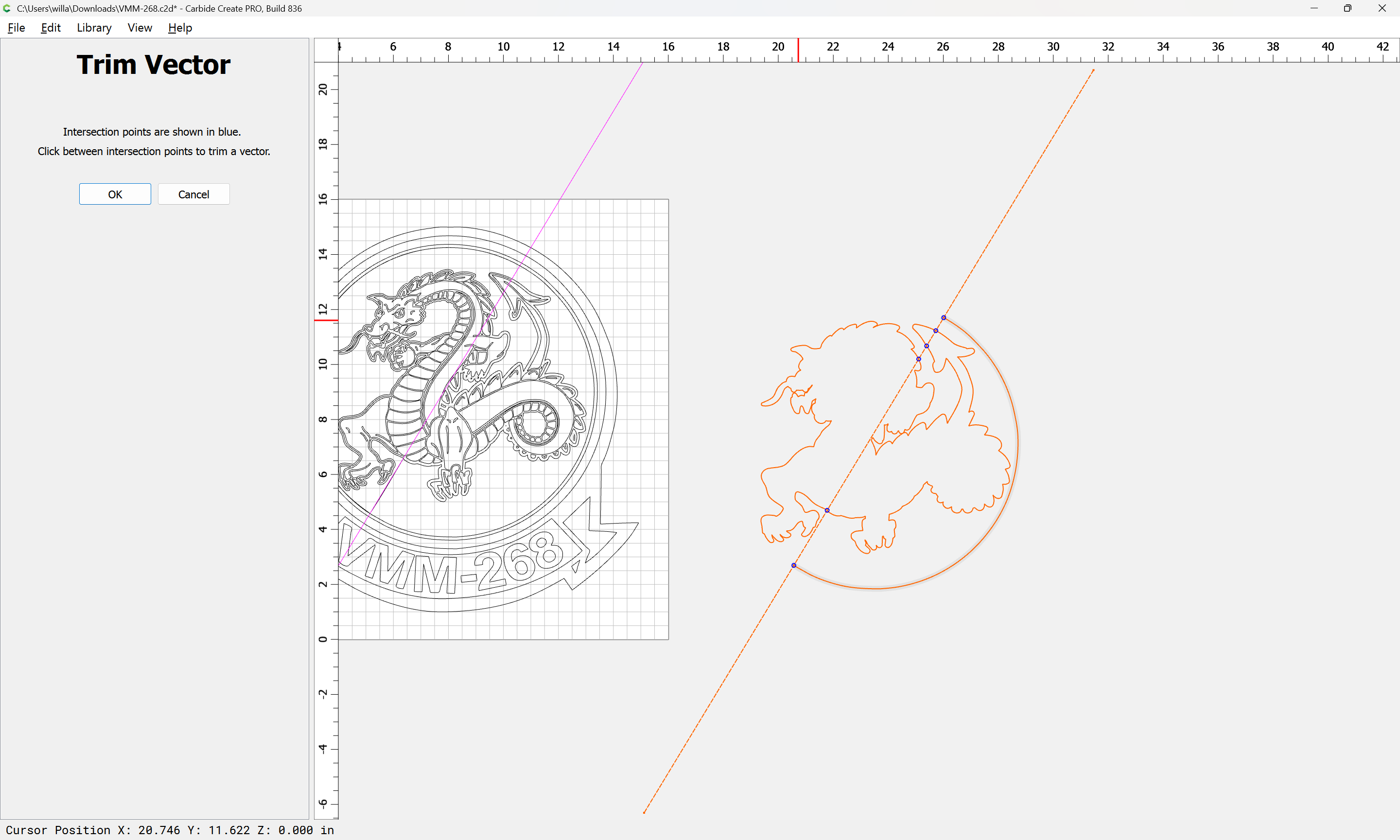
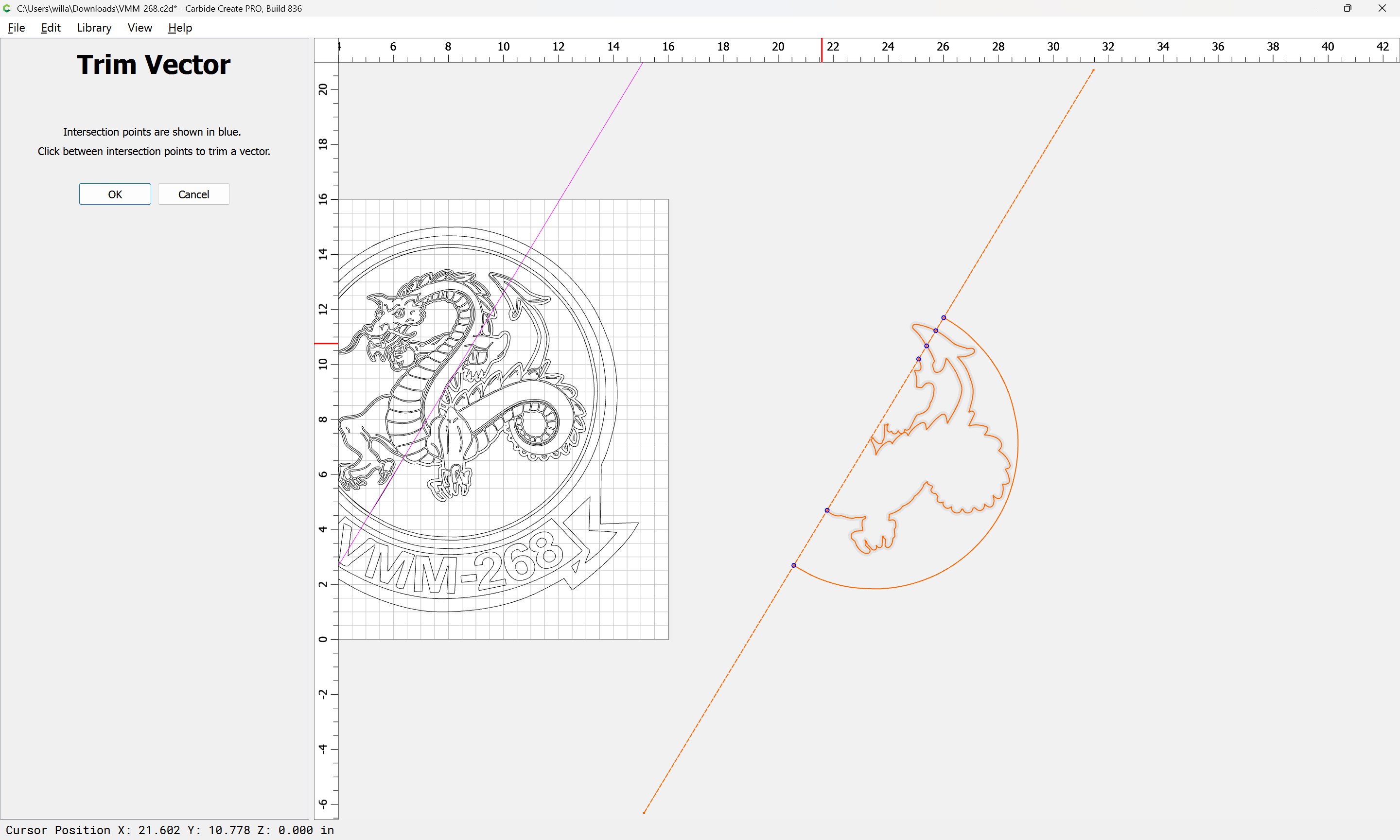
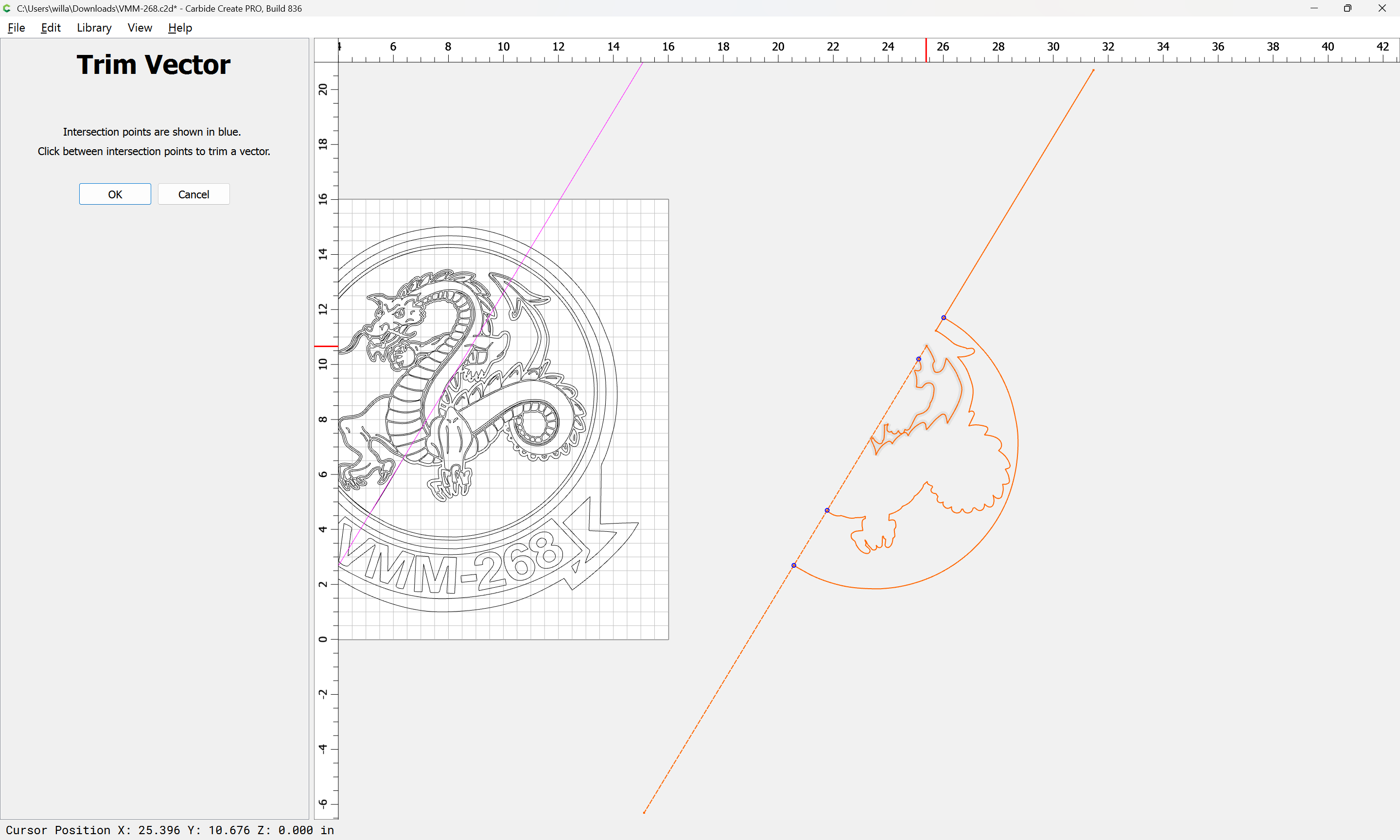
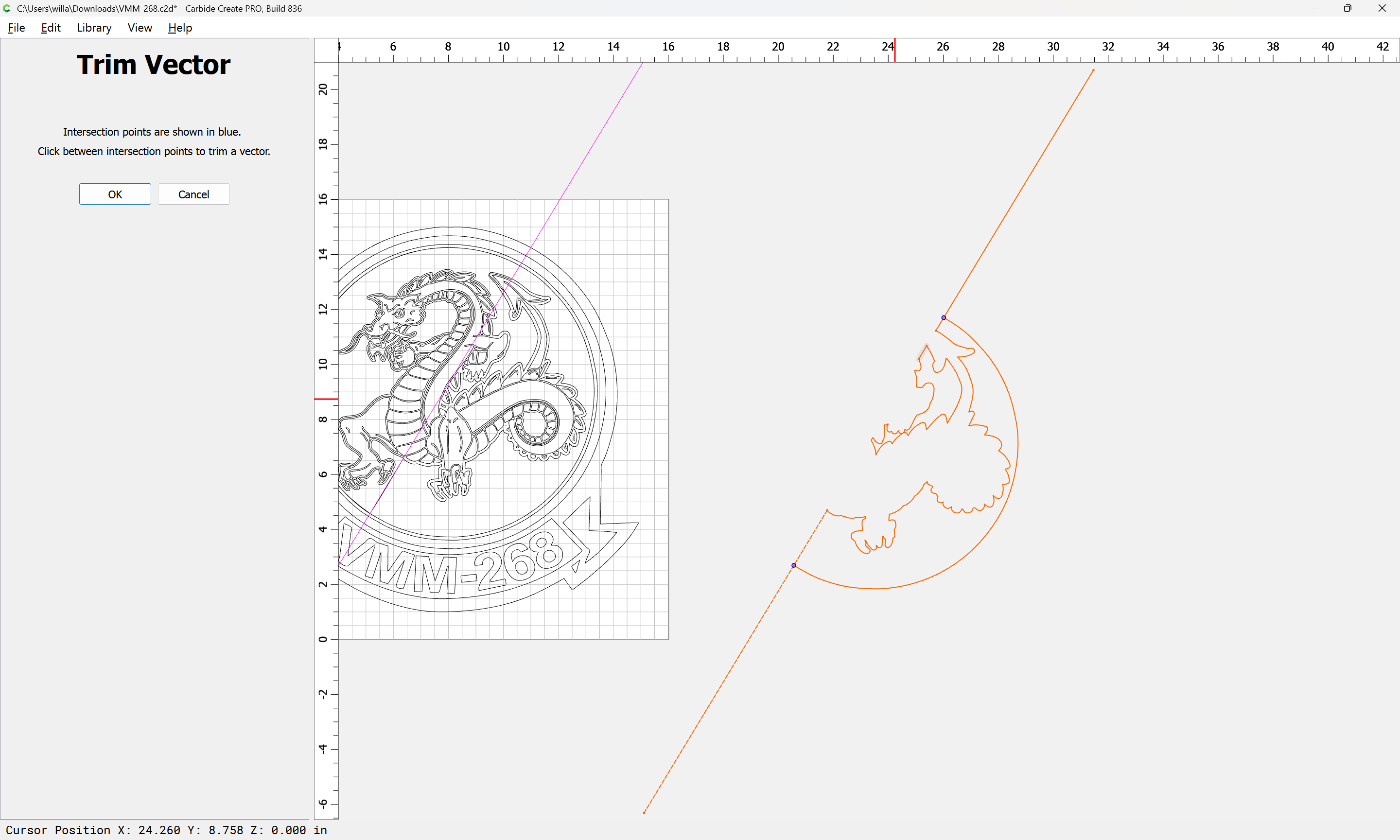
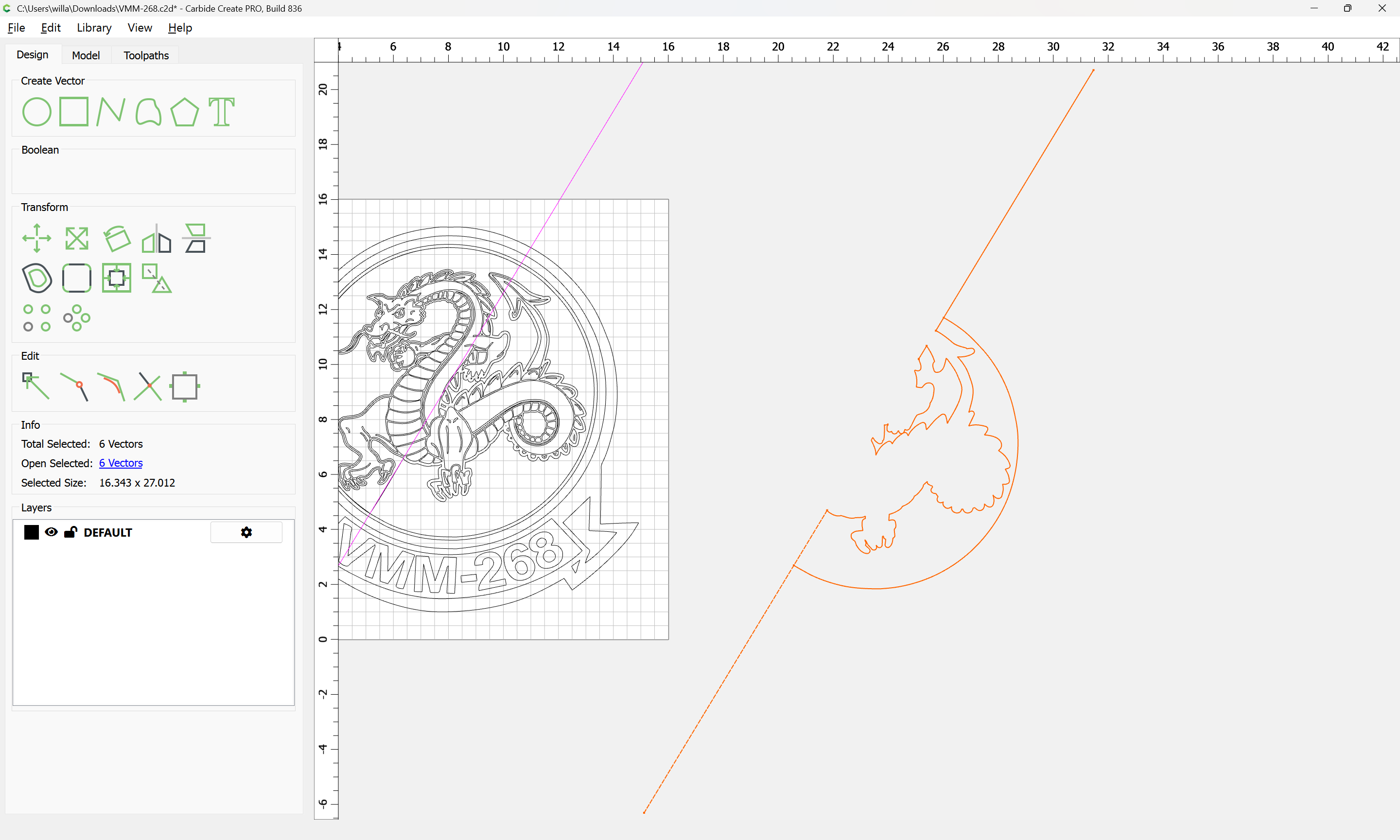
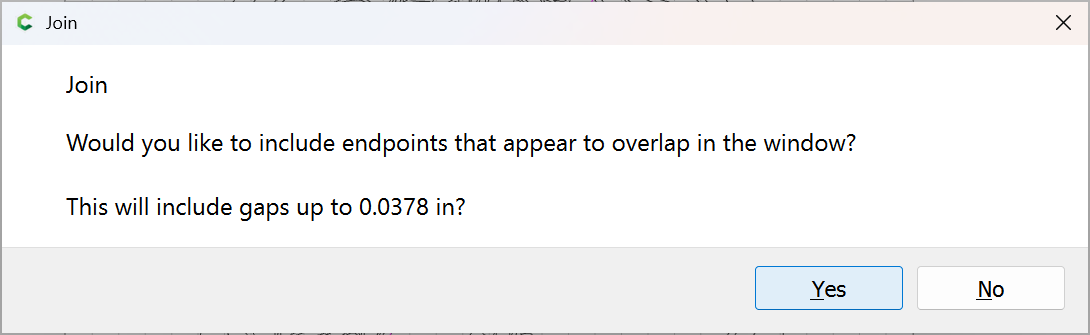
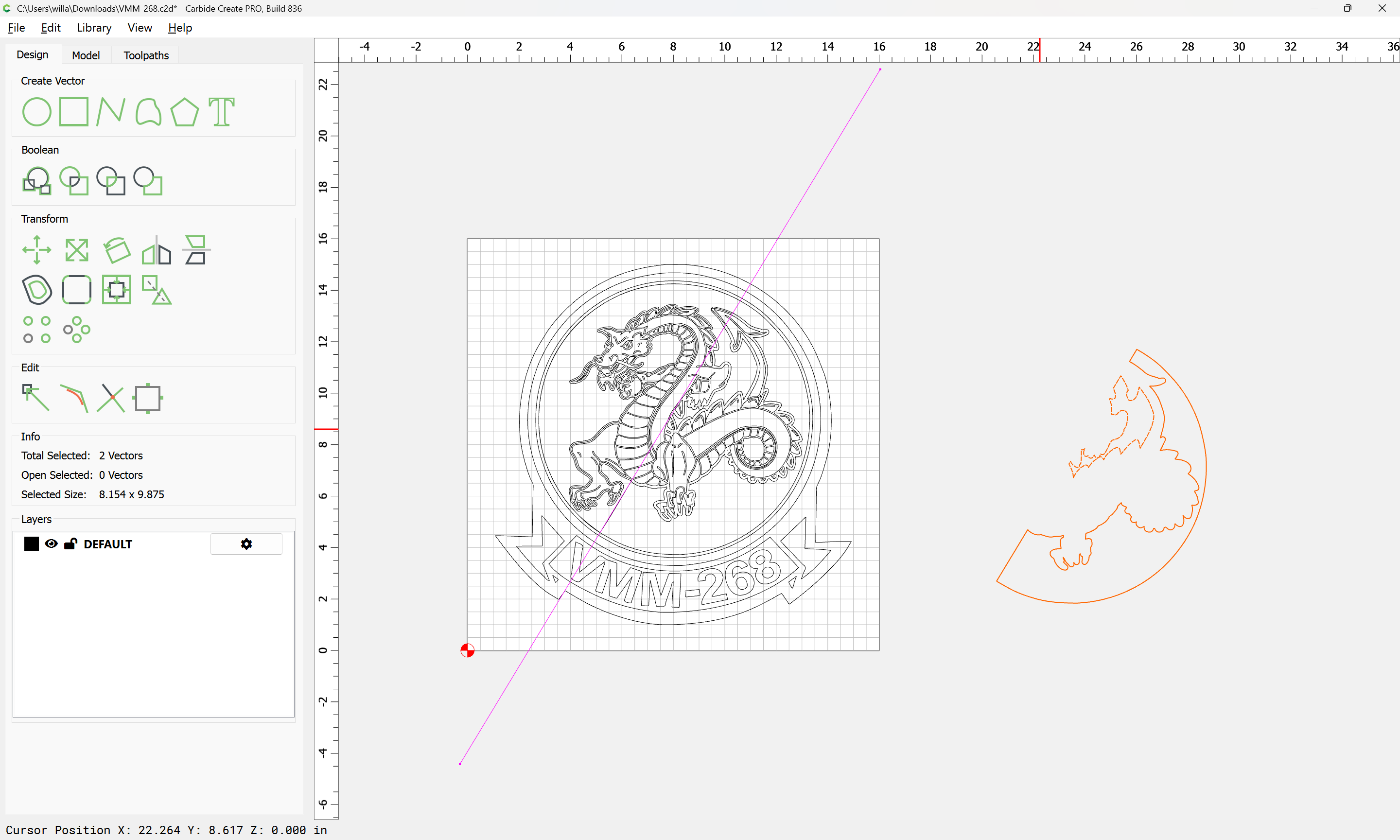
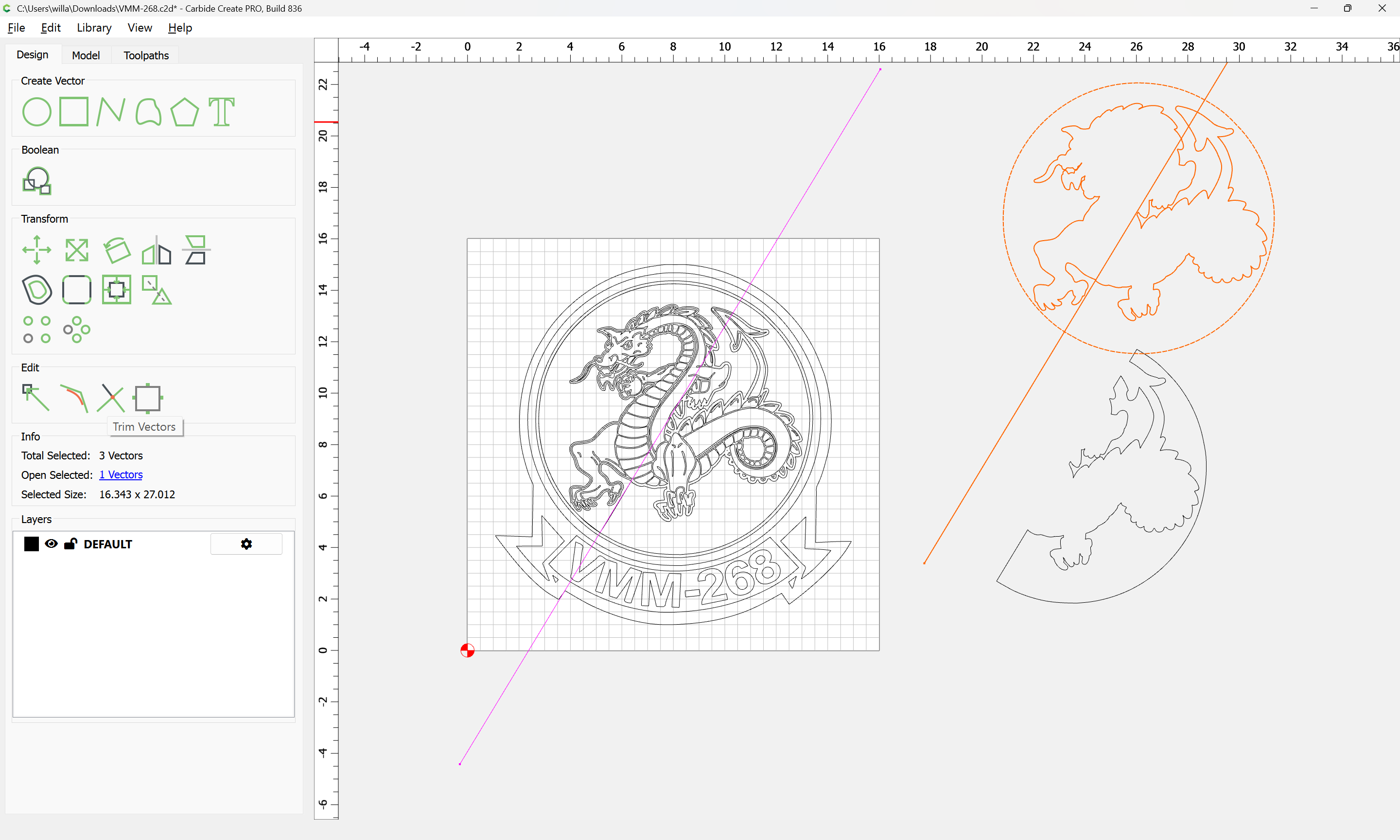
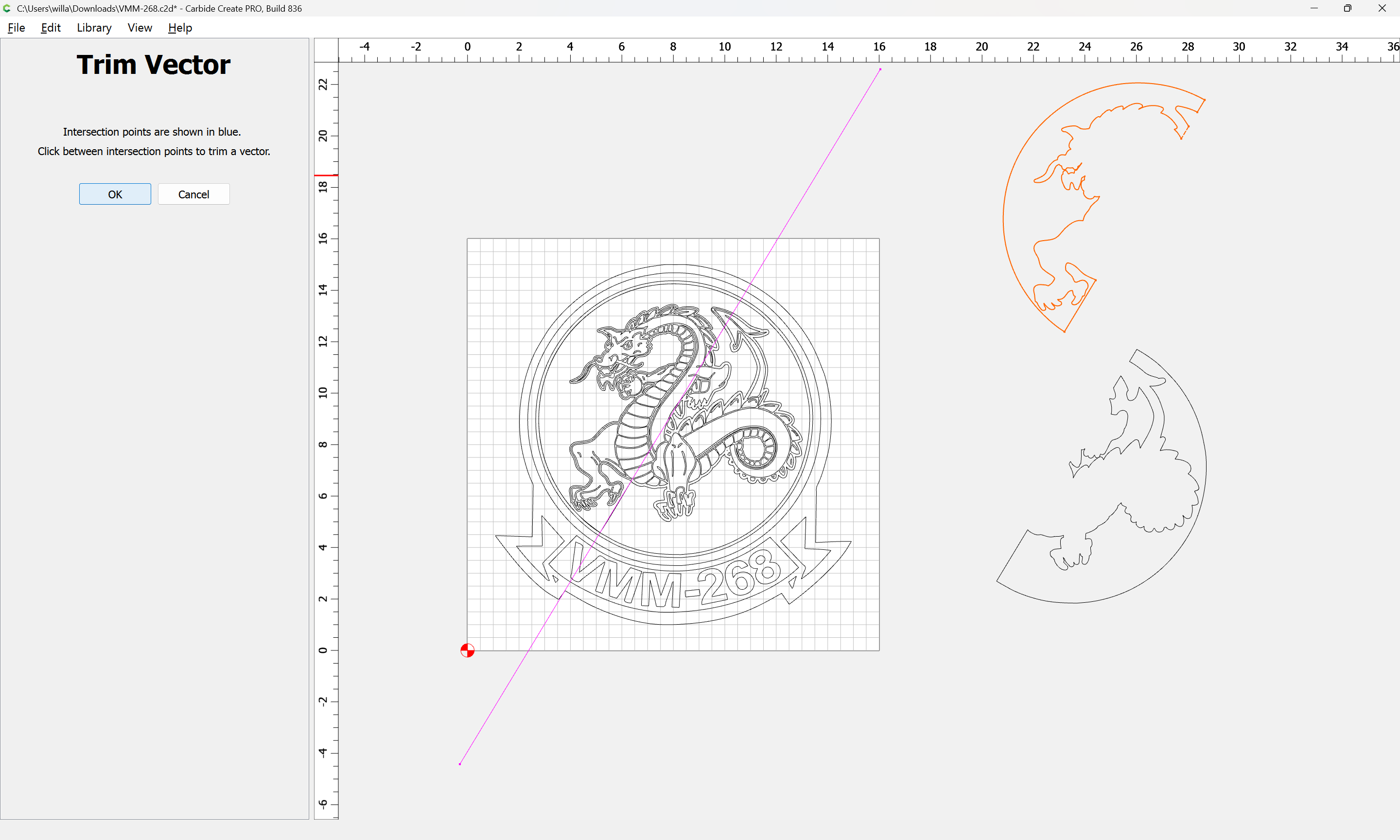
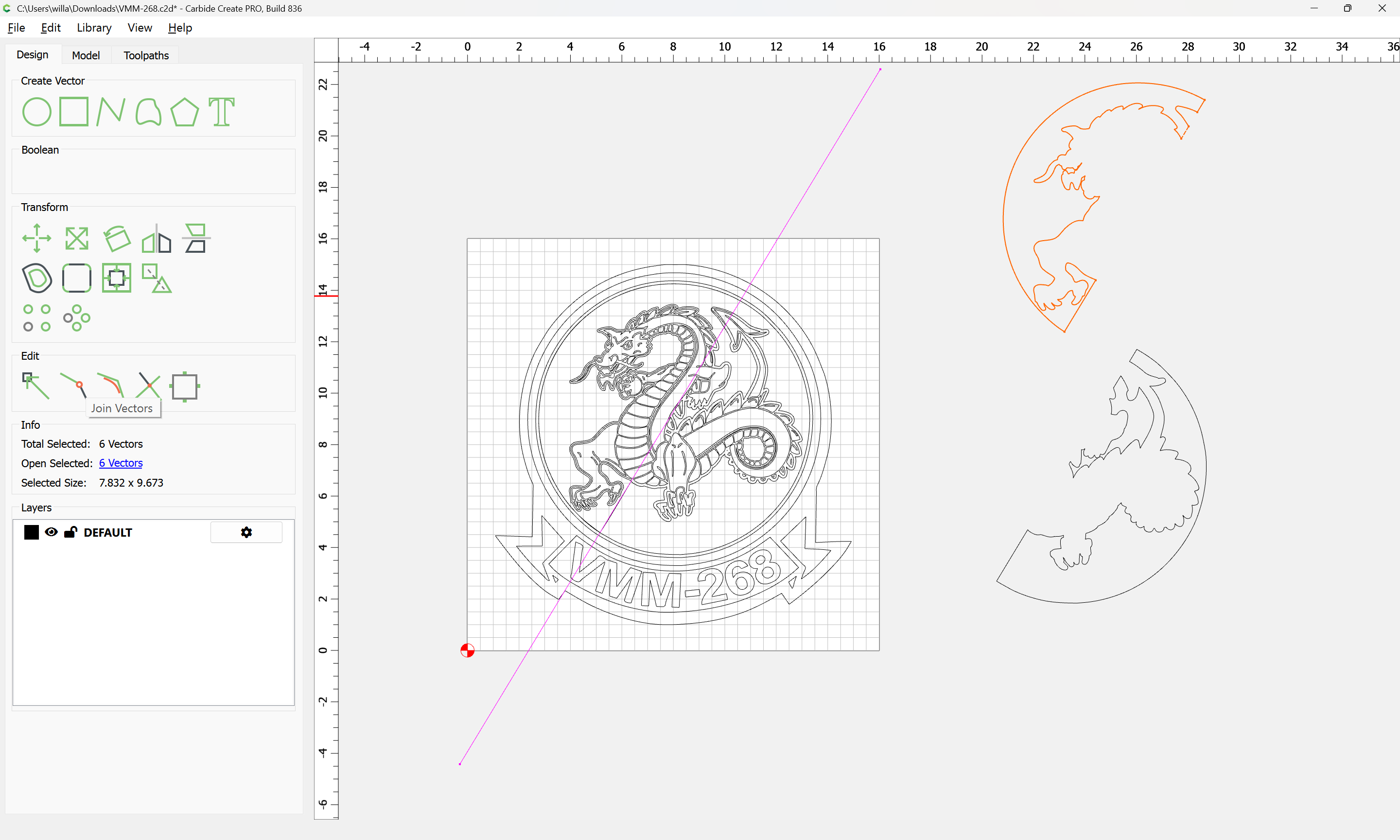
This is the exact issue I am having. CC combines the blue with part of the dragon. If you fixed this in CC, how would you do it? If you fixed this with a 3rd party software, what would you use? I don’t have illustrator. My attempt at fixing it was cutting vector at the corners of the blue the doing an outside offset around the dragon and then joining half of the offset and half of the blue to essentially make an outline of the dragon. It just seems that there has to be a better way.
As noted above, move things to the appropriate layers (duplicating where necessary).
If you get stuck, let us know and we can look into it with you.
EDIT: I will note that the pixel image is clean enough, it was probably made from a vector file — why not get the original? While it will probably need to be cleaned up: