WillAdams
August 31, 2025, 1:23am
35
nukebert:
To be clear: If I draw a 2D part in SketchUp and save it as a .dxf (there is a 2D and 3D option, which?) I can load it directly into Carbide Create, make the Toolpaths, and press GO?
Yes, that should work.
2D DXF is what is expected to be imported — 3D will import, but will discard 3D information.
Note that you will need to structure the drawing in Sketchup, and the export options for DXF in Sketchup so as to arrive at a workable file — if you have problems, upload a screengrab of the Sketchup design, a screengrab showing the export options, and the DXF which was made and we will do our best to look into it with you.
There are two approaches for making holes:
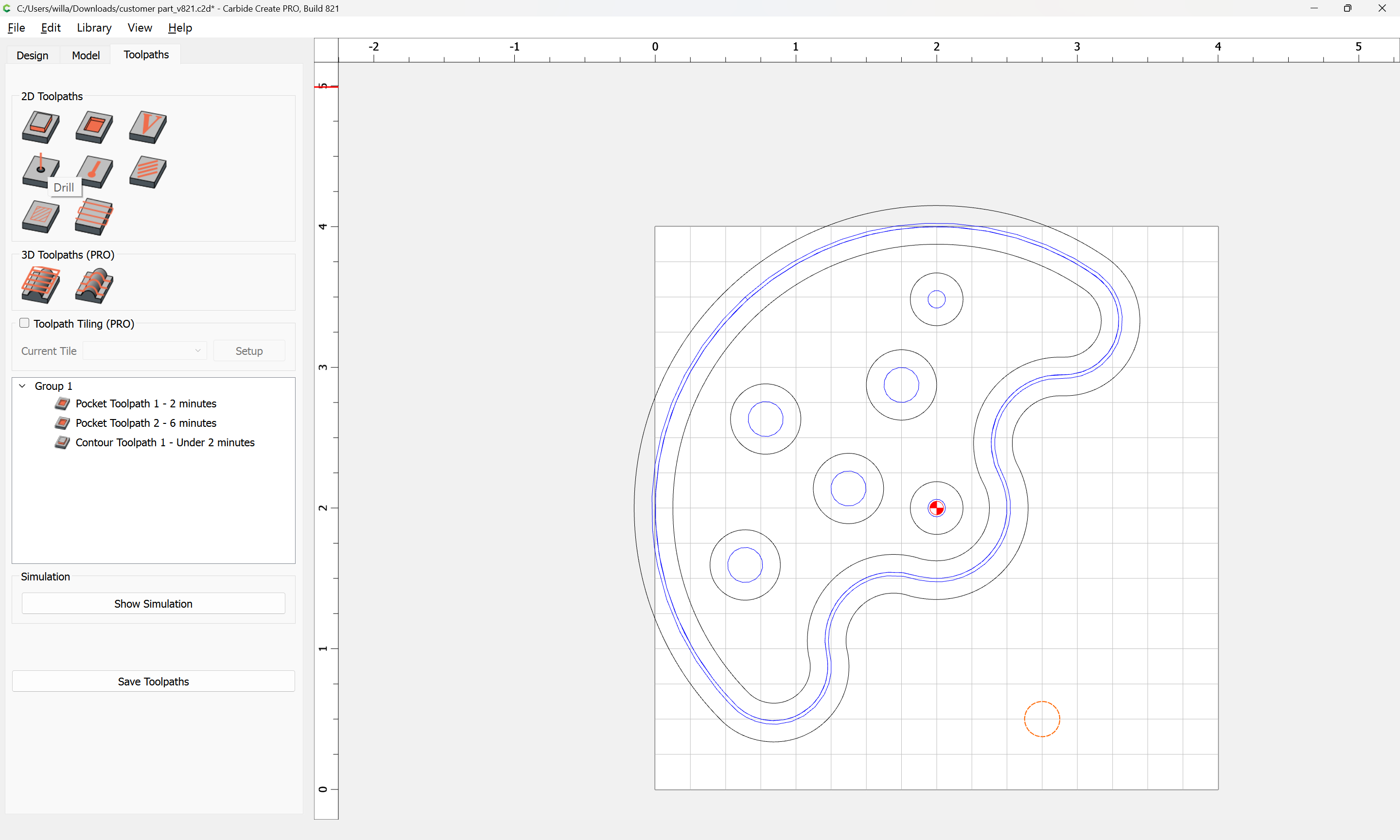
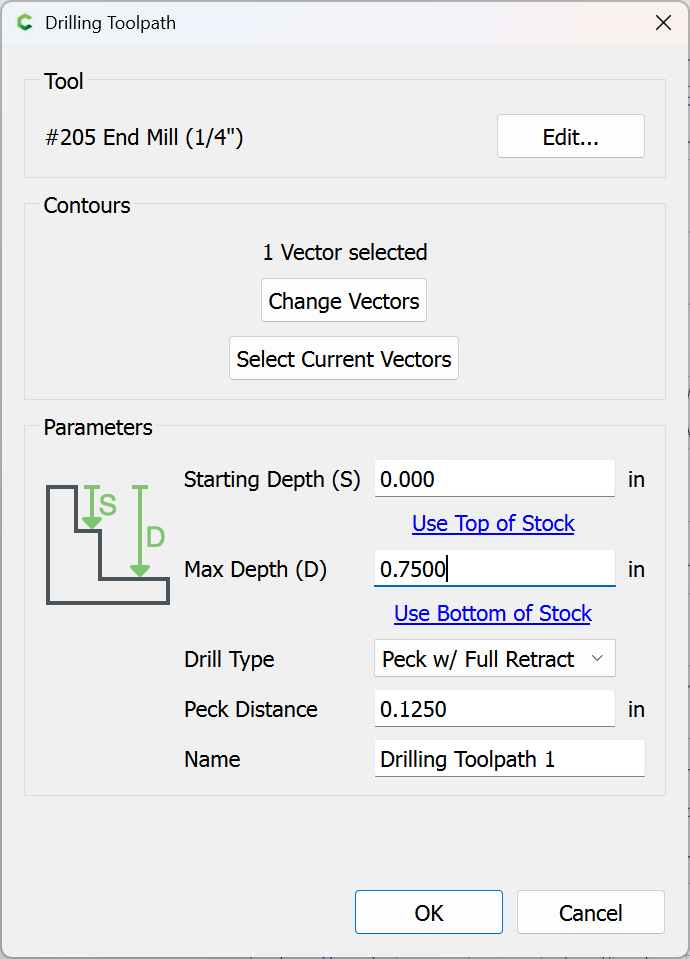
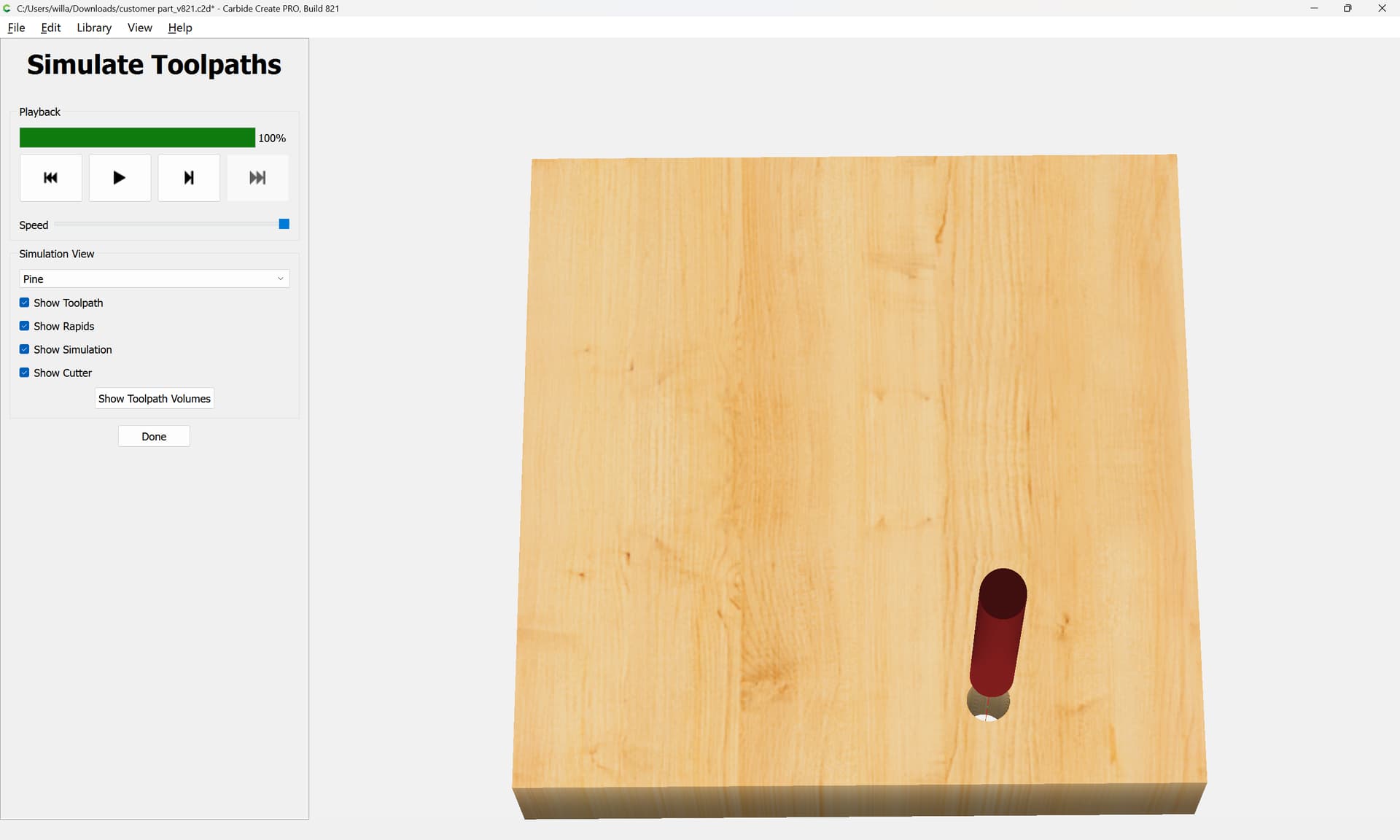
a “Drill” toolpath — this requires a tool which will cut the desired hole dimension, and is vulnerable to issues of tool/machine deflection:
a “Pocket” toolpath as was shown above:
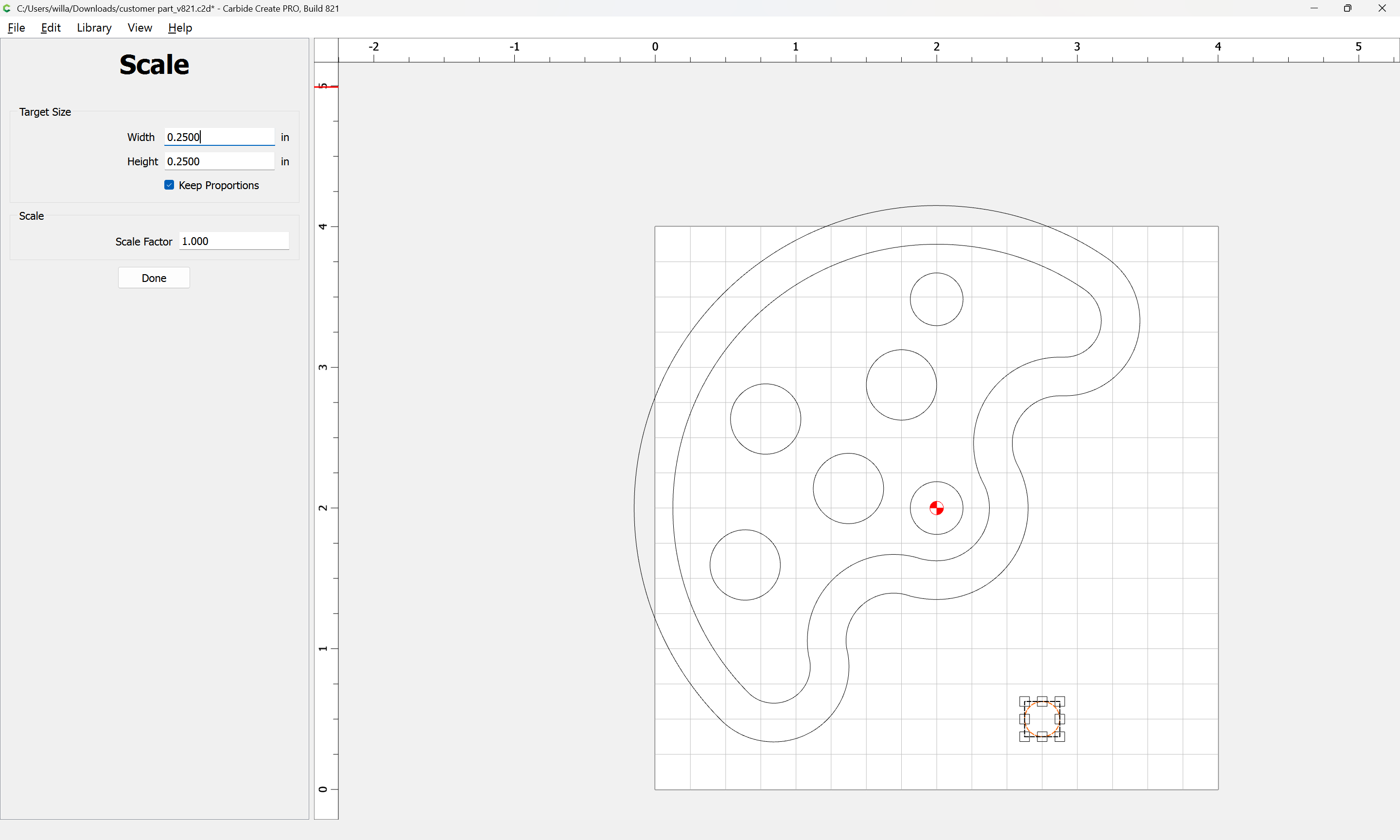
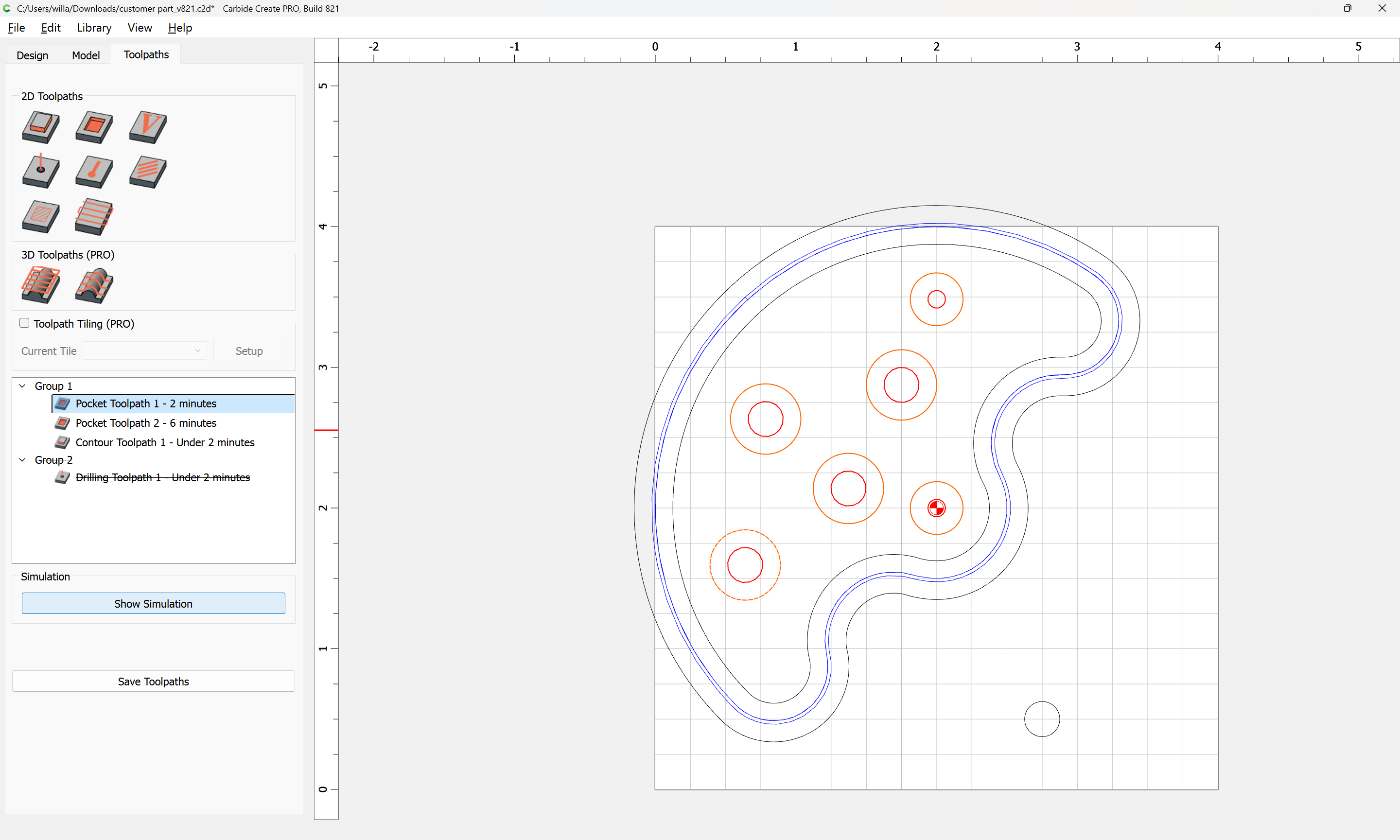
Select round geometry:
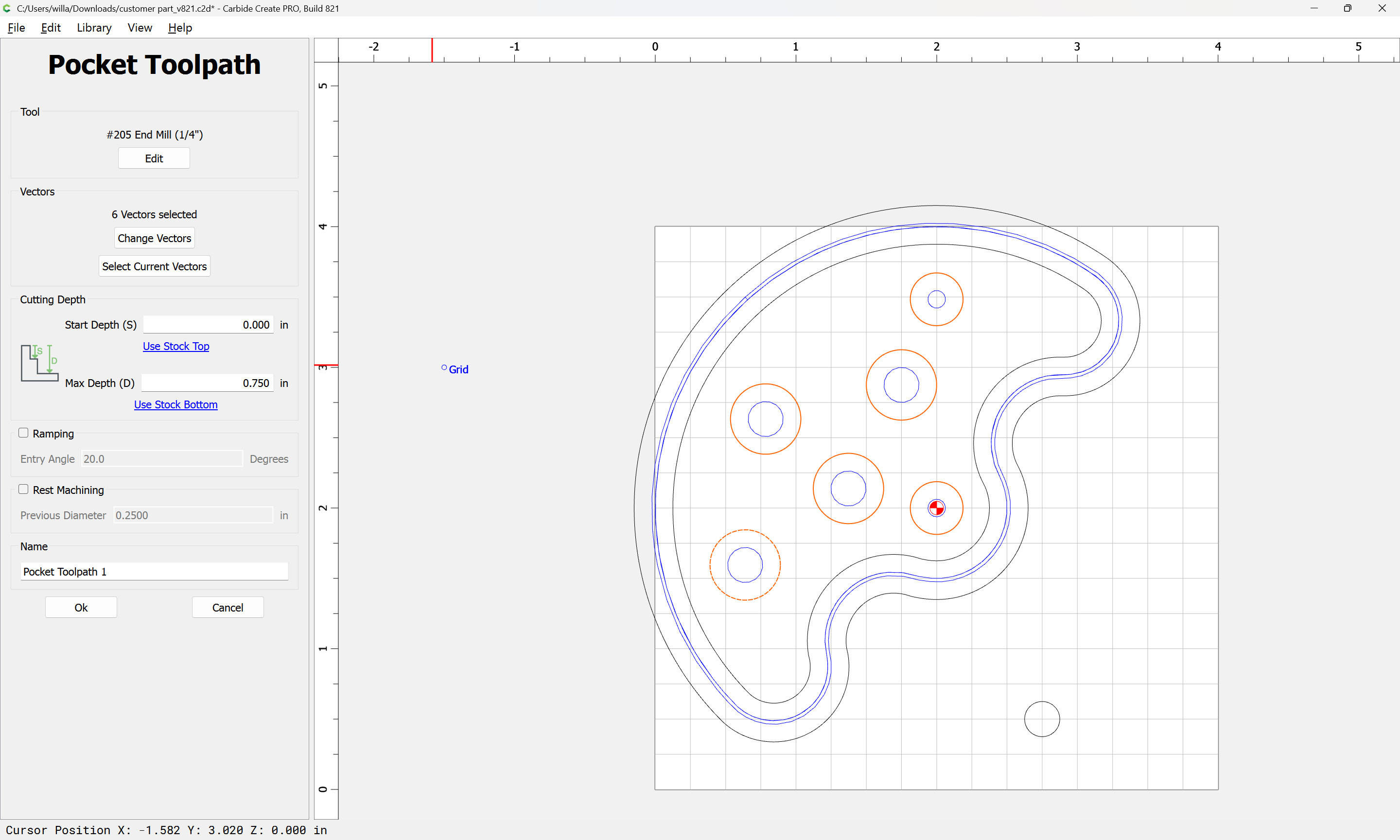
assign a Pocket toolpath:
Note that this allows the option of drawing the hole smaller, cutting it, doing a test fit, then adjusting the size and re-running the toolpath.
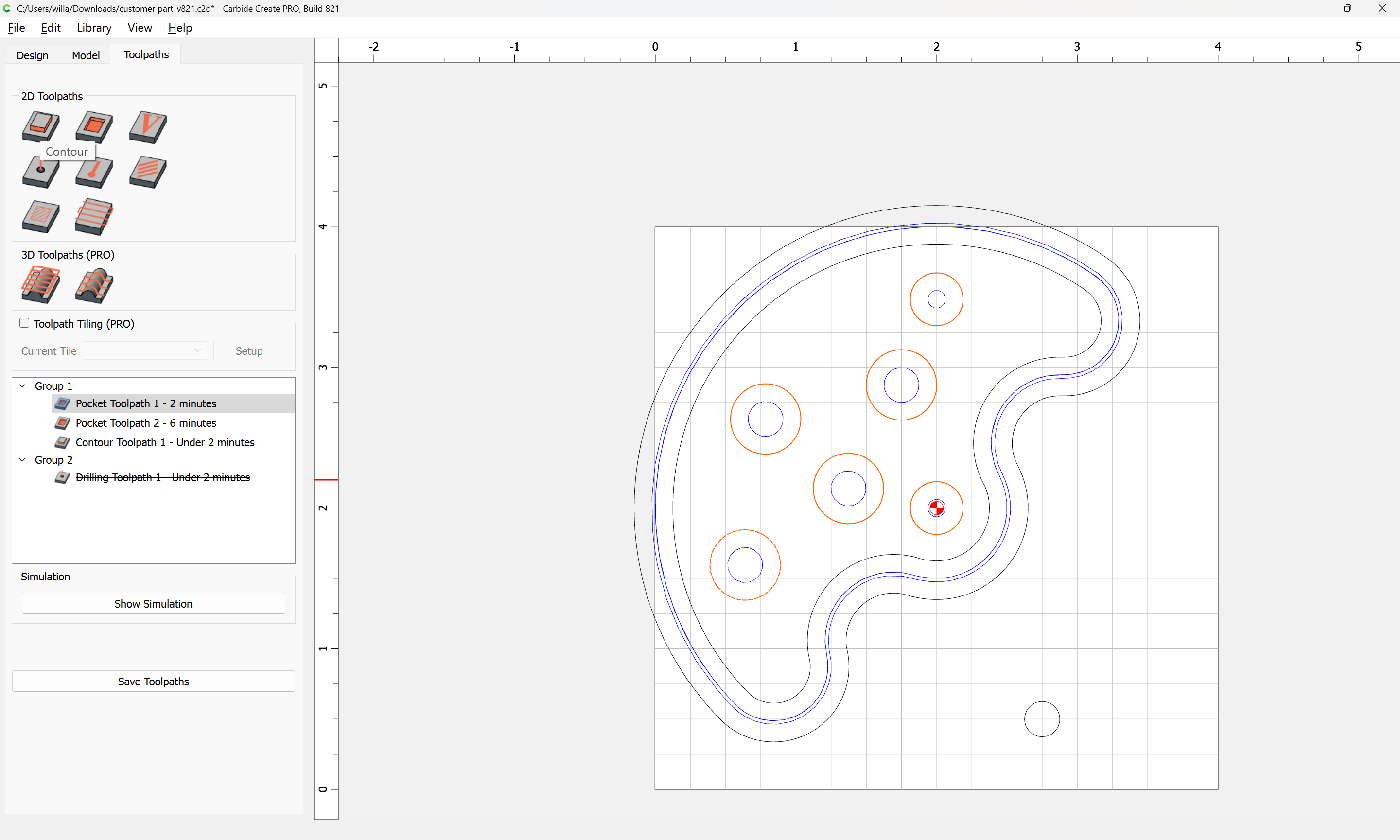
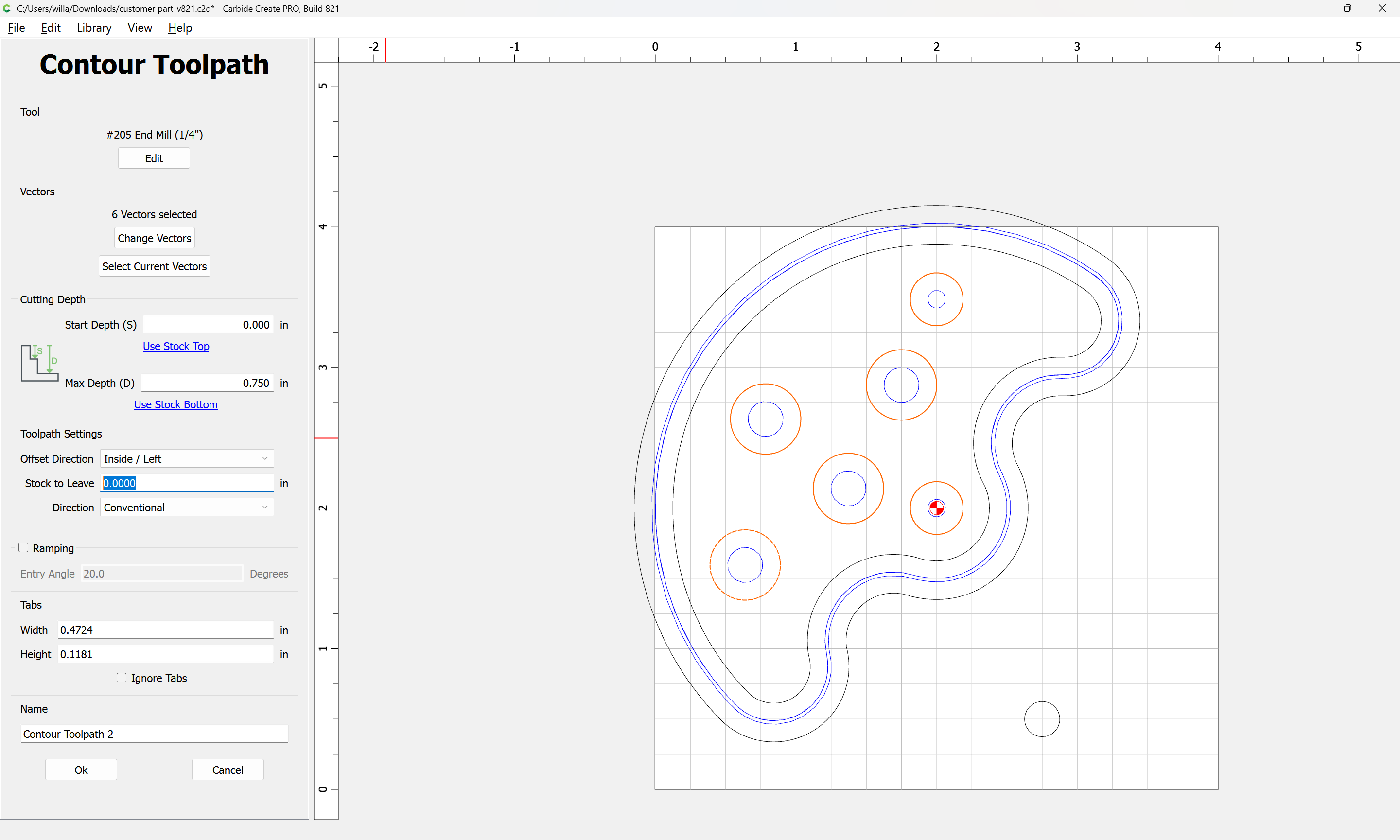
Alternately, if you have Carbide Create Pro, then if the hole is smaller than twice the endmill diameter you can use an Inside Contour toolpath
and adjust the “Stock to Leave” parameter:
and then make the cut and do a test fit as described above.
Alternately, this can be used so as to allow a full-depth finishing pass as discussed in:
While cutting up vacuum extension wands for this is expedient, it’s a bit problematic given that Shop Vac recently filed for bankruptcy, was bought at the last minute, and production hasn’t caught up.
I need a receptacle for the Sweepy 2.0 dust fitting — one option would be to purchase one from Woodcraft, but Carbide 3D sells blocks of HDPE:
which looks to be just barely big enough for things to fit.
Measuring the hose fitting I get a diameter of ~63.5mm — offsetting that twice we arrive at…
and/or
One technique which is often suggested to avoid slotting is to add geometry around a part which one wishes to cut out and cut as a pocket down to tab depth — here’s one technique for that.
In this case, the project is a bevel gauge which will be cut out of 0.0625" (~1.5mm) thick aluminum:
[bevelgauge]
Due to the narrowness of the angles, an 0.03125" endmill has to be used, so after importing and scaling the file (we will be cutting out one which is 3") we select the perimeter and offset it tw…
and consider leaving a roughing clearance and taking a finishing pass.
One which has a cutting flute length equal to or greater than the thickness of the stock — pretty much any tool should work.
Big thing is the toolpaths — if cutting out, rather than just cutting a slot:
[image]
Offset to the outside by endmill diameter plus 10% or so:
[image]
[image]
[image]
Then cut as a pocket:
[image]
down to tab height or the penultimate pass:
[image]
then move the contour down to below the pocket and start cutting at the bottom of the pocket:
[image]
and…
For more on this see:
https://carbide3d.com/hub/courses/create/toolpaths/