That is definitely one way to go. Covering the LOW LED gives the HI LED the meaning of TURBO MODE… It’s either in turbo or not…
1 Like
Mine arrived today  Really nice first release. On my 3XXL with an HDZ I don’t see much difference between fast and slow continuous jog rates for the Z axis. With X and Y the difference is significant as expected. I agree that the fast/slow LEDs should be different colors. If further apart is not practical a single bi-color LED may suffice. I also noticed the key caps appear to not have anything to fix the rotational alignment. On arrival, several labels were a little crooked but easily spun back into alignment with a twist of a finger tip, I expect they will drift with use.
3 Likes
Have mine as well. It is pretty great, This will be very useful. Good job guys.
4 Likes
I got my jog pendant today, and I have to say the thing is awesome, so much easier to use than the one I have been using. Having the jog wheel is a game-changer. Only problem is I’m not getting any work done as I’m too busy playing around, moving the machine all over the place.
Bravo!
7 Likes
The caps are actually constrained by the switch underneath. Square peg in a square hole, so I wouldn’t expect too much drift over time 
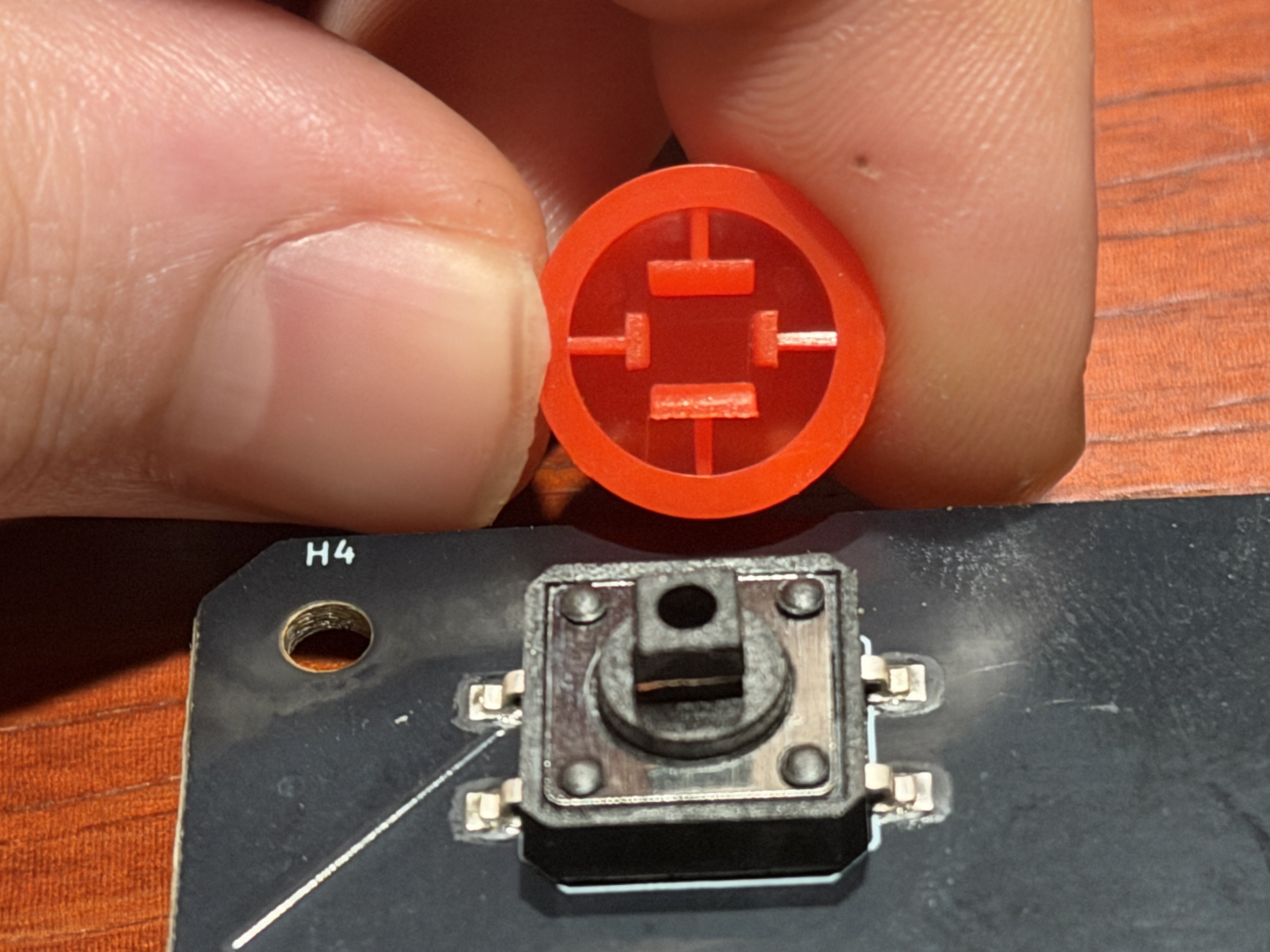
I do fully expect the printing on the buttons to rub off eventually. I figure there’s not much to do about that on the manufacturing side without an unreasonable increase in cost.
Maybe I’ll corner the double shot C3D replacement pendant button market, surely there will be dozens of us 
4 Likes
I’m wondering the same thing…and feel the same way. If there is an advantage over my USB connected keypad (which cost me $8),
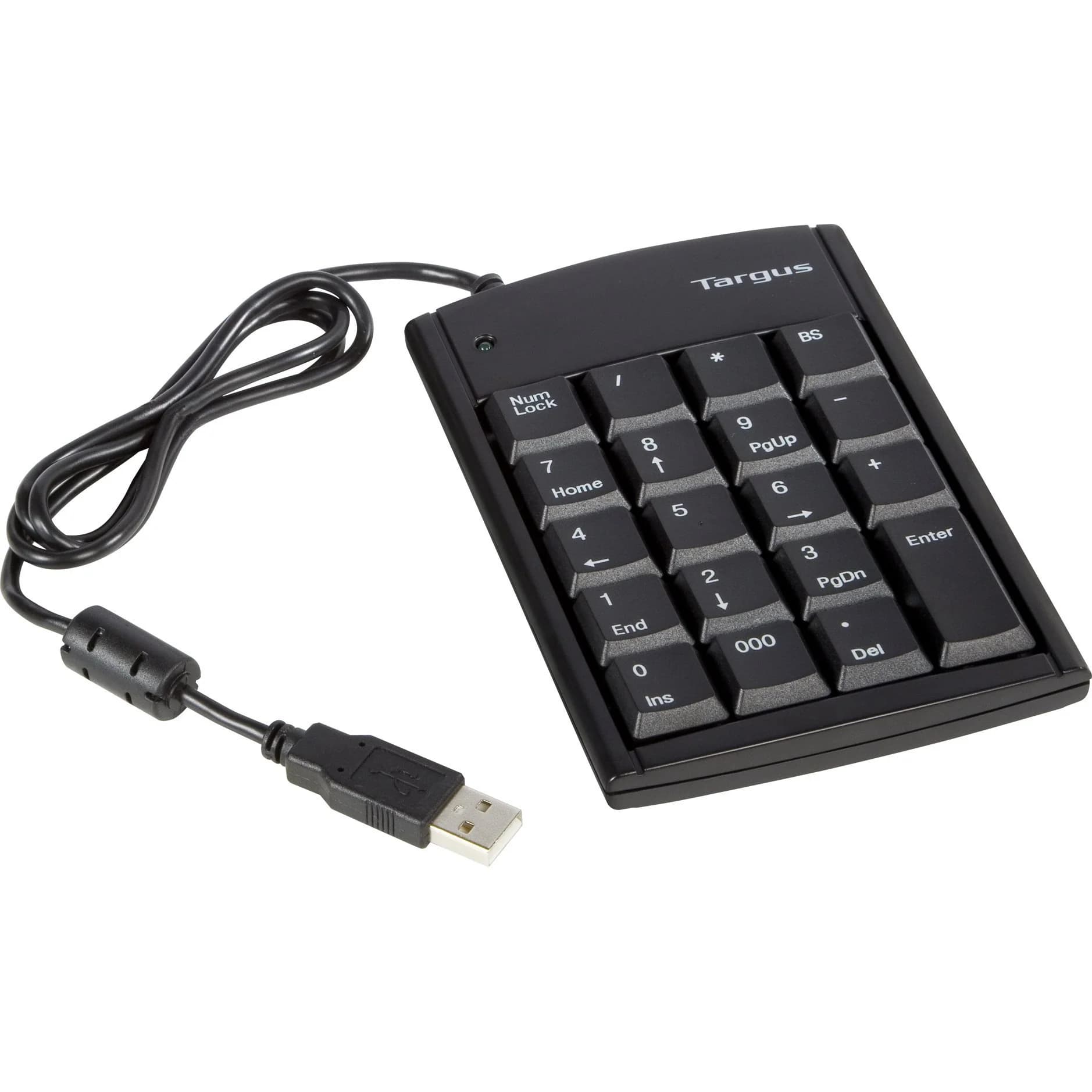
I would consider the switch.
Can two axis be turned on at the same time? Like move in x and y simultaneously (45 degree angle)? If not, to change from x to y movement, would require two actions (press new axis button and then move the jog wheel), vs. the keypad - one press on the different axis arrow,
At one point, I used a bluetooth keypad so I wasn’t even tethered to the machine and that worked pretty well…but it was a cheap keypad and lost connectivity every once in a while, so I moved to a tethered version…but if I invested more money into a good bluetooth keypad, I probably would have avoided that issue.
From what I can see, having the hold and release buttons is an advantage…although I have a hard-wired button for that on my table already. My emergency cut off is on a knee switch (panic paddle).
Just not sure what the advantage is yet…but would gladly move to it if it makes sense.
- Gary
1 Like
Mine is supposed to arrive next Friday. I can report my findings vs the keypads ai have now.
3 Likes
As I noted above, I’ve tried everything, and the Carbide 3D Jog Pendant is better than every other alternative — amazingly so, setting a higher bar than I expected.
3 Likes
@GJM It’s one axis at a time. Select the axis to move then the “+” or “-” for direction of movement. The jog wheel allows incremental movement in the + or - direction.
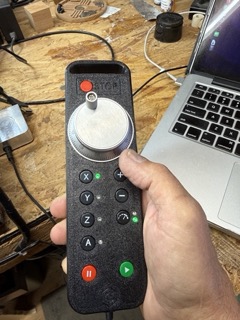
The pendent fits nicely in my hand allowing me to operate it with just my thumb. Once I learned the button layout it’s eyes on the CNC and not on the pendent. I’ve had a few keypads and to me they are distracting to operate.
2 Likes
I had only tried to straighten the buttons and did not try to test the rotational limits. It does seem to be limited to about +/-10°. Just enough to trigger my OCD.
2 Likes
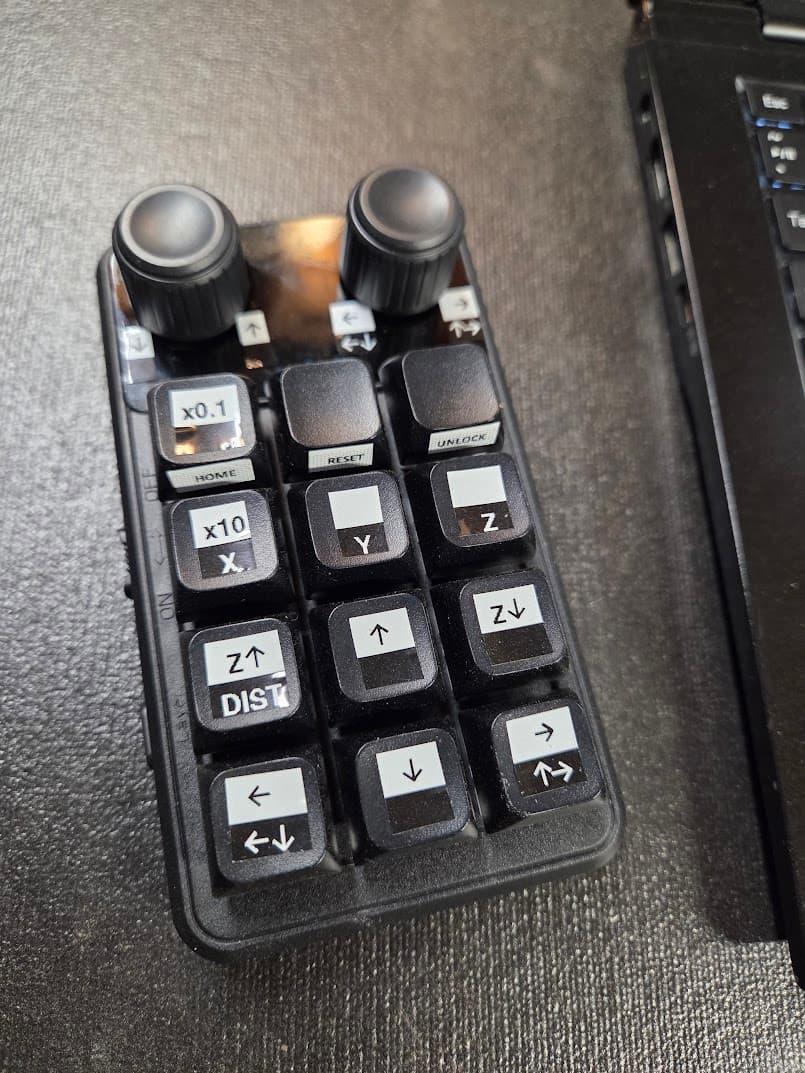
The pendant looks amazing, unfortunately I don’t use CM (still a cncjs fan). I recently upgraded to this little programmable macropad for $32. You can set a single key to any key combination and the knobs can function as jog or shuttle (or whatever you want) depending on how you program them. Three “layers” to each key. USB-C or BT connection.
Not as slick as the job pendant for sure, but a step above the small keyboard I was using and trying to remember the shortcuts.
4 Likes
@robgrz Is anyone going to do a quick youtube vid on the pendant and how it works?
2 Likes
I don’t think we’ve got anything queued up right now, but we’ll probably do it when we get some free time.
6 Likes
I received mine a couple of weeks ago and got a chance to use it a bit last weekend. It operates very similar to commercial CNC pendants. I think it is a great addition to the machine. I think I would have liked to see an addition selection in the increments. .100/.010/.001. But just having the two increment settings is much better than dealing with a keyboard. Great job guys.
5 Likes
I was using mine for the first time in the last couple of days.
I found I was using the keyboard for big moves and the pendant for close ups.
It was kind of like using your mirrors to park your car until the last 10 ft and switch to the camera to land the unit.
Love it.
5 Likes
What does the pause button do? Would it actually pause the spindle from spinning? I’ve been hoping for a true pause for a while.
Based on other replies, there is no way to stop the spindle from spinning during a pause on the SO 5Pro because there wasn’t enough memory on the board to add that function. It will only stop movement and hold with spindle on.
Ironically, on my SO4, it does retain a pause function that stops movement, spindle off, and retracts to Z top.
1 Like
I was honestly hoping for the spindle to stop and lift up from the material. A true”pause”.
The Pro5 firmware build removed the Pause/Stop/Raise function to allow for the extra Y-limit sensor from what I understand.
2 Likes
I understand the disappointment, but this is actually the “true” pause in the industrial sense. Almost all CNC machines employ a “feed hold”, which only halts movement. It allows you to freely stop the machine, check to make sure nothing bad is going to happen, and then instantly resume. You can do this as often as needed, and don’t need to wait 10+ seconds every single time. If you do need the spindle to stop, you can additionally hit the “Enable” button on the VFD to turn it off. This can be done if you need to adjust Sweepy or something.
7 Likes