What you can’t do in that scenario on the 5 Pro it swap the sweepy boot. On my Pro I will often start a job with the deep sweepy (because it is quieter) and then pause and switch to the regular sweepy when things get deeper. Hopefully the sweepy pro on the 5 resolves the need to do this since it is Z independent.
1 Like
Any word on an updated PI build? I plugged my new Jog controller in today and forgot that I need to be on 651 or greater. Latest build I have is 635.
@robgrz can you elaborate on what you meant when you said Pi build in the near future? Is that like weeks or months?
We just posted a new build last night, so check it out and let us know how it works for you. (It just got posted so the testing has been limited so far)
4 Likes
That’s great, thanks.
Can you post a link, the PI builds are not reachable from the main CM download page and I always forget where they are.
I’m going to move the Pi discussion here:
5 Likes
After using mine for a while, I gave some thought to just re-printing the bottom instead:
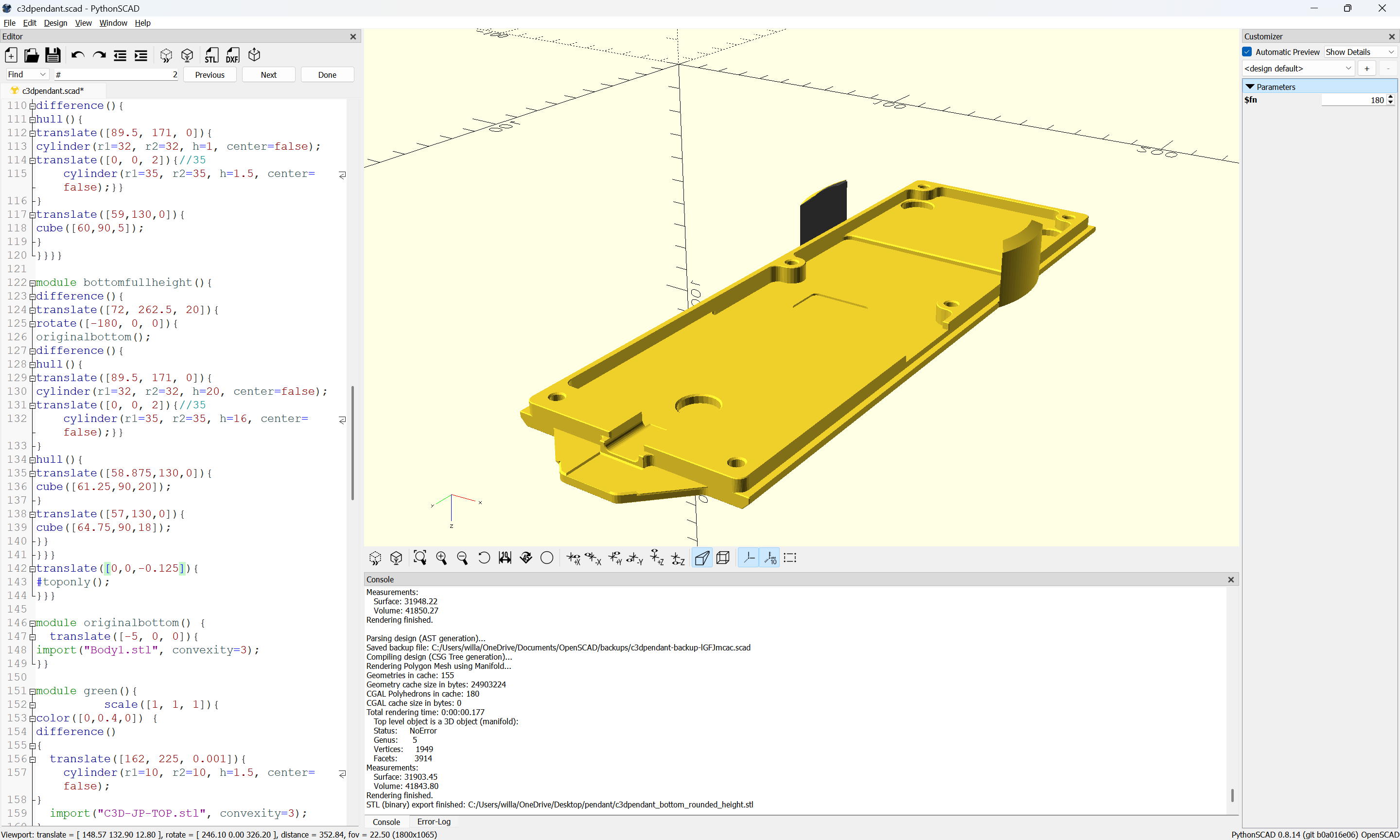
which seemed to work well:
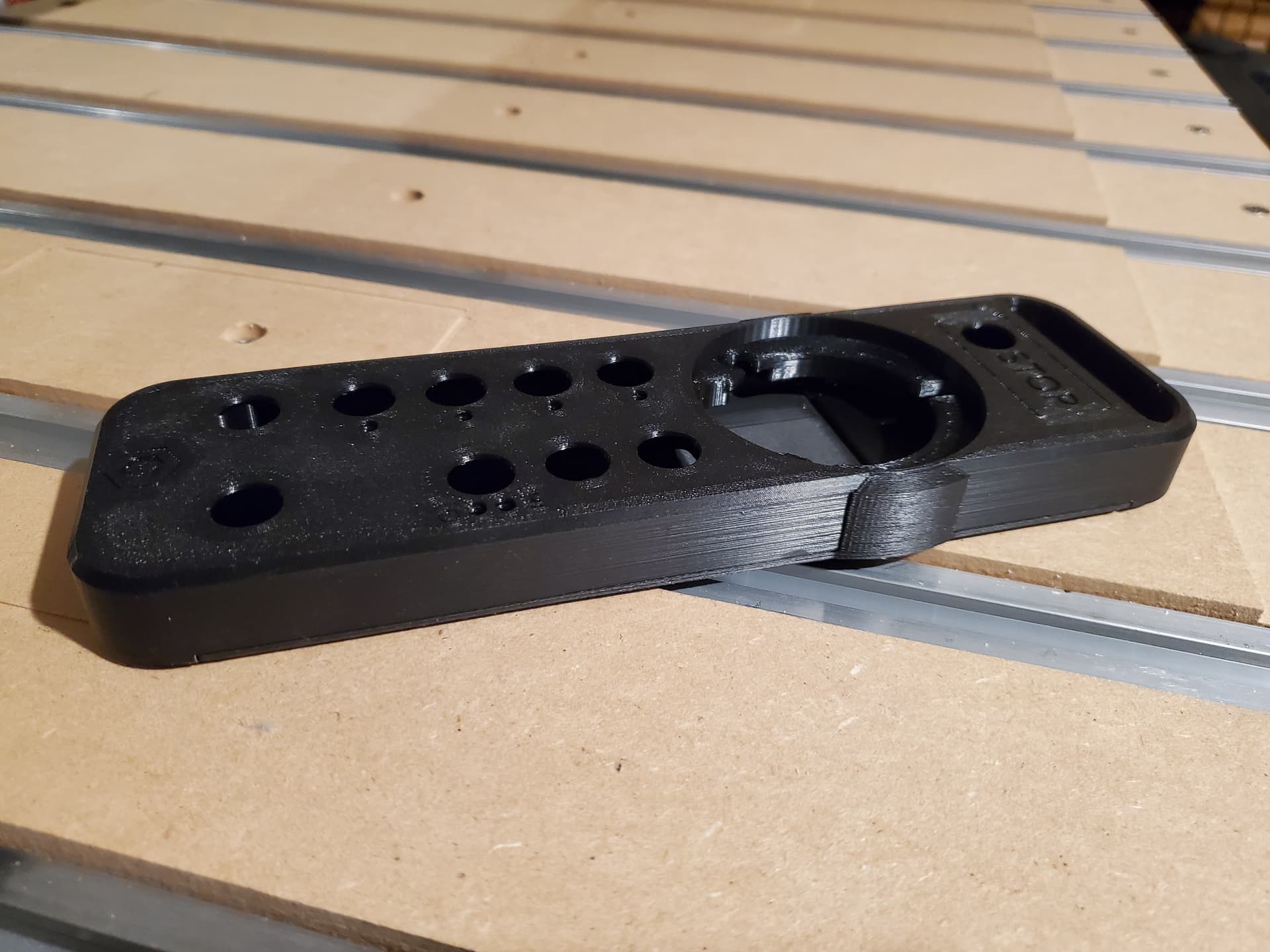
If someone here wants the test print, let me know via PM and I’ll get it in the mail to you.
3 Likes
@WillAdams Has anyone reported the Play button on the Pendant doesn’t start the ‘Run’ screen in Carbide Motion? The Job starts, but you can’t see the progress or increase/decrease the speed or Stop.
Please let the folks at support@carbide3d.com know about this.
Curious how well that would print out of TPU
Good question. There’s a new TPU-GF filament which I need to look into.
1 Like
I have also read of (but not tried yet) a newer filament called PEBA that is supposed to be easier to work with then TPU.
Thank you, thank you, thank you!
I occasionally use a slitting saw (and t-slot cutters) to undercut in small parts on a Nomad, so a “pause + retract” at the wrong moment was just not an option; lots of simulation checks and crossed fingers required to date.
Really looking forward to having a genuine “Feed hold”!
2 Likes
Just to clarify, this is the default feed hold behavior on Shapeoko 5, not Nomad 3 or earlier Shapeoko’s. What your machine does when you hit pause will not change with the Jog Pendant. We have brainstormed ways to change the behavior of the machined when a pause is triggered on the software (carbide motion) side. But there is no concrete timeline on that kind of feature.
4 Likes
I would think the ideal case for the Pause function would save the coordinates at the pause, then put the controller into a state that allows the user to Jog/change bits/bit length probe, then send the spindle back to the saved coordinates to resume - or a few steps before the pause.
1 Like
Uhhhh I have not observed this.  If I hit pause on the jog pendant on my SO4, it will do traditional FH behavior. If I hit pause on the screen it will retract and stop.
1 Like
I’d like to see this function too, @Chaotica

Aww… I genuinely expected this would be something controlled by Carbide Motion (updated with pendant support)