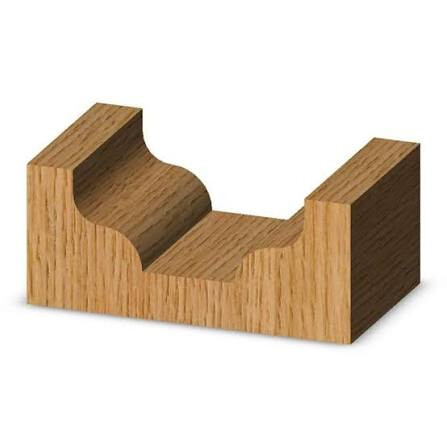
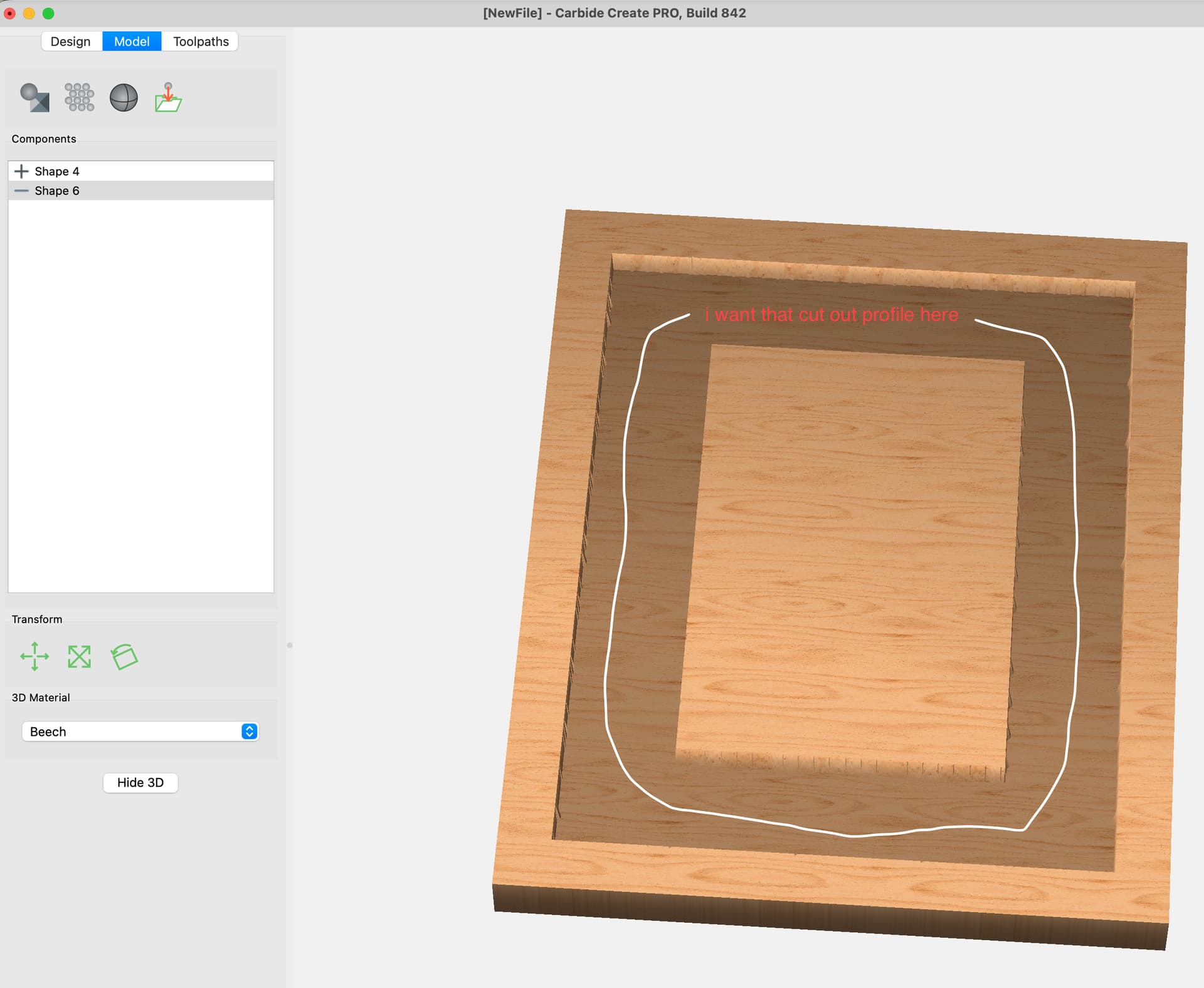
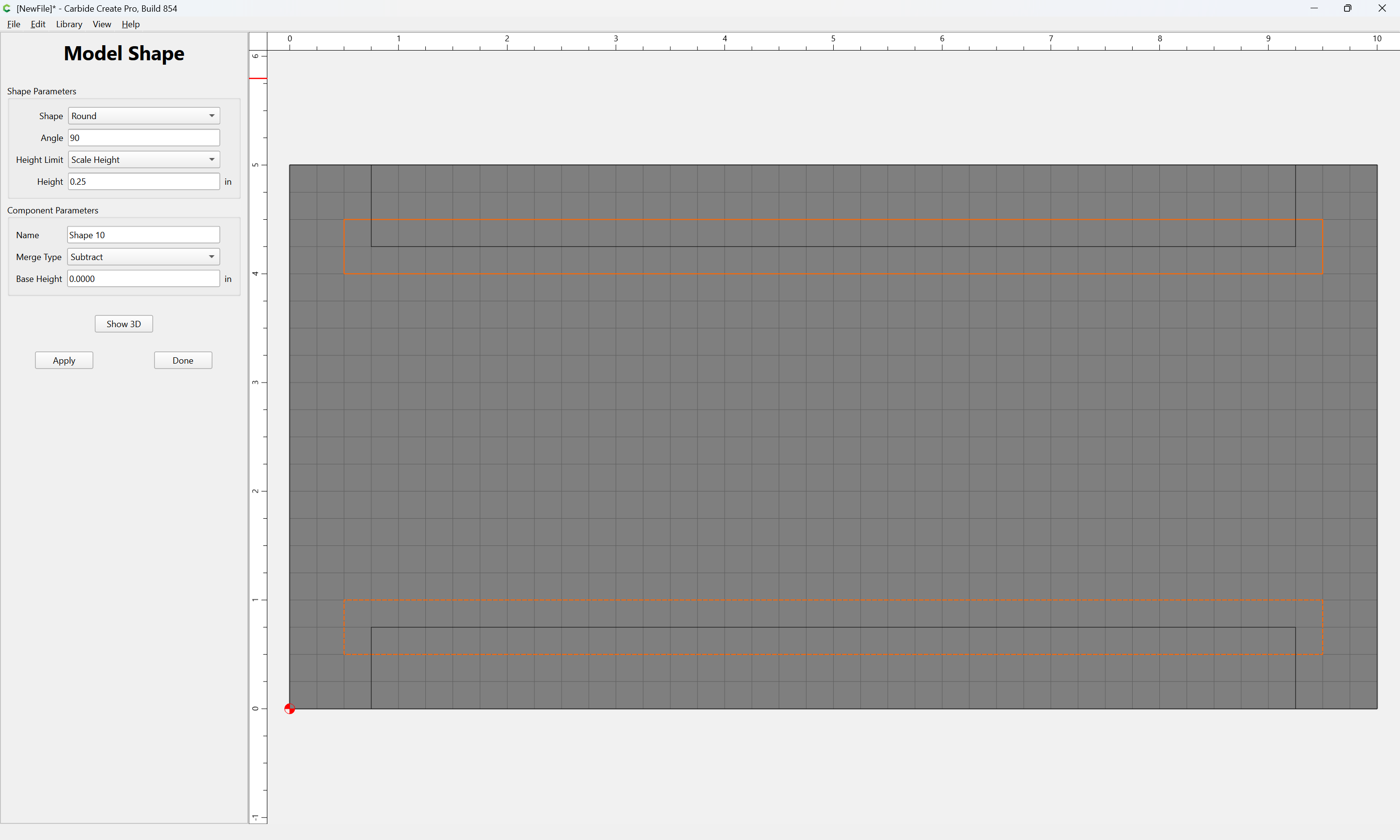
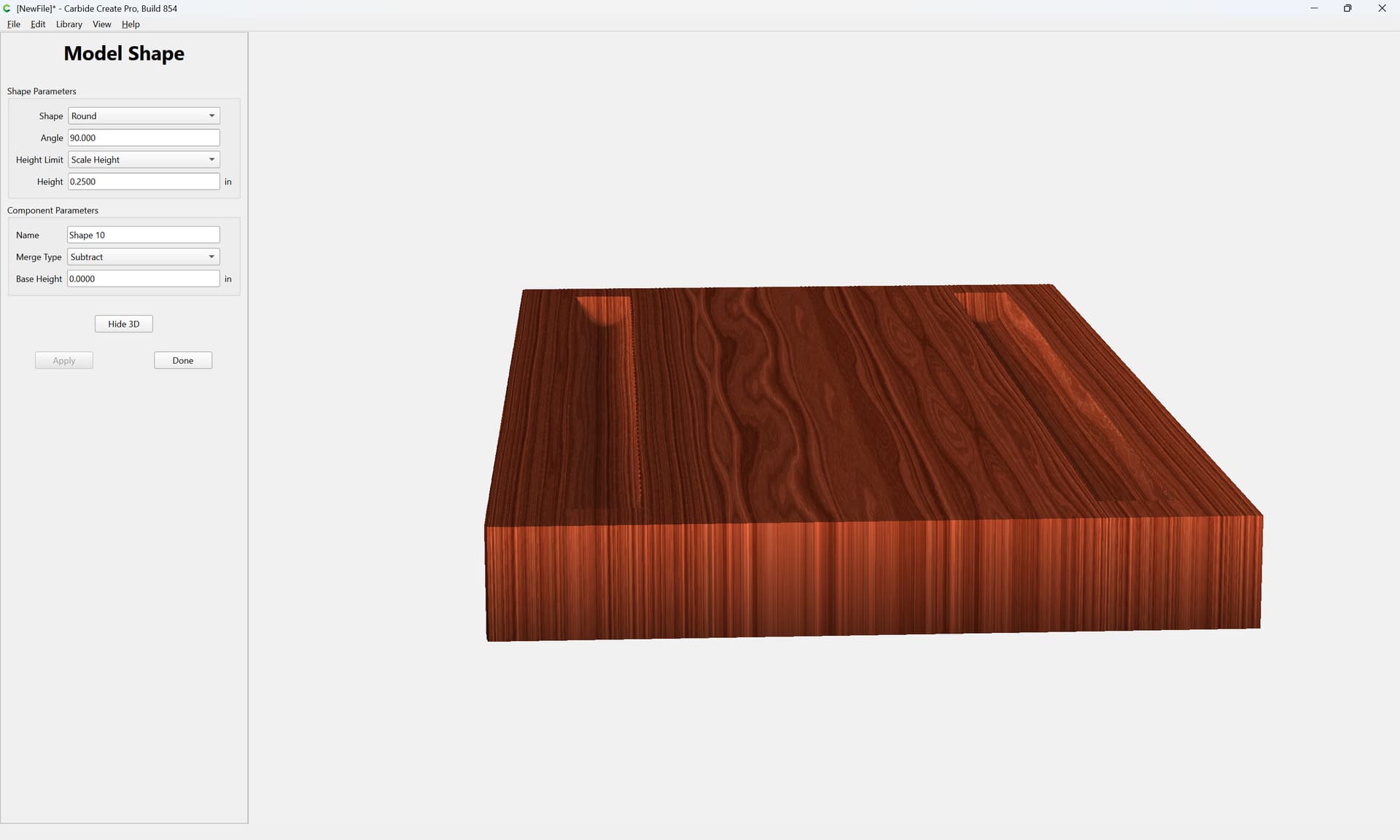
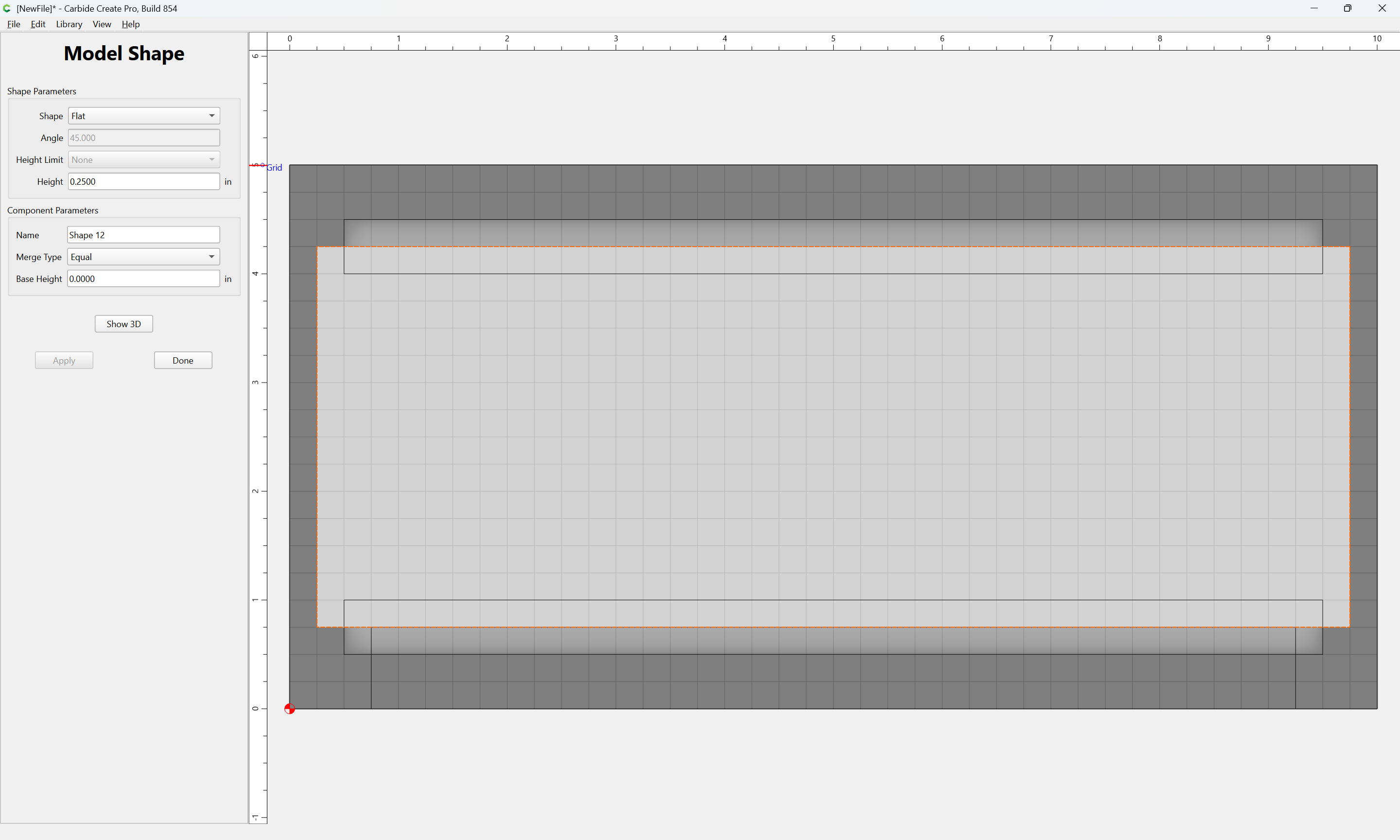
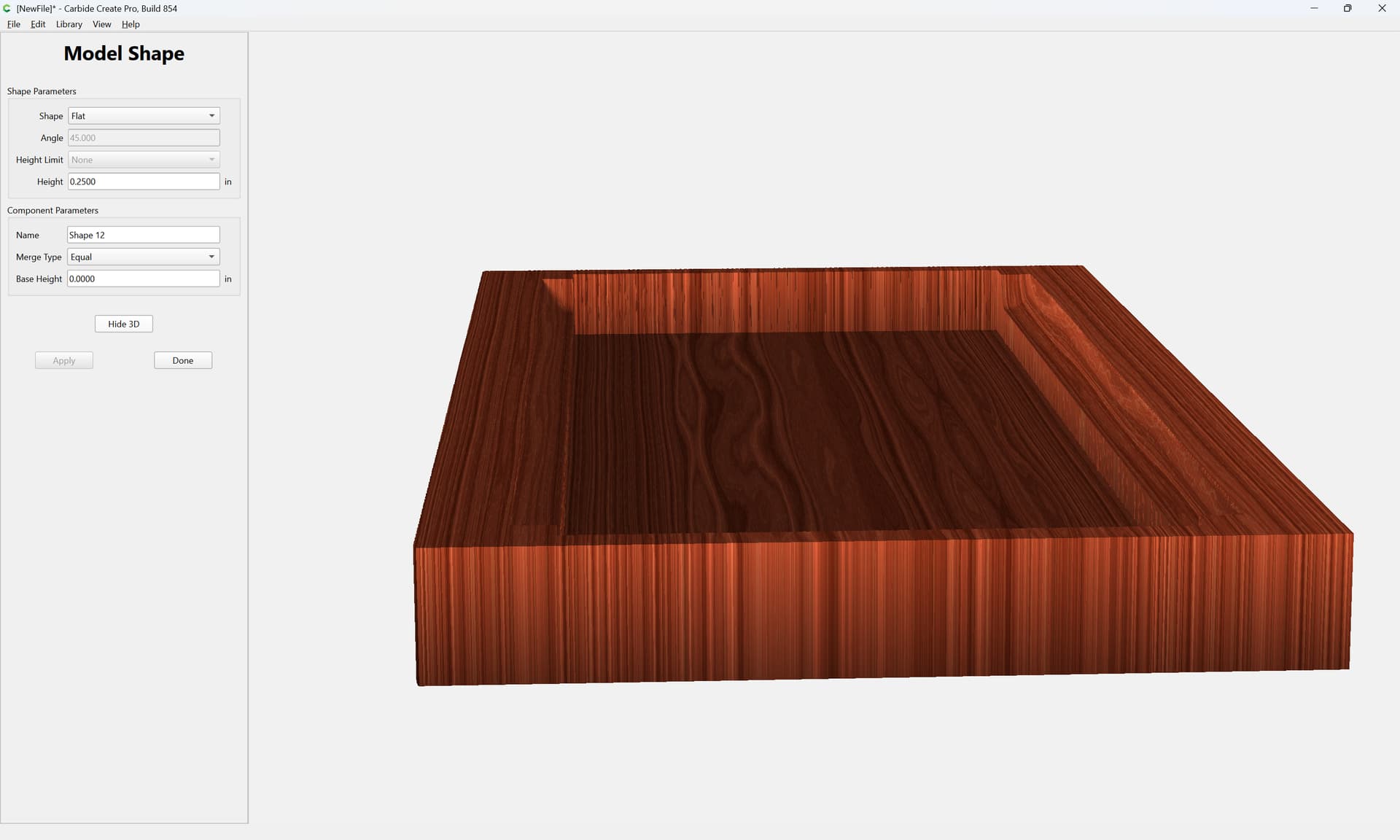
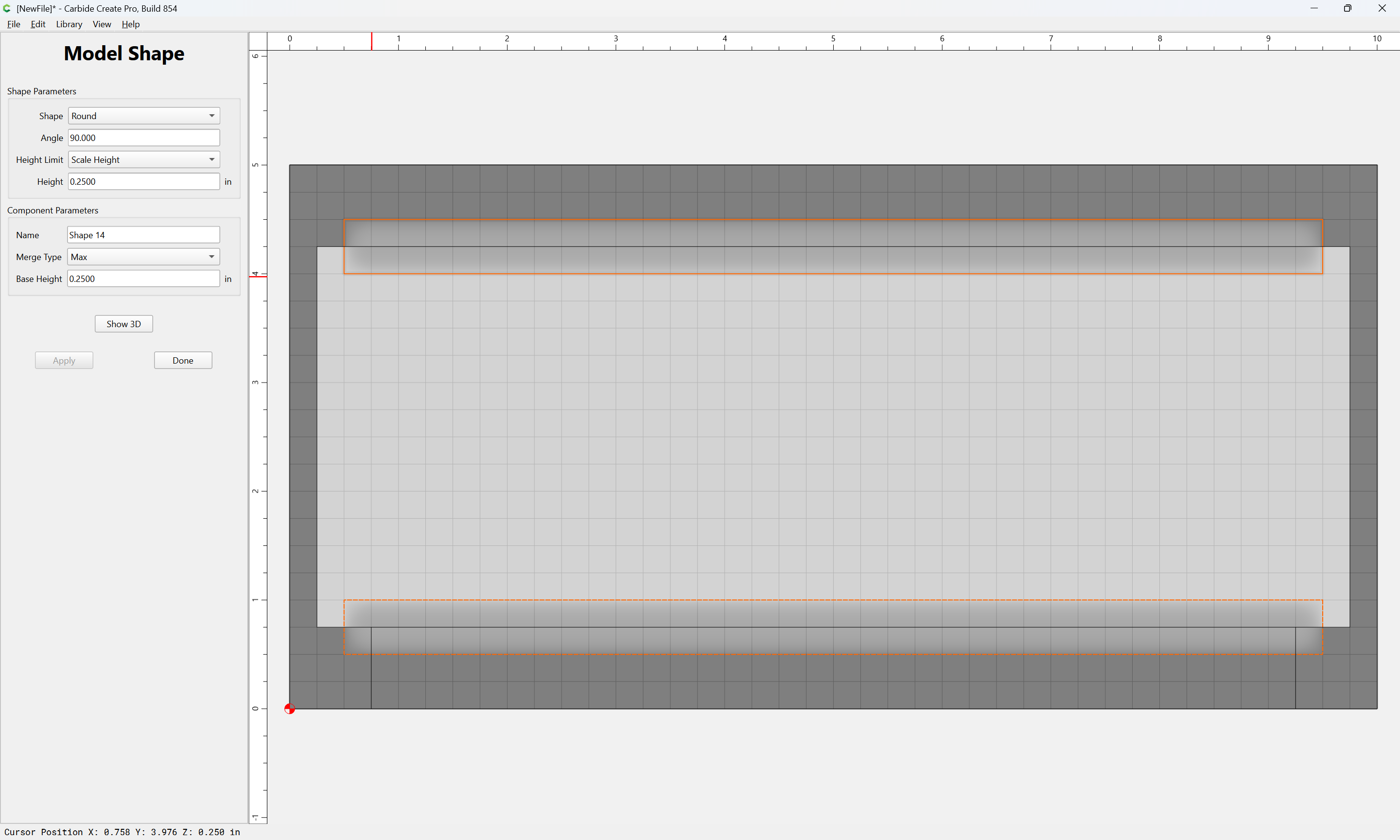
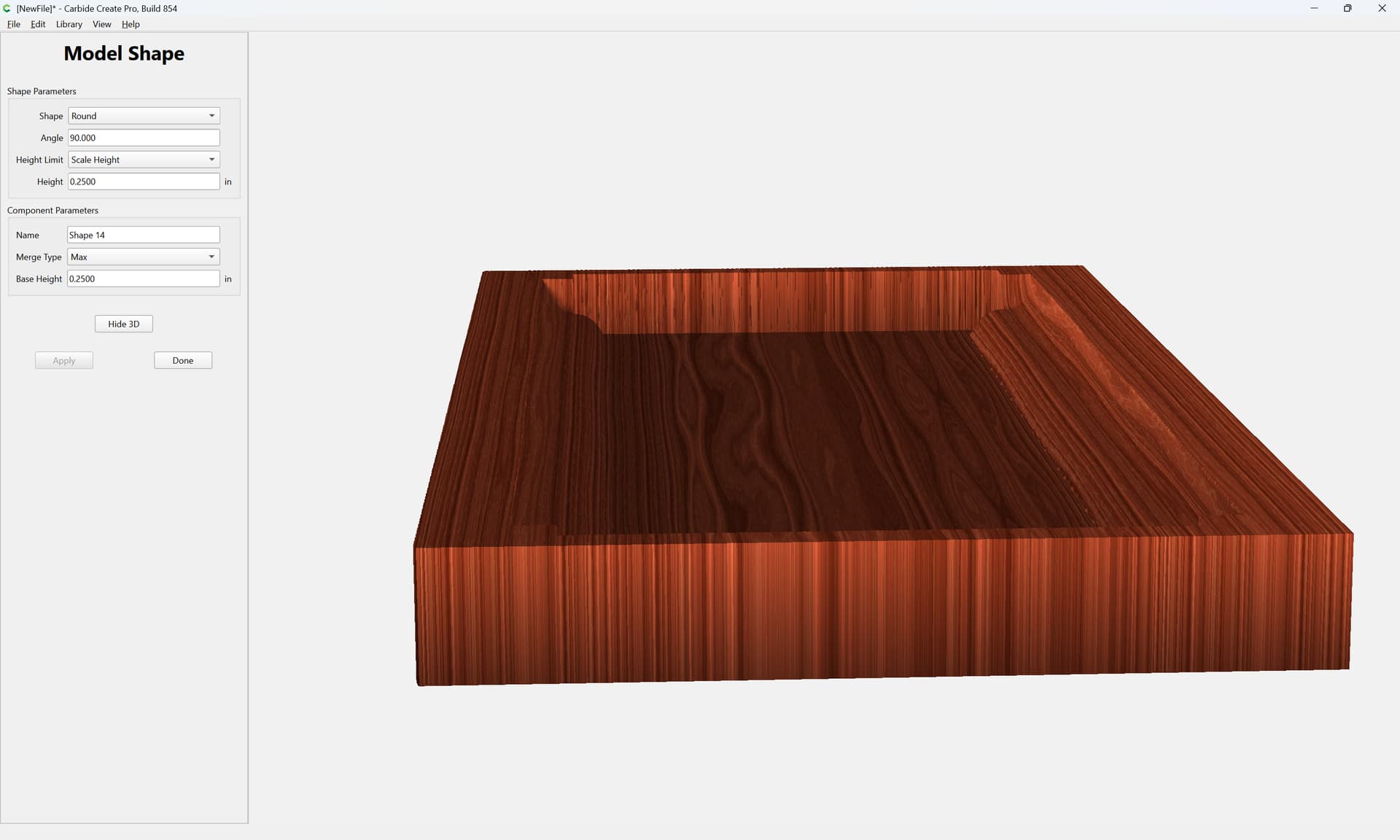
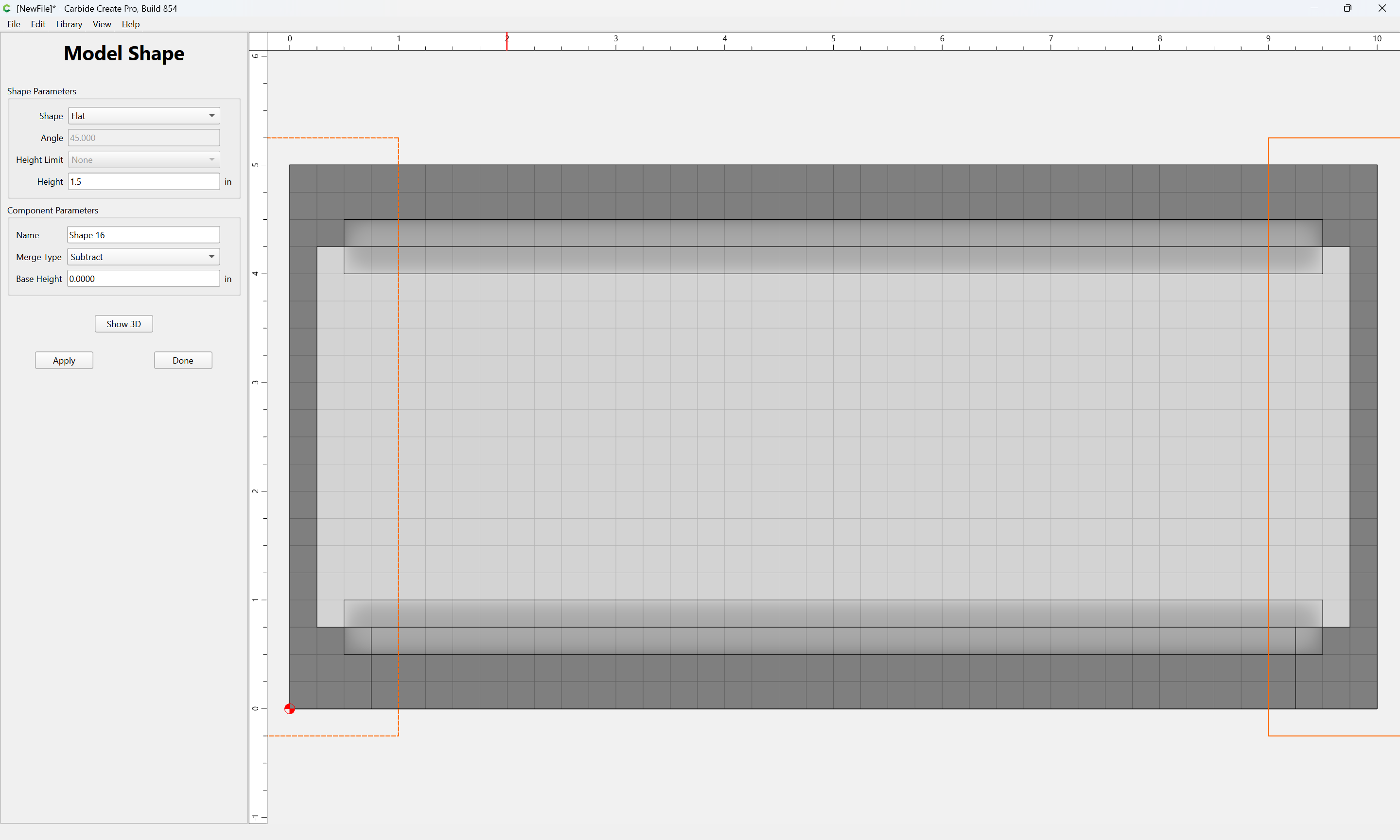
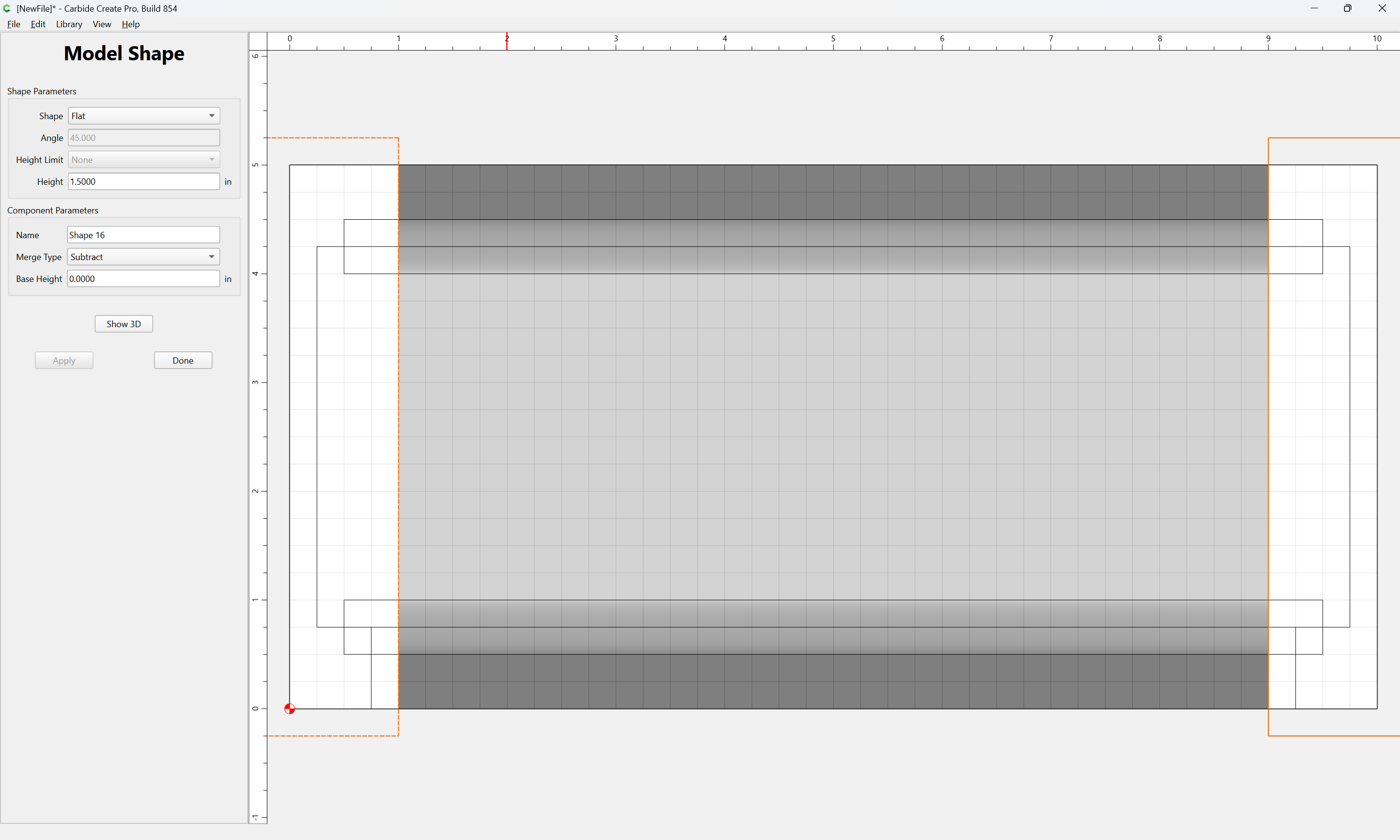
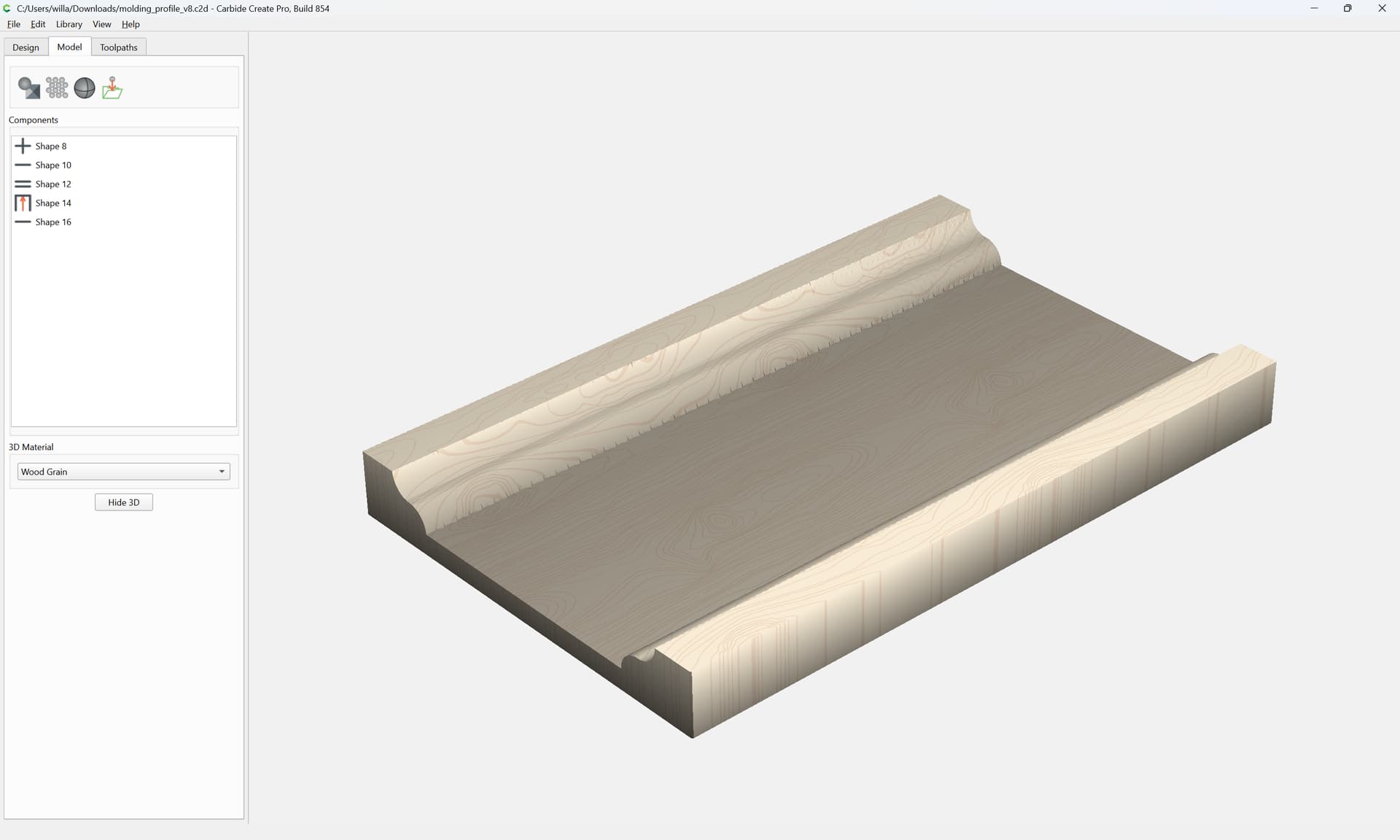
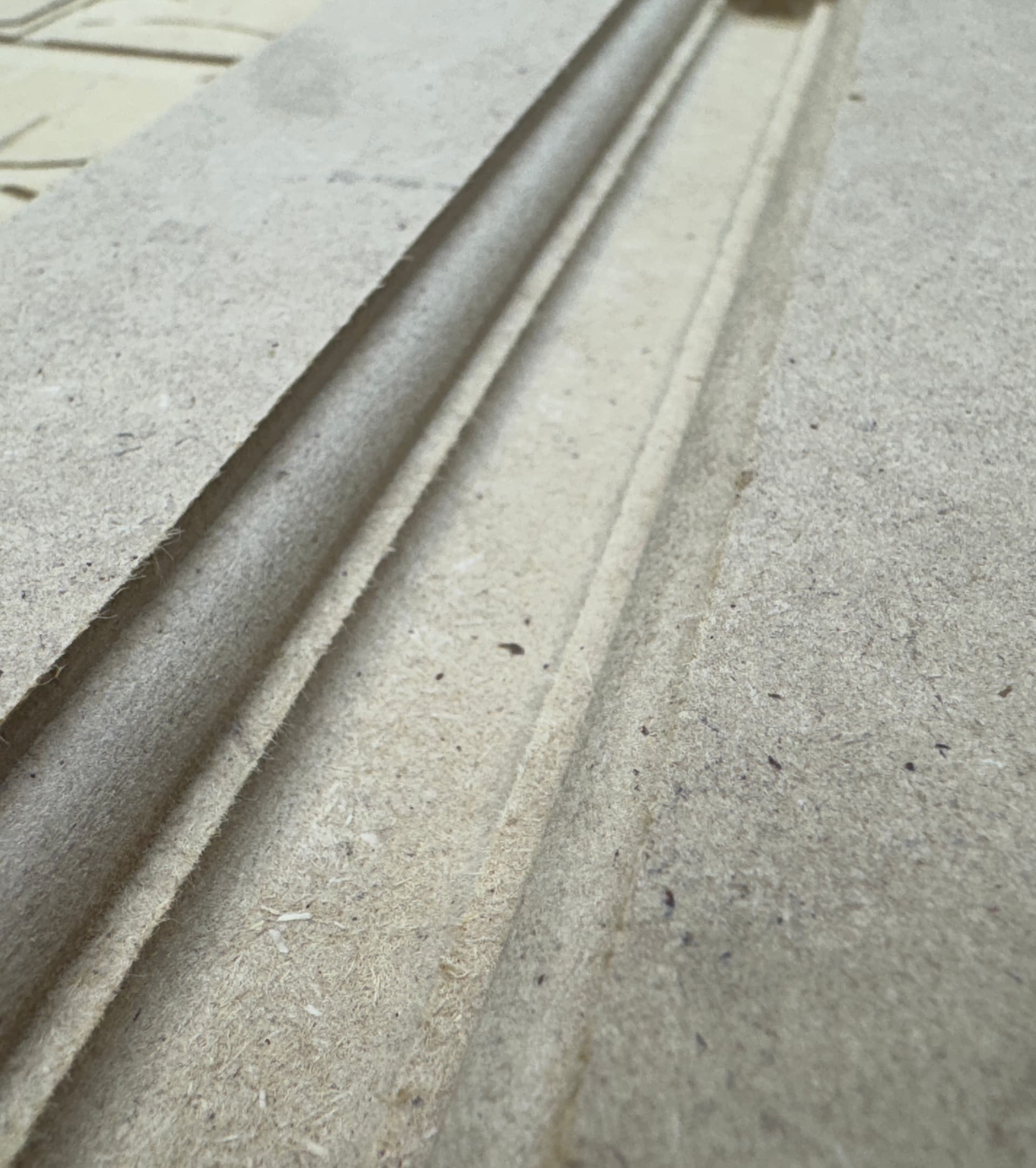
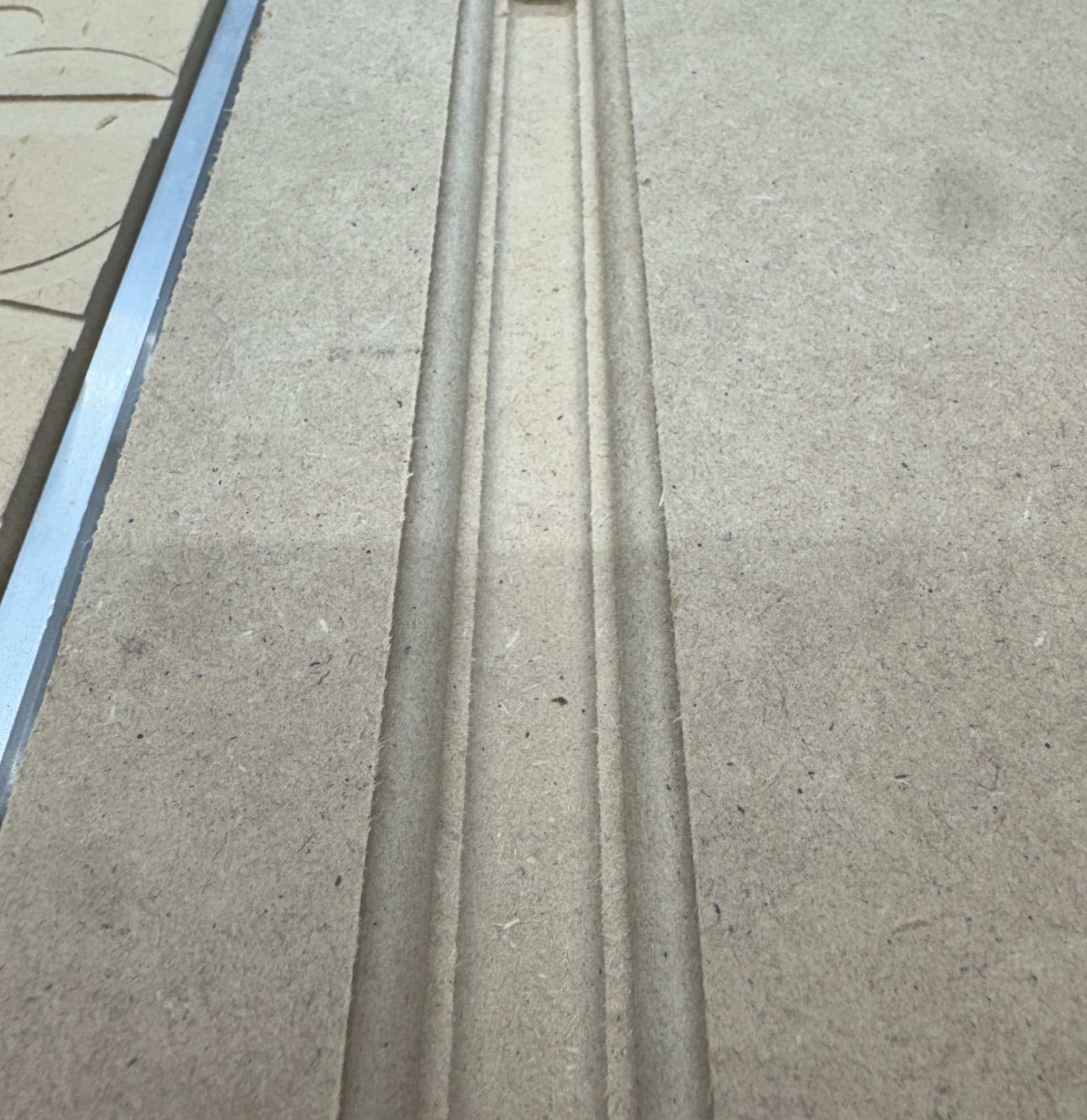
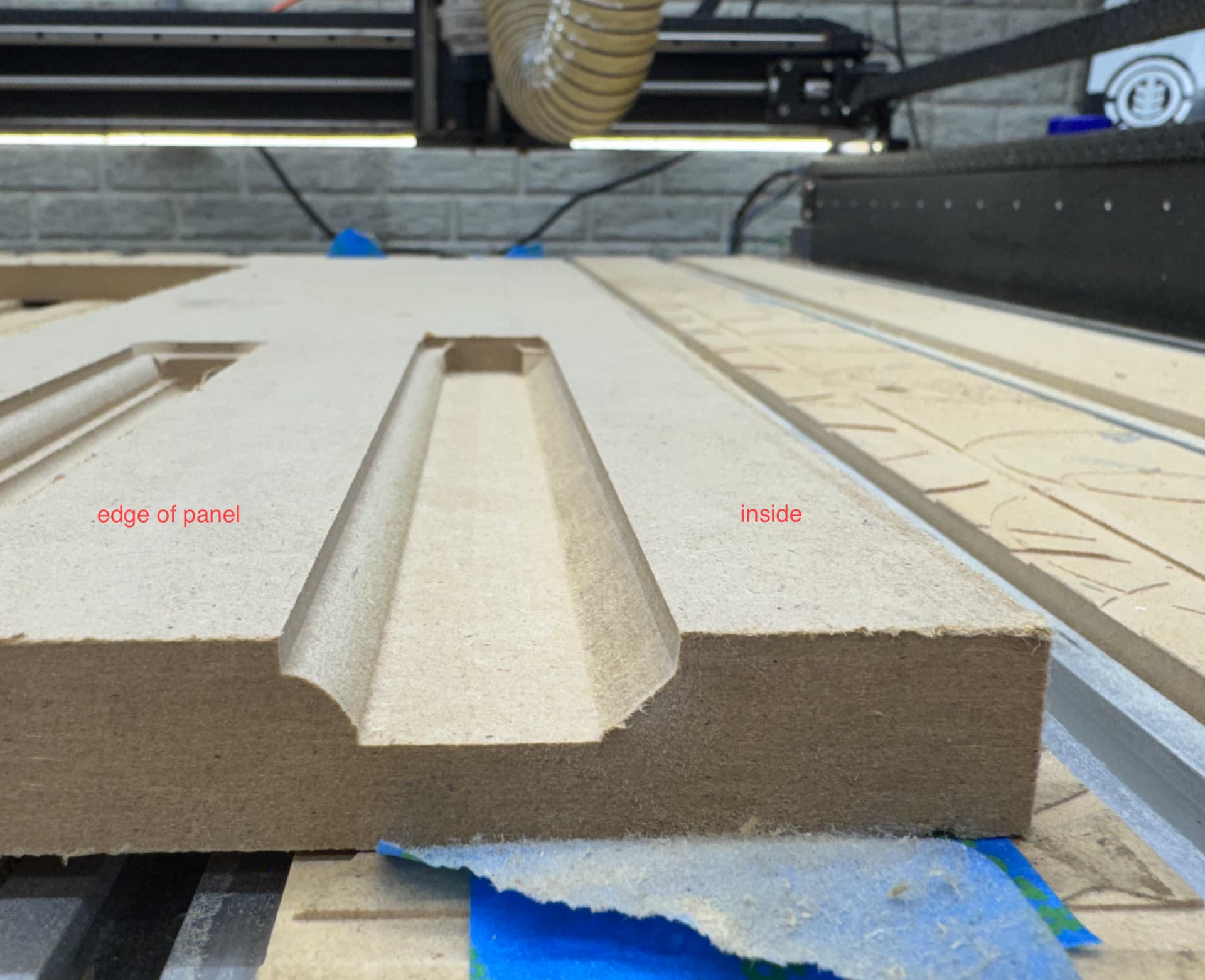
i just upgraded to carbide create pro and still can’t seem to get this right. my goal is to cut out something like this (i would even settle for something a bit simpler):
but i am not sure how to pull this off - before upgrading i did manage to do a simple version using flat mill and a v bit by having the tool path follow a bunch of squares. but i was hoping to pull off something a bit fancier.
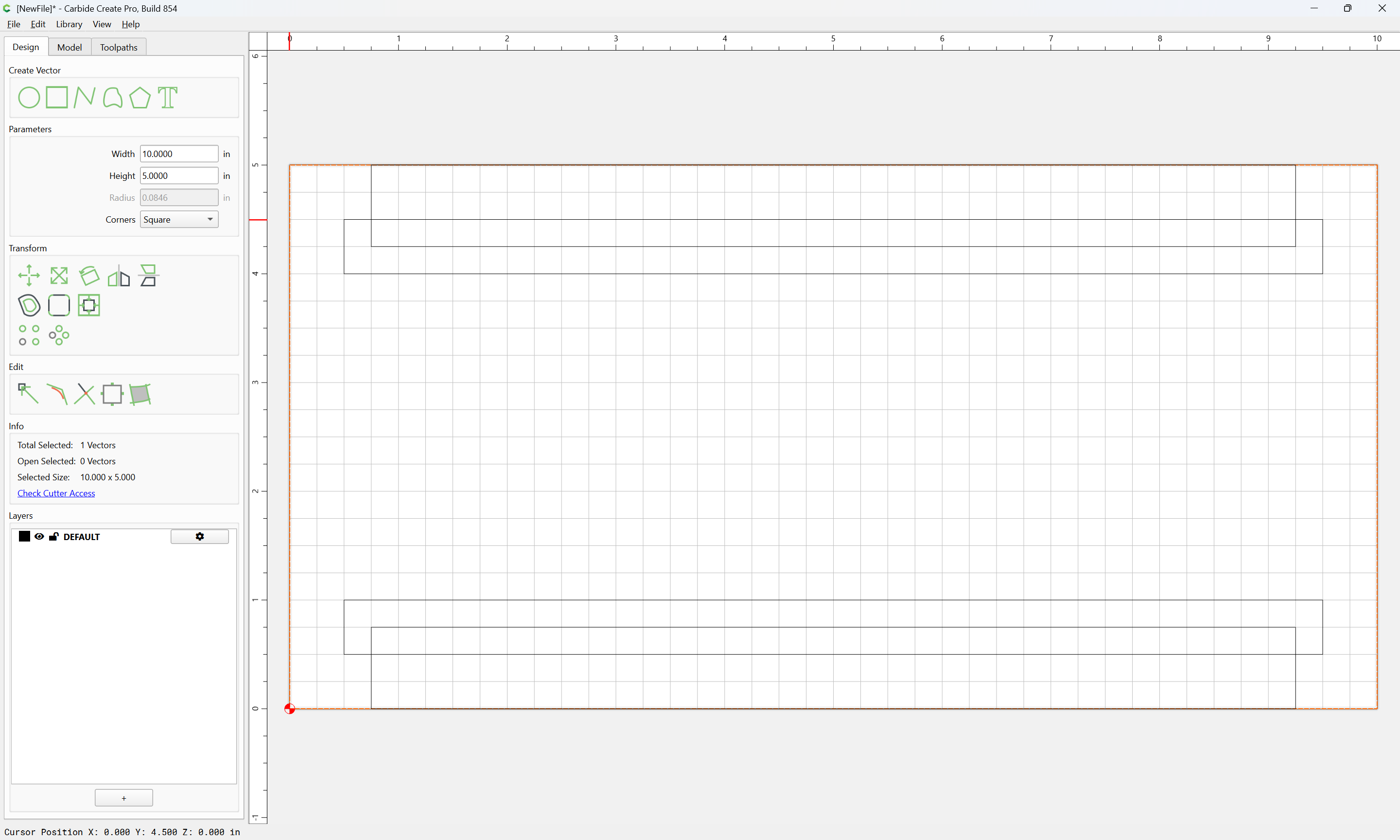
Oh. I think I figured it out. When I first saw it I thought you were using some feature of CC that I didn’t know was there but now I am looking closely at your example file …
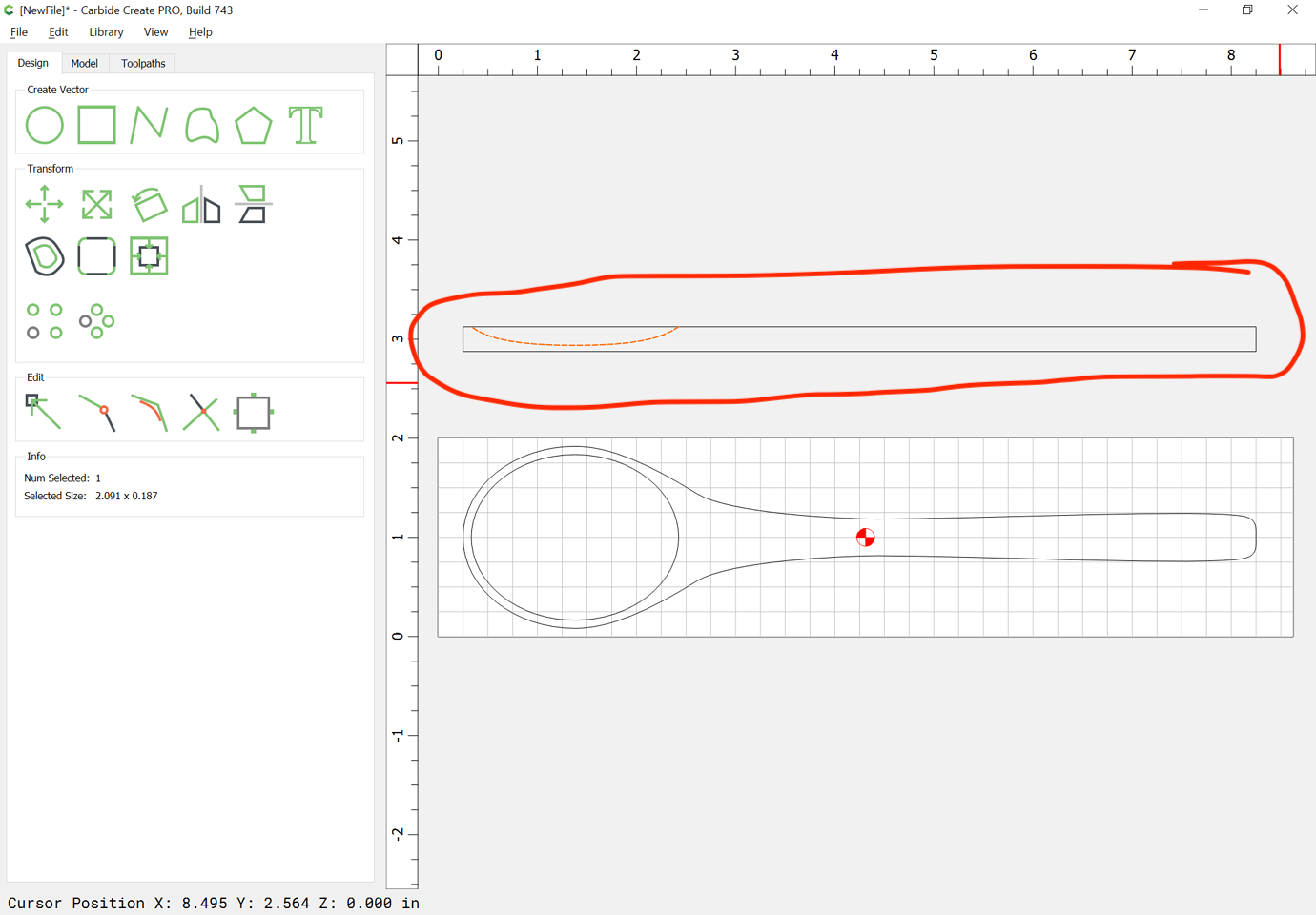
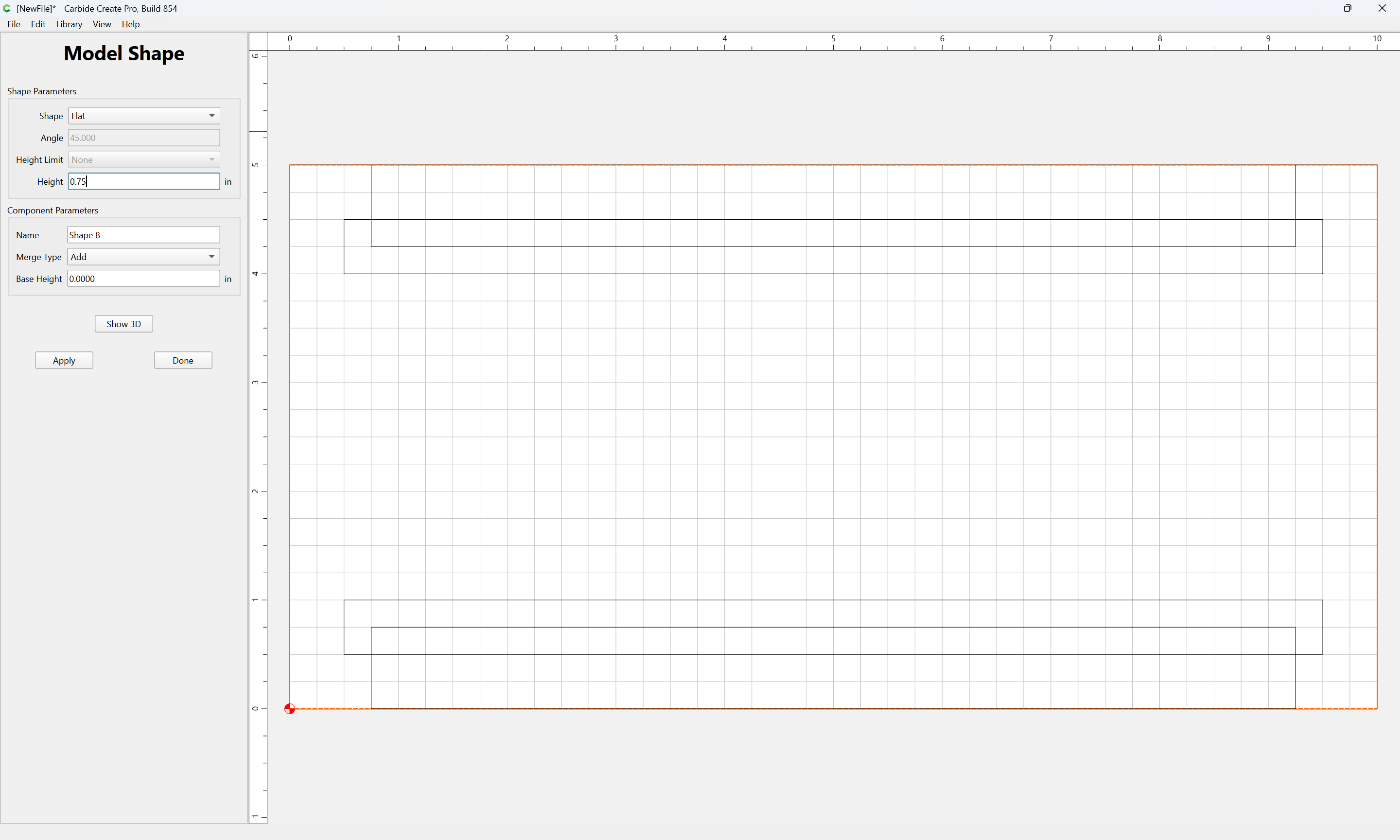
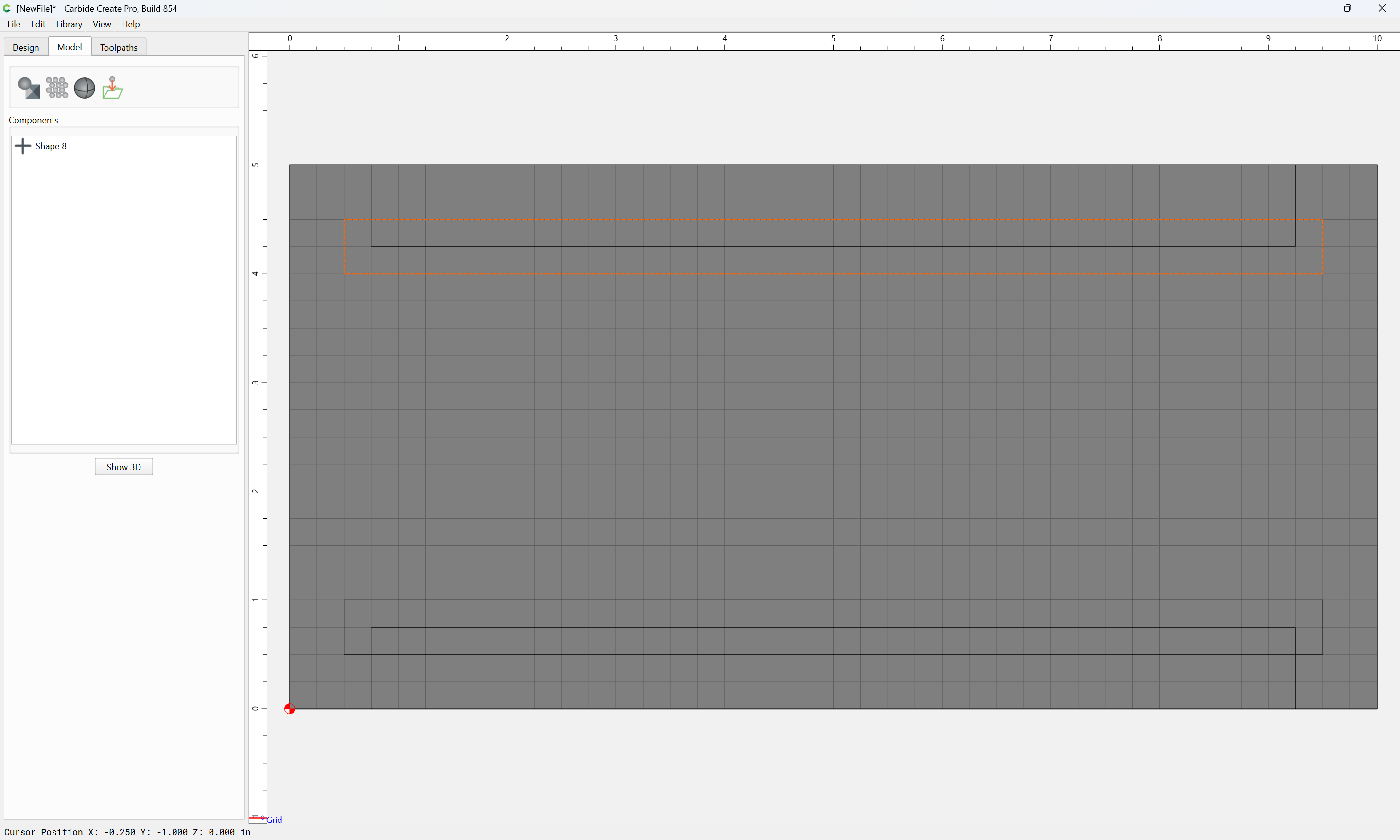
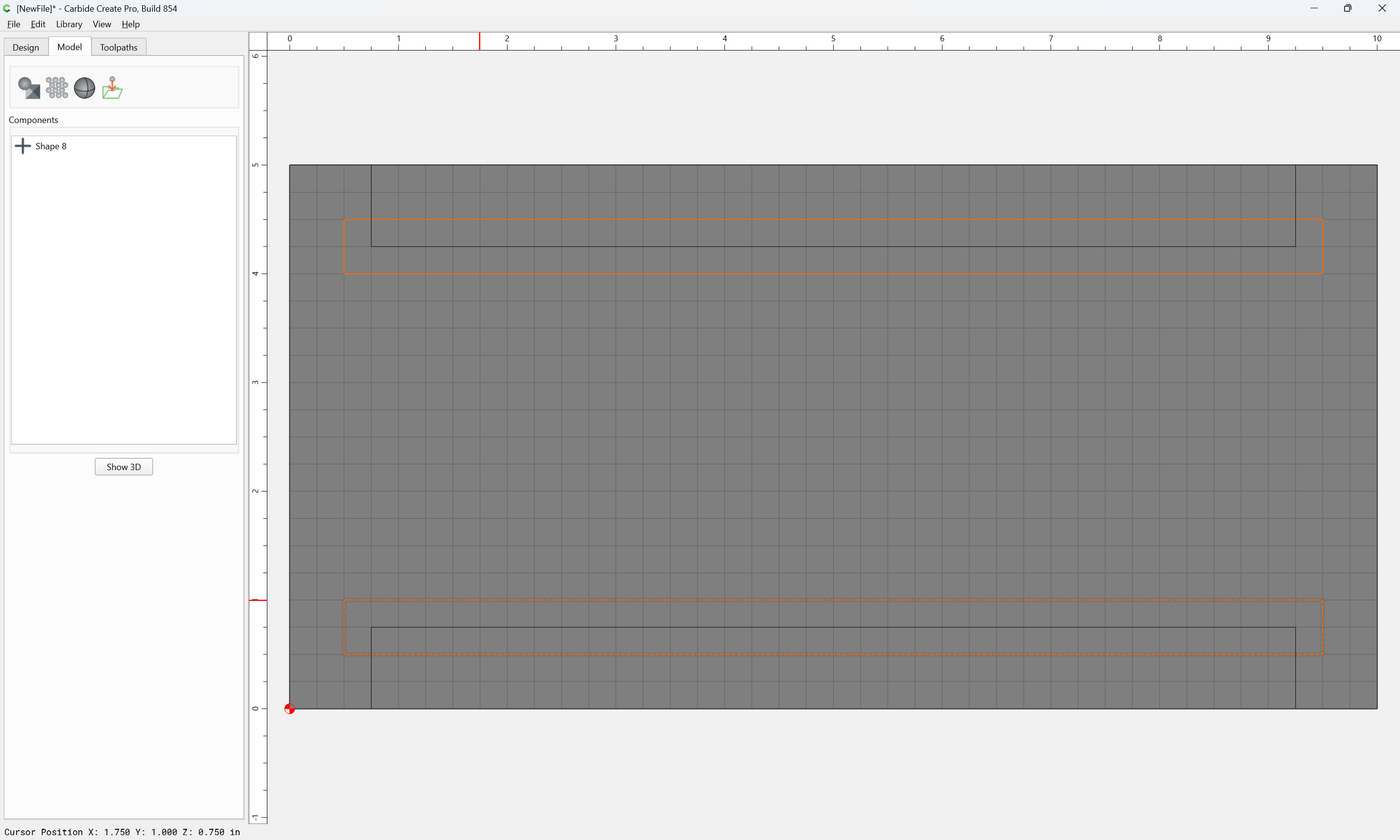
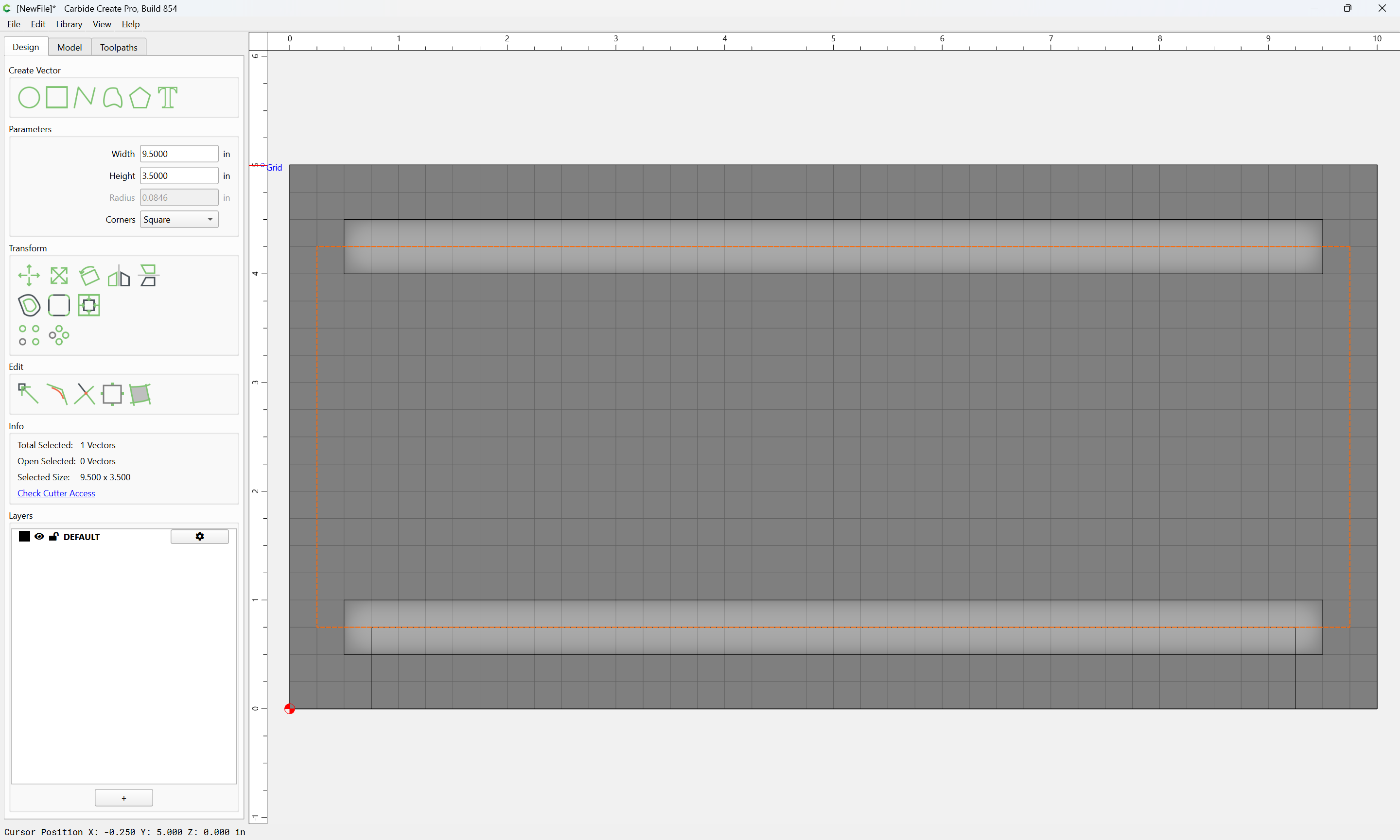
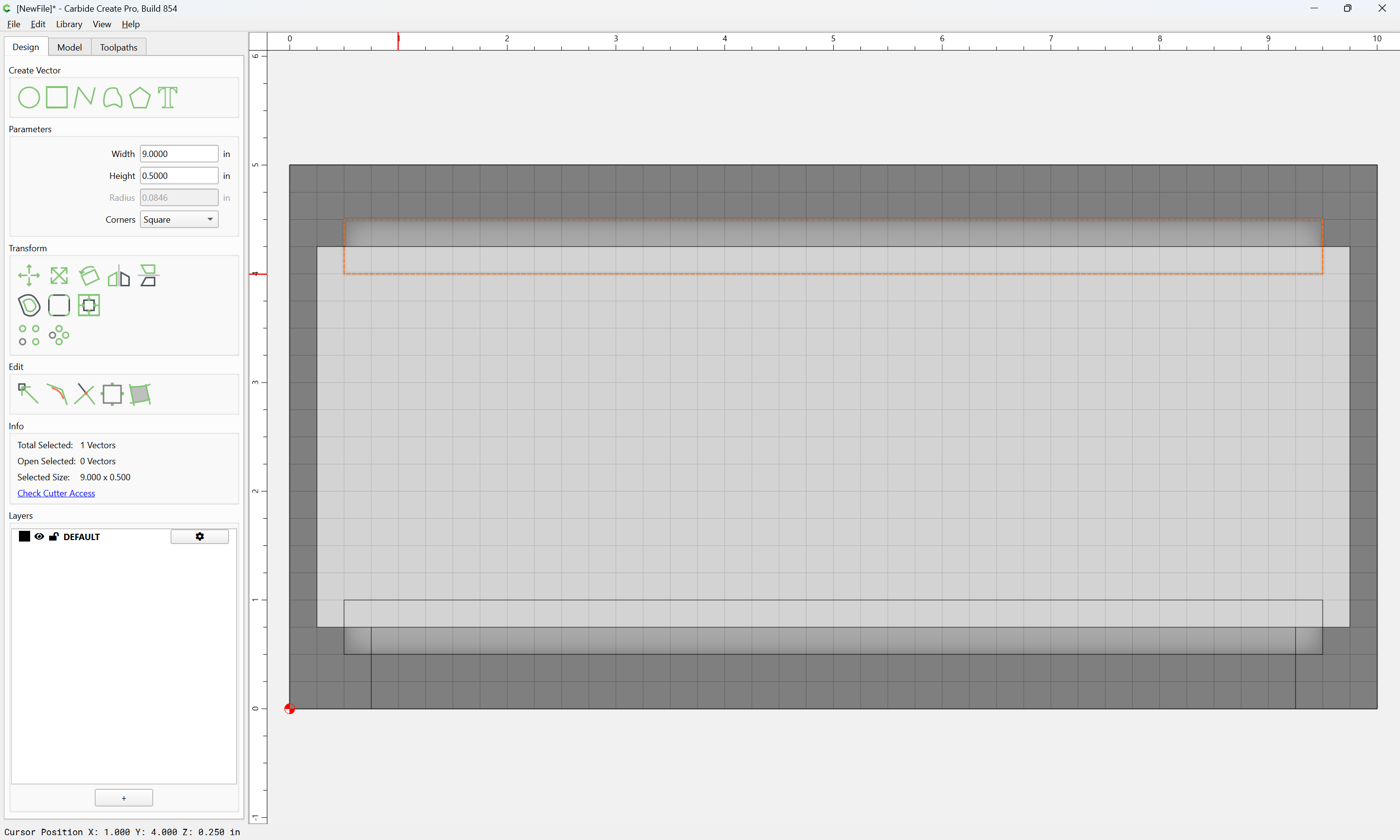
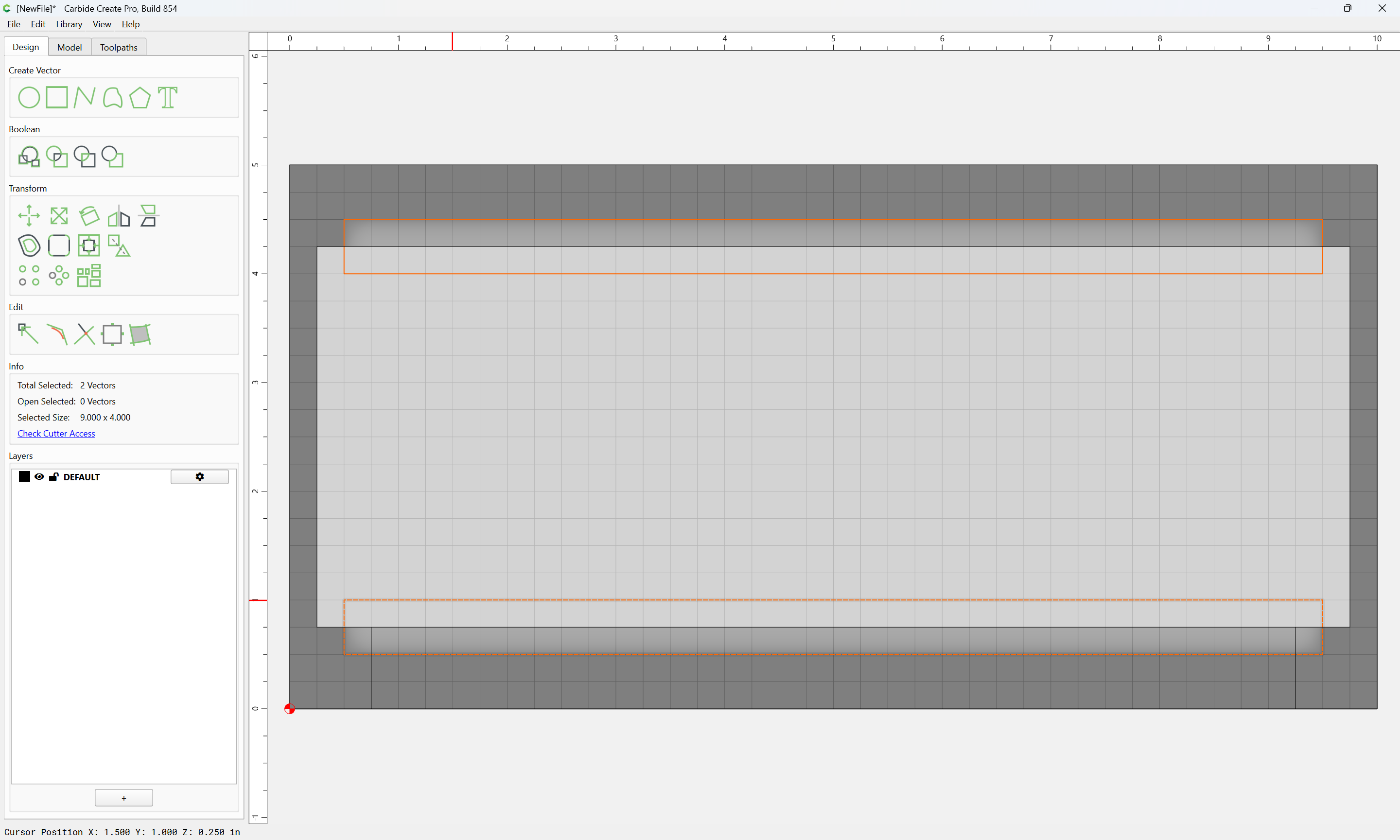
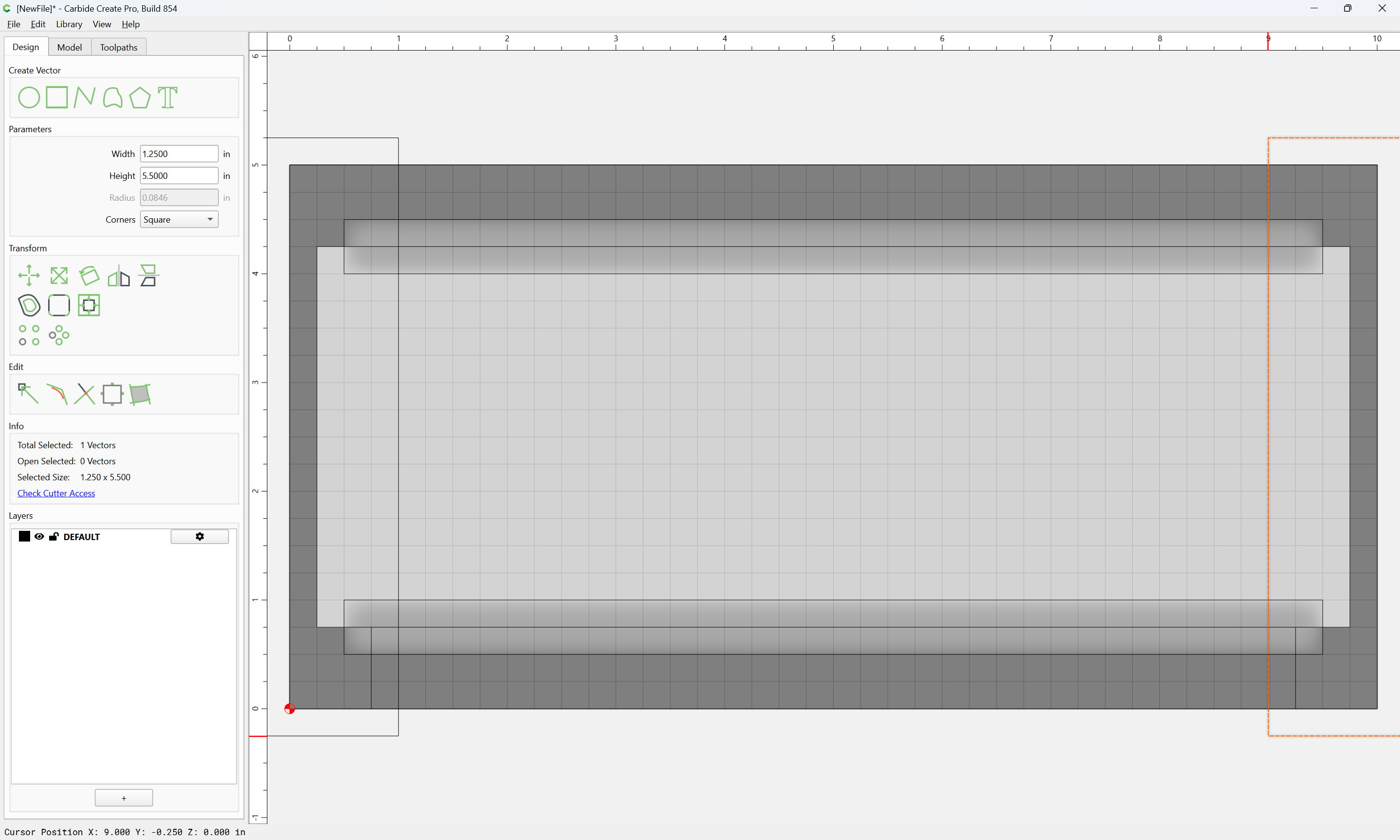
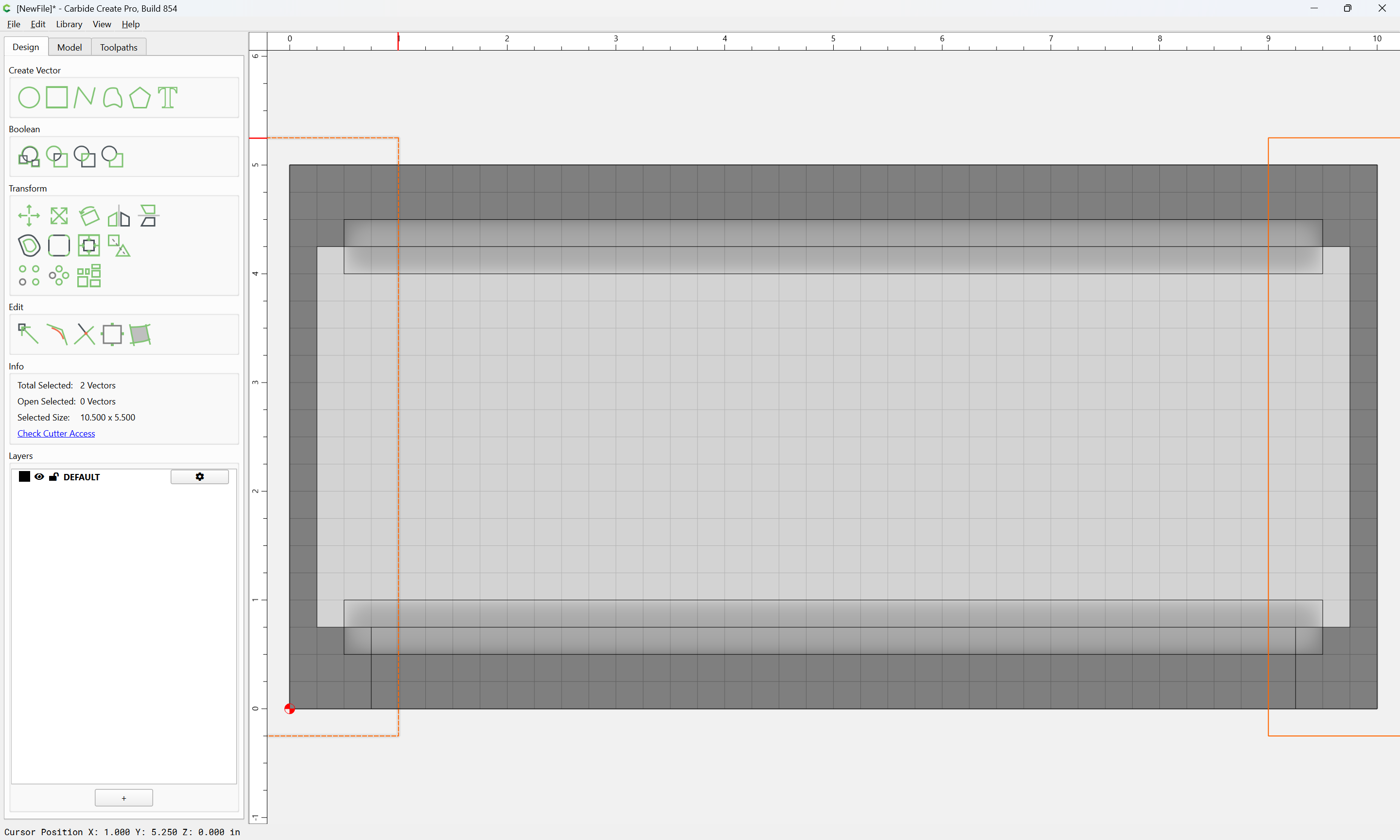
You created those vectors in the screenshot just to point out which tool goes where, but they weren’t “functional.” Then when it comes to actually making the cut you use vectors that are just straight lines with contour cuts at various depths with the different tools to re-create the profile of the molding? Interesting. I wouldn’t have thought about that …
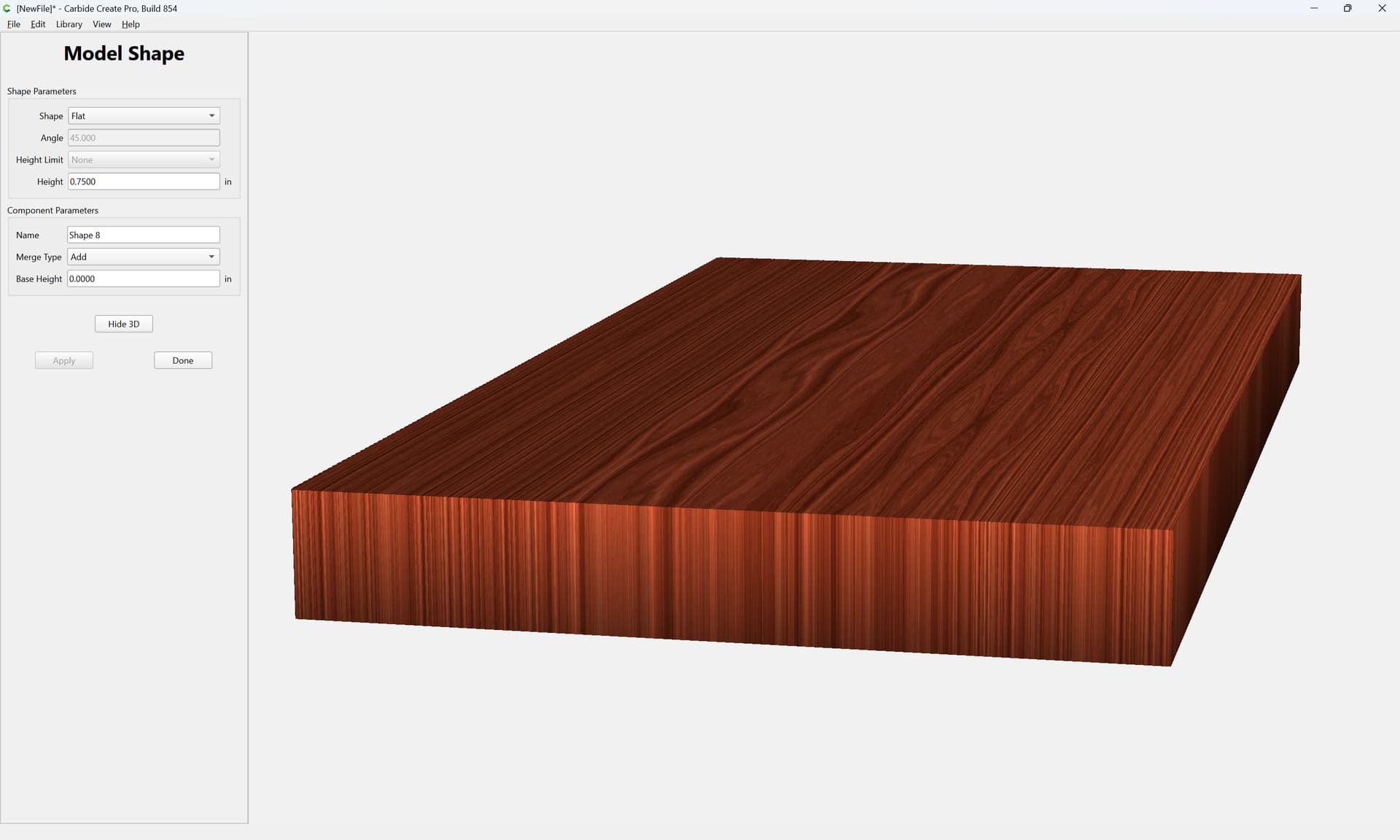
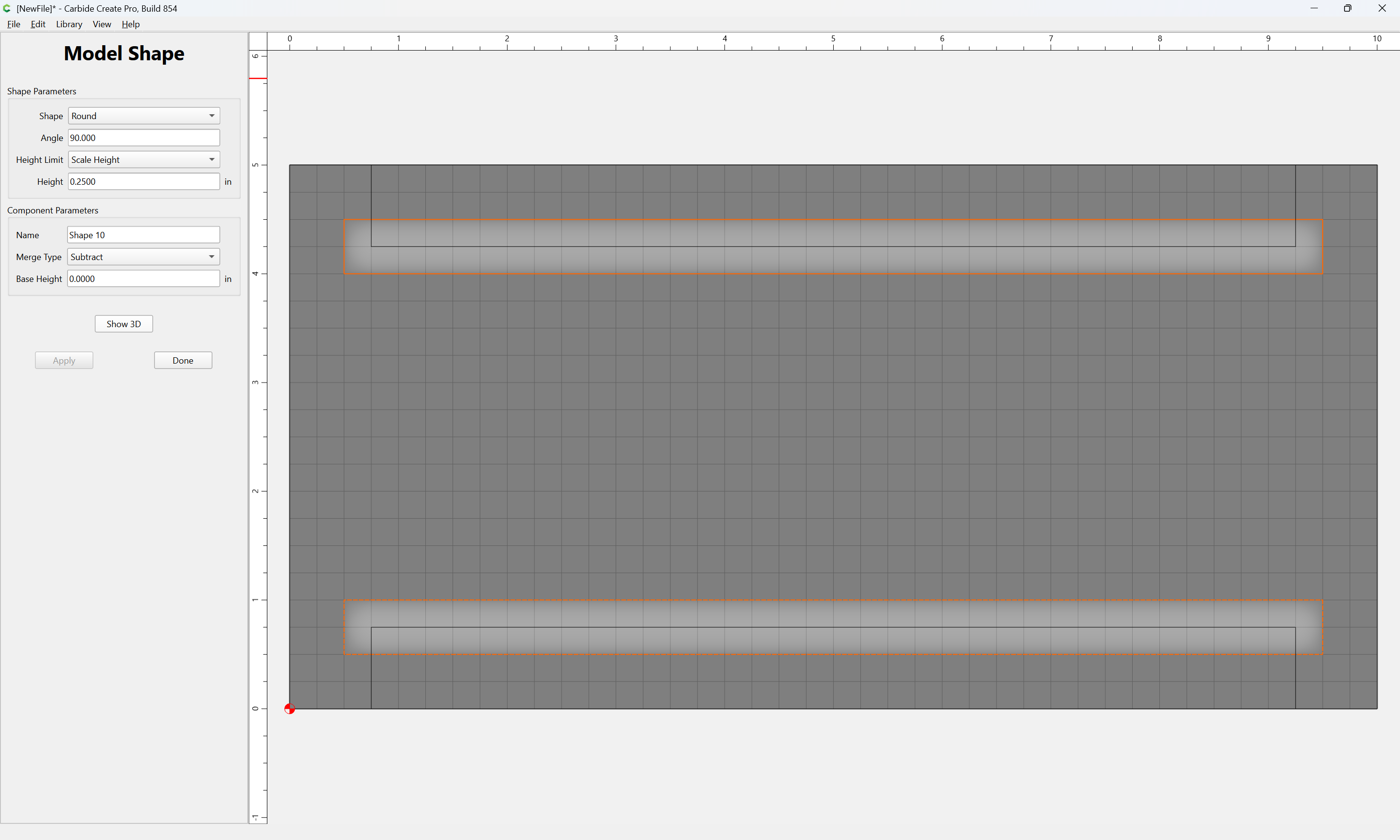
i think i was expecting more out of the model tab … when in reality its just a series of toolpaths with various bits at various depths to achieve the look.